Introducció
Thank you for choosing the A4tech G3-200NS Silent Wireless Mouse. This manual provides detailed instructions for setting up, operating, and maintaining your new wireless mouse. Designed for comfort and efficiency, this optical mouse offers silent clicks and reliable wireless connectivity for both PC and laptop use.
Contingut del paquet
Si us plau, comproveu el contingut del paquet per assegurar-vos que hi hagi tots els elements:
- A4tech G3-200NS Silent Wireless Mouse
- Receptor USB
- Manual d'usuari (aquest document)
- (Note: 1 AA battery required, not included)
Configuració
1. Instal·lació de la bateria
- Localitzeu el compartiment de la bateria a la part inferior del ratolí.
- Obriu la tapa del compartiment de la bateria.
- Inseriu una pila AA, assegurant-vos de la polaritat correcta (+/-).
- Tanqueu bé la tapa del compartiment de la bateria.
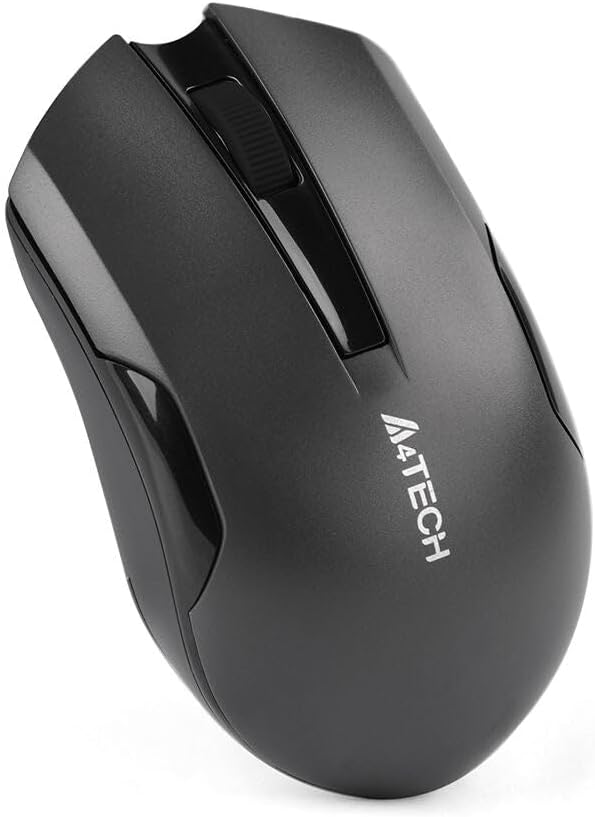
Figure 1: Underside of the mouse with battery compartment.
2. Connexió del receptor USB
- Locate the USB receiver, typically stored within the mouse's battery compartment or packaged separately.
- Connecteu el receptor USB a un port USB disponible de l'ordinador o portàtil.
- The operating system will automatically detect and install the necessary drivers. This may take a few moments.
- Un cop instal·lat, el ratolí ja està llest per al seu ús.
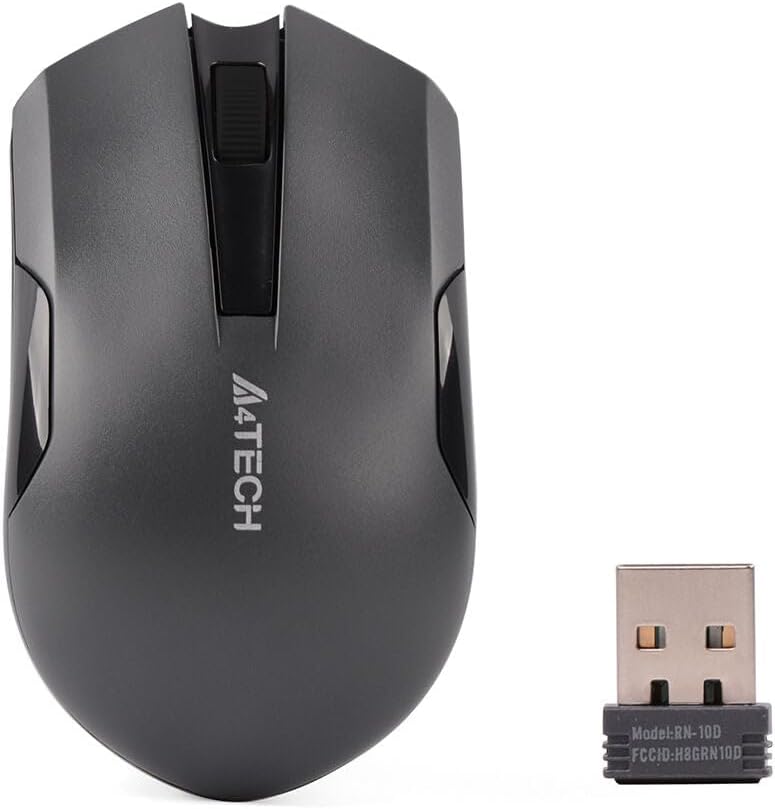
Figure 2: A4tech G3-200NS mouse and its USB receiver.
Funcionament del ratolí
Funcions bàsiques
- Clic esquerre: Primary action, selection, opening items.
- Clic dret: Obre menús contextuals.
- Roda de desplaçament: Scrolls documents and web pages vertically. The scroll wheel also functions as a middle click button.
Tecnologia de clic silenciós
The A4tech G3-200NS features silent click technology, significantly reducing click noise for a quieter working environment.
abast sense fils
The mouse operates within a wireless range of approximately 10 to 15 meters from the USB receiver, depending on environmental conditions and obstacles.
Manteniment
Canvi de bateria
When the mouse performance degrades or stops responding, it is likely time to replace the AA battery. Follow the battery installation steps outlined in the "Setup" section.
Neteja
Per netejar el ratolí, feu servir un drap suau i sec. Per a la brutícia persistent, feu servir un drap lleugerament sec.amp cloth can be used, ensuring no moisture enters the internal components. Avoid using harsh chemicals or abrasive cleaners.
Resolució de problemes
| Problema | Solució |
|---|---|
| El ratolí no respon |
|
| Moviment erràtic del cursor |
|
| abast sense fil curt |
|
Especificacions
- Marca: A4tech
- Model: G3-200NS
- Tipus de ratolí: Ratolí òptic
- Connectivitat: Sense fil (2.4 GHz)
- Color: Negre
- Compatible amb: PC i ordinador portàtil
- Sistema operatiu: Linux, Windows XP (and newer versions)
- Font d'alimentació: 1 x piles AA (no incloses)
- Durada mitjana de la bateria: Approximately 6 months (may vary with usage)
- Interval sense fil: 10-15 metres
- Característiques especials: Tecnologia de clic silenciós
Garantia i Suport
For warranty information or technical support, please refer to the warranty card included with your purchase or visit the official A4tech weblloc web. Conserveu el comprovant de compra per a reclamacions de garantia.


