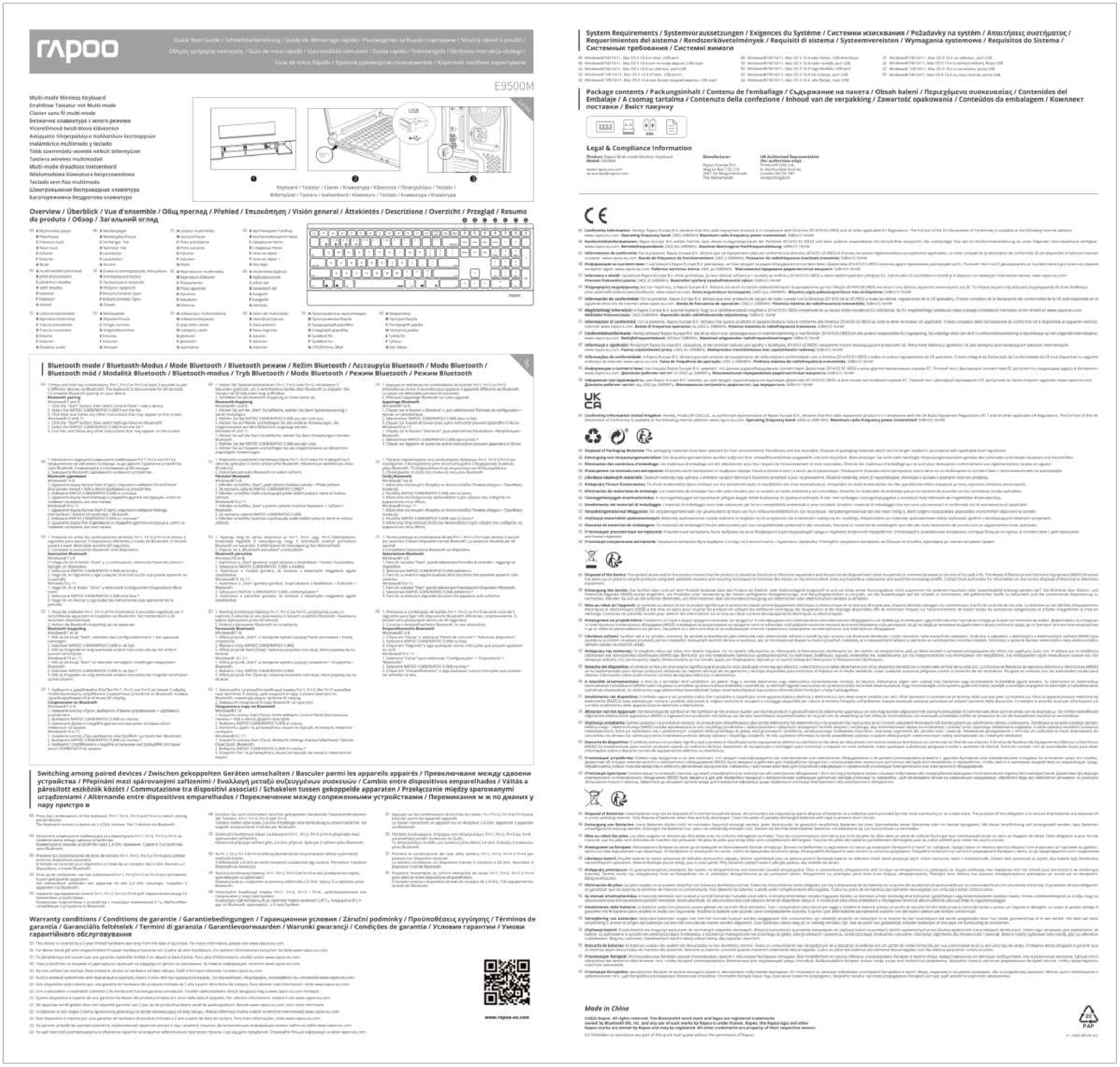
1. Introducció
This manual provides detailed instructions for the setup, operation, and maintenance of your Rapoo E9500M Wireless Keyboard. The E9500M is a versatile, ultra-slim keyboard designed for seamless connectivity across multiple devices.
Característiques principals:
- Multi-device compatibility with Windows and Mac operating systems.
- German QWERTZ keyboard layout.
- Advanced energy-saving technology for up to 12 months of battery life.
- Automatic pairing and seamless switching between connected devices.
- Ultra-slim 4.5 mm anodised aluminium design.
2. Contingut del paquet
Si us plau, assegureu-vos que tots els articles estiguin presents al vostre paquet:
- Rapoo E9500M Wireless Keyboard
- USB Receiver (if applicable for 2.4GHz connection)
- 2 x AA Batteries (pre-installed or included)
- Guia d'inici ràpid (aquest manual)
3. Configuració
3.1 Instal·lació de la bateria
The keyboard requires 2 AA batteries for operation. These are typically included. Locate the battery compartment on the underside of the keyboard, open the cover, insert the batteries according to the polarity indicators, and close the cover.
3.2 Connexió del teclat
The Rapoo E9500M supports multi-mode connection (2.4GHz wireless and Bluetooth). You can connect up to 4 devices simultaneously (1 via 2.4GHz, 3 via Bluetooth).
Connexió sense fil 3.2.1 de 2.4 GHz
- Connecteu el receptor USB a un port USB disponible de l'ordinador.
- Engegueu el teclat. El teclat s'hauria de connectar automàticament al receptor.
- If connection is not established, press Fn + 2.4G (or the corresponding key indicated for 2.4G) to switch to 2.4G mode.
3.2.2 Connexió Bluetooth (BT1, BT2, BT3)
- Enceneu el teclat.
- Mantén premut Fn + 1 (per a BT1), Fn + 2 (per a BT2), o Fn + 3 (for BT3) for 3 seconds until the indicator light flashes slowly. This puts the keyboard into pairing mode.
- On your device (PC, Mac, Tablet), go to Bluetooth settings and search for new devices.
- Select "Rapoo E9500M" from the list of available devices.
- Segueix les instruccions que apareixen a la pantalla per completar el procés d'emparellament. L'indicador lluminós deixarà de parpellejar un cop connectat.

Figura 1: De dalt a baix view of the Rapoo E9500M keyboard, showing the German QWERTZ layout and function keys for multi-device switching (01, 02, 03, 2.4G).
4. Funcionament del teclat
4.1 Canvi entre dispositius connectats
Once multiple devices are paired, you can easily switch between them by pressing the corresponding function key:
- Premeu Fn + 1 to switch to Bluetooth Device 1.
- Premeu Fn + 2 to switch to Bluetooth Device 2.
- Premeu Fn + 3 to switch to Bluetooth Device 3.
- Premeu Fn + 2.4G (or the corresponding key) to switch to the 2.4GHz wireless connection.
4.2 Tecles de funció
The top row of keys (F1-F12) also serves as multimedia and shortcut keys when used in combination with the Fn key. Refer to the keycap legends for specific functions such as volume control, media playback, and more.

Figura 2: Frontal view of the Rapoo E9500M wireless keyboard, illustrating its slim design and full QWERTZ layout.
5. Manteniment
5.1 Substitució de la bateria
The keyboard is designed for long battery life (up to 12 months). When the battery indicator light (if present) signals low power, or if the keyboard becomes unresponsive, replace the 2 AA batteries. Follow the battery installation steps in Section 3.1.
5.2 Neteja
Per netejar el teclat, netegeu suaument la superfície amb un drap suau, sec i sense borrissol. Per a la brutícia persistent, netegeu lleugerament.ampen the cloth with water or a mild, non-abrasive cleaning solution. Avoid excessive moisture and do not spray liquids directly onto the keyboard.
6. Solució De Problemes
| Problema | Possible solució |
|---|---|
| El teclat no es connecta/no respon. |
|
| Les tecles són enganxoses o no responen. |
|
| No es pot canviar entre dispositius. |
|

Figura 3: Angle view of the Rapoo E9500M keyboard, highlighting its ultra-slim profile and full numeric keypad.
7. Especificacions
| Característica | Detall |
|---|---|
| Model | E9500M |
| Connectivitat | Bluetooth, sense fil de 2.4 GHz |
| Disposició del teclat | German QWERTZ |
| Sistemes operatius compatibles | Windows 8, Windows 10, Mac OS 9, Mac OS X 10.2 Jaguar, Windows Vista |
| Plataforma de maquinari | Portàtil, PC, tauleta |
| Font d'alimentació | Funciona amb bateria |
| Bateries | 2 piles AA (incloses) |
| Durada de la bateria | Fins a 12 mesos |
| Dimensions (L x A x A) | 16.8 x 43.3 x 2.3 cm |
| Pes de l'article | 650 g |
| Color | Negre |
| Disseny | Ultra-slim 4.5 mm anodised aluminium |
8. Garantia i Suport
8.1 Informació de la garantia
Rapoo products are covered by a limited warranty. For specific warranty terms and conditions, please refer to the warranty card included with your product or visit the official Rapoo weblloc web. Conserveu el rebut de compra com a comprovant de compra per a reclamacions de garantia.
8.2 Atenció al client
For technical assistance, troubleshooting, or product inquiries, please visit the official Rapoo support website or contact their customer service. Contact details can typically be found on the Rapoo weblloc o a l'embalatge del producte.
Official Rapoo Weblloc: www.rapoo.com