1. Producte acabatview
The ICY Box USB 3.0 Universal Laptop Docking Station is designed to expand the connectivity of your Windows or Mac laptop, transforming it into a powerful workstation. This high-performance, all-black upright dock features a slim and sleek design, making it a suitable addition to any home or office setup. It supports dual monitors, multiple USB devices, Gigabit Ethernet, and audio connections.

Image: ICY Box USB 3.0 Universal Laptop Docking Station connected to a laptop with dual monitors.
2. Característiques clau
- Suport de monitor dual: Connect two additional monitors via HDMI, supporting resolutions up to 2560x1440 with a single HDMI display or 1080p with two displays.
- High-Speed USB Connectivity: Features 2 USB 3.0 ports (up to 5 Gbit/s) and 4 USB 2.0 ports for connecting various peripherals and transferring data.
- Gigabit Ethernet: Proporciona una connexió de xarxa per cable estable i ràpida.
- Connectivitat d'àudio: Includes audio input and output ports for headphones, speakers, and microphones.
- Àmplia compatibilitat amb SO: Compatible with Windows XP SP3 (32-bit), Vista, 7, 8, 8.1, 10, macOS 10.6 - 10.12, 10.14, and Chrome OS v55+.
- Disseny versàtil: Can be used vertically with the included stand or horizontally.

Image: The docking station shown in its vertical orientation with stand.
3. Contingut del paquet
Si us plau, verifiqueu que tots els elements siguin presents al vostre paquet:
- ICY Box USB 3.0 Universal Laptop Docking Station (Model 60638)
- Adaptador d'alimentació
- USB B to A/C Cable
- Stand for vertical placement
- Manual d'instruccions
4. Instruccions de configuració
Segueix aquests passos per configurar la teva estació d'acoblament:
- Instal·leu els controladors: Before connecting the docking station, download and install the necessary DisplayLink drivers from the official Synaptics weblloc: https://www.synaptics.com/products/displaylink-graphics/downloads.
- Connectar l'alimentació: Plug the provided power adapter into the power input port on the rear of the docking station and then into a wall outlet. An LED indicator on the front will illuminate once power is connected.
- Connectar-se al portàtil: Use the provided USB B to A/C cable to connect the docking station to a USB 3.0 port on your laptop. If your laptop has a USB-C port, use the included USB-A to USB-C adapter.
- Connecteu els perifèrics: Plug your USB devices (e.g., mouse, keyboard, external drives) into the available USB 3.0 and USB 2.0 ports. Connect your headphones, speakers, or microphone to the audio ports on the front.
- Connecta les pantalles: Connect your monitors to the HDMI ports on the rear of the docking station using appropriate HDMI cables.
- Connecta Ethernet: For a stable wired network connection, plug an RJ45 Ethernet cable into the Gigabit Ethernet port on the rear of the docking station.
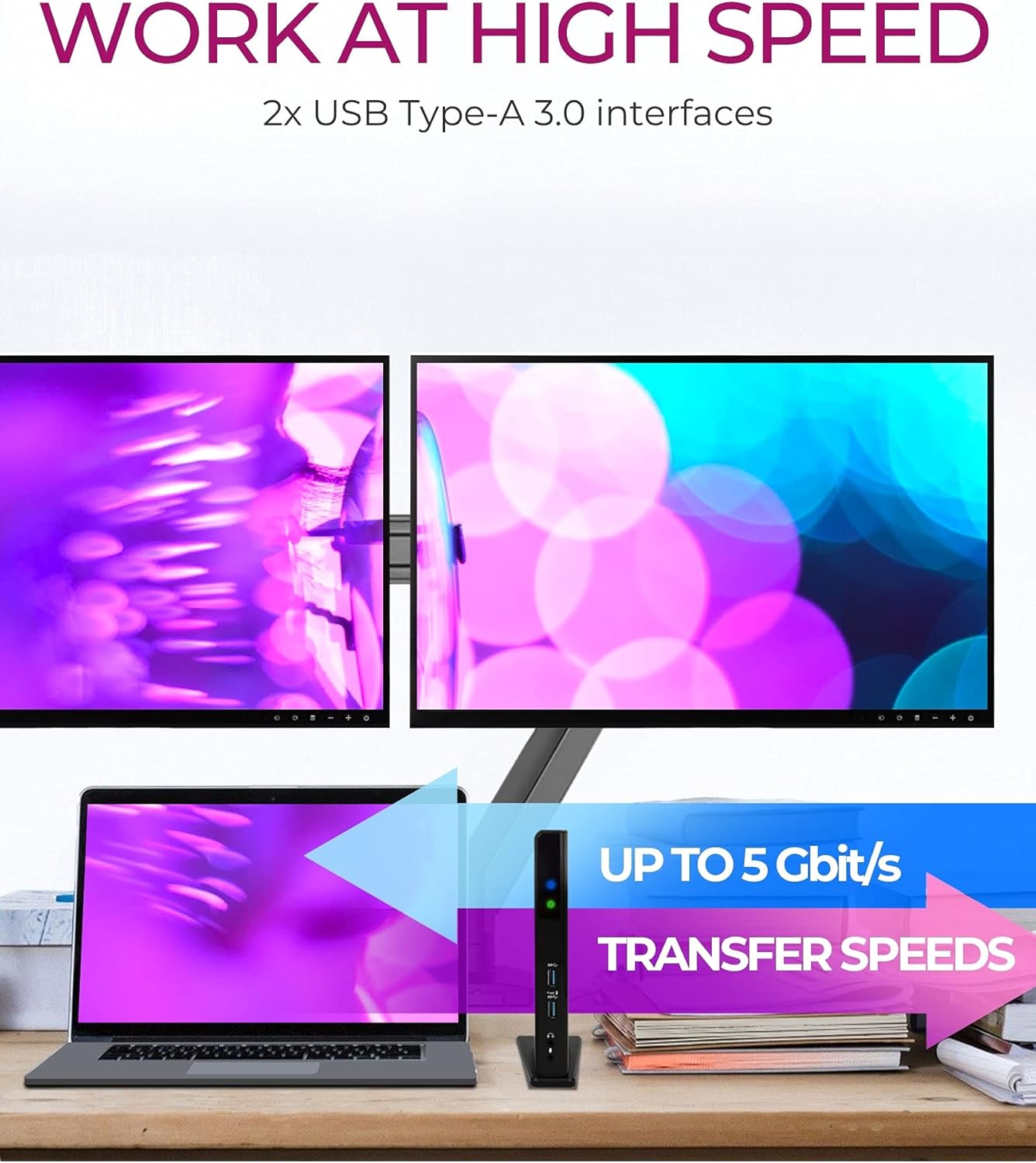
Image: Visual guide for driver installation and initial connection steps.
Video: Official setup guide for the ICY Box USB 3.0 Universal Laptop Docking Station, demonstrating connections and functionality.
5. Instruccions de funcionament
Once set up, the docking station operates automatically. Your connected monitors, USB devices, and network connection should be recognized by your operating system. You can manage display settings through your computer's display preferences.
Nota important:
This docking station does not provide power delivery to charge your notebook. Ensure your laptop is connected to its own power adapter for charging.

Image: Visual reminder that the docking station does not provide power to charge the laptop.
Charging Smartphones and Tablets:
The front USB 3.0 ports can be used to easily charge your smartphone or tablet. One of these ports is specifically labeled for high-power charging.
6. Ports de connectivitat
The ICY Box docking station offers a comprehensive array of ports for all your connectivity needs:
Ports frontals:
- 2x USB 3.0 (5 Gbit/s): For high-speed data transfer and connecting USB 3.0 devices. One port supports high-power charging.
- Headset (Audio Out): 3.5mm jack for headphones or speakers.
- Microphone (Audio In): Jack de 3.5 mm per a entrada de micròfon.
Ports posteriors:
- USB Type-B (Host): Connects to your laptop via the provided USB B to A/C cable.
- 2x HDMI (2K@60 Hz): Per connectar pantalles externes.
- RJ45 Ethernet Interface: For a wired Gigabit Ethernet connection.
- 4x USB 2.0 (480 Mbit/s): Per connectar dispositius USB estàndard.
- Jack d'alimentació: Per connectar l'adaptador de corrent.

Imatge: Detallada view of the front and rear ports of the docking station.
7. Instal·lació del controlador
The ICY Box docking station utilizes DisplayLink technology, which requires specific drivers for full functionality. It is crucial to install these drivers before connecting the docking station to your computer.
- Visita el DisplayLink oficial weblloc: https://www.synaptics.com/products/displaylink-graphics/downloads
- Download the latest drivers compatible with your operating system (Windows, macOS, Chrome OS).
- Seguiu les instruccions a la pantalla per completar la instal·lació.
- Reinicieu l'ordinador si se us demana.
Always ensure your PC software and hardware are fully updated to enjoy all the latest features and ensure optimal performance with the docking station.
8. Configuració de la pantalla
The docking station supports connecting up to two external displays via its HDMI ports. After connecting your monitors and installing the drivers, you can configure your display settings through your operating system.
Windows:
Right-click on your desktop and select 'Display settings' or 'Screen resolution'. From there, you can extend or duplicate your desktop across the connected monitors and adjust their resolutions.
macOS:
Go to 'System Preferences' > 'Displays'. You can arrange your displays, set resolutions, and choose between extended desktop or mirroring modes.
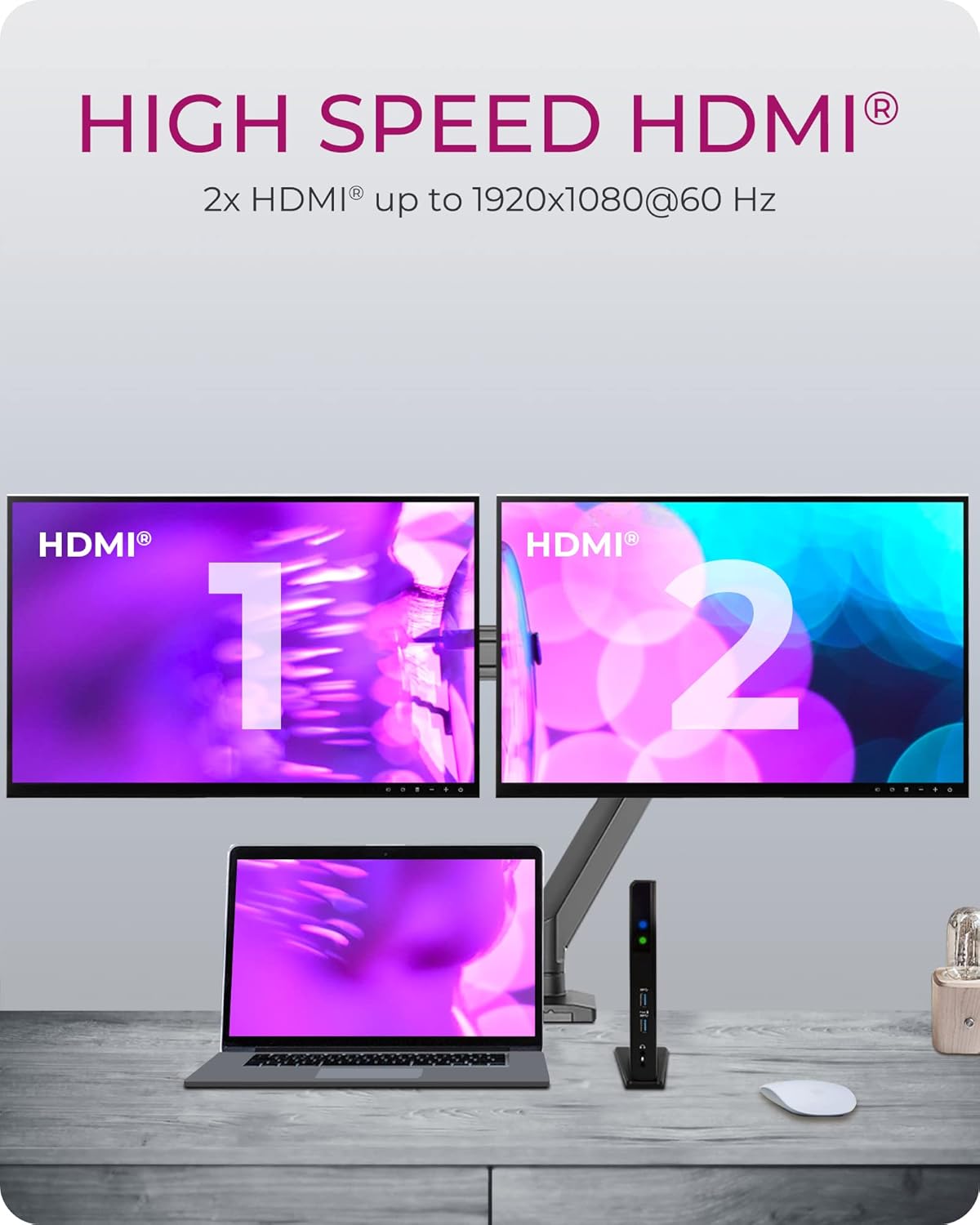
Image: A laptop connected to two external HDMI monitors through the docking station, illustrating dual display functionality.
9. Solució De Problemes
If you encounter issues with your ICY Box docking station, please refer to the following common solutions:
- Sense sortida de pantalla:
- Ensure DisplayLink drivers are correctly installed and up to date.
- Comproveu totes les connexions del cable HDMI entre l'estació d'acoblament i els monitors.
- Verify that the docking station is receiving power (LED indicator should be on).
- Confirm your laptop's display settings are configured to detect and use external monitors.
- Dispositius USB no reconeguts:
- Ensure the USB cable connecting the docking station to your laptop is securely plugged in.
- Try connecting the USB device to a different port on the docking station or directly to your laptop to isolate the issue.
- Actualitza els controladors USB del teu portàtil.
- Problemes de connexió de xarxa:
- Comproveu la connexió del cable Ethernet tant a l'estació d'acoblament com al vostre encaminador/mòdem.
- Verifiqueu la configuració de xarxa a l'ordinador.
- Ensure DisplayLink drivers are updated, as they manage the Ethernet functionality.
- Intermittent Connectivity (macOS M1/M2): Some users have reported compatibility challenges with specific macOS versions on M1/M2 chipsets. Ensure you have the latest DisplayLink Manager software installed, as updates frequently address these issues. Refer to the DisplayLink website for the most current information and support for Apple Silicon.
Video: An official video demonstrating the ICY Box USB 3.0 Universal Laptop Docking Station for Windows, which may assist with general setup and troubleshooting.
10. Especificacions
| Característica | Especificació |
|---|---|
| Marca | CAIXA ICY |
| Número de model | 60638 |
| Dimensions (LxWxH) | 3.07 x 7.17 x 1.18 polzades (7.8 x 18.2 x 3 cm) |
| Pes de l'article | 7.7 unces (0.22 quilograms) |
| Color | Negre |
| Interfície d'amfitrió | USB 3.0 tipus B |
| Ports USB | 2x USB 3.0 (frontal), 4x USB 2.0 (darrera) |
| Sortida de vídeo | 2x HDMI |
| Resolució HDMI màxima | 2560x1440 (single display), 1080p (dual displays) |
| Ethernet | Gigabit Ethernet (RJ45) |
| Ports d'àudio | Headset (out), Microphone (in) |
| Compatibilitat amb SO | Windows XP SP3 (32-bit), Vista, 7, 8, 8.1, 10; macOS 10.6 - 10.12, 10.14; Chrome OS v55+ |
| Entrada de potència | 35 watts (via included power adapter) |
11. Garantia i Suport
The ICY Box USB 3.0 Universal Laptop Docking Station is backed by a 2-year limited parts and labor warranty. Aquesta garantia cobreix els defectes de materials i de mà d'obra en ús normal.
For any questions, technical assistance, or warranty claims, please contact our support team. You can reach us via email, and our team will be happy to assist you.
Please visit the official ICY BOX website for contact information and further support resources.


