1. Introducció
The Apple Pro Display XDR is a 32-inch Retina 6K display designed for professional workflows. It features Extreme Dynamic Range (XDR) technology, delivering exceptional brightness, contrast, and color accuracy. This manual provides essential information for setting up, operating, maintaining, and troubleshooting your display.

Figure 1.1: The Apple Pro Display XDR showcasing a vibrant abstract image.
2. Configuració
2.1 Desembalatge de la pantalla
- Traieu amb cura la pantalla del seu embalatge.
- Ensure all components are present: Pro Display XDR, power cable, and Thunderbolt 3 Pro Cable.
- Retain original packaging for future transport or service.
2.2 Attaching a Stand or Mount
The Pro Display XDR requires either an Apple Pro Stand or a VESA Mount Adapter, both sold separately. Follow the instructions provided with your chosen accessory for proper attachment.

Figura 2.1: Pro lateralfile of the Pro Display XDR mounted on the optional Pro Stand.
2.3 Connexió a l'alimentació
- Connect the included power cable to the power port on the back of the display.
- Connecteu l'altre extrem del cable d'alimentació a una presa de corrent amb connexió a terra.
2.4 Connexió a un ordinador
- Connect one end of the Thunderbolt 3 Pro Cable to the Thunderbolt 3 port on the back of the Pro Display XDR.
- Connect the other end of the Thunderbolt 3 Pro Cable to a compatible Thunderbolt 3 port on your Mac or other compatible computer.
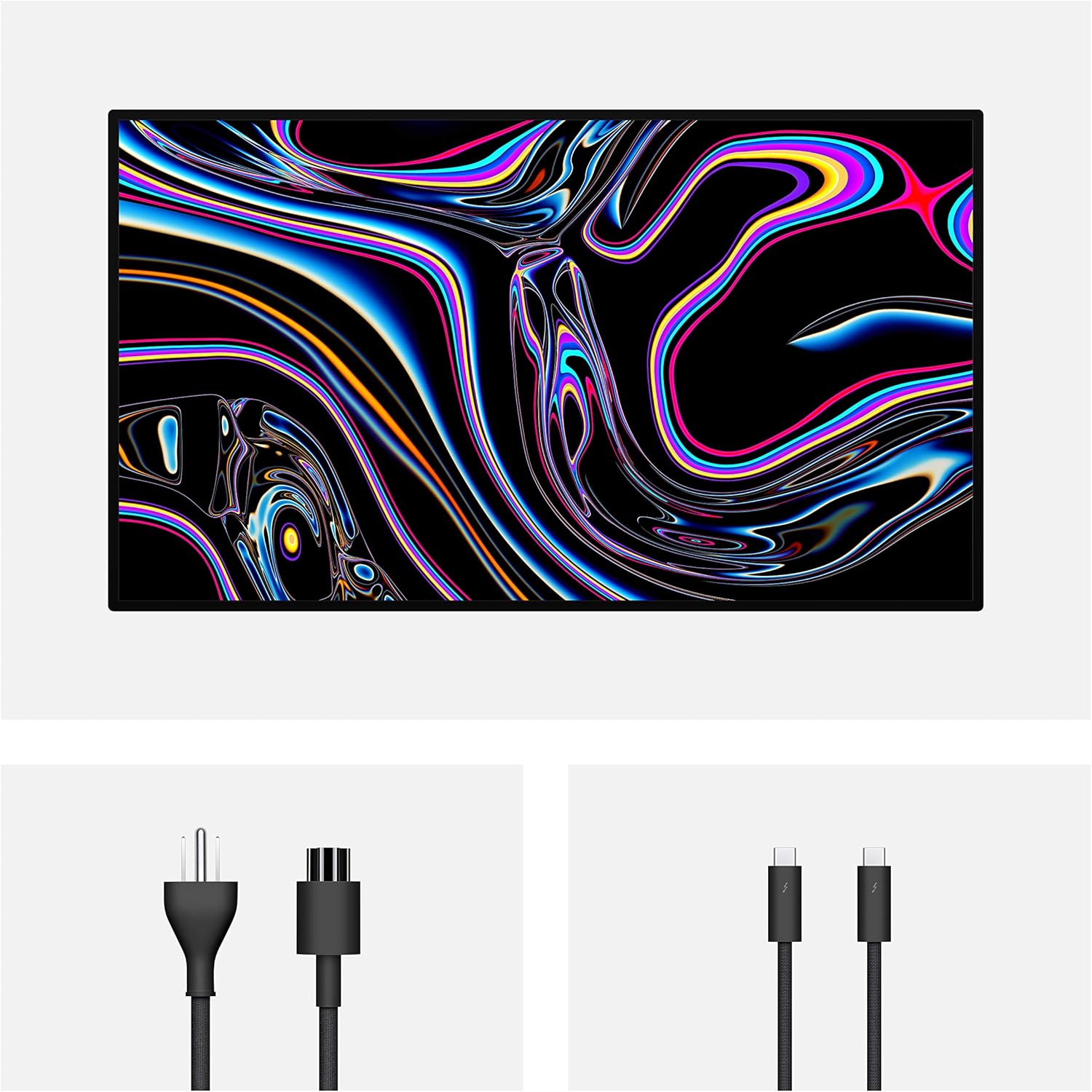
Figura 2.2: posterior view of the Pro Display XDR showing the power and Thunderbolt 3 cable connections.
3. Funcionament de la pantalla
3.1 Encès/Apagat
The Pro Display XDR automatically powers on when connected to a powered-on computer via Thunderbolt 3. It will enter a low-power state when the connected computer sleeps or is turned off.
3.2 Display Controls
All display settings, including brightness, reference modes, and other preferences, are managed through the connected macOS computer's System Settings (or System Preferences). There are no physical buttons on the display for these adjustments.
3.3 Reference Modes
The Pro Display XDR offers various reference modes optimized for different professional workflows, such as HDR Video, Digital Cinema, Photography, and Design. These modes ensure accurate color representation for specific content types. You can select and customize reference modes in macOS System Settings.
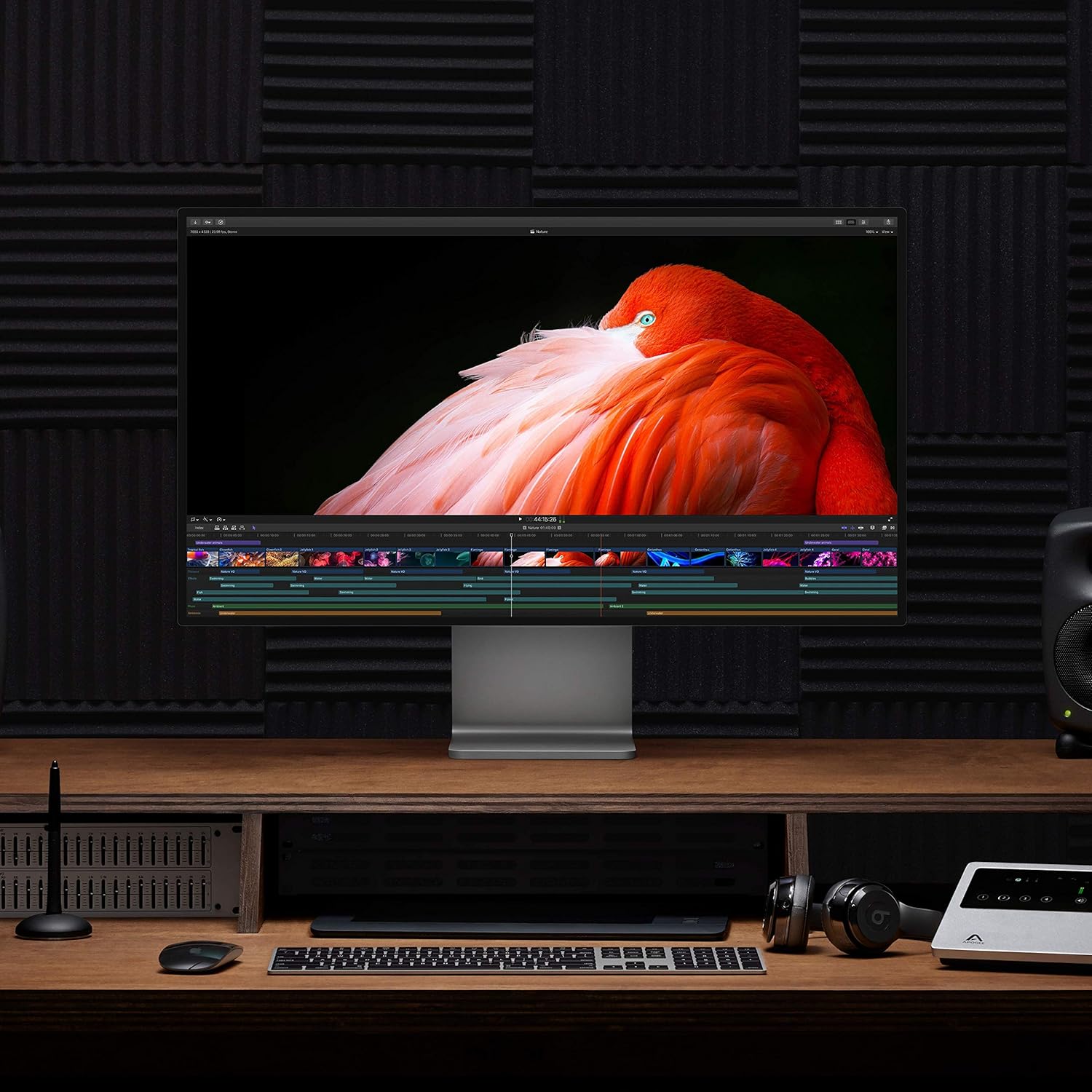
Figure 3.1: The Pro Display XDR integrated into a professional setup, showing video editing software.
4. Manteniment
4.1 Neteja de la pantalla
- Pantalla: Use only a soft, lint-free cloth slightly dampened with water. Avoid harsh chemicals, aerosols, or abrasive materials.
- Casing: Netegeu les superfícies exteriors amb un drap suau, sec i sense borrissol.
- Always disconnect the display from power before cleaning.
4.2 Emmagatzematge
When not in use for extended periods, store the display in a cool, dry environment. If possible, use the original packaging for protection.
5. Solució De Problemes
5.1 No Image on Display
- Ensure the power cable is securely connected to both the display and a working electrical outlet.
- Verify the Thunderbolt 3 Pro Cable is firmly connected to both the display and your computer.
- Comproveu si l'ordinador està encès i no està en mode de repòs.
- Test with a different Thunderbolt 3 port or cable if available.
5.2 Display Artifacts or Incorrect Colors
- Reinicieu l'ordinador.
- Assegura't que el teu macOS estigui actualitzat.
- Check display settings in macOS System Settings for correct resolution and reference mode.
- If issues persist, contact Apple Support.
6. Especificacions
| Característica | Especificació |
|---|---|
| Número de model | MWPE2LL/A |
| Mida de la pantalla | 32 polzades |
| Resolució | Retina 6K (6016 by 3384 pixels) |
| Tecnologia de visualització | LCD with Extreme Dynamic Range (XDR) |
| Brillantor | 1000 nits sustained, 1600 nits peak |
| Relació de contrast | 1,000,000:1 |
| Gamma de colors | P3 wide color |
| Profunditat de color | 10 bits |
| Viewangle ing | Superample |
| Ports | One Thunderbolt 3, three USB-C |
| Superfície de la pantalla | Glossy (Standard Glass) |
| Dimensions del producte | 1.1 x 28.3 x 25.7 polzades (sense suport) |
| Pes de l'article | 30.4 lliures (sense suport) |
7. Garantia i Suport
7.1 Garantia del producte
The Apple Pro Display XDR is covered by Apple's standard limited warranty. For detailed information regarding warranty terms, conditions, and duration, please refer to the official Apple warranty documentation included with your product or visit the Apple Support weblloc.
7.2 Suport tècnic
For technical assistance, troubleshooting beyond this manual, or service inquiries, please contact Apple Support. You can find contact information and additional resources on the official Apple Support weblloc: support.apple.com.


