Introducció
Welcome to the user manual for your Celly Zed1 Bluetooth Earbuds. This guide provides essential information on how to set up, operate, maintain, and troubleshoot your device. Please read these instructions carefully to ensure optimal performance and extend the lifespan of your earbuds.

Image: Celly Zed1 Bluetooth Earbuds, black, shown outside their charging case.
Configuració
Càrrega dels auriculars i la funda
Before first use, fully charge the earbuds and their charging case. Use the provided Micro USB cable to connect the charging case to a power source.

Imatge: Part inferior view of the Celly Zed1 charging case showing the Micro USB charging port.
- Insert the Micro USB cable into the charging port on the case.
- Connecteu l'altre extrem del cable a un adaptador de corrent USB (no inclòs) o al port USB d'un ordinador.
- The charging indicator lights (if present) on the case will show charging status.
- Una càrrega completa sol trigar aproximadament 1.5 hores.
Vinculació amb un dispositiu
To connect your Celly Zed1 earbuds to your smartphone or other Bluetooth-enabled device:
- Assegureu-vos que els auriculars estiguin carregats i col·locats dins de l'estoig de càrrega.
- Obre l'estoig de càrrega. Els auriculars entraran automàticament en mode d'emparellament.
- On your device, go to Configuració de Bluetooth and turn Bluetooth ON.
- Cerca available devices. You should see "Celly Zed1" or a similar name appear in the list.
- Select "Celly Zed1" to connect. Once connected, you will hear an audio confirmation.
- Els auriculars es tornaran a connectar automàticament a l'últim dispositiu emparellat quan es treguin de l'estoig, si el Bluetooth està activat al dispositiu.
Instruccions de funcionament
Encès/Apagat
- Encès: Traieu els auriculars de l'estoig de càrrega. S'encendran automàticament.
- Apagar: Torneu a col·locar els auriculars a l'estoig de càrrega i tanqueu la tapa. S'apagaran automàticament i començaran a carregar-se.
Reproducció de música
The Celly Zed1 earbuds feature multifunction touch controls for managing your audio.
- Reproduir/pausa: Toqueu una vegada a qualsevol dels auriculars.
- Pista següent: Fes doble toc a l'auricular dret.
- Pista anterior: Fes doble toc a l'auricular esquerre.
Gestió de trucades
Each earbud has an integrated microphone, allowing for stereo or mono call usage.
- Respondre/Finalitzar la trucada: Toqueu una vegada a qualsevol dels auriculars.
- Rebutja la trucada: Manteniu premut qualsevol dels auriculars durant 2 segons.

Image: A man wearing a Celly Zed1 earbud in his right ear, demonstrating comfortable use.
Manteniment
Neteja
- Netegeu regularment els auriculars i l'estoig de càrrega amb un drap suau, sec i sense borrissol.
- No utilitzeu netejadors abrasius, dissolvents ni aerosols.
- Eviteu que entri humitat a cap obertura.
Emmagatzematge
When not in use, always store the earbuds in their charging case to protect them from damage and dust.
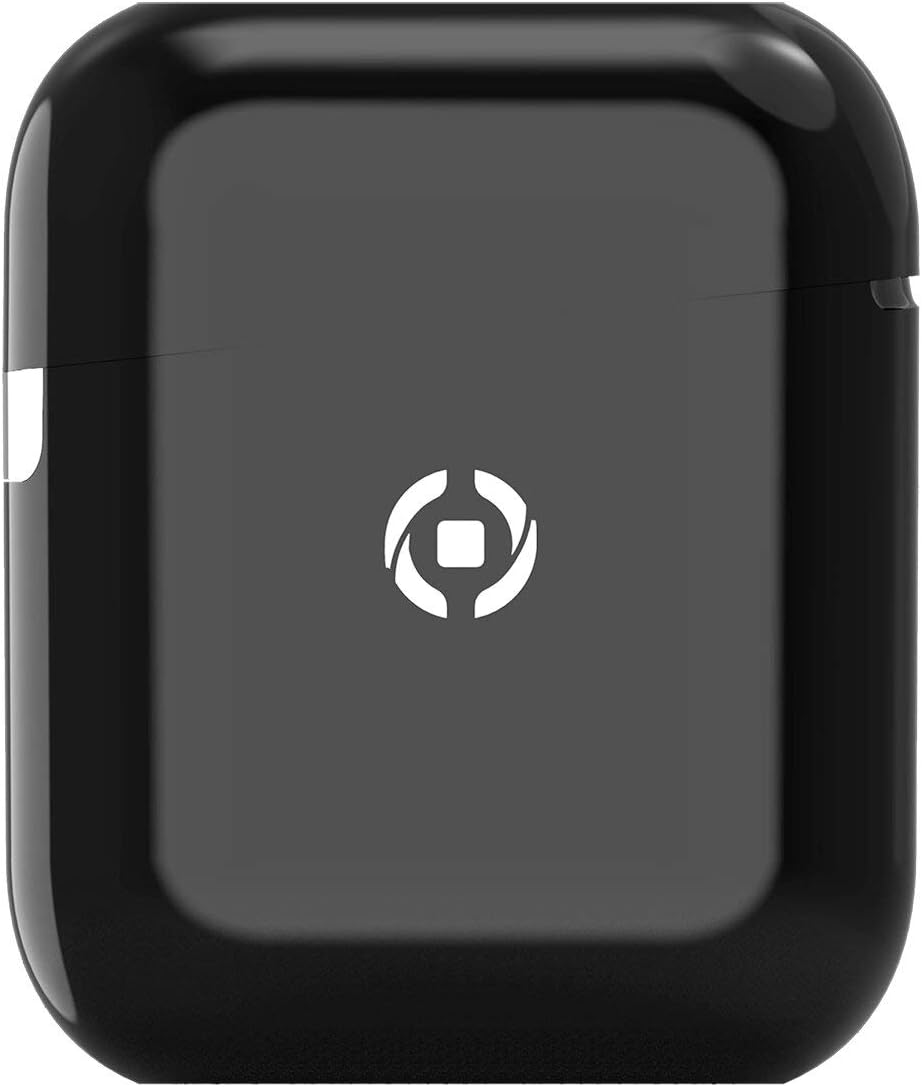
Image: Celly Zed1 Bluetooth Earbuds placed inside their open charging case.
Resolució de problemes
If you encounter issues with your Celly Zed1 earbuds, try the following solutions:
- Auriculars que no s'emparellan: Ensure both earbuds are charged. Place them back in the case, close the lid, then open it again to re-enter pairing mode. Make sure Bluetooth is enabled on your device and try searching again.
- No se sent cap so d'un auricular: Try placing both earbuds back in the case, closing it, and then taking them out again. Ensure they are both connected to your device.
- Mala qualitat del so: Ensure the earbuds are clean and properly seated in your ears. Check the distance to your connected device; the operating range is 10 meters.
- Auriculars que no es carreguen: Verify the Micro USB cable is securely connected to both the case and the power source. Ensure the charging port is clean and free of debris.
- Device not finding earbuds: Turn off and on your device's Bluetooth. If the issue persists, restart your device.
Especificacions
| Nom del model | ZED1BK |
| Marca | Cel·la |
| Tecnologia de connectivitat | Sense fil (Bluetooth) |
| Versió Bluetooth | 5.1 |
| Interval d'operació | 10 metres |
| Temps de funcionament | 4 hores |
| Temps de càrrega | 1.5 hores |
| Composició de la bateria | Polímer de liti |
| Factor de forma | In-orella |
| Color | Negre |
| Material | Plàstic |
| Components inclosos | Micro USB cable, Charging Case, Bluetooth Earbuds |
| Dispositius compatibles | Universal (Bluetooth 5.1 compatible devices) |
| Pes de l'article | 2 quilos |
Note: Item weight of 2 Kilograms is as provided in product specifications and may refer to shipping weight or be a data entry error. Actual product weight is significantly less.
Garantia i Suport
For warranty information and customer support, please refer to the documentation included with your purchase or visit the official Celly weblloc web. Conserveu el comprovant de compra per a qualsevol reclamació de garantia.
For further assistance, contact Celly customer service through their official channels.


