1. Introducció
The DoorBird IP Video Door Station D1101V is a smart solution for your house entrance, allowing you to see, hear, and speak to visitors from anywhere via your smartphone or tablet. This device integrates advanced features such as HD video, two-way audio, and motion detection, all housed in a durable, weather-proof stainless steel design. It can operate as a standalone unit or be integrated into existing smart home platforms.

Figura 1.1: Frontal view of the DoorBird IP Video Door Station D1101V.
2. Característiques clau
- Stainless Steel V2A Construction: Brushed stainless steel for durability and a modern aesthetic.
- Resistent a la intempèrie (IP65): Dissenyat per suportar diferents condicions meteorològiques.
- Vídeo Full HD: Equipped with a Sony image sensor for clear 1080p video.
- Ultra Wide-Angle Hemispheric Lens: Provides a 200° diagonal field of view.
- Visió nocturna: Infrared LEDs enable clear visibility in low-light conditions.
- Àudio bidireccional: Features noise reduction and echo cancellation for clear communication.
- 4D Motion Sensor: Detects movement up to 6 meters (19.7 ft) away.
- WiFi habilitat: Supports 2.4 GHz b/g/n for wireless connectivity.
- PoE (alimentació per Ethernet): Simplifica la instal·lació proporcionant energia i dades a través d'un únic cable.
- One Call Button: Backlit for easy visibility.
- Obre l'API: Allows for integration with over 60 smart home and automation partners.

Figure 2.1: Visual representation of key features including night vision, WiFi, 4D motion sensor, and HD 1080p video.
Vídeo 2.1: Producte oficial acabatview of the DoorBird IP Video Door Station D1101V, highlighting its design and core functionalities.
3. Configuració i instal·lació
The DoorBird D1101V is designed for surface-mounting and offers flexible connectivity options. For optimal performance and reliability, a wired network connection (PoE) is recommended.
3.1 Instal·lació física
- Ensure the installation location provides clear line of sight for the camera and is within range of your network.
- Mount the device securely to a flat surface using appropriate hardware.
- Consider the product dimensions (5.94 x 2.56 x 1.26 inches) for proper placement.

Figure 3.1: Dimensions of the DoorBird D1101V for installation planning.

Figura 3.2: Example of the DoorBird D1101V installed in a typical entrance setting.
3.2 Electrical and Network Connection
- Connect the device to your network using an Ethernet cable for Power over Ethernet (PoE) functionality. This provides both power and data.
- Alternatively, the device can be powered via a 15 VDC power supply.
- Utilize the relay connections (R1, E1) for integrating with existing electric door openers or other access control systems.
- If using WiFi, ensure a strong 2.4 GHz signal at the installation point.
3.3 Configuració de l'aplicació
- Download the official DoorBird app from your device's app store (iOS and Android compatible).
- Follow the in-app instructions to add and configure your D1101V device. This typically involves scanning a QR code or manually entering device details.
- Set up push notifications to receive alerts when someone rings the doorbell or motion is detected.

Figure 3.3: System diagram illustrating how the DoorBird connects to your network and mobile devices.
4. Funcionament
Once installed and configured, the DoorBird D1101V provides seamless interaction with your visitors.
4.1 Recepció de notificacions
When a visitor presses the call button or the motion sensor is triggered, you will receive a push notification on your connected smartphone or tablet.
4.2 Interacting with Visitors
- Open the DoorBird app to view live HD video of your visitor.
- Use the two-way audio feature to speak with the visitor.
- Remotely open the door or gate if connected to an electric door opener.

Figure 4.1: The DoorBird app allows you to interact with visitors from any location.
4.3 Control d'accés
The D1101V supports various access control methods, including integration with smart locks and the use of Bluetooth-enabled keyfobs for triggering actions.

Figure 4.2: Bluetooth keyfobs can be used to trigger actions with the DoorBird system.
5. Manteniment
To ensure the longevity and optimal performance of your DoorBird D1101V, follow these maintenance guidelines:
- Neteja: Netegeu regularment la superfície d'acer inoxidable amb un drap suau iamp cloth. Avoid abrasive cleaners or harsh chemicals that could damage the finish or electronic components.
- Actualitzacions de programari: Keep your DoorBird app and device firmware updated to the latest versions. Updates often include performance improvements, new features, and security enhancements. Check the app regularly for available updates.
- Cura de les lents: Netegeu suaument la lent de la càmera amb un drap de microfibra per garantir una qualitat de vídeo nítida.
6. Solució De Problemes
If you encounter issues with your DoorBird IP Video Door Station D1101V, consider the following common troubleshooting steps:
- No Video/Poor Video Quality:
- Check network connection (Ethernet or WiFi signal strength).
- Assegureu-vos que la lent de la càmera estigui neta i lliure d'obstruccions.
- Verify sufficient lighting; night vision should activate automatically in low light.
- Sense àudio/Mala qualitat d'àudio:
- Check microphone and speaker settings in the DoorBird app.
- Ensure there are no physical obstructions blocking the microphone or speaker on the device.
- Verify network stability, as poor connection can affect audio streaming.
- Delayed Notifications/App Loading:
- Ensure your smartphone has a stable internet connection (WiFi or cellular data).
- Check for any app updates and ensure your phone's operating system is up to date.
- Restart the DoorBird device by temporarily disconnecting its power source.
- Verify your home network's internet speed and stability.
- El dispositiu no es connecta a la xarxa Wi-Fi:
- Ensure your WiFi network is 2.4 GHz (the D1101V does not support 5 GHz).
- Check WiFi password and network name for accuracy.
- Move the WiFi router closer to the DoorBird device or use a WiFi extender if signal is weak.
- If your network configuration changes (e.g., new router, new SSID), you may need to reconfigure the device's WiFi settings via the app.
- Integration Issues:
- Refer to the specific integration partner's documentation for setup details.
- Ensure both the DoorBird device and the integrated system are on the same network and have the latest firmware/software.
If these steps do not resolve the issue, please contact DoorBird customer support for further assistance.
7. Especificacions
| Atribut | Valor |
|---|---|
| Marca | DoorBird |
| Número de model | D1101V |
| Color | Graphite black (Raven Polar) |
| Font d'alimentació | Corded Electric (PoE or 15 VDC) |
| Pes de l'article | 405 grams (14.3 unces) |
| Maximum Motion Sensor Range | 6 metres |
| Tipus de muntatge | Muntatge en superfície |
| Dispositius compatibles | iOS devices, Android devices, SIP-enabled IP phones, landline phones (with SIP compatibility) |
| Dimensions del producte | 5.94 x 2.56 x 1.26 polzades |
| Fabricant | Ocell de porta |
| Data de primera disponibilitat | 22 de gener de 2020 |
8. Garantia i Suport
DoorBird products are designed, developed, and produced by Bird Home Automation Group in Berlin, Germany, ensuring high quality and precision.
For detailed warranty information, technical support, or to access the latest documentation and FAQs, please visit the official DoorBird weblloc web o contacteu directament amb el servei d'atenció al client. Conserveu el comprovant de compra per a reclamacions de garantia.
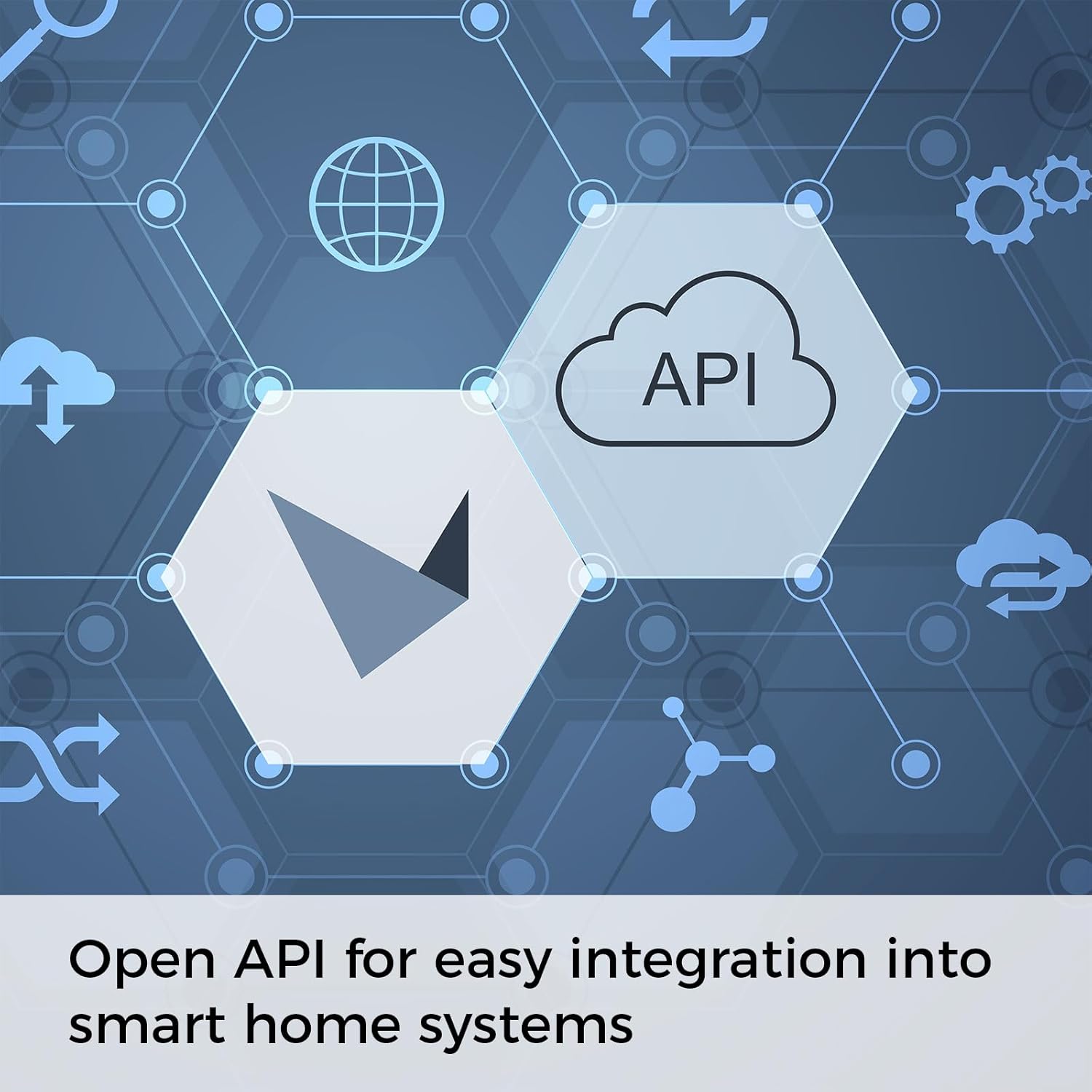
Figure 8.1: The Open API allows for extensive integration with various smart home systems, enhancing product versatility.