1. Introducció i finalview
The Alienware Aurora R10 Gaming Desktop is engineered to deliver exceptional performance for gaming and demanding applications. Featuring an AMD Ryzen 7 3700X processor, AMD Radeon RX 5700 XT graphics, and a robust storage configuration, this system provides a powerful computing experience. Its innovative design prioritizes efficient airflow and ease of access for upgrades.

Figura 1: Frontal view of the Alienware Aurora R10 Gaming Desktop, showcasing its distinctive design and front panel ports.
2. Guia de configuració
Follow these steps to set up your Alienware Aurora R10 Gaming Desktop:
- Desembalatge: Carefully remove the desktop from its packaging. Ensure all accessories, including the keyboard and mouse, are present.
- Col·locació: Col·loqueu l'escriptori sobre una superfície estable i plana amb una ventilació adequada per tots els costats. Eviteu col·locar-lo en espais tancats o a prop de fonts de calor.
- Connecteu els perifèrics:
- Connect your monitor(s) to the appropriate display ports on the graphics card (DisplayPort, HDMI).
- Connecteu el teclat i el ratolí inclosos als ports USB disponibles.
- Connecteu altres perifèrics com ara altaveus, auriculars o unitats externes.
- Connexió d'alimentació: Connect the power cable to the power port on the rear of the desktop and then to a grounded electrical outlet.
- Encesa inicial: Press the power button located on the front of the desktop. The system will boot into Windows 10 Home. Follow the on-screen instructions for initial setup.

Figura 2: posterior view of the Alienware Aurora R10, illustrating the various connectivity ports for peripherals and power.
3. Instruccions de funcionament
Your Alienware Aurora R10 comes pre-installed with Windows 10 Home, providing a familiar and intuitive operating environment. For optimal performance, ensure your system drivers and Windows updates are kept current.
3.1 Gestió de l'energia
- Encès: Press the Alienware head icon on the front panel.
- Apagar: Feu clic al botó Inici del Windows i, a continuació, a Energia > Apagar.
- Reinicia: Click the Start button in Windows, then Power > Restart.
- Mode de repòs: Click the Start button in Windows, then Power > Sleep.
3.2 AlienFX Lighting Control
The Alienware Aurora R10 features customizable AlienFX lighting. You can personalize the lighting zones on the front panel using the Alienware Command Center software, which is pre-installed on your system. This software allows you to choose from a wide range of colors and effects to match your setup or mood.
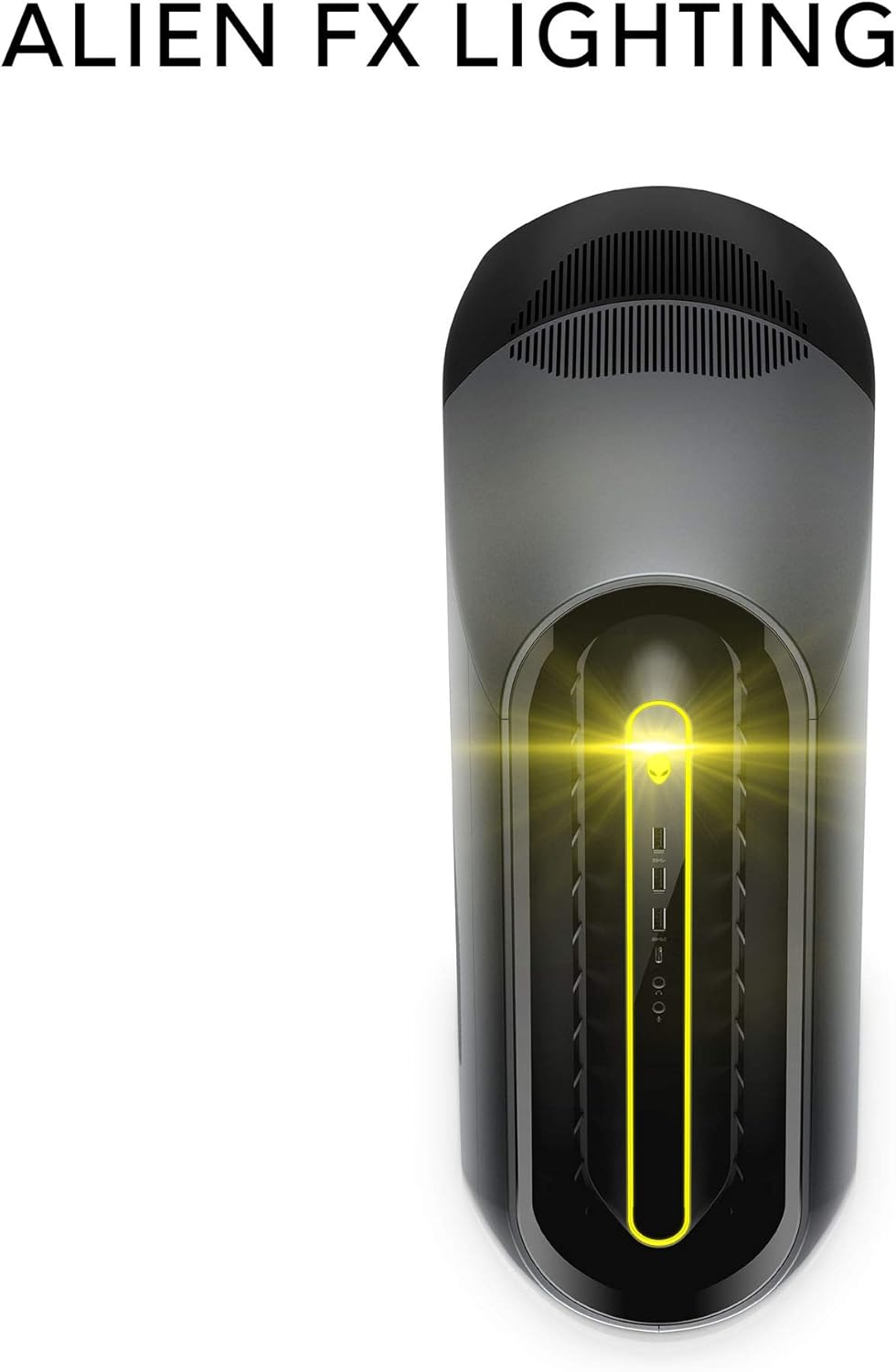
Figure 3: The AlienFX lighting system on the front of the desktop, offering personalized illumination.
3.3 Optimització del rendiment
The Alienware Command Center also provides tools for performance monitoring and optimization, including fan speed control and overclocking options for advanced users. Refer to the software's built-in help for detailed instructions on these features.
Vídeo 1: Vídeo oficialasing the features and design of the Alienware Aurora R10 Gaming Desktop.
4. Característiques clau
The Alienware Aurora R10 is designed with several key features to enhance your computing and gaming experience:
- Processador potent: Equipped with an AMD Ryzen 7 3700X (8-Core, 32MB L3 Cache, max boost clock of 4.4GHz) processor, providing robust performance for multitasking and demanding applications.
- Gràfics avançats: Features an AMD Radeon RX 5700 XT 8GB GDDR6 graphics card, delivering high frame rates and immersive visuals for modern games.
- PCI-Express 4.0 Technology: The first Alienware machine to feature PCI-Express 4.0, doubling the bandwidth available to graphics cards and other components for enhanced overall performance.
- Flux d'aire optimitzat: The Legend Industrial Design incorporates an improved airflow pattern, efficiently reducing CPU temperatures and allowing for more stable performance and higher overclocking potential.
- Hybrid Storage Solution: A combination of a 512GB M.2 PCIe NVMe SSD for fast boot times and application loading, paired with a 1TB 7200 RPM SATA 6 Gb/s HDD for ampla capacitat d'emmagatzematge.
- Tool-Less Entry: Designed for easy access to internal components, simplifying upgrades and maintenance.
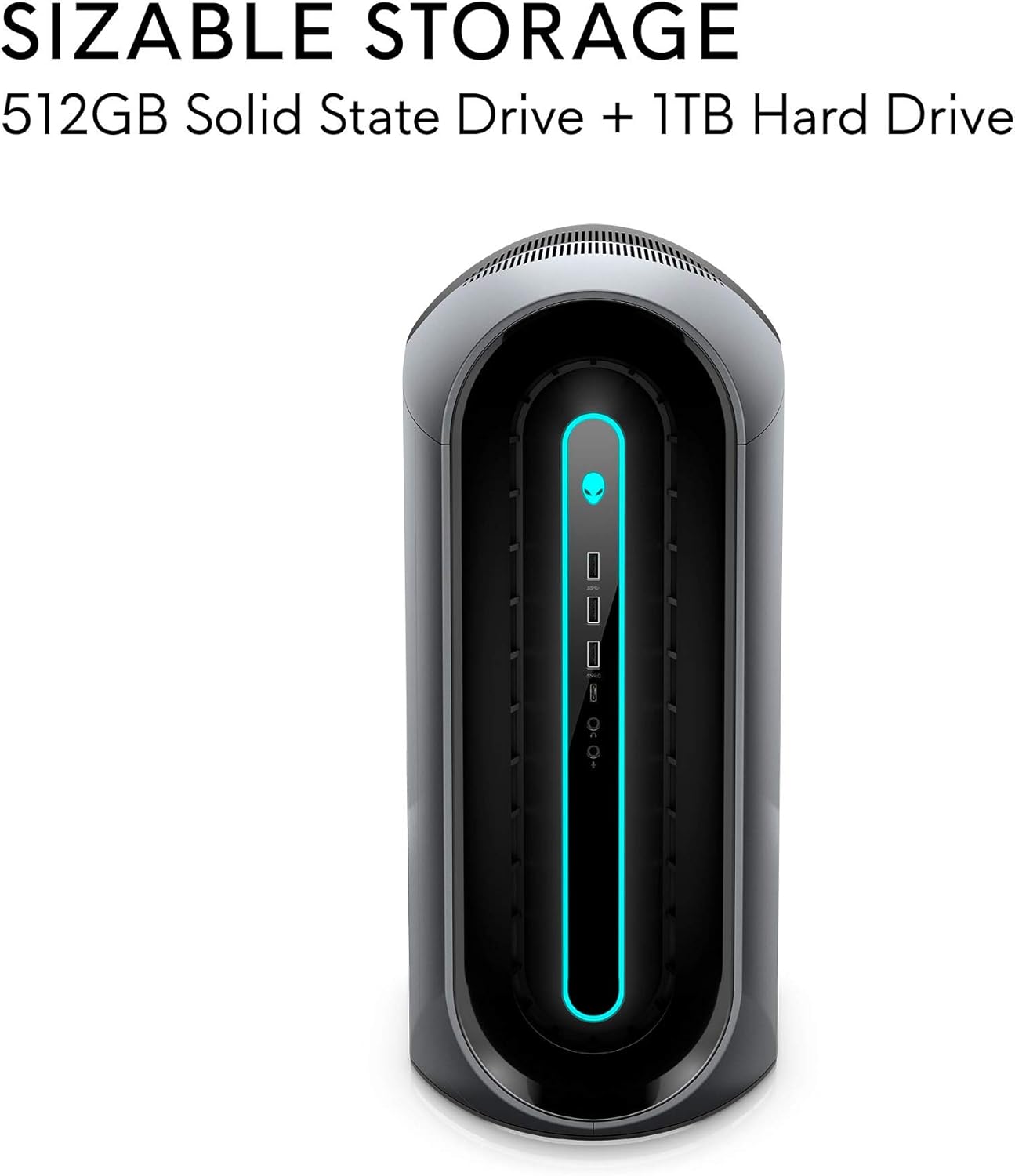
Figure 4: Illustration of the sizable storage configuration, combining SSD and HDD for speed and capacity.

Figure 5: The tool-less entry design of the desktop, allowing for convenient internal access.

Figure 6: Visual representation of the optimized airflow within the Aurora R10 chassis.

Figure 7: The AMD Radeon RX 5700 XT graphics card, a core component for high-performance gaming.
5. Manteniment
Regular maintenance helps ensure the longevity and optimal performance of your Alienware Aurora R10.
- Eliminació de pols: Periodically clean the exterior and ventilation grilles with a soft, dry cloth. For internal components, use compressed air to gently remove dust from fans and heatsinks. Ensure the system is powered off and unplugged before cleaning.
- Actualitzacions de programari: Regularly check for and install updates for Windows 10, graphics drivers (AMD Radeon Software), and Alienware Command Center. These updates often include performance improvements, security patches, and bug fixes.
- Gestió de cables: Ensure all cables are neatly organized and not obstructing airflow.
- Diagnòstic del sistema: Utilize the diagnostic tools available through Alienware Command Center or Dell SupportAssist to check for hardware issues.

Figura 8: lateral view of the desktop, highlighting the large ventilation grilles crucial for maintaining optimal temperatures.
6. Solució De Problemes
This section provides basic troubleshooting steps for common issues. For more complex problems, refer to the Alienware support weblloc o contacteu amb l'assistència tècnica.
- Sense energia:
- Assegureu-vos que el cable d'alimentació estigui connectat correctament tant a l'escriptori com a la presa de corrent.
- Verifiqueu que la presa de corrent funciona connectant-hi un altre dispositiu.
- Check the power supply unit (PSU) for any indicator lights or unusual noises.
- Sense pantalla:
- Confirm the monitor is powered on and connected to the correct display port on the graphics card.
- Prova un cable de pantalla o monitor diferent si estàs disponible.
- Ensure the graphics card is properly seated in its slot (requires opening the chassis).
- Problemes de rendiment/alentiment del sistema:
- Tanca les aplicacions de fons innecessàries.
- Check for and install all available Windows updates and driver updates.
- Monitor system temperatures using Alienware Command Center to ensure components are not overheating.
- Executeu una anàlisi completa del sistema per detectar programari maliciós o virus.
- Sorolls inusuals:
- Loud fan noise may indicate dust buildup or high temperatures. Clean the fans and ensure proper airflow.
- Clicking or grinding noises from the hard drive may indicate a failing drive. Back up your data immediately and contact support.
7. Especificacions
| Característica | Especificació |
|---|---|
| Marca | Alienware |
| Sèrie | Aurora R10 |
| Número de model de l'article | AWAUR10-A886BLK-PUS |
| Processador | AMD Ryzen 7 3700X (8-Core, 4.4 GHz Max Boost) |
| RAM | 16 GB 2933MHz DDR4 XMP dual channel HyperX Fury |
| Disc dur | 512 GB M.2 PCIe NVMe SSD Boot + 1 TB 7200 RPM SATA 6 Gb/s Storage |
| Coprocessador gràfic | AMD Radeon RX 5700 XT 8GB GDDR6 |
| Sistema operatiu | Windows 10 Home |
| Plataforma de maquinari | Windows |
| Pes de l'article | 38.5 lliures |
| Color | Dark Side Of The Moon |
| Nombre de ports USB 2.0 | 6 |
| Nombre de ports USB 3.0 | 1 |
| Ranures de memòria disponibles | 4 |
8. Què hi ha a la caixa
Your Alienware Aurora R10 Gaming Desktop package includes:
- Escriptori de jocs Alienware Aurora R10
- Teclat
- Ratolí
- Cable d'alimentació
9. Garantia i Suport
Your Alienware Aurora R10 Gaming Desktop comes with a standard manufacturer's warranty. For detailed warranty information, technical support, and service requests, please visit the official Alienware support website or Dell's customer service portal.
Podeu trobar més informació i recursos de suport visitant la Alienware Store on Amazon.


