1. Introducció
This manual provides detailed instructions for the installation, operation, and maintenance of your Denver SHC-150 WiFi/IP Indoor Security Camera. Please read this manual thoroughly before using the product to ensure proper functionality and safety. Keep this manual for future reference.

Imatge 1.1: Davant view of the Denver SHC-150 Indoor Security Camera.
2. Producte acabatview
2.1 Característiques clau
- Indoor IP dome camera with infrared LEDs for night use.
- 1 Megapixel HD video camera at 12 frames per second.
- WiFi (WEP/WPA/WPA2) and LAN function.
- Compatible with Tuya IoT platform and Denver Smart Home app (iOS/Android).
- Motorized pan (355°) and tilt (90°).
- Integrated speaker and microphone for two-way audio.
- Infrared range up to 10 meters.
- Motion detection with manual access.
- Micro SD card slot for up to 128GB storage (memory card not included).
2.2 Components de la càmera

Imatge 2.1: Diagram illustrating the main components of the SHC-150 camera.
The camera features a photoresistance sensor, IR LEDs, HD lens, microphone (MIC), and motorized pan/tilt mechanism on the front. The rear includes a reset hole, TF (Micro SD) card slot, speaker, antenna, and DC power port.
3. Configuració
3.1 Què hi ha a la caixa
- Denver SHC-150 Security Camera
- Adaptador d'alimentació
- Mounting Accessories (for wall mounting)
- Manual d'usuari
3.2 Instal·lació física
The Denver SHC-150 camera is designed for indoor use and can be placed on a flat surface or mounted on a wall. Ensure the camera is positioned within range of your WiFi network and has a clear view de la zona que voleu controlar.
- Trieu una ubicació adequada per a la càmera.
- If wall-mounting, use the provided mounting accessories to securely attach the camera.
- Connect the power adapter to the DC port on the camera and plug it into a power outlet. The camera will power on and initiate its startup sequence.
3.3 Instal·lació i emparellament de l'aplicació
The SHC-150 camera operates with the Tuya IoT platform, compatible with the Denver Smart Home app.
- Descarrega't el Casa intel·ligent de Denver aplicació des de l'App Store (iOS) o Google Play Store (Android).
- Registra't per obtenir un compte nou o inicia la sessió si ja en tens un.
- A l'aplicació, toca la icona "+" per afegir un dispositiu nou.
- Select "Security Camera" or search for "SHC-150".
- Follow the on-screen instructions to connect the camera to your WiFi network. This typically involves scanning a QR code displayed on your phone with the camera lens or entering your WiFi credentials.
- Once connected, the camera will appear in your device list within the app.
4. Instruccions de funcionament
4.1 Viu View i control de panoràmica/inclinació
Access the live video feed from your camera through the Denver Smart Home app. You can remotely control the camera's viewangle de ing.

Imatge 4.1: Remote control of camera pan and tilt via smartphone app.
- Del directe view screen in the app, use the directional controls to pan the camera horizontally up to 355 degrees and tilt it vertically up to 90 degrees.
4.2 Àudio bidireccional
The camera features a built-in microphone and speaker, enabling two-way communication.
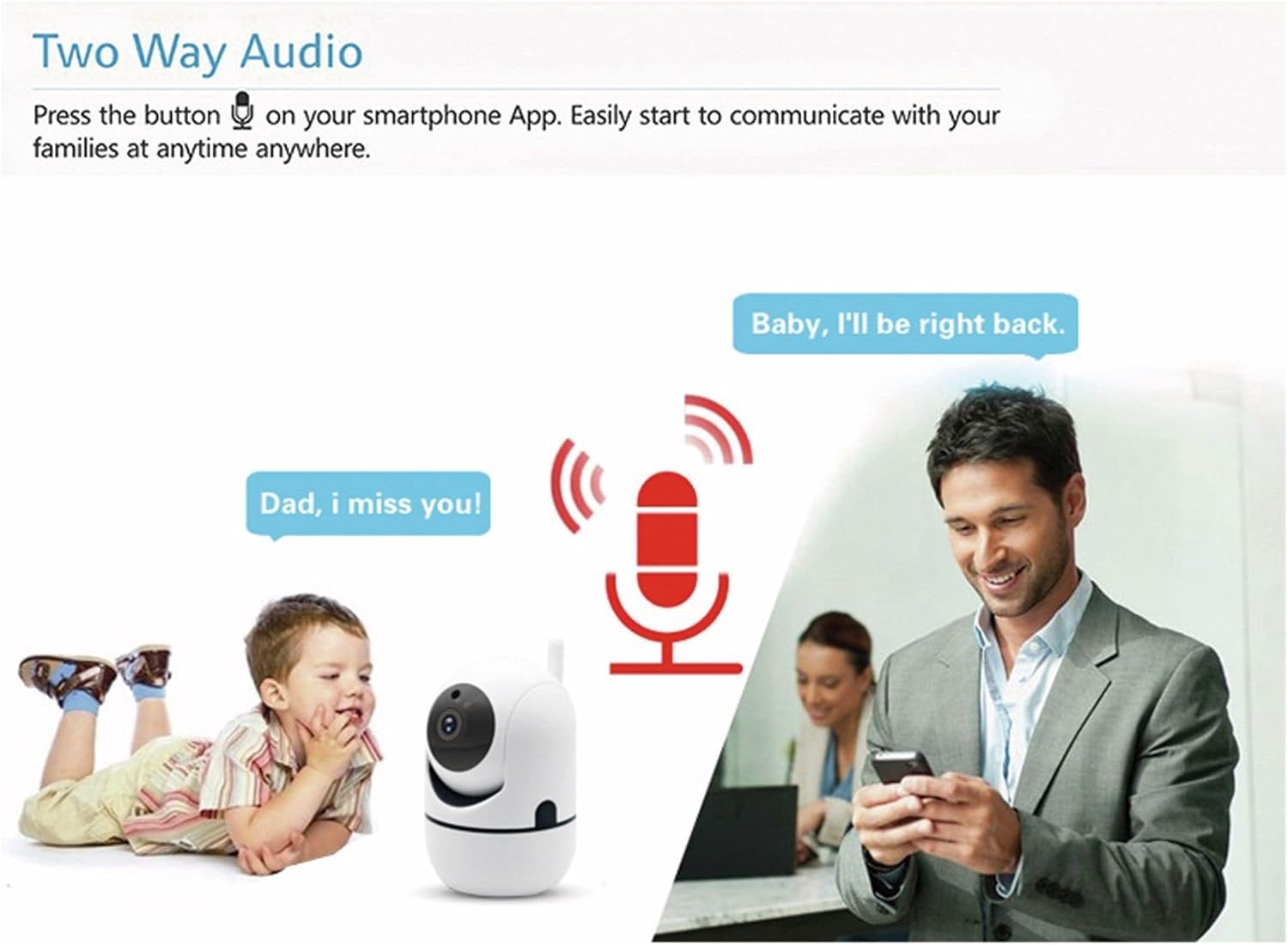
Imatge 4.2: Two-way audio allows communication through the camera.
- Tap the microphone icon in the app's live view per parlar a través de l'altaveu de la càmera.
- El micròfon de la càmera captarà àudio del seu entorn, que podràs escoltar a través del teu telèfon intel·ligent.
4.3 Detecció de moviment
The camera can detect motion and send alerts to your smartphone.
- Enable motion detection in the Denver Smart Home app settings for your camera.
- Configure alert sensitivity and notification preferences as needed.
- The camera also supports automatic motion tracking, allowing it to follow detected movement within its 355° pan and 120° tilt range.
4.4 Visió nocturna
The integrated infrared LEDs provide clear video monitoring in low-light or no-light conditions.

Imatge 4.3: Infrared night vision automatically activates in low light, with a range of up to 10 meters.
- La visió nocturna s'activa automàticament quan els nivells de llum ambiental són baixos.
- The infrared range extends up to 10 meters.
4.5 Enregistrament i emmagatzematge
The camera supports local storage via a Micro SD card.
- Insert a Micro SD card (up to 128GB, not included) into the TF card slot on the camera.
- Configure recording settings (e.g., continuous recording, event-triggered recording) within the Denver Smart Home app.
- Foo gravattage can be accessed and revieweditat a través de l'aplicació.
5. Manteniment
- Neteja: Feu servir un drap suau i sec per netejar la lent i el cos de la càmera. Eviteu utilitzar productes químics agressius o netejadors abrasius.
- Actualitzacions de programari: Regularly check the Denver Smart Home app for firmware updates to ensure optimal performance and security.
- Cicle d'alimentació: Si la càmera té problemes, prova de desconnectar-la de la font d'alimentació durant uns segons i després torna-la a connectar.
6. Solució De Problemes
6.1 Camera Not Connecting to WiFi
- Ensure your WiFi network is 2.4GHz. The camera does not support 5GHz WiFi.
- Verify that the WiFi password entered in the app is correct.
- Place the camera closer to your WiFi router during the initial setup process.
- Reset the camera by pressing the reset button (refer to Image 2.1 for location) and attempt pairing again.
6.2 Mala qualitat de vídeo
- Comprova la velocitat de la teva connexió a Internet. Cal una connexió estable i ràpida per a la transmissió en HD.
- Assegureu-vos que la lent de la càmera estigui neta i sense pols ni taques.
- Adjust the video quality settings within the Denver Smart Home app if available.
6.3 La detecció de moviment no funciona
- Verifiqueu que la detecció de moviment estigui activada a la configuració de l'aplicació.
- Ajusteu la sensibilitat de detecció de moviment.
- Assegureu-vos que no hi hagi obstacles que bloquegin la càmera view.
6.4 Micro SD Card Not Recording
- Ensure the Micro SD card is inserted correctly and fully.
- Check if the Micro SD card is formatted correctly (usually FAT32). Format it via the app if necessary.
- Verify that recording settings are configured in the app.
- The card might be full; consider enabling loop recording or replacing the card.
7. Especificacions

Imatge 7.1: Product label on the back of the SHC-150 camera.
| Característica | Especificació |
|---|---|
| Nom del model | SHC-150 |
| Número de model de producte | 118101020060 |
| Resolució de vídeo | 720p HD (1 Megapixel) |
| Velocitat de fotogrames | 12 fps |
| Connectivitat | Wi-Fi (2.4GHz, WEP/WPA/WPA2), Wired LAN |
| Angle de panoràmica | 355 graus |
| Angle d'inclinació | 90 graus |
| Gamma de visió nocturna | Fins a 10 metres |
| Àudio | Two-way audio (built-in speaker and microphone) |
| Emmagatzematge | Micro SD card slot, up to 128GB |
| Entrada de potència | DC 5V/1A (via power adapter) |
| Dimensions (L x A x A) | 8.5 x 7 x 10.5 cm |
| Pes | 340 grams |
| Material | Metall |
| Color | Blanc |
| Entorn de funcionament | Només per a ús interior |
8. Garantia i Suport
Denver products are manufactured to high quality standards. This product is covered by a warranty period as per local consumer protection laws. For warranty claims, technical support, or service inquiries, please contact your retailer or visit the official Denver support weblloc.
Si us plau, conserveu el rebut de compra com a comprovant de compra per a qualsevol reclamació de garantia.


