Introducció
Welcome to the user manual for your Beats Studio3 Wireless Headphones. This guide provides detailed instructions on setting up, operating, maintaining, and troubleshooting your headphones to ensure optimal performance and longevity. The Beats Studio3 headphones feature Pure Adaptive Noise Canceling (Pure ANC), real-time audio calibration, and the Apple W1 chip for seamless connectivity.

Imatge: Frontal view of the Beats Studio3 Wireless Headphones in matte black.
Què hi ha a la caixa
Upon unboxing your Beats Studio3 Wireless Headphones, you should find the following items:
- Auriculars sense fil Beats Studio3
- Maleta de transport
- 3.5mm RemoteTalk cable
- Universal USB charging cable (USB-A to USB Micro-B)
- Guia d'inici ràpid
- Targeta de garantia
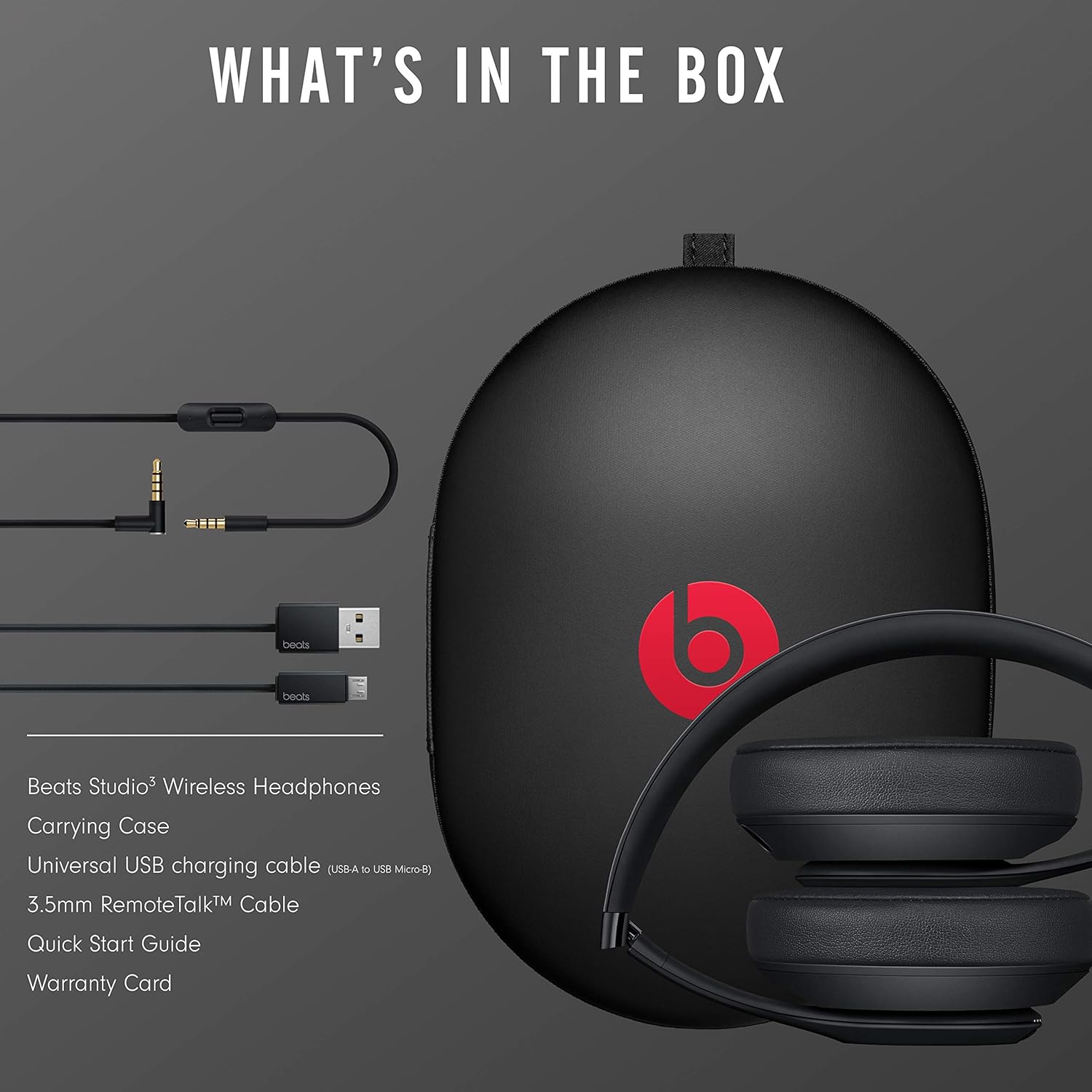
Image: All items included in the Beats Studio3 Wireless Headphones package, neatly arranged next to the carrying case.
Configuració
Carregant els teus auriculars
Before first use, it is recommended to fully charge your Beats Studio3 Wireless Headphones. Use the included Universal USB charging cable to connect the headphones to a USB power source.
- Connect the micro-USB end of the cable to the charging port on the right earcup.
- Connect the USB-A end to a powered USB port (e.g., computer, wall adapter).
- The Fuel Gauge LEDs on the left earcup will indicate the charging status. When fully charged, all five LEDs will glow solid white.
A 10-minute charge provides 3 hours of playback when the battery is low, thanks to Fast Fuel technology.
Vinculació amb el dispositiu
The Beats Studio3 Wireless Headphones utilize the Apple W1 chip for seamless pairing with Apple devices and standard Bluetooth for other devices.
Per a dispositius Apple (iOS 10 o posterior):
- Ensure your iPhone, iPad, or iPod touch is unlocked and Bluetooth is enabled.
- Hold your Beats Studio3 headphones near your unlocked Apple device.
- Press and hold the power button on the headphones for 1 second.
- A setup animation will appear on your Apple device. Follow the on-screen instructions.
- Your headphones are now connected and ready to use with all your iCloud-synced devices.

Image: Diagram illustrating the compatibility of Beats Studio3 headphones with various Apple devices including iPhone, Apple TV, iMac, Apple Watch, iPad, and Macbook, powered by the Apple W1 chip.
For Android Devices and Other Bluetooth Devices:
- Press and hold the power button on the headphones for 5 seconds until the Fuel Gauge LEDs begin to flash. This indicates pairing mode.
- Al dispositiu, vés a la configuració de Bluetooth i assegura't que el Bluetooth estigui activat.
- Select "Beats Studio3" from the list of available devices.
- Once connected, the Fuel Gauge LEDs will glow solid white.
Funcionament dels auriculars
Encès/Apagat
- Per encendre, manteniu premut el botó d'engegada durant 1 segon.
- To power off, press and hold the power button for 1 second.
Controls d'àudio
The 'b' button on the left earcup controls audio playback and calls.
- Premeu una vegada: Reproduir/Pausa l'àudio, Respondre/Finalitzar trucada.
- Premeu dues vegades: Skip forward (audio), Decline call.
- Premeu tres vegades: Skip backward (audio).
- Mantén premut: Activa l'assistent de veu (Siri, Google Assistant, etc.).
Volume controls are located above and below the 'b' button.
- Pujar el volum: Press the button above the 'b' button.
- Baixar el volum: Press the button below the 'b' button.

Imatge: Primer pla view of the left earcup showing the 'b' button and volume controls, with annotations for single, double, and triple presses for playback control, and hold for voice assistant activation.
Pure Adaptive Noise Canceling (Pure ANC)
Pure ANC actively blocks external noise for an immersive listening experience. It continuously calibrates audio in real-time to preserve clarity, range, and emotion.
- Pure ANC is automatically enabled when you power on your headphones.
- To turn Pure ANC off or on, double-press the power button.
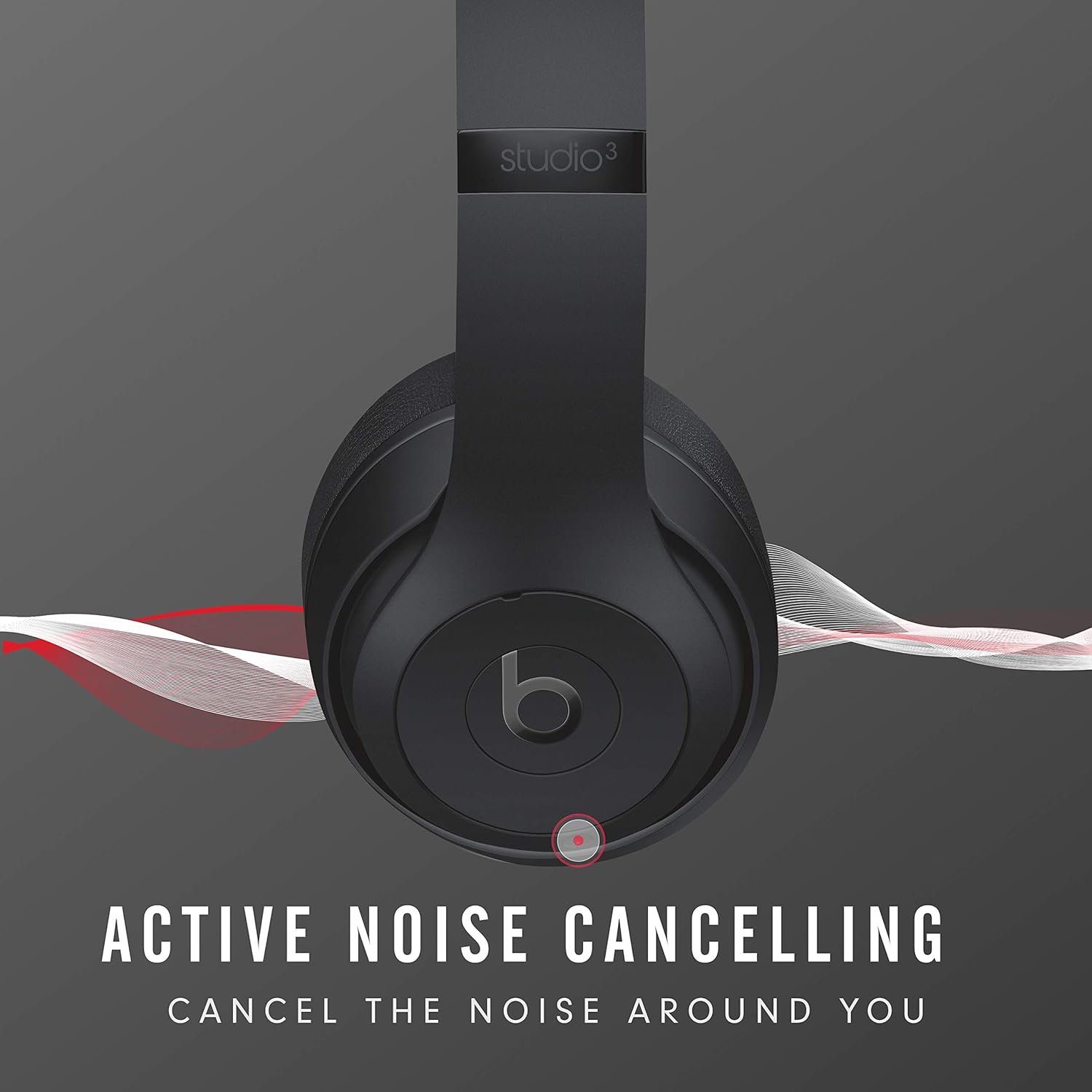
Image: Illustration of Beats Studio3 headphones with sound waves emanating from them, visually representing the Active Noise Cancelling feature.
Battery Life and Fast Fuel
Your Beats Studio3 headphones offer up to 22 hours of listening time with Pure ANC enabled, and up to 40 hours with Pure ANC off. The Fuel Gauge LEDs on the left earcup indicate battery level:
- Five white LEDs: Full charge.
- One flashing red LED: Low battery.
Fast Fuel technology allows for quick charging:
- Una càrrega de 10 minuts proporciona 3 hores de reproducció quan la bateria està baixa.
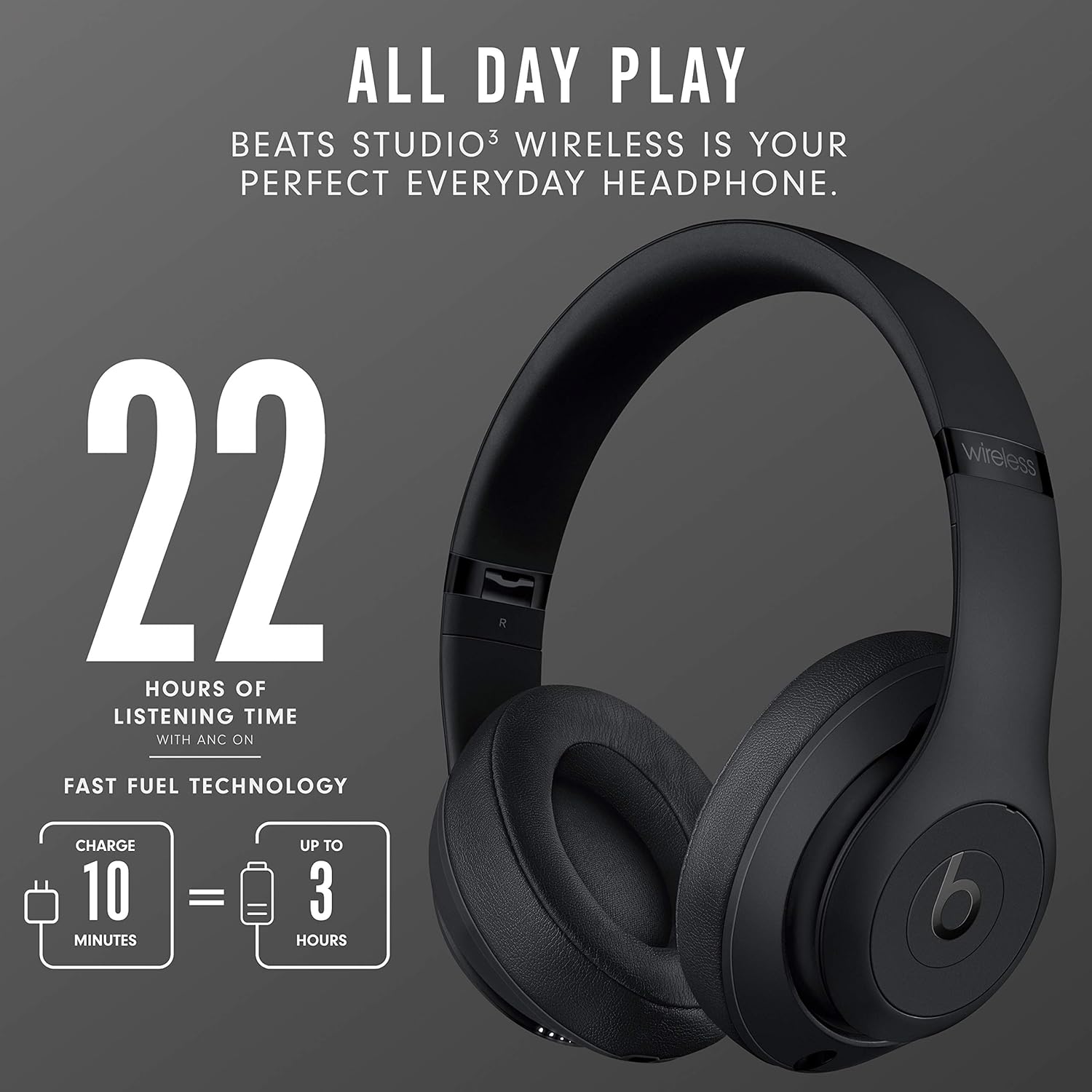
Image: Graphic showing "22 Hours of Listening Time with ANC On" and "Fast Fuel Technology" with an icon indicating "10 Minutes = 3 Hours" of play time.
Manteniment
Neteja
To maintain the condition of your headphones:
- Netegeu els auriculars i la diadema amb un drap suauamp, drap sense pelusa.
- No utilitzeu netejadors abrasius, alcohol ni dissolvents químics.
- Eviteu que entri humitat a cap obertura.
Emmagatzematge
When not in use, store your headphones in the included carrying case to protect them from dust, scratches, and impacts. The headphones are designed to fold compactly for easy storage.
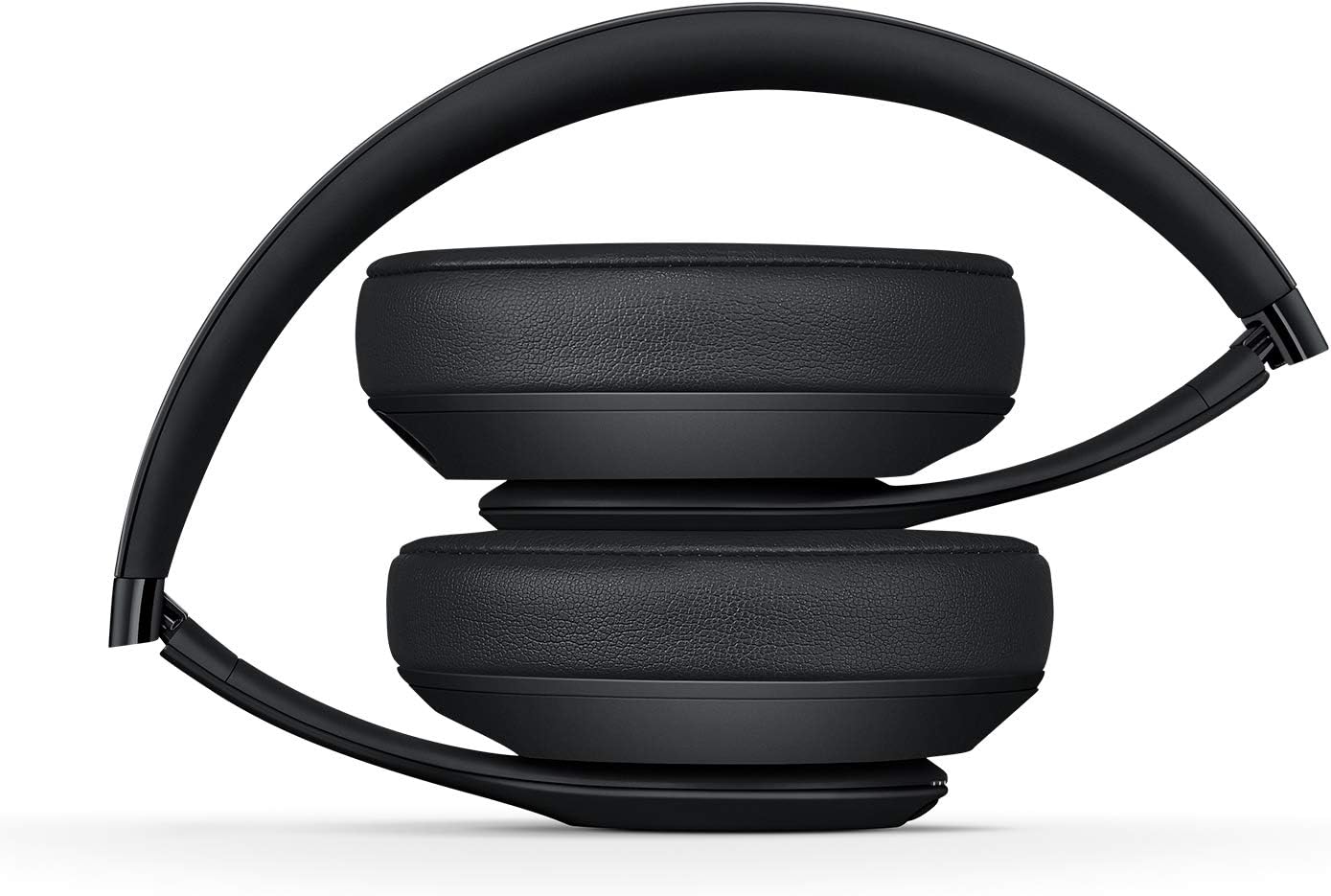
Imatge: Lateral view of the Beats Studio3 Wireless Headphones folded into a compact position, demonstrating their portability and ease of storage.
Resolució de problemes
If you encounter issues with your Beats Studio3 Wireless Headphones, try the following solutions:
Sense alimentació / No s'encén
- Ensure the headphones are charged. Connect them to a power source using the USB cable and check the Fuel Gauge LEDs.
- Try resetting the headphones: Press and hold both the power button and the volume down button for 10 seconds. Release the buttons when the Fuel Gauge LEDs flash.
Cannot Pair / Bluetooth Connection Issues
- Ensure the headphones are in pairing mode (flashing Fuel Gauge LEDs).
- Make sure Bluetooth is enabled on your device and it is within range (typically 10 meters or 33 feet).
- Oblida't del dispositiu de la configuració de Bluetooth i torna a intentar emparellar-lo.
- If connecting to an Apple device, ensure iCloud is enabled and your device is running iOS 10 or later.
- Try resetting the headphones as described above.
Sense so ni volum baix
- Comproveu el nivell de volum tant dels auriculars com del dispositiu connectat.
- Assegureu-vos que els auriculars estiguin connectats correctament al dispositiu.
- If using the 3.5mm RemoteTalk cable, ensure it is fully plugged into both the headphones and your audio source.
- Try playing audio from a different application or device to isolate the issue.
Active Noise Canceling Not Working Properly
- Ensure Pure ANC is enabled (double-press the power button).
- Check that the earcups are properly sealed around your ears. Adjust the headband for a snug fit.
- Ensure there is no obstruction to the microphones on the earcups.
Especificacions
| Característica | Detall |
|---|---|
| Nom del model | Beats Studio3 - Matte Black (Latest Model) |
| Número de model de l'article | MX3X2LL/A |
| Tecnologia de connectivitat | Bluetooth, NFC |
| Tecnologia de comunicació sense fils | Bluetooth |
| Control de soroll | Active Noise Cancellation (Pure ANC) |
| Col·locació de l'orella | Sobre l'orella |
| Factor de forma | Sobre l'orella |
| Conector d'auriculars | Jack de 3.5 mm (per a connexió amb cable) |
| Durada de la bateria | Up to 22 hours (with Pure ANC), Up to 40 hours (Pure ANC off) |
| Charging Time (Fast Fuel) | Càrrega de 10 minuts per a 3 hores de reproducció |
| Tipus de bateria | 1 bateria de ions de liti (inclosa) |
| Dimensions del producte | 16 x 12 x 22.7 cm |
| Pes de l'article | 453.59 g |
| Fabricant | Beats |
| Primera data disponible | 1 de juny de 2020 |
Garantia i Suport
Informació de la garantia
Your Beats Studio3 Wireless Headphones come with a limited warranty. Please refer to the included Warranty Card for specific terms and conditions, including coverage period and what is covered. Retain your proof of purchase for warranty claims.
Atenció al client
For further assistance, technical support, or warranty service, please visit the official Beats support website or contact their customer service. You can often find detailed FAQs, software updates, and contact information on their official support pages.
Note: Specific contact details are subject to change. Always refer to the latest information on the official Beats weblloc.


