Introducció
This manual provides comprehensive instructions for the Plantronics Blackwire 3320 Wired, Dual-Ear (Stereo) Headset with Boom Mic. Designed for professionals, this headset offers premium audio quality, plug-and-play simplicity, and reliable performance for PC, Mac, or cell phone connections via USB-A. It is certified for Microsoft Teams and compatible with other leading collaboration and voice platforms.
Què hi ha a la caixa
- Plantronics Blackwire 3320 Headset

Configuració
The Blackwire 3320 headset is designed for simple plug-and-play operation.
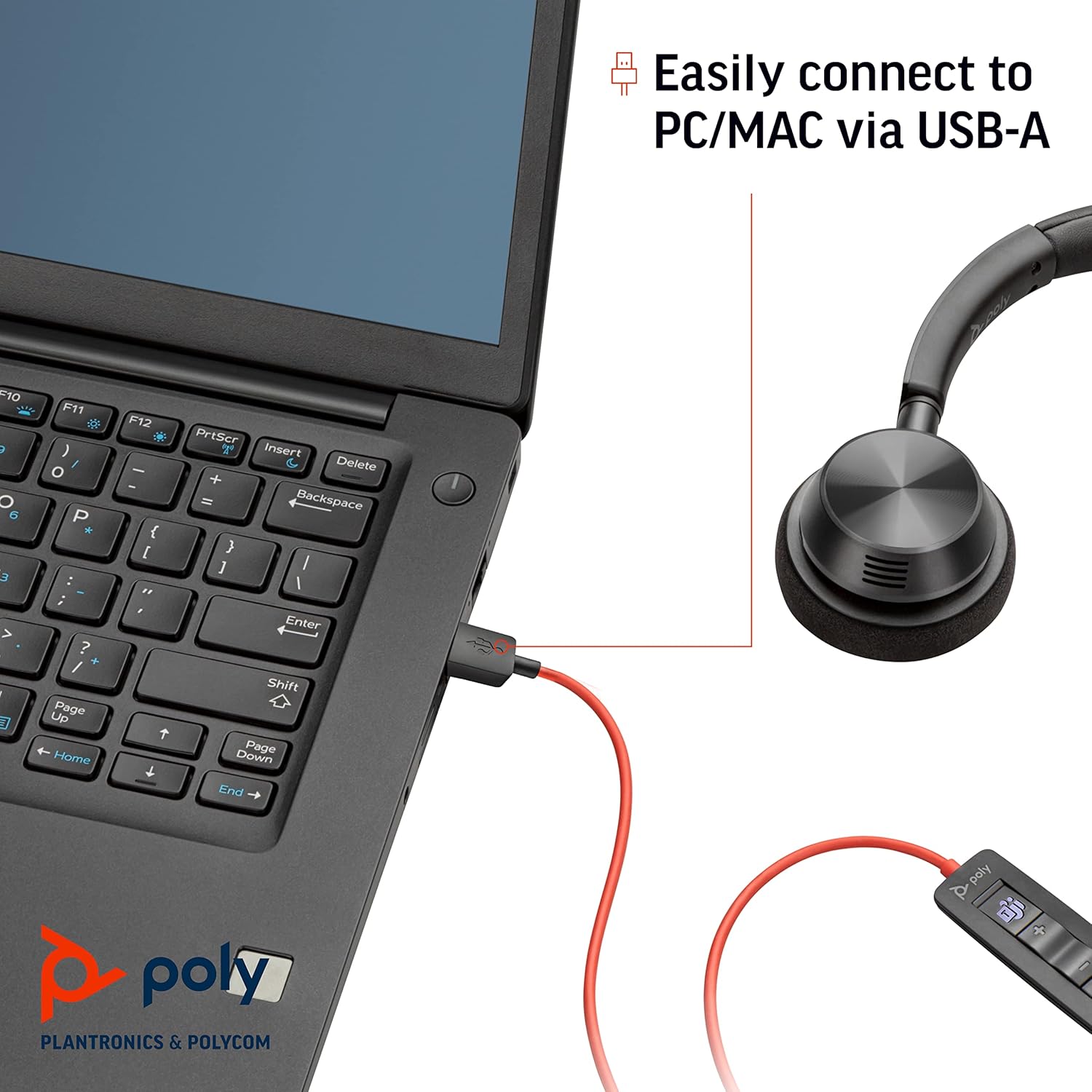
- Connecta't al dispositiu: Insert the USB-A connector of the headset into an available USB-A port on your PC, Mac, or compatible cell phone.
- Reconeixement automàtic: Your operating system should automatically detect and install the necessary drivers for the headset. This process typically takes a few moments.
- Selecciona com a dispositiu d'àudio: In your computer's sound settings or your communication application (e.g., Microsoft Teams, Zoom), select "Plantronics Blackwire 3320" as your default audio input (microphone) and output (speaker) device.
Instruccions de funcionament
Portant els auriculars
The Blackwire 3320 is a dual-ear (stereo) headset designed for comfort during extended use.
- Ajustar la diadema: Extend or retract the headband to ensure a comfortable and secure fit over your head.
- Position Ear Cushions: The ear cushions are soft foam and the speakers pivot 180 degrees to conform to your ears.
- Posició del micròfon: Adjust the flexible microphone boom so the microphone is approximately two finger-widths from the corner of your mouth.

Controls en línia
The headset features an in-line control unit for easy management of calls and audio.
- Pujar/baixar el volum: Feu servir els botons '+' i '-' per ajustar el volum d'escolta.
- Silencia/Activa el silenci: Premeu el botó de la icona del micròfon per silenciar o activar el micròfon.
- Resposta/Finalització de la trucada: Press the call button (typically a phone icon) to answer or end a call.
- Microsoft Teams Button: For Microsoft Teams certified models, a dedicated Teams button allows for quick access to Teams functions.

Plantronics Hub App
For advanced settings and firmware updates, download and install the Plantronics Hub application on your PC or Mac. This software allows you to customize headset settings, check battery status (if applicable), and receive notifications for new firmware.

Característiques
- Connectivitat: Easily connects to PC or Mac via USB-A. Certified for use with Microsoft Teams and compatible with other leading collaboration and voice platforms.
- Usuari objectiu: Ideal for professionals requiring premium audio quality, plug-n-play simplicity, reliability, and value in a communication headset.
- Actuació d'àudio: Delivers clear, natural, and rich audio with wideband audio support, a flexible noise-canceling microphone, and enhanced digital signal processing (DSP). Includes SoundGuard acoustic limiting for protection against sounds above 118 dBA.
- Comoditat: Features a padded headband and soft foam ear cushions for extended wear. The headset is fully adjustable with 180-degree pivoting speakers and a flexible microphone boom for optimal positioning.
Manteniment
To ensure the longevity and optimal performance of your Plantronics Blackwire 3320 headset, follow these maintenance guidelines:
- Neteja: Gently wipe the ear cushions and headset surfaces with a soft, dry, lint-free cloth. Do not use liquid cleaners or abrasive materials.
- Emmagatzematge: Quan no els utilitzeu, guardeu els auriculars en un lloc net i sec, allunyat de temperatures extremes i de la llum solar directa. Eviteu enredar el cable.
- Cura del cable: Do not pull on the cable to disconnect the headset. Always grasp the USB-A connector. Avoid sharp bends or kinks in the cable.
Resolució de problemes
| Problema | Solució |
|---|---|
| No audio from headset / Cannot hear others |
|
| Microphone not working / Others cannot hear me |
|
| La qualitat del so és deficient o distorsionada |
|
Especificacions
| Característica | Detall |
|---|---|
| Nom del model | Blackwire 3300 Series (BW3320-M USB-A) |
| Tecnologia de connectivitat | Cablejat (USB-A) |
| Estil de vestir | Dual-Ear (Stereo), Over-the-head |
| Micròfon | Flexible Boom Mic, Noise-Canceling |
| Rendiment d'àudio | Wideband audio, Enhanced Digital Signal Processing (DSP) |
| Protecció auditiva | SoundGuard (acoustic limiting for sounds above 118 dBA) |
| Controls | In-line controls for volume, mute, call answer/end, dedicated Teams button (on certified models) |
| Coixinets per a les orelles | Escuma suau |
| Diadema | Padded, Adjustable |
| Pes | 3.4 unces (aproximadament 96 grams) |
| Dimensions del producte | 8.4 x 7.3 x 2.2 polzades |
| Material | Plàstic |
| Color | Negre |
| Dispositius compatibles | PC, Mac, Cellphones (via USB-A) |
| Resposta de freqüència | 20 Hz - 20,000 Hz |
| Impedància | 32 ohms |
Garantia i Suport
The Plantronics Blackwire 3320 headset comes with a Garantia global d'2 any.
For technical support, warranty claims, or to download the latest Plantronics Hub software and firmware updates, please visit the official Plantronics (Poly) support website. You can often find detailed FAQs and additional resources there.
Note: Always refer to the official Plantronics website for the most current support information and resources.


