1. Introducció
The SPYPOINT LINK-MICRO-LTE is an ultra-compact cellular trail camera designed for efficient remote scouting. It captures high-quality images and transmits them directly to your smartphone via the LTE cellular network, minimizing human impact on your hunting grounds. This manual provides essential information for setting up, operating, and maintaining your camera.

Figure 1.1: SPYPOINT LINK-MICRO-LTE Cellular Trail Camera.
Key features include a 10MP camera, 0.5-second trigger speed, and an 80-foot detection range. The camera is fully configurable via the free SPYPOINT app, offering a seamless mobile scouting solution.
2. Configuració
2.1. Què hi ha a la caixa
- SPYPOINT LINK-MICRO-LTE-V Camera
- Preactivated SIM card (installed)
- Guia d'inici ràpid
2.2. Instal·lació de la bateria
The LINK-MICRO-LTE-V requires 8 AA batteries (not included) or a SPYPOINT LIT-10 rechargeable lithium battery pack (included with some models). To install:
- Open the camera's battery compartment door located on the side.
- Insert 8 AA batteries, ensuring correct polarity (+/-). If using the LIT-10 pack, insert it into the designated slot.
- Tanqueu bé la porta del compartiment de la bateria.

Figura 2.1: Compartiment de bateries amb les bateries instal·lades.
2.3. Instal·lació de la targeta SD
A MicroSD card (up to 32 GB, Class 10 recommended, not included) is required for operation. To install:
- Locate the MicroSD card slot inside the camera, typically near the battery compartment.
- Insert the MicroSD card with the label facing up until it clicks into place.
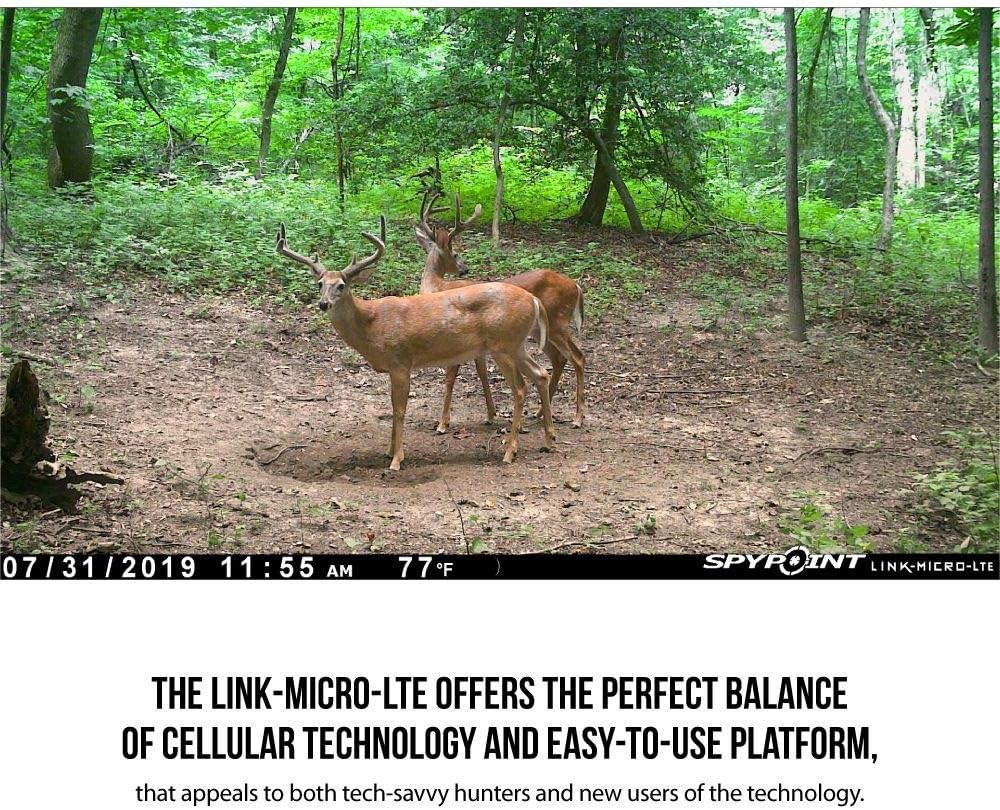
Figure 2.2: Inserting the MicroSD card.
2.4. SPYPOINT App and Activation
Download the free SPYPOINT app from your smartphone's app store. Create an account and follow the in-app instructions to activate your camera and select a photo transmission plan. This app is essential for full camera configuration and receiving photos.

Figure 2.3: Mobile scouting solution via the SPYPOINT app.
2.5. Muntatge de la càmera
Mount the camera to a tree or post using the included strap. Ensure the camera is stable and pointed towards the desired detection area. The camera features a 1/4"-20 tripod mount for alternative mounting options.
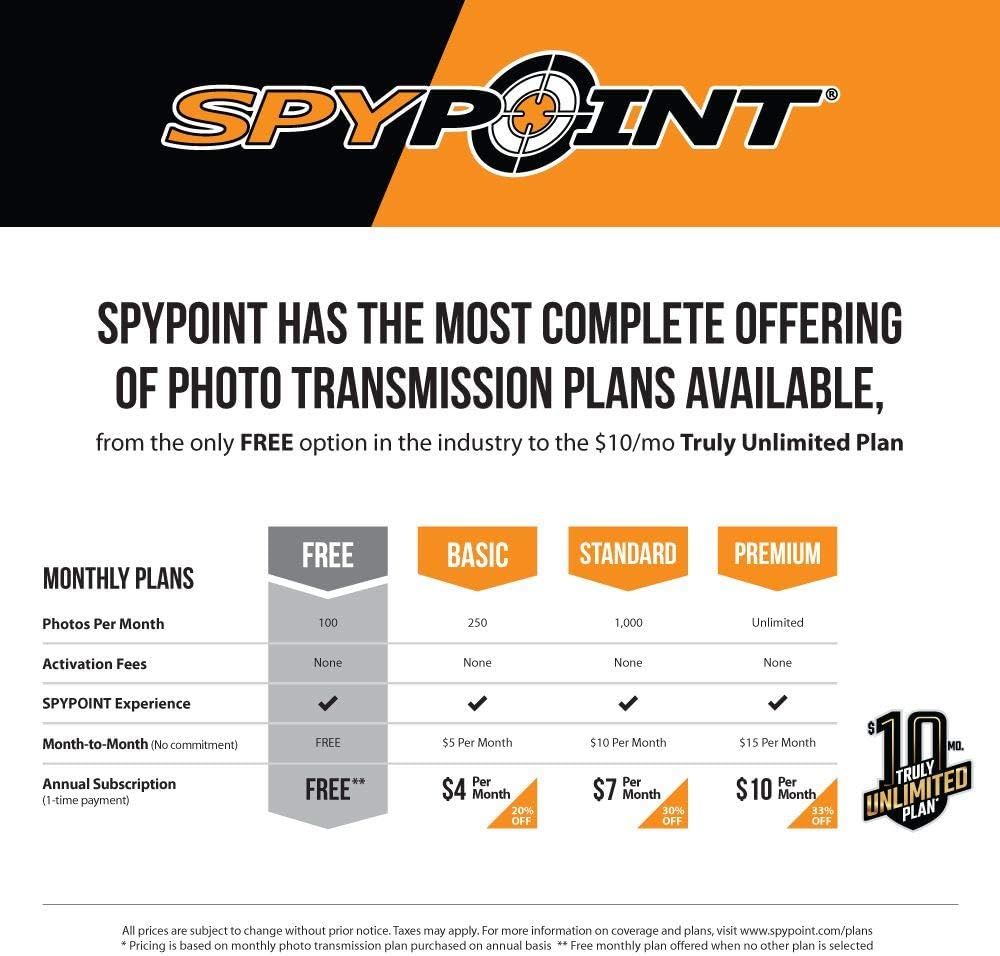
Figure 2.4: Mounting the camera on a tree.
3. Instruccions de funcionament
3.1. Encès / apagat
To power on the camera, slide the ON/OFF switch to the 'ON' position. The status light will indicate signal strength. To power off, slide the switch to 'OFF'.
3.2. Camera Configuration via App
All camera settings, including photo resolution (10 MP), multi-shot mode (up to 2 photos per detection), continuous mode, and 7-day schedule setup, are managed through the SPYPOINT app. Adjust settings to suit your scouting needs.
3.3. Photo Transmission
The camera utilizes fast LTE photo transmission to send images to your SPYPOINT app. Various photo transmission plans are available, including a free option for 100 photos per month and truly unlimited plans. Choose the carrier model that provides the best service in your hunting location.

Figure 3.1: Camera features including ultra-compact design, 0.5s trigger speed, 80' flash range, and LTE photo transmission.
3.4. Detecció de moviment
The camera is triggered by motion within its 80-foot detection range. With a 0.5-second trigger speed, it captures fast-moving subjects effectively. Photos are stamped with date, time, temperature, and moon phase.
4. Manteniment
4.1. Gestió de la bateria
Regularly check the battery level via the SPYPOINT app. If using the LIT-10 rechargeable battery pack, ensure it is charged as needed. The camera's built-in solar panel (if applicable to your model) helps extend battery life.
4.2. Gestió de targetes SD
Periodically format your MicroSD card using the camera's settings via the app or a computer to ensure optimal performance and prevent data corruption. Replace the card if it shows signs of wear or error.
4.3. Neteja
Keep the camera lens and infrared LEDs clean from dirt, dust, and debris using a soft, lint-free cloth. Avoid abrasive materials or harsh chemicals that could damage the camera's exterior or optical components.
5. Solució De Problemes
5.1. No Photo Transmission
- Check cellular signal strength in the camera's location via the app.
- Ensure your photo transmission plan is active and has available photos.
- Verify the SIM card is properly inserted and activated.
- Confirm camera firmware is up to date through the SPYPOINT app.
5.2. Mala qualitat d'imatge
- Clean the camera lens and infrared LEDs.
- Ensure the camera is mounted securely to prevent movement.
- Check lighting conditions; night photos are infrared.
5.3. Durada curta de la bateria
- Feu servir piles alcalines o de liti d'alta qualitat.
- Reduce the frequency of photo transmission or video recording.
- Ensure the solar panel (if applicable) is clean and exposed to direct sunlight.
For more detailed troubleshooting, refer to the comprehensive guides and videos available within the SPYPOINT app or on the official SPYPOINT weblloc.
6. Especificacions
| Característica | Especificació |
|---|---|
| Resolució de fixes efectius | 10 MP |
| Velocitat de desencadenament | 0.5 segons |
| Interval de detecció | 80 peus |
| Interval de flaix | 80 peus |
| Tecnologia de connectivitat | Wireless (LTE Cellular) |
| Tipus de memòria | MicroSD (up to 32 GB) |
| Font d'alimentació | 8 AA batteries or LIT-10 rechargeable battery pack |
| Resolució de captura de vídeo | 1080p |
| Classificació de protecció internacional | IP65 |
| Pes de l'article | 7.2 unces |
| Mètode de control | App |
7. Garantia i Suport
Every SPYPOINT device is protected by a 2-year manufacturer's warranty. This warranty covers defects in materials and workmanship under normal use. For warranty claims or technical support, please visit the official SPYPOINT weblloc web o contacteu directament amb el seu servei d'atenció al client.
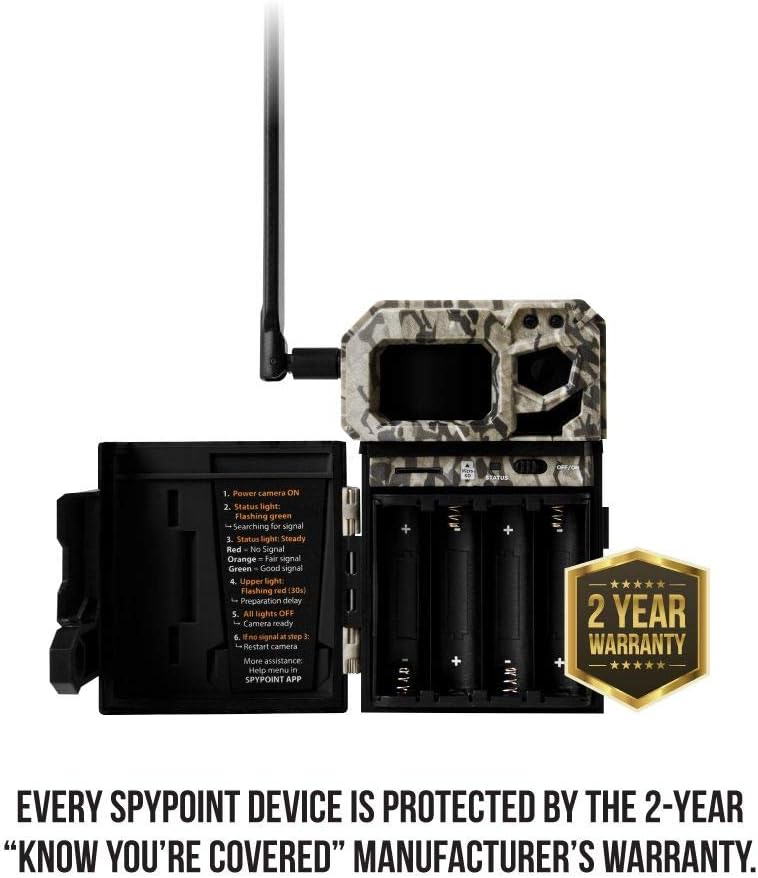
Figure 7.1: SPYPOINT 2-Year Warranty.
Additional resources, including FAQs, video tutorials, and software updates, are available through the SPYPOINT app and their online support portal.


