1. Introducció
Thank you for choosing the Tribit FlyBuds C1 True Wireless Earbuds (Model BTH91). This manual provides essential information for setting up, operating, and maintaining your new earbuds. Please read it thoroughly to ensure optimal performance and longevity of your device.

Image: Tribit FlyBuds C1 Wireless Earbuds and Charging Case.
2. Informació de seguretat
To prevent damage to your earbuds or injury to yourself, please observe the following safety precautions:
- No desmuntis ni modifiquis els auriculars ni l'estoig de càrrega.
- Mantingueu el dispositiu allunyat de temperatures extremes, llum solar directa i flames obertes.
- Avoid exposing the earbuds to water for prolonged periods, despite their IPX8 rating. Ensure the charging port cover is securely closed before exposure to liquids.
- Do not use abrasive cleaners or harsh chemicals to clean the device.
- Escolteu a un volum moderat per evitar danys auditius.
- Mantenir fora de l'abast dels nens i mascotes.
3. Contingut del paquet
The Tribit FlyBuds C1 package includes:
- Tribit FlyBuds C1 Earbuds (Model BTH91)
- Estoig de càrrega
- Cable de càrrega USB-C
- Corda
- 6 Pairs of Silicone Ear Tips (various sizes)
- Manual d'usuari
- Targeta de garantia de 18 mesos
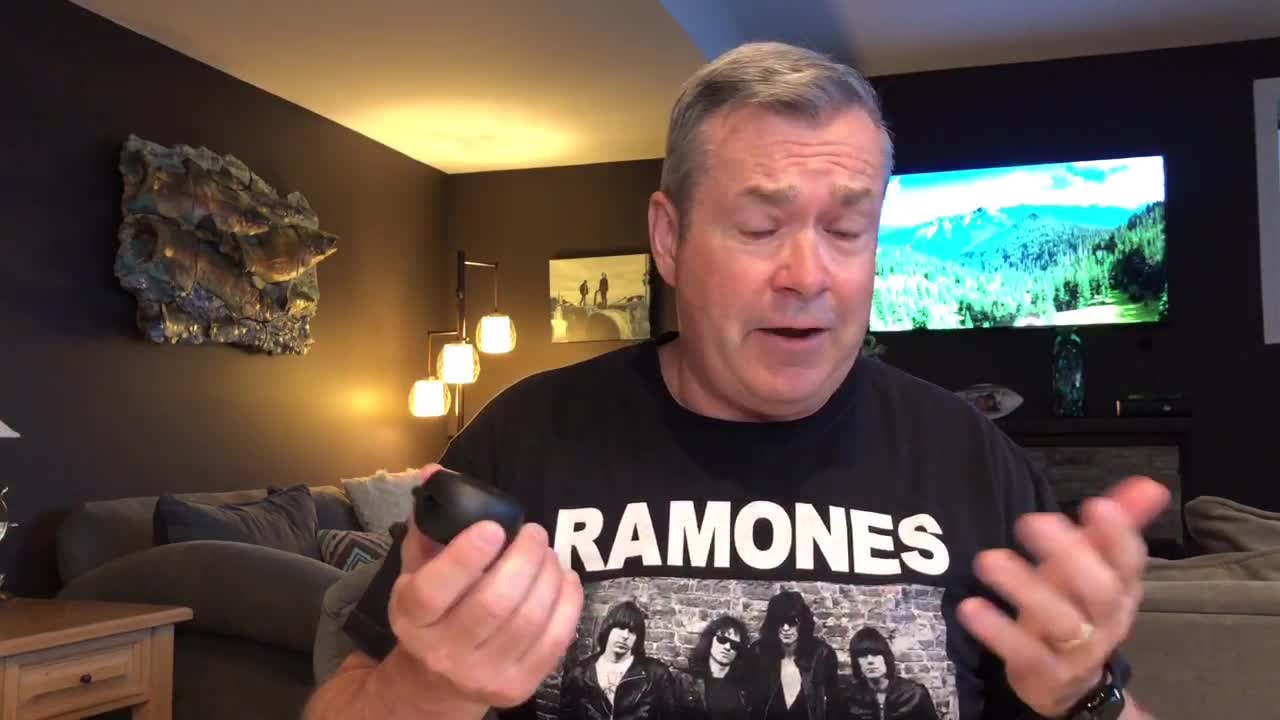
Image: All items included in the Tribit FlyBuds C1 retail package.
4. Configuració
4.1. Càrrega dels auriculars i l'estoig
Abans del primer ús, carregueu completament els auriculars i l'estoig de càrrega.
- Col·loca els auriculars a l'estoig de càrrega. Assegura't que estiguin correctament col·locats a les seves ranures respectives.
- Connect the USB-C charging cable to the charging port on the case and to a power source. The LED indicators on the case will show charging status. A full charge takes approximately 1.5 hours.
- The charging case also supports wireless charging. Simply place the case on a compatible wireless charging pad.
The earbuds provide up to 5 hours of playback on a single charge, and the charging case extends total playtime to up to 100 hours.
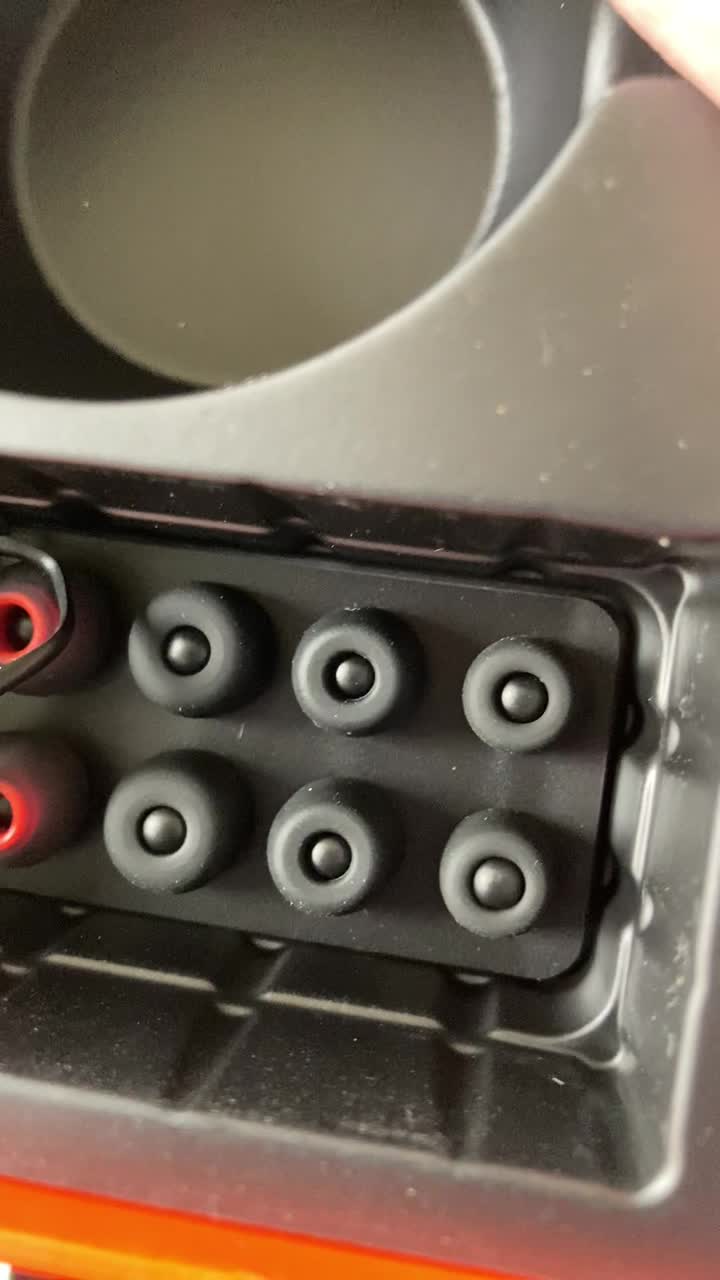
Image: Tribit FlyBuds C1 earbuds charging inside their case, with battery indicator lights visible.
4.2. Emparellament amb el dispositiu
The Tribit FlyBuds C1 feature one-step pairing for convenience.
- Obre l'estoig de càrrega. Els auriculars entraran automàticament en mode d'emparellament.
- Al dispositiu (telèfon intel·ligent, tauleta, ordinador portàtil), activeu el Bluetooth i cerqueu els dispositius disponibles.
- Select "Tribit FlyBuds C1" from the list of devices. Once connected, a voice prompt will confirm successful pairing.
- The earbuds will automatically connect to the last paired device when the case is opened. To unpair, press and hold the button on the charging case.
4.3. Col·locació dels auriculars
Per a una qualitat de so i una comoditat òptimes, trieu les puntes de les orelles de la mida correcta.
- Experiment with the 6 included pairs of silicone ear tips to find the best fit for your ears. A snug fit ensures better bass response and noise isolation.
- Introduïu suaument els auriculars al canal auditiu i gireu-los lleugerament per fixar-los.
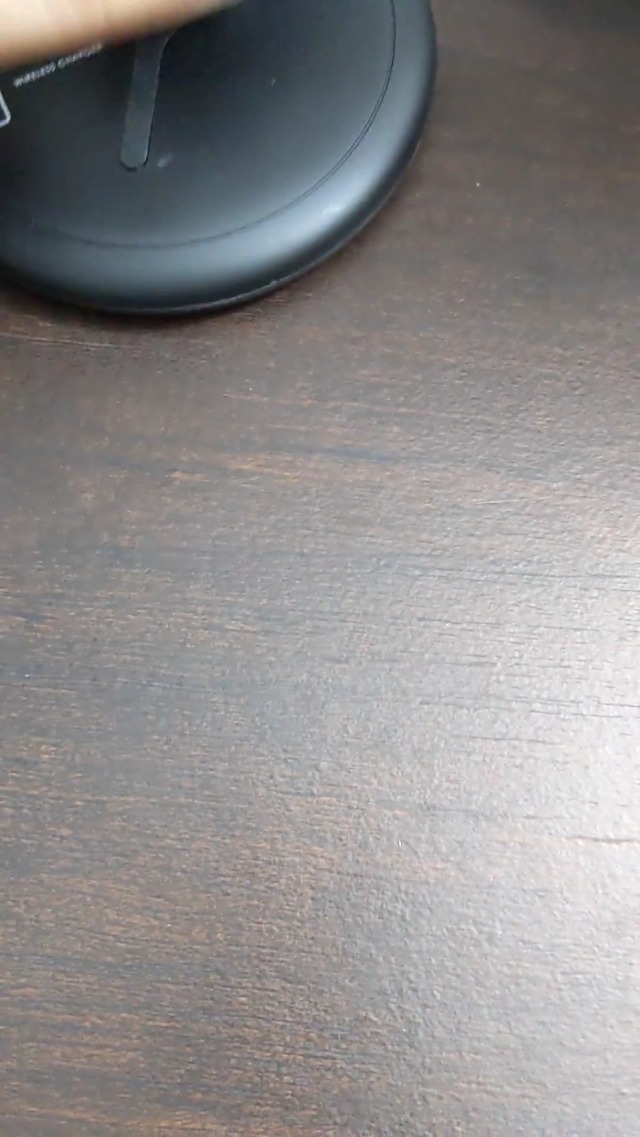
Image: Selection of silicone ear tips for personalized fit.
5. Instruccions de funcionament
5.1. Encendre/apagar
- Encès: Obriu la funda de càrrega i els auriculars s'encendran automàticament.
- Apagar: Torneu a col·locar els auriculars a l'estoig de càrrega i tanqueu la tapa. S'apagaran automàticament i començaran a carregar-se.
5.2. Reproducció de música
The Tribit FlyBuds C1 feature physical buttons for control:
- Reproduir/pausa: Premeu el botó de qualsevol dels auriculars una vegada.
- Pista següent: Double-press the button on the right earbud.
- Pista anterior: Double-press the button on the left earbud.
Note: Volume control is not directly available on the earbuds. Please adjust volume via your connected device.
5.3. Gestió de trucades
- Respondre/Finalitzar la trucada: Premeu el botó de qualsevol dels auriculars una vegada.
- Rebutja la trucada: Press and hold the button on either earbud for 2 seconds.
- Activar l'assistent de veu (Siri, Assistent de Google): Triple-press the button on either earbud.
The earbuds feature 4 microphones with CVC 8.0 Call Noise Reduction for clear calls.
5.4. Single Earbud Mode
Either earbud can be used independently. Simply take one earbud out of the case, and it will automatically connect to your device. The other earbud can remain in the case or be used later.
5.5. Impermeabilització IPX8
The Tribit FlyBuds C1 are IPX8 rated, offering protection against sweat, splashes, and submersion in water up to 1 meter for 30 minutes. This makes them suitable for sports and exercise in various weather conditions.
- Ensure the USB-C charging port cover is securely closed before exposing the earbuds to water.
- Do not charge the earbuds if they are wet. Dry them thoroughly before placing them back in the charging case.
6. Manteniment
Proper maintenance ensures the longevity and performance of your Tribit FlyBuds C1.
- Neteja: Regularly clean the earbuds and charging case with a soft, dry, lint-free cloth. For ear tips, remove them and wash with mild soap and water, then dry completely before reattaching.
- Emmagatzematge: Quan no els utilitzeu, guardeu els auriculars a la seva funda de càrrega per protegir-los i mantenir-los carregats. Guardeu-los en un lloc fresc i sec, allunyat de temperatures extremes.
- Evita danys: Do not drop, puncture, or expose the device to strong impacts.
7. Solució De Problemes
If you encounter issues with your Tribit FlyBuds C1, try the following solutions:
| Problema | Solució |
|---|---|
| Els auriculars no s'aparellen |
|
| Sense so ni volum baix |
|
| Els auriculars no es carreguen |
|
| Connexió intermitent |
|
8. Especificacions
| Característica | Detall |
|---|---|
| Nom del model | BTH91 (FlyBuds C1) |
| Tecnologia de connectivitat | Sense fil (Bluetooth) |
| Versió Bluetooth | 5.2 |
| Interval Bluetooth | 10 metres |
| Durada de la bateria (auriculars) | Fins a 5 hores per recàrrega |
| Temps de reproducció total (amb estoig de càrrega) | Fins a 100 hores |
| Temps de càrrega | Aprox. 1.5 hores (caixa) |
| Nivell de resistència a l'aigua | IPX8 (impermeable) |
| Funcions de control de soroll | CVC 8.0 Call Noise Reduction, Sound Isolation |
| Mètode de control | Botó físic |
| Port de càrrega | USB-C, Wireless Charging (Qi-compatible) |
| Pes de l'article | 2.4 unces |
| Dimensions del producte | 2.4 x 2.4 x 1.2 polzades |
9. Garantia i assistència
Tribit provides an 18-month warranty for the FlyBuds C1 (Model BTH91) from the date of purchase. This warranty covers manufacturing defects and ensures your product is free from material and workmanship flaws under normal use.
For warranty claims, technical support, or any questions regarding your product, please contact Tribit customer service:
- Correu electrònic: support@tribitaudio.com
- Bitllet d'assistència: Visita tribitaudio.com/support
- Telèfon: 1-888-232-3138 (Mon-Fri, 9:00-6:00 PST [US])
Please have your purchase receipt and product model number (BTH91) ready when contacting support.


