1. Introducció
Thank you for choosing the Glorious Model O- (Minus) Gaming Mouse. This manual provides essential information for setting up, operating, and maintaining your new gaming mouse. The Model O- (Minus) is engineered for competitive e-sports, featuring an ultralight design, a flexible Ascended Cord, and customizable RGB lighting to enhance your gaming experience.
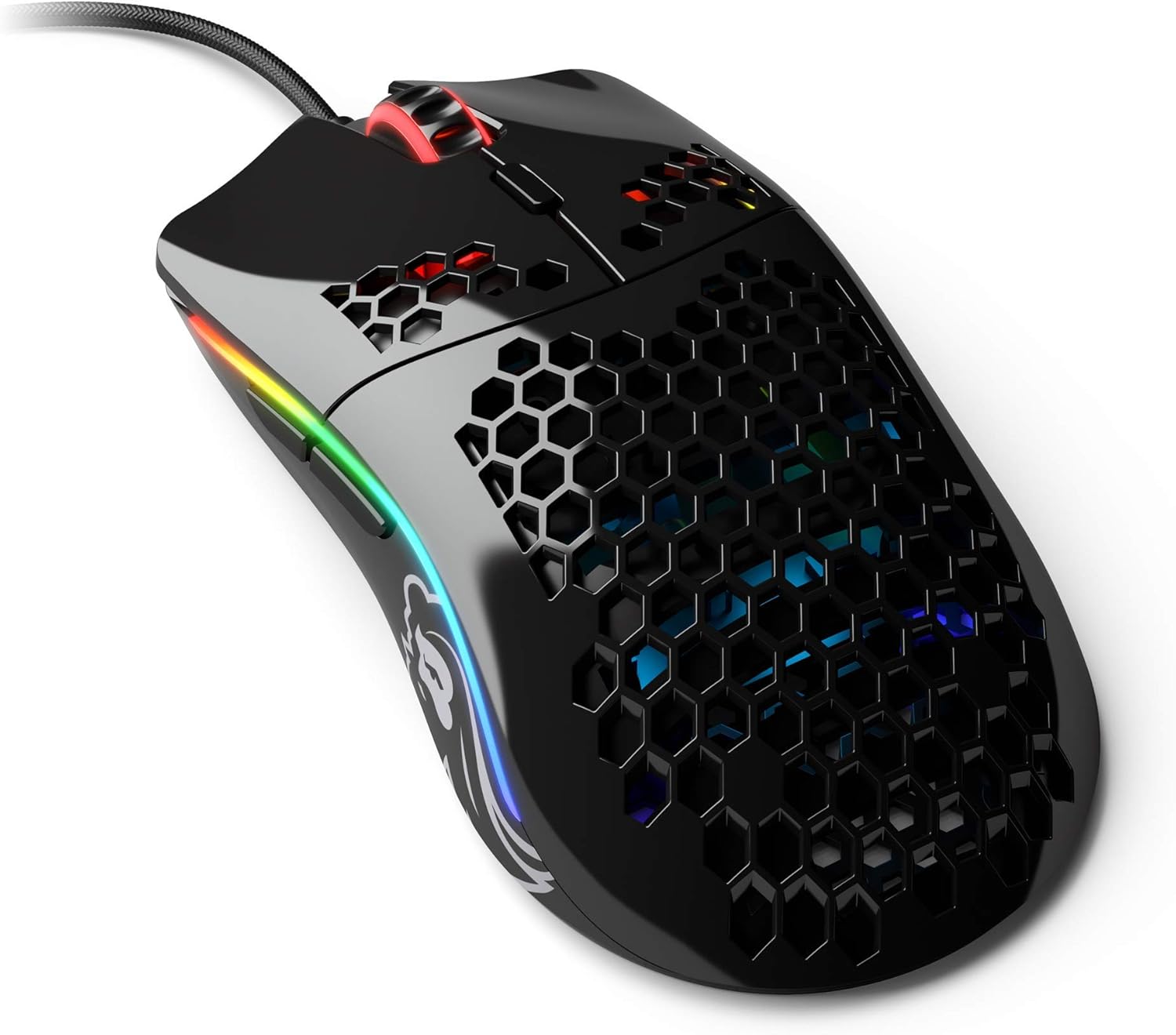
Image: The Glorious Model O- (Minus) Gaming Mouse in Glossy Black, showcasing its honeycomb shell design and RGB lighting.
2. Configuració
2.1 Contingut del paquet
Before proceeding, please ensure all components are present:
- Glorious Model O- (Minus) Gaming Mouse
- Ascended Cord (attached)
- Guia d'inici ràpid (aquest document)
2.2 Connexió del ratolí
- Localitzeu un port USB disponible al vostre ordinador.
- Plug the USB connector of the Glorious Model O- (Minus) into the USB port.
- The mouse is plug-and-play and should be recognized automatically by your operating system.

Image: The Glorious Ascended Cord, a lightweight and flexible USB cable designed to minimize drag.
2.3 Software Installation (Glorious Core)
For advanced customization of DPI settings, button assignments, and RGB lighting, download the Glorious Core software from the official Glorious weblloc (www.gloriousgaming.com/pages/glorious-core). Seguiu les instruccions que apareixen a la pantalla per a la instal·lació.

Image: Screenshot of the Glorious Core software interface, demonstrating options for lighting and key binding customization for the mouse.
3. Instruccions de funcionament
3.1 Funcions bàsiques del ratolí
- Clic esquerre: Botó d'acció principal.
- Clic dret: Botó d'acció secundària, normalment per a menús contextuals.
- Roda de desplaçament: Scrolls content up/down. Can also be clicked for middle-click functionality.
- Botons laterals: Programmable buttons, typically for forward/back navigation in browsers or in-game actions.
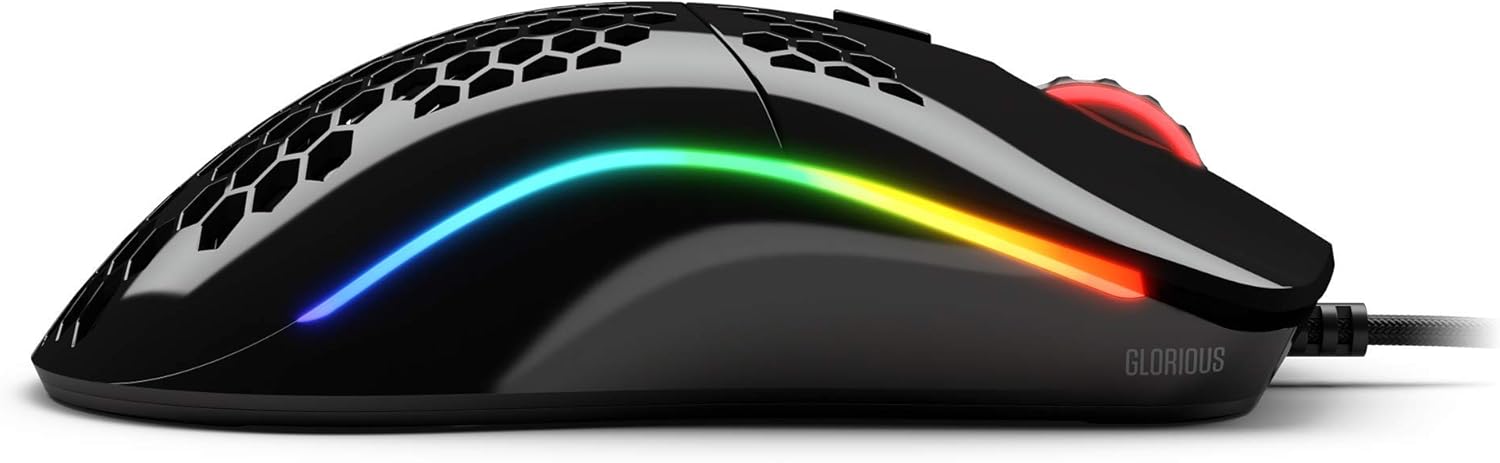
Imatge: Lateral view of the Glorious Model O- (Minus) mouse, highlighting the two programmable side buttons and the vibrant RGB lighting strip.
3.2 Ajust de DPI
The Model O- (Minus) features a dedicated DPI button on the underside of the mouse. Press this button to cycle through pre-set DPI stages. The default DPI stages can be customized using the Glorious Core software.
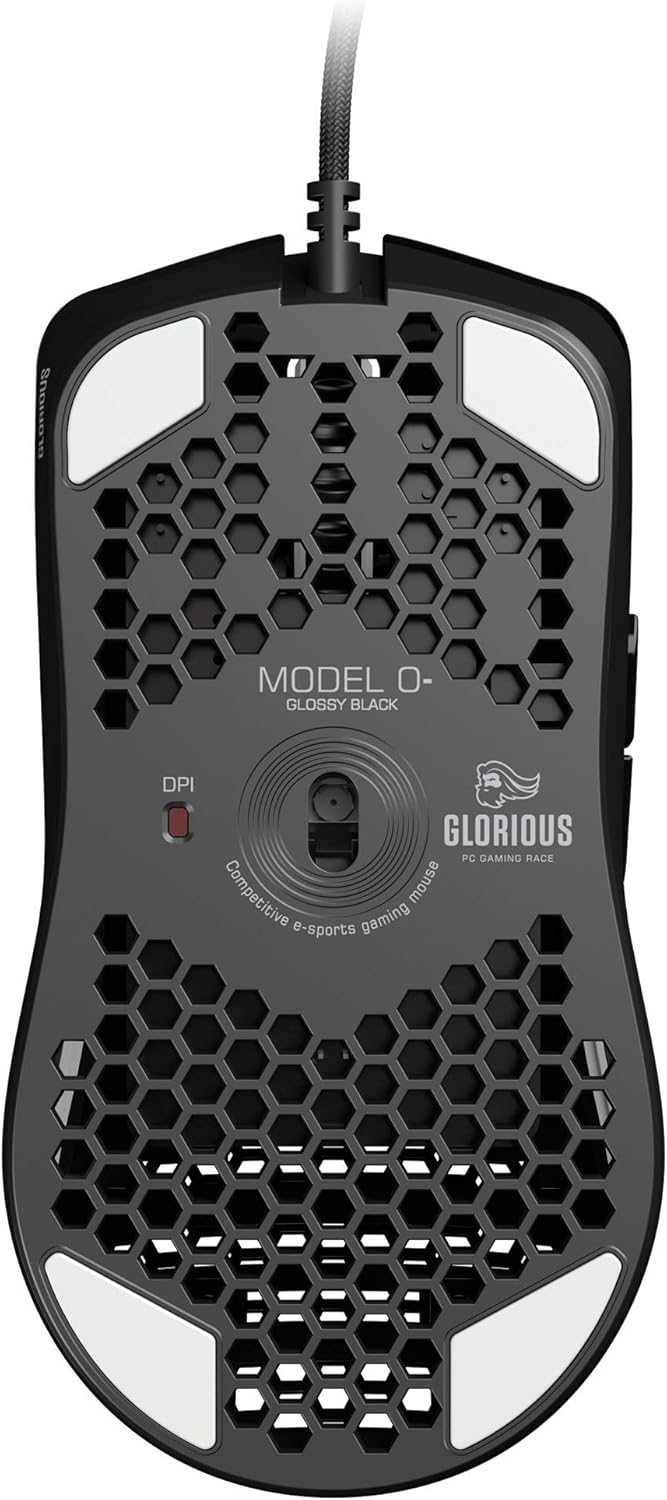
Image: The underside of the Glorious Model O- (Minus) mouse, clearly showing the DPI switch button and the optical sensor.
3.3 Personalització de la il·luminació RGB
The RGB lighting on your Glorious Model O- (Minus) can be fully customized using the Glorious Core software. You can select from various effects, colors, and brightness levels to match your setup or mood.
4. Manteniment
4.1 Neteja del ratolí
- Ensure the mouse is disconnected from your computer before cleaning.
- Utilitzeu un drap suau i sense pelusa dampEsbandiu amb aigua o una solució netejadora suau per netejar la superfície del ratolí.
- Per al sensor òptic, feu servir un bastonet de cotó lleugerament sec.ampened with isopropyl alcohol to gently clean the lens. Avoid excessive moisture.
- Do not use harsh chemicals or abrasive materials, as these can damage the mouse's finish or internal components.
4.2 Cura del cable
The Ascended Cord is designed to be lightweight and flexible. Avoid sharp bends or excessive pulling on the cable to prevent damage. Use a cable tie or management system to keep the cable tidy and prevent tangles.
5. Solució De Problemes
5.1 El ratolí no respon
- Assegureu-vos que el cable USB estigui ben connectat a un port USB que funcioni de l'ordinador.
- Prova de connectar el ratolí a un port USB diferent.
- Reinicieu l'ordinador.
- Test the mouse on another computer to determine if the issue is with the mouse or your system.
5.2 Inconsistent Tracking or Cursor Movement
- Clean the optical sensor as described in the Maintenance section.
- Assegureu-vos que feu servir el ratolí sobre una superfície neta i uniforme (per exemple, una estora de ratolí). Eviteu superfícies molt reflectants o transparents.
- Check DPI settings using the DPI button or Glorious Core software.
- Update your mouse drivers or Glorious Core software to the latest version.
5.3 La il·luminació RGB no funciona correctament
- Ensure Glorious Core software is installed and up to date.
- Check the lighting settings within Glorious Core to ensure RGB is enabled and configured as desired.
- Reinicieu l'ordinador.
6. Especificacions
| Característica | Detall |
|---|---|
| Dimensions del producte | 4.72 x 2.48 x 1.42 polzades |
| Pes de l'article | 2.08 unces |
| Tecnologia de connectivitat | USB (per cable) |
| Tecnologia de detecció de moviment | Òptic |
| Color | Negre brillant |
| Característica especial | Disseny ambidextre |
| Fabricant | Glorious PC Gaming Race |
7. Garantia i assistència
7.1 Informació de la garantia
The Glorious Model O- (Minus) Gaming Mouse comes with a 2 anys de garantia. This warranty covers manufacturing defects and ensures hassle-free return and replacement on all Glorious electronic devices. Please retain your proof of purchase for warranty claims.
7.2 Atenció al client
If you encounter any issues not covered in this manual or require further assistance, please contact Glorious customer support through their official weblloc:
- Weblloc: www.gloriousgaming.com/pages/support
- Our dedicated support team is available to assist with any questions or concerns you may have.


