1. Introducció
This manual provides comprehensive instructions for the Intenso Rainbow Line USB 2.0 Flash Drive, 128GB model. It covers product overview, setup, operation, maintenance, and troubleshooting to ensure optimal performance and longevity of your device. Please read this manual carefully before using the product.
2. Producte acabatview
The Intenso Rainbow Line USB 2.0 Flash Drive is a portable storage device designed for easy data transfer and backup. It features a durable casing and a standard USB-A 2.0 connector.

Figura 2.1: Frontal view of the Intenso Rainbow Line USB 2.0 Flash Drive (Red, 128GB).

Figure 2.2: Key components including the keychain loop and the USB-A 2.0 connector.
Contingut del paquet:
- Intenso Rainbow Line USB 2.0 Flash Drive (128GB, Red)
- Cap protector
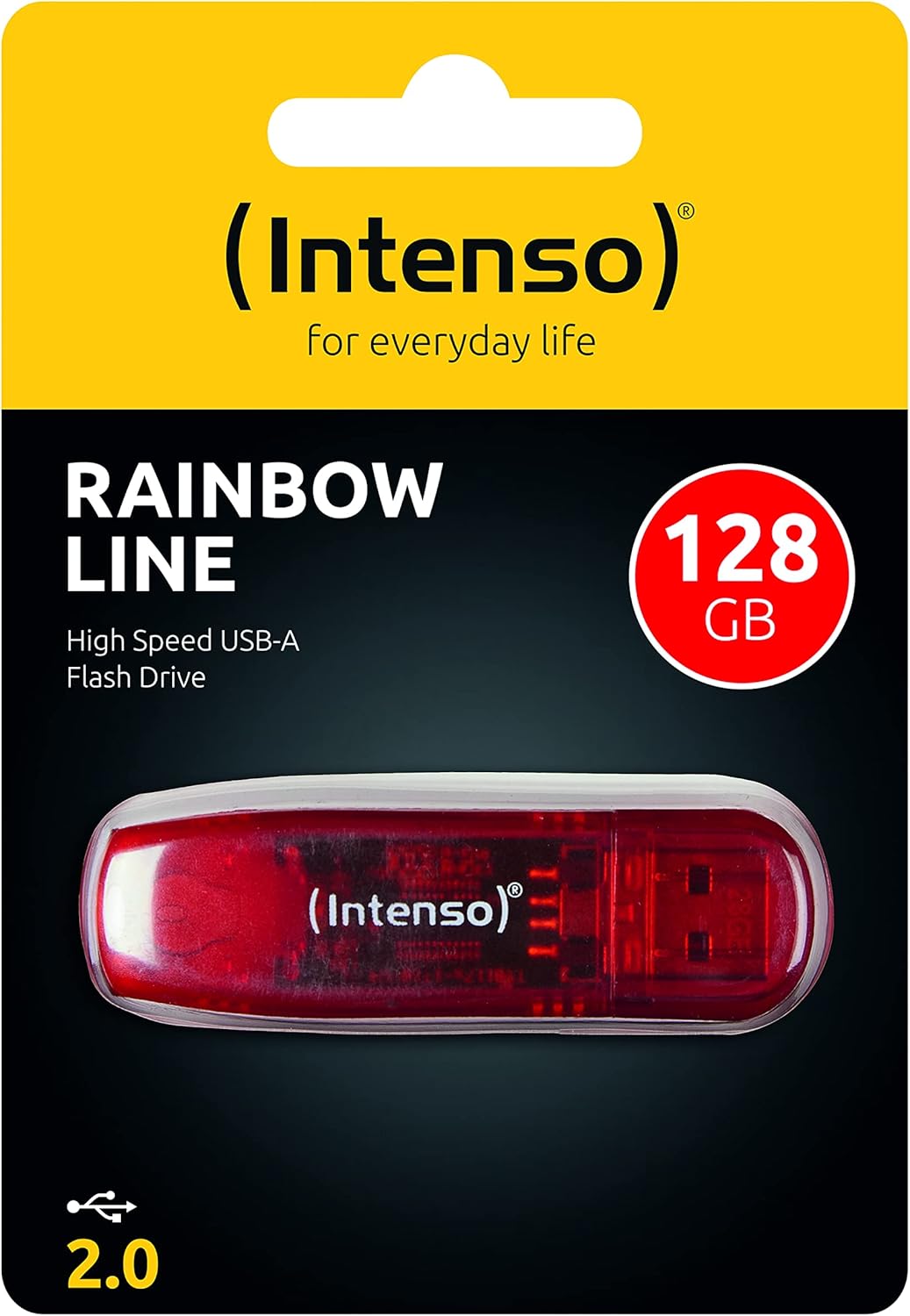
Figure 2.3: The Intenso Rainbow Line USB 2.0 Flash Drive as packaged.
3. Configuració
The Intenso Rainbow Line USB 2.0 Flash Drive is designed for plug-and-play functionality with most modern operating systems. No special drivers are typically required.
Connexió de la unitat flaix:
- Remove the protective cap from the USB flash drive.
- Locate an available USB-A port on your computer or compatible device.
- Insert the USB flash drive firmly into the USB-A port. Ensure the connection is secure.
- The operating system should automatically detect the device and make it available for use. A small LED indicator on the drive may illuminate or flash to indicate activity.

Figure 3.1: The flash drive connected to a laptop.
For optimal performance, ensure the USB port is functioning correctly. If the device is not recognized, try a different USB port or restart your computer.
4. Instruccions de funcionament
Un cop connectada, la unitat flaix apareixerà com a dispositiu d'emmagatzematge extraïble a la carpeta de l'ordinador. file explorador (per exemple, "Aquest PC" a Windows, "Finder" a macOS).
Transferència Files:
- Obriu el file Explorer al vostre ordinador.
- Navegueu fins a files o carpetes que voleu transferir.
- Arrossegueu i deixeu anar el seleccionat files/folders to the flash drive icon, or copy them and paste them into the flash drive's directory.
- Wait for the transfer process to complete. Do not remove the drive during file transferència.
Safely Removing the Flash Drive:
To prevent data corruption, always safely remove the flash drive before physically disconnecting it.
- Windows: Click the "Safely Remove Hardware and Eject Media" icon in the system tray (bottom right corner), then select the flash drive and choose "Eject".
- macOS: Drag the flash drive icon from the desktop or Finder sidebar to the Trash icon, or right-click (Control-click) the drive icon and select "Eject".
Once the operating system confirms it is safe to remove, you can physically disconnect the flash drive from the USB port.
5. Manteniment
Proper care and maintenance will extend the life of your Intenso Rainbow Line USB 2.0 Flash Drive.
- Protecció física: Always keep the protective cap on the USB connector when not in use to prevent dust and damage.
- Neteja: Use a soft, dry, lint-free cloth to clean the exterior of the flash drive. Do not use liquid cleaners or solvents.
- Emmagatzematge: Store the flash drive in a cool, dry place away from direct sunlight, extreme temperatures, and strong magnetic fields.
- Còpia de seguretat de dades: Regularly back up important data stored on the flash drive to another storage medium to prevent data loss.
- Evitar l'impacte: Do not drop or subject the flash drive to strong impacts.
6. Solució De Problemes
If you encounter issues with your Intenso Rainbow Line USB 2.0 Flash Drive, refer to the following common problems and solutions.
| Problema | Causa possible | Solució |
|---|---|---|
| Unitat no reconeguda per l'ordinador. |
|
|
| Lenta file velocitats de transferència. |
|
|
| No es pot escriure ni suprimir files. |
|
|
7. Especificacions
| Característica | Detall |
|---|---|
| Marca | Intenso |
| Nom del model | Rainbow Line |
| Número de model de l'article | 3502491 |
| Capacitat d'emmagatzematge de memòria | 128 GB |
| Interfície del maquinari | USB 2.0 |
| Tecnologia de connectivitat | USB (tipus A) |
| Velocitat de lectura | Fins a 28 MB/s |
| Velocitat d'escriptura | Fins a 6.5 MB/s |
| Color | Vermell |
| Dimensions de l'article (LxWxH) | 0.75 x 2.52 x 0.28 polzades (aprox.) |
| Pes de l'article | 0.247 unces (aprox.) |
| Característica especial | Lightweight, Keychain design |
8. Garantia i Suport
Intenso products are designed for reliability. For information regarding warranty terms and conditions, please refer to the official Intenso weblloc web o contacteu directament amb el seu servei d'atenció al client. Conserveu el comprovant de compra per a reclamacions de garantia.
Per a assistència tècnica o més consultes, visiteu el Intenso Service & Support page.
Extended protection plans may be available from your retailer. For example, 2-year and 3-year Photo and Data Recovery Plans are sometimes offered.


