1. Introducció
Gràcies per la compraasing the HOMPOW Mini Projector. This projector is designed to provide a high-quality viewing experience with its 1080P Full HD support and 6500 lumens brightness. It includes a 100-inch projection screen for immediate use. This manual will guide you through the setup, operation, and maintenance of your new projector.
Contingut del paquet
- HOMPOW Mini Projector
- 100-inch Projection Screen
- Control remot
- Cable HDMI
- Adaptador d'alimentació
- Manual d'usuari
2. Instruccions de seguretat
Llegiu atentament totes les instruccions de seguretat abans d'utilitzar el projector. Si no seguiu aquestes instruccions, podeu patir incendis, descàrregues elèctriques o altres lesions.
- No mireu directament a la lent del projector quan estigui encès.amp està encès. La llum brillant pot causar lesions oculars.
- Do not block the ventilation openings. Proper airflow is essential to prevent overheating.
- Keep the projector away from water or other liquids. Do not operate in wet environments.
- Col·loqueu el projector sobre una superfície estable i plana per evitar que caigui.
- Feu servir només l'adaptador de corrent que s'inclou amb el projector.
- Desendolleu el projector durant tempestes o quan no l'utilitzeu durant períodes prolongats.
- No intenteu reparar el projector vosaltres mateixos. Encarregueu totes les tasques de manteniment a personal qualificat.
3. Producte acabatview
Components del projector
Familiarize yourself with the main parts of your HOMPOW Mini Projector.


Ports d'entrada/sortida
- Port HDMI: Connect to devices like laptops, gaming consoles (PS3/PS4), Fire TV Stick, and TV boxes.
- Port USB: Connect USB drives for media playback or power for streaming devices.
- Ranura per a targeta SD: Insert SD cards for direct media playback.
- Port AV: Connecteu-vos a dispositius més antics mitjançant un cable AV.
- Port VGA: Connect to computers with VGA output.
- Sortida d'àudio (connector de 3.5 mm): Connecteu altaveus externs o auriculars.
- Entrada DC: Power input for the projector.
4. Configuració
Col·locació inicial
Place the projector on a stable surface. For optimal viewing, ensure the projector is positioned directly in front of the projection surface (wall or screen). The recommended projection distance is approximately 3 meters for a clear image.
Connexió d'alimentació
- Connect the power adapter to the DC In port on the projector.
- Connecteu l'adaptador de corrent a una presa de corrent.
- Premeu el botó d'engegada del projector o del comandament a distància per encendre'l.
Dispositius de connexió
The projector supports various input sources. Below are common connection methods:
HDMI Connection (e.g., Fire TV Stick, Laptop, Gaming Console)
- Connect the HDMI output cable from your device (e.g., Fire TV Stick) to the HDMI input port on the projector.
- If using a streaming stick like Fire TV Stick, connect its USB power cable to the projector's USB port for power.
- On the projector's main menu, select the "HDMI" input source.
Smartphone/Tablet Connection
To connect a smartphone or tablet, an HDMI conversion adapter (not included) is required. Connect your device to the adapter, then connect the adapter to the projector's HDMI port.

USB Drive/SD Card Playback
Insert a USB drive into the USB port or an SD card into the SD card slot. Select the corresponding input source from the main menu to browse and play media files.
5. Instruccions de funcionament
Ajust del focus
Rotate the focus ring on the projector lens until the image appears clear and sharp on the screen.
Correcció de pedra clau
The projector features a ±15-degree keystone correction function. Adjust the keystone dial to correct distorted images (trapezoidal shape) if the projector is not perfectly perpendicular to the screen.
Selecció de la font
Use the remote control or the buttons on the projector to navigate the main menu and select your desired input source (HDMI, USB, SD, AV, VGA).
Sortida d'àudio
The projector has two built-in speakers for immersive sound. For a different audio experience, you can connect external speakers or headphones via the 3.5mm audio jack.
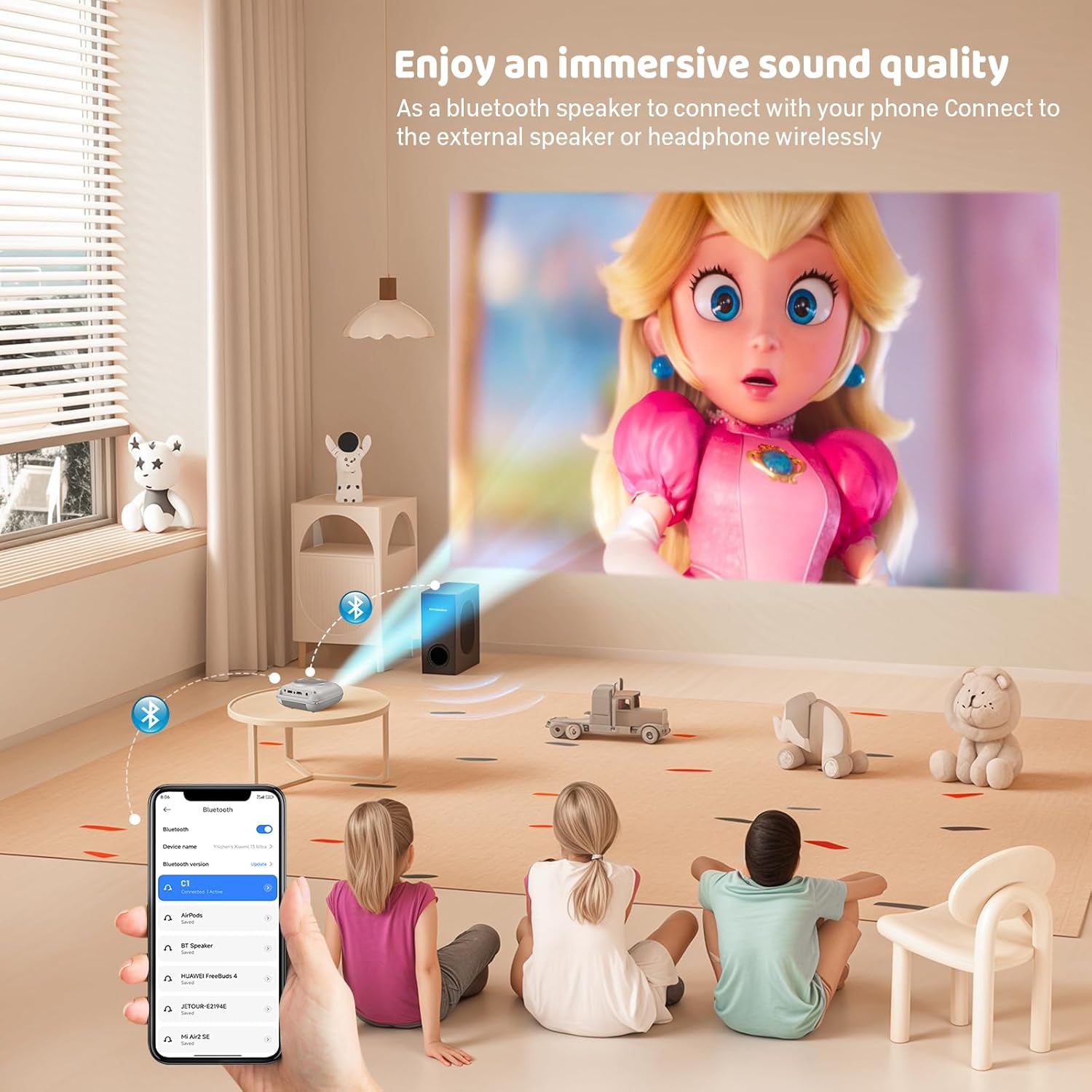
Mirall de pantalla
The projector supports screen mirroring for compatible devices. Refer to the on-screen instructions or the projector's menu for specific steps to enable screen mirroring from your smartphone or tablet.
6. Manteniment
Neteja de la lent
Feu servir un drap suau i sense borrissol dissenyat específicament per a lents òptiques per netejar suaument la lent del projector. Eviteu utilitzar productes de neteja abrasius o draps que puguin ratllar la lent.
Cleaning the Projector Body
Wipe the exterior of the projector with a soft, dry cloth. Do not use liquid cleaners or solvents.
Ventilació
Ensure the ventilation openings are clear of dust and debris. The projector features a dual-fan cooling system to maintain optimal operating temperature and extend lamp life. Do not obstruct these vents.
Lamp La vida
El LED lamp in your HOMPOW projector has a lifespan of approximately 60,000 hours, providing long-term use without frequent lamp substitució.
7. Solució De Problemes
| Problema | Causa possible | Solució |
|---|---|---|
| Sense imatge o imatge borrosa | Focus not adjusted; incorrect input source; cable not connected properly. | Adjust the focus ring; select the correct input source; check all cable connections. |
| Sense so | Volume too low; audio cable not connected; device audio settings. | Increase projector volume; ensure audio cables are connected; check audio output settings on the connected device. |
| La imatge és trapezoïdal | Projector no perpendicular a la pantalla. | Adjust the keystone correction dial or reposition the projector. |
| El comandament a distància no funciona | Batteries low or dead; obstruction between remote and projector. | Replace batteries; ensure clear line of sight to the projector's IR receiver. |
| El projector es sobreescalfa | Ventilation ports blocked. | Ensure all ventilation ports are clear and unobstructed. |
8. Especificacions
- Tecnologia de visualització: LCD
- Resolució nativa: 1280 x 720 píxels
- Resolució compatible: Fins a 1080P Full HD
- Brillantor: 6500 lúmens
- Relació de contrast: 3000:1
- Lamp Vida: 60,000 hores
- Mida de projecció: 32-176 inches (Recommended: 100 inches)
- Distància de projecció: 1m - 5.2m (Recommended: 3m)
- Correcció Keystone: ±15 degrees manual
- Connectivitat: HDMI, USB, SD, AV, VGA
- Àudio: Built-in dual speakers, 3.5mm audio out
- Consum d'energia: 48W
- Dimensions del producte: 19 x 15 x 8 cm
- Pes del producte: 1.71 kg
9. Garantia i Suport
The HOMPOW Mini Projector comes with a manufacturer's warranty. Please refer to the warranty card included in your package for specific terms and conditions. For any product inquiries, technical support, or warranty claims, please contact HOMPOW customer service through the contact page on their official website or the platform where you purchased the product. Our customer support team aims to respond promptly during business hours.


