1. Introducció
Thank you for choosing the VMAI 36-Inch Soundbar. This soundbar is designed to significantly enhance your home entertainment experience by delivering crystal clear, powerful audio. With multiple connectivity options and a sleek design, it integrates seamlessly into any living space. Please read this manual thoroughly before use to ensure proper setup and operation.

Image: The VMAI 36-inch soundbar in black, accompanied by its remote control, showcasing el seu disseny compacte i elegant.
2. Contingut del paquet
Si us plau, reviseu el paquet acuradament per assegurar-vos que tots els articles hi són i estan en bon estat:
- VMAI 36-Inch Soundbar
- Control remot
- Adaptador d'alimentació
- Cable òptic
- Cable d'àudio RCA a 3.5 mm
- Cable HDMI ARC
- Wall Mounting Kit (screws, wall anchors, mounting brackets)
- Manual d'usuari
3. Característiques del producte
- So cristal·lí: 60W sound output with less than 1% total harmonic distortion, providing rich and detailed audio for an immersive experience.
- Bluetooth 5.0 avançat: Ensures stable and fast wireless connectivity with low power consumption, allowing seamless streaming from your smart devices.
- Múltiples opcions de connectivitat: Supports HDMI ARC, Optical, AUX input, and USB flash drive for versatile connection to various audio sources.
- Personalized Sound Settings: Adjust sound modes (Music, Movie, News, 3D) and fine-tune treble and bass levels using the included smart remote control.
- Disseny de muntatge flexible: Can be placed under your TV, on a cabinet, or easily mounted on the wall with the included premium mounting kit.
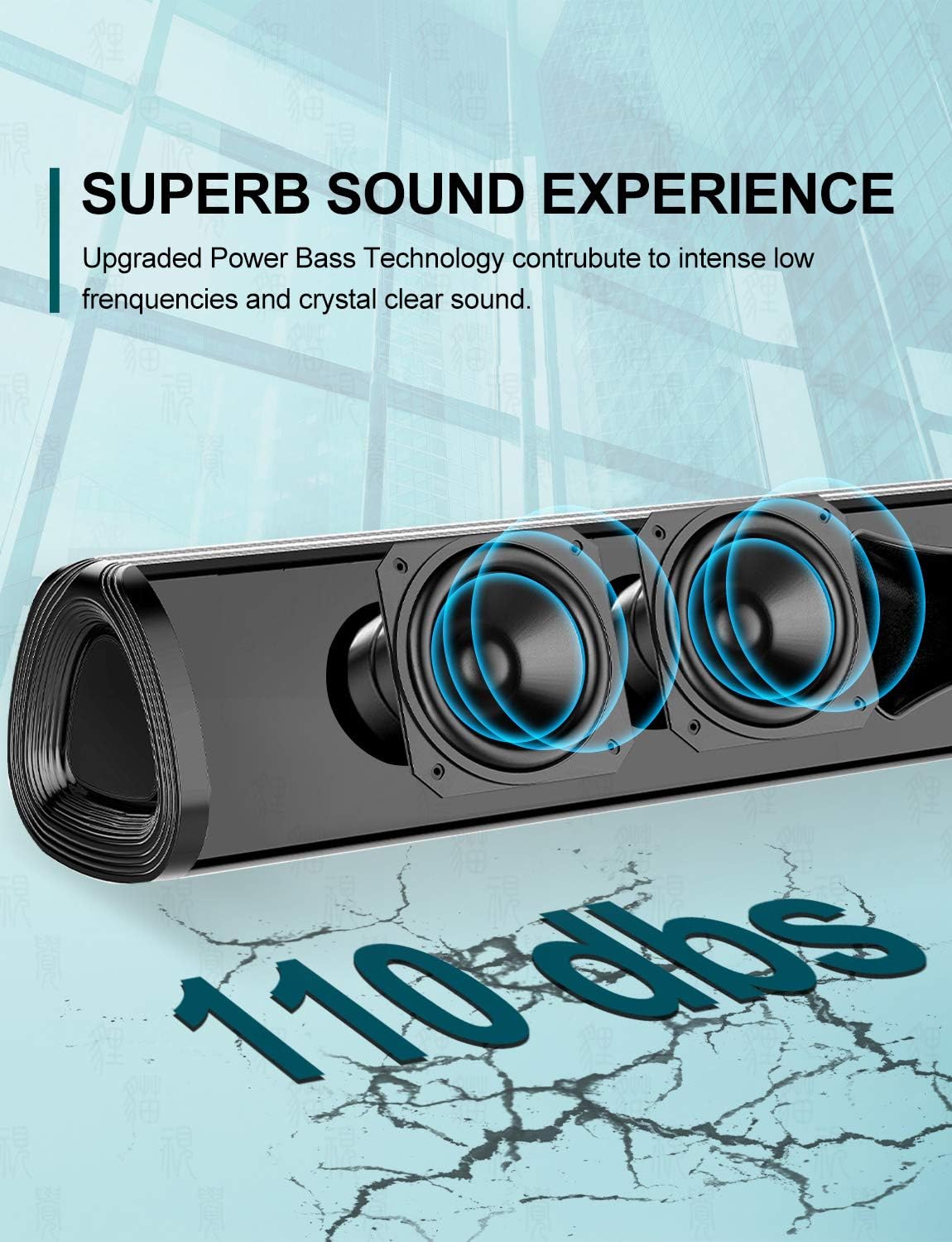
Imatge: Un primer pla view of the soundbar's internal speakers, illustrating the powerful sound output with a visual representation of 110 decibels.
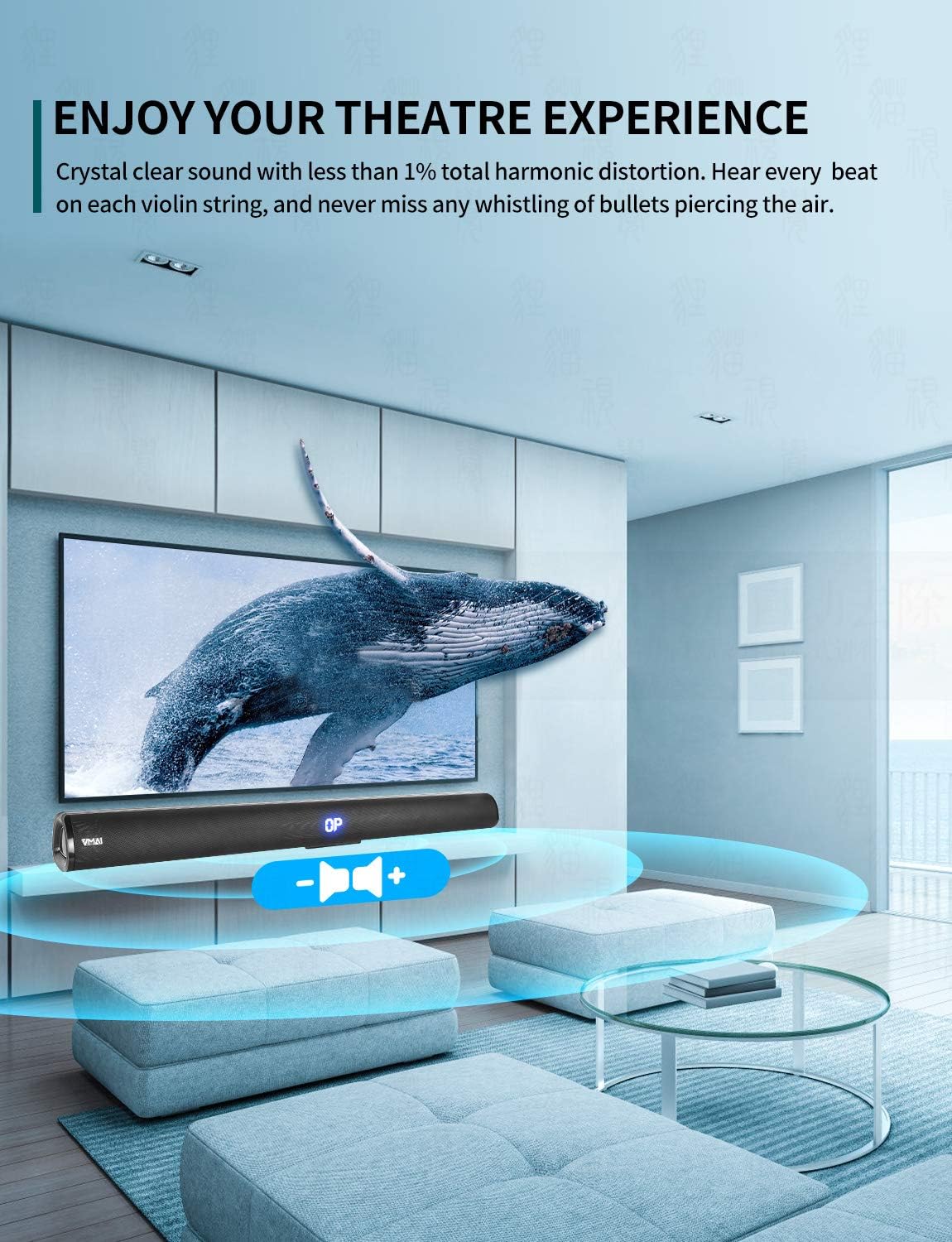
Image: A family enjoying a movie with the soundbar enhancing the audio experience, demonstrating its capability to create an immersive home theater environment.
4. Configuració
4.1 Opcions de col·locació
The VMAI Soundbar offers versatile placement to suit your home setup:
- Ubicació d'escriptori: Place the soundbar on a flat, stable surface directly in front of your TV. Ensure there are no obstructions in front of the soundbar to allow for optimal sound projection.
- Muntatge a la paret: Use the included wall mounting kit to securely attach the soundbar to a wall below your TV. Refer to the detailed wall mounting instructions provided in the kit for proper installation.

Image: A visual guide demonstrating the two primary placement options for the soundbar: mounted on a wall below a television and placed on a desktop surface.
4.2 Connexió d'alimentació
- Connect the power adapter to the DC IN port on the back of the soundbar.
- Connecteu l'altre extrem de l'adaptador d'alimentació a una presa de corrent.
- The soundbar will enter standby mode, indicated by an LED light.
4.3 Connecting to Your TV/Devices
Choose the most suitable connection method for your device:

Image: The rear panel of the soundbar displaying its various input ports including HDMI ARC, Optical, AUX, and DC IN, along with the corresponding connection cables.
Connexió HDMI ARC (recomanada)
- Connect one end of the HDMI cable (included) to the HDMI ARC port on the soundbar.
- Connect the other end to the HDMI ARC port on your TV.
- Ensure your TV's HDMI ARC function is enabled in its settings. This allows you to control the soundbar volume with your TV remote.
Connexió òptica
- Connect one end of the Optical cable (included) to the OPTICAL port on the soundbar.
- Connect the other end to the Optical Digital Audio Out port on your TV or audio source.
- Ensure your TV's audio output is set to 'PCM' format, as some TVs may default to other formats incompatible with optical input.
Connexió AUX
- Connect one end of the RCA to 3.5mm audio cable (included) to the AUX port on the soundbar.
- Connect the RCA ends to the corresponding audio output ports (usually red and white) on your TV or audio source.
Connexió Bluetooth
- Power on the soundbar and select 'Bluetooth' input mode using the remote or side buttons. The LED display will show 'BT'.
- Activeu el Bluetooth al vostre telèfon intel·ligent o a un altre dispositiu.
- Cerca 'VMAI Soundbar' in the list of available devices and select it to pair.
- Once paired, the soundbar will indicate a successful connection, and you can play audio wirelessly.
USB (Flash Drive) Connection
- Inseriu una unitat flash USB que contingui àudio MP3 files al port USB de la barra de so.
- The soundbar will automatically switch to USB mode and begin playing the audio files.
5. Instruccions de funcionament
5.1 Controls
The soundbar can be controlled via the side panel buttons or the included remote control.

Imatge: Una imatge detallada view of the soundbar's remote control and its side panel buttons, highlighting the various controls for power, volume, and input selection.
Side Panel Buttons:
- Botó d'encesa: Press to turn the soundbar On/Off.
- Botó de selecció d'entrada: Press to cycle through input modes (HDMI ARC, Optical, AUX, Bluetooth, USB).
- Volume - / + Buttons: Premeu per reduir o augmentar el volum.
Funcions de control remot:
- Power (⏸): Encén/apaga la barra de so.
- Silenciar (🔇): Silencia o activa el so.
- Entrada: Cycles through input modes.
- Volum +/-: Ajusta el volum mestre.
- Baix +/-: Ajusta el nivell de greus.
- Aguts +/-: Ajusta el nivell dels aguts.
- Modes de so:
- MÚSICA: Optimitzat per a la reproducció de música.
- PEL·LÍCULA: Enhanced for cinematic audio.
- NOTÍCIES: Clearer dialogue for news and talk shows.
- 3D: Crea un efecte de so envoltant virtual.
- Bluetooth Pairing (PAIR): Inicia el mode d'emparellament Bluetooth.
- Playback Controls (for USB/Bluetooth): Play/Pause, Previous Track, Next Track.
6. Manteniment
To ensure the longevity and optimal performance of your VMAI Soundbar, follow these maintenance guidelines:
- Neteja: Use a soft, dry cloth to wipe the surface of the soundbar. Do not use liquid cleaners, abrasive cleaners, or chemical sprays, as they may damage the finish or internal components.
- Ventilació: Assegureu-vos que les reixetes de ventilació de la barra de so no estiguin bloquejades per evitar que es sobreescalfi.
- Emmagatzematge: If storing the soundbar for an extended period, disconnect it from power and store it in a cool, dry place away from direct sunlight and extreme temperatures.
- Eviteu la humitat: Keep the soundbar away from water and high humidity environments. It is not waterproof.
7. Solució De Problemes
If you encounter any issues with your soundbar, please refer to the following common problems and solutions:
| Problema | Causa possible | Solució |
|---|---|---|
| No hi ha so de la barra de so |
|
|
| So distorsionat o de mala qualitat |
|
|
| El comandament a distància no funciona |
|
|
| Problemes de vinculació de Bluetooth |
|
|
8. Especificacions
| Característica | Detall |
|---|---|
| Nom del model | HD-019 |
| Tipus d'altaveu | Barra de so |
| Característiques especials | Sense fil, Bluetooth, Ampmés viu |
| Usos recomanats | Teatre a casa |
| Dispositius compatibles | TV, Projector, Computer, Blu-ray player, Tablet, XBOX, PS5, Amplifier, telèfon intel·ligent |
| Tipus de controlador | Botó, comandament a distància |
| Configuració de so envoltant | Canal 2.0 |
| Color | Negre Jet |
| Dimensions del producte (P x A x A) | 7.8 cm x 90 cm x 7.6 cm |
| Pes de l'article | 2 quilos |
| Interval Bluetooth màxim | 15 metres |
| Potència de sortida màxima dels altaveus | 60 watts |
| Tecnologia de connectivitat | Wired (HDMI ARC, Optical, AUX, USB), Bluetooth (Wireless) |
| Tipus de muntatge | Wall Mount, Desktop |
9. Garantia i Suport
The VMAI 36-Inch Soundbar comes with a 12 mesos de garantia des de la data de compra. Aquesta garantia cobreix els defectes de fabricació i la mà d'obra en condicions d'ús normal.
For technical support, warranty claims, or any questions regarding your product, please contact VMAI customer service through the retailer's platform or visit the official VMAI website for contact information. Please have your purchase receipt and product model number (HD-019) ready when contacting support.


