1. Introducció
The Zebronics ZEB-BS2H1000 is a high-performance 2D handheld barcode scanner designed for efficient and accurate data capture. It supports USB connectivity, making it compatible with various systems such as desktops and laptops. This manual provides essential information for setting up, operating, and maintaining your scanner.
2. Producte acabatview
Familiarize yourself with the components of your ZEB-BS2H1000 barcode scanner.
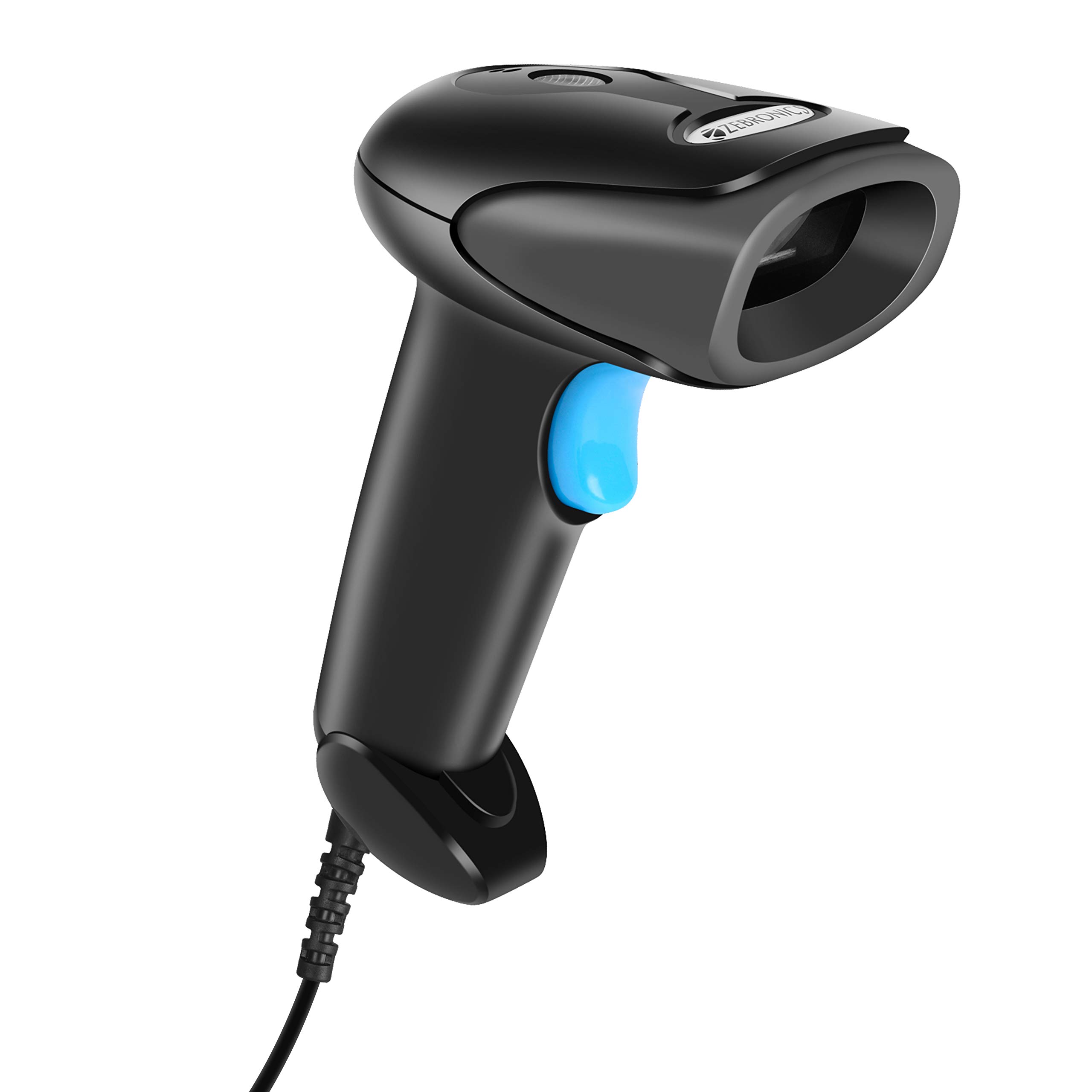
Davant view of the Zebronics ZEB-BS2H1000 2D Handheld Barcode Scanner.

Key features of the scanner: 2D scanning capability, USB interface for connectivity, trigger for operation, and an LED indicator for status.

The scanner includes a speaker for audible feedback and a light source for illuminating barcodes during scanning.

Ergonomic hand grip for comfortable use and a prominent trigger button for initiating scans.
3. Configuració
Follow these steps to set up your Zebronics ZEB-BS2H1000 barcode scanner.
- Desempaquetar l'escàner: Traieu amb cura l'escàner i el cable USB de l'embalatge.
- Connexió a l'ordinador: Plug the USB cable from the scanner into an available USB port on your desktop or laptop computer.
- Instal·lació del controlador: The scanner is typically plug-and-play. Your operating system should automatically detect and install the necessary drivers. No manual driver installation is usually required.
- Confirmació: Once connected, the scanner's LED indicator may light up, and you might hear a short beep, indicating it is ready for use.
4. Instruccions de funcionament
Learn how to effectively use your ZEB-BS2H1000 scanner for barcode reading.

The scanner being used to read a QR code on a package, demonstrating its application in inventory or shipping.
- Hold the Scanner: Grip the scanner comfortably in your hand.
- Aim at Barcode: Point the scanner's light source directly at the barcode you wish to scan. Ensure the entire barcode is within the scanning area.
- Premeu el disparador: Press and hold the trigger button. The scanner will emit a light beam.
- Confirmació d'escaneig: Upon a successful scan, the scanner will typically emit a beep (from the speaker) and the LED indicator will flash. The scanned data will appear in the active application on your connected computer.
- Escaneig de codi de barres 2D: This scanner is capable of reading both 1D and 2D barcodes, including QR codes.
The ZEB-BS2H1000 is suitable for various applications:
- Airport / Hotels Check-in
- Punt de venda (TPV)
- Gestió de magatzems
- Biblioteques
- Càrrega i enviament
- Assistència i dades biomètriques
- Courier Services
- Supermercats
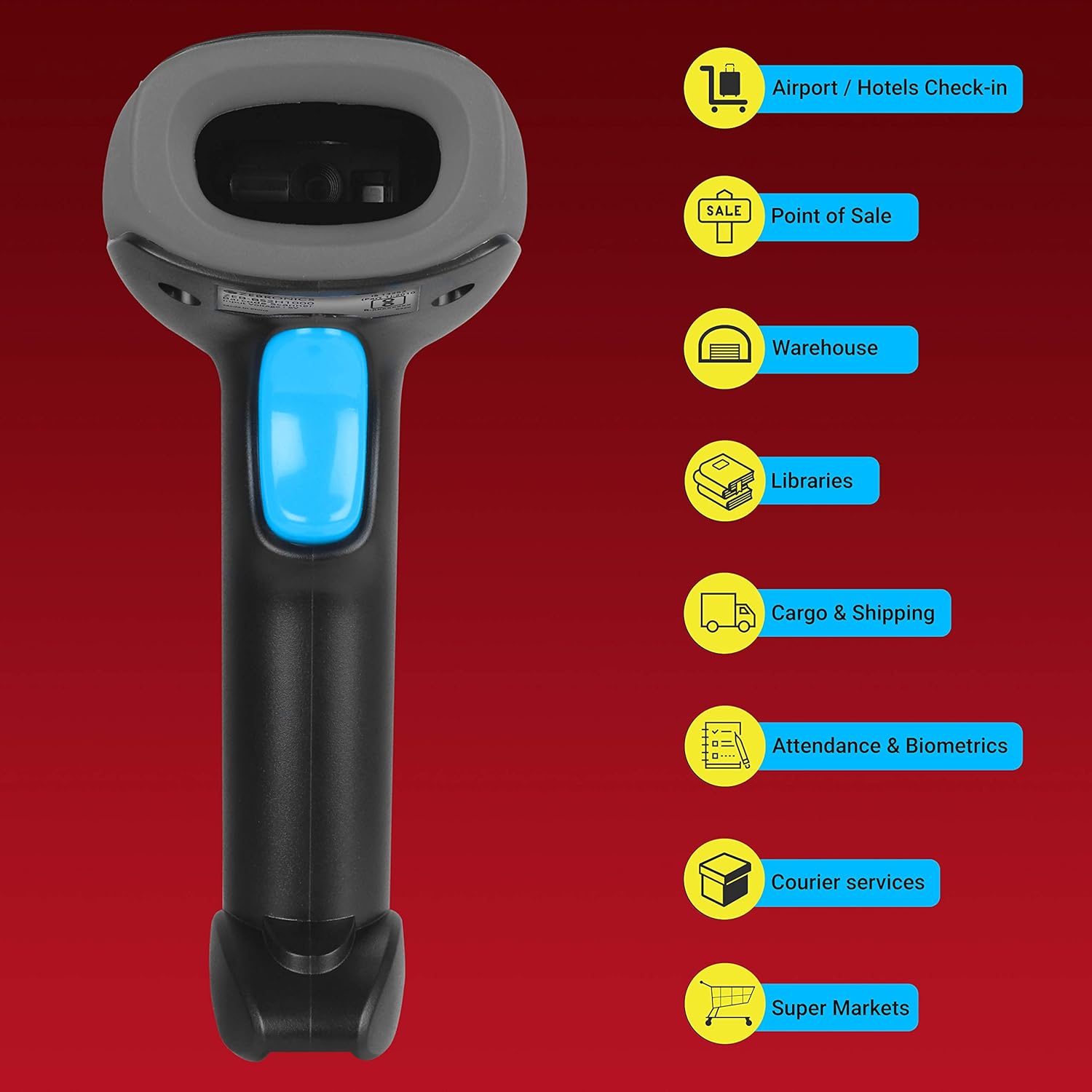
Visual representation of common environments where the ZEB-BS2H1000 barcode scanner can be effectively utilized.
5. Manteniment
Un manteniment adequat garanteix la longevitat i el rendiment òptim del vostre escàner.
- Neteja: Use a soft, dry, lint-free cloth to clean the scanner's exterior. For the scanning window, use a soft cloth lightly dampened with water or a mild, non-abrasive cleaner. Avoid harsh chemicals or abrasive materials.
- Emmagatzematge: Guardeu l'escàner en un lloc fresc i sec, allunyat de la llum solar directa i de temperatures extremes.
- Cura del cable: Eviteu doblegar o girar excessivament el cable USB per evitar danys interns.
6. Solució De Problemes
Si teniu problemes amb l'escàner, consulteu els problemes i solucions més comuns següents.
| Problema | Causa possible | Solució |
|---|---|---|
| L'escàner no s'encén ni respon. | El cable USB no està connectat correctament o el port USB està defectuós. | Assegureu-vos que el cable USB estigui ben connectat tant a l'escàner com a l'ordinador. Proveu un port USB diferent. |
| L'escàner no llegeix codis de barres. | Barcode is damaged, poorly printed, or scanner is not aimed correctly. | Ensure the barcode is clear and undamaged. Aim the scanner directly at the center of the barcode. Try scanning a different, known-good barcode. |
| Les dades escanejades són incorrectes o incompletes. | Partial scan or incorrect scanner settings. | Ensure the entire barcode is scanned. If issues persist, consult the product support for advanced configuration options. |
| No beep or LED flash after scanning. | Scanner feedback settings disabled or scanner malfunction. | Check if the scanner is successfully transmitting data to the computer. If so, feedback settings might be off. If not, refer to power-on troubleshooting. |
7. Especificacions
Technical specifications for the Zebronics ZEB-BS2H1000 barcode scanner.
- Marca: ZEBRONNICA
- Model: ZEB-BS2H1000
- Tipus de dispositiu: Escàner de codi de barres 2D portàtil
- Tecnologia de connectivitat: Cable USB
- Dispositius compatibles: Escriptori, ordinador portàtil
- Dimensions del producte: 8.6 x 6.5 x 16.5 cm
- Pes de l'article: 120 g
- Maquinari de muntatge: Barcode Scanner - 1 unit
- Bateries necessàries: No
8. Garantia i Suport
For warranty information or technical assistance, please contact Zebronics customer support. Details can typically be found on the official Zebronics weblloc web o a l'embalatge del producte.