1. Introducció
This manual provides essential information for the safe and efficient operation of your Hisense 85H6570G 85-Inch 4K Ultra HD Android Smart TV. This television delivers a high-resolution viewing experience with enhanced color, detail, and depth, powered by Android TV and compatible with voice assistants like Alexa and Google Assistant. Please read this manual thoroughly before using your TV and retain it for future reference.
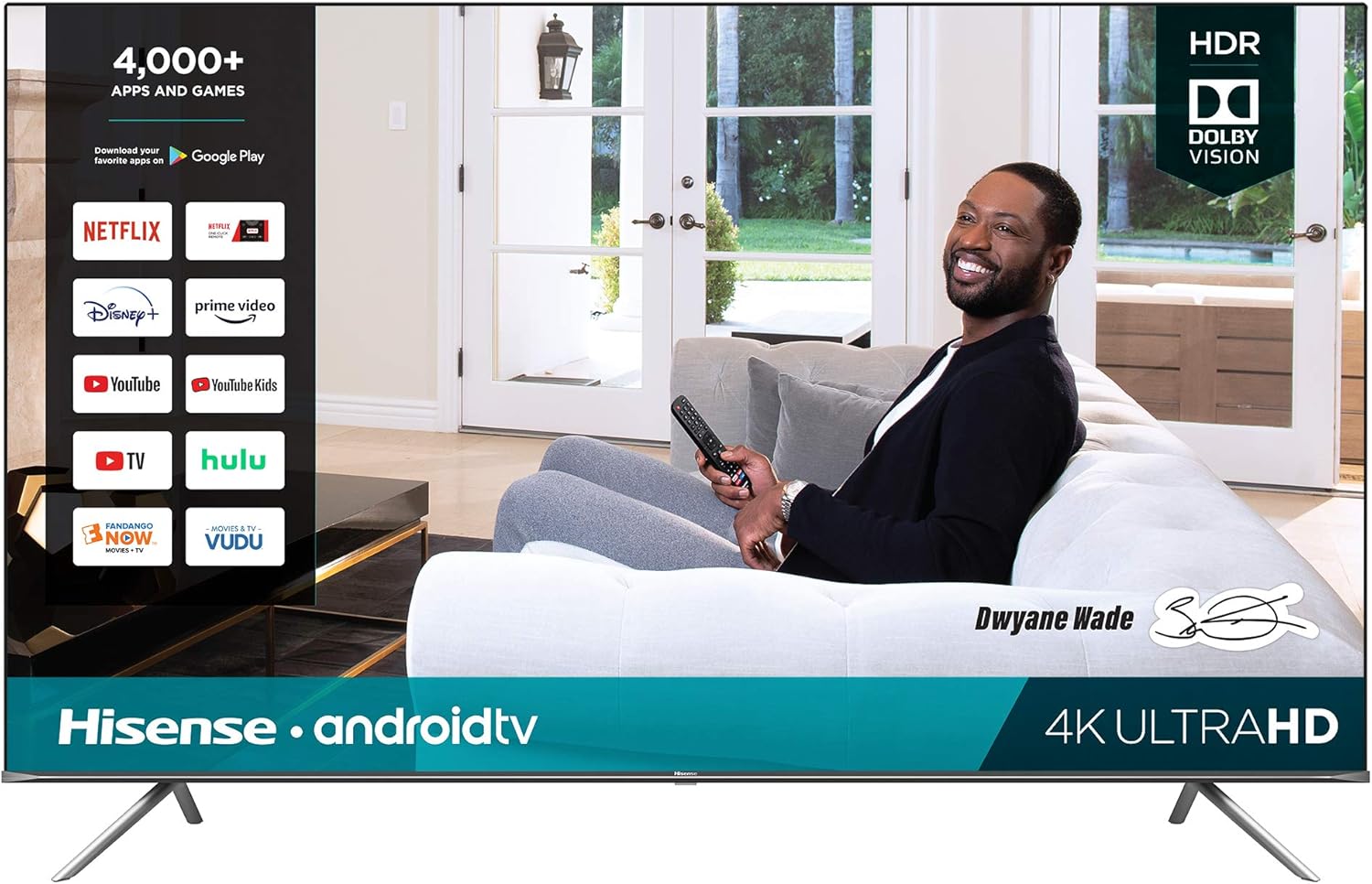
Figura 1: Frontal view of the Hisense 85H6570G Smart TV.
2. Informació de seguretat
Always follow basic safety precautions when using this product to reduce the risk of fire, electric shock, and injury. This large television requires careful handling during setup and installation.
- Font d'alimentació: Connecteu el televisor només a una presa de corrent del volum especificat.tage.
- Ventilació: Assegureu-vos que hi hagi una ventilació adequada al voltant del televisor. No bloquegeu les obertures de ventilació.
- Aigua i humitat: No exposeu el televisor a la pluja ni a la humitat. No col·loqueu objectes plens de líquids a sobre del televisor.
- Neteja: Unplug the TV from the power outlet before cleaning. Use a soft, dry cloth.
- Manipulació: Due to its size and weight, assembly and movement of the 85-inch TV require at least two people.
3. Què hi ha a la caixa
Verifiqueu que tots els components siguin presents en desembalar:
- Hisense 85H6570G 85-Inch 4K UHD Android Smart TV
- Voice Remote Control (batteries included)
- Cable d'alimentació
- Guia d'inici ràpid i / o manual d'usuari
- TV Stands (Left and Right)
- Cargols per a suports de TV

Figure 2: Included Voice Remote Control.
4. Configuració
4.1. Desembalatge i preparació inicial
The unboxing process for a large television requires careful attention to avoid damage. It is recommended that two people handle the TV during unboxing and setup.
Video 1: Official Hisense guide on unboxing your TV. This video demonstrates the recommended steps for safely removing the TV from its packaging and preparing it for stand installation.
4.2. Fixació dels suports de TV
- Carefully lay the TV face-down on a soft, flat surface to prevent screen damage.
- Alineeu cada suport amb els forats de cargol corresponents a la part inferior del televisor.
- Fixeu els suports amb els cargols proporcionats. Assegureu-vos que estiguin ben ajustats.

Figure 3: Proper attachment of the TV stand.
4.3. Muntatge a la paret (opcional)
If you choose to wall mount your TV, ensure you use a compatible VESA wall mount system. The VESA measurements for this model are 800 x 400mm / M8. Wall mount is sold separately. Consult a professional for installation if unsure.

Figura 4: posterior view of the TV, highlighting VESA mount locations and input ports.
4.4. Potència de connexió
Plug the power cord into the TV's power input, then into a wall outlet. The TV is designed for 120 Volts power supply.
5. Instruccions de funcionament
5.1. Encendre/apagar
Premeu el botó Poder button on the remote control (Figure 2) to turn the TV on or off.
5.2. Funcions de Smart TV (Android TV)
Your Hisense TV runs on Android TV, providing access to over 4,000 apps and games. Navigate the home screen using the remote to access streaming services like Netflix, Prime Video, Disney+, Hulu, YouTube, and more.
5.3. Control per veu
The included voice-enabled remote allows you to control the TV using voice commands. Additionally, the TV is compatible with Alexa-enabled devices (sold separately) and has Google Assistant built-in. Use voice commands to:
- Open or search for apps.
- Control volume and inputs.
- Cerca TV shows and movies.
- Control smart home devices (e.g., lights, thermostat) via Google Assistant.
5.4. Configuració de la imatge
The TV features 4K UHD resolution, Dolby Vision HDR, and HDR10 for enhanced color, contrast, and brightness. Motion Rate 120 image processing minimizes picture lag for clear images during fast-paced content. Adjust picture settings via the TV's menu to suit your viewpreferències.
5.5. Configuració d'àudio
Enjoy crisp, immersive audio from the two 7-watt speakers and DTS Virtual:X immersive surround sound. You can also wirelessly connect compatible soundbars, headphones, or stereo components using built-built-in Bluetooth connectivity.
5.6. Mode de joc
The TV includes an auto game mode designed to reduce input lag and latency, providing a smoother gaming experience.
6. Manteniment
- Neteja de pantalla: Netegeu suaument la pantalla amb un drap suau i sense borrissol. Per a marques difícils, netegeu lleugerament.ampNetegeu el drap amb aigua o un netejador de pantalles especialitzat. No ruixeu líquid directament sobre la pantalla.
- Neteja d'armaris: Netegeu el moble del televisor amb un drap suau i sec.
- Ventilació: Mantingueu les obertures de ventilació netes de pols i deixalles per evitar el sobreescalfament.
- Cable d'alimentació: Reviseu regularment el cable d'alimentació per detectar qualsevol dany. Si està malmès, deixeu d'utilitzar-lo i poseu-vos en contacte amb el servei d'atenció al client.
7. Solució De Problemes
Si teniu problemes amb el televisor, consulteu els problemes i solucions més comuns següents:
| Problema | Causa possible | Solució |
|---|---|---|
| TV does not turn on/off by itself | Power supply issue, software glitch, or external interference. | Check power cable connection. Unplug the TV for 60 seconds, then plug it back in. Ensure no external devices are sending conflicting signals. Check for software updates. |
| No picture/Poor picture quality | Incorrect input source, cable connection, or picture settings. | Verify correct input source. Check all cable connections (HDMI, antenna). Adjust picture settings (brightness, contrast, color). |
| No sound/Poor sound quality | Volume too low, mute activated, audio settings, or external audio device issues. | Increase volume. Check if mute is active. Verify audio output settings. If using external audio, check its connections and power. |
| El comandament a distància no respon | Dead batteries, obstruction, or remote not paired. | Replace batteries. Remove any obstructions between remote and TV. Re-pair the remote if necessary (refer to Quick Start Guide). |
| Problemes de connectivitat de xarxa | Wi-Fi signal strength, incorrect password, or router issue. | Check Wi-Fi signal strength. Re-enter Wi-Fi password. Restart your router. Try connecting via Ethernet cable if possible. |
8. Especificacions
| Característica | Detall |
|---|---|
| Marca | Hisense |
| Número de model | 85H6570G |
| Mida de la pantalla | 84.5 polzades (classe de 85 polzades) |
| Tecnologia de visualització | LCD |
| Resolució | 4K Ultra HD |
| Freqüència d'actualització | 60 Hz (freqüència de moviment 120) |
| Suport HDR | Dolby Vision HDR, HDR10 |
| Sistema operatiu | Android TV |
| Assistent de veu | Google Assistant Built-in, Alexa Compatible |
| Àudio | 2 x 7-watt speakers, DTS Virtual:X |
| Connectivitat | Wireless (Wi-Fi), Bluetooth, HDMI, Ethernet (LAN), USB |
| Dimensions del producte (sense suport) | 74.8" d'amplada x 43.1" d'alçada x 3.3" de profunditat |
| Dimensions del producte (amb suport) | 74.8" d'amplada x 46.8" d'alçada x 16.4" de profunditat |
| Pes de l'article (amb suport) | 113.1 lliures |
| Muntatge de paret VESA | 800 x 400mm / M8 |
| Consum d'energia | 400W |
9. Garantia i assistència
The Hisense 85H6570G includes a 1-year manufacturer's warranty. For technical support, warranty claims, or further assistance, please refer to the contact information provided in your Quick Start Guide or visit the official Hisense support weblloc.


