Introducció
This manual provides essential information for setting up, operating, maintaining, and troubleshooting your Amazon Fire HD 10 Plus tablet. Please read these instructions carefully to ensure optimal performance and longevity of your device.
1. Configuració
1.1 Desembalatge i contingut del paquet
Verifiqueu que tots els elements siguin presents a la caixa:
- Fire HD 10 Plus tablet
- USB-C (2.0) cable
- Adaptador de corrent de 9 W
- Guia d'inici ràpid

Image: The Fire HD 10 Plus tablet shown with its included USB-C cable and power adapter.
1.2 Càrrec inicial
Before first use, fully charge your Fire HD 10 Plus tablet. Connect the USB-C cable to the tablet's USB-C port and the 9W power adapter to a wall outlet. A full charge from 0% to 100% takes approximately 4 hours when the device is in standby mode. For faster charging, a 15W wireless charging dock (sold separately) can fully charge the device in about 3.5 hours.
1.3 Engegada i configuració bàsica
Press and hold the power button until the Amazon logo appears. Follow the on-screen instructions to:
- Seleccioneu el vostre idioma.
- Connect to a Wi-Fi network (supports 2.4 GHz and 5.0 GHz networks).
- Register your device with an Amazon account.
- Set up time zone and other preferences.
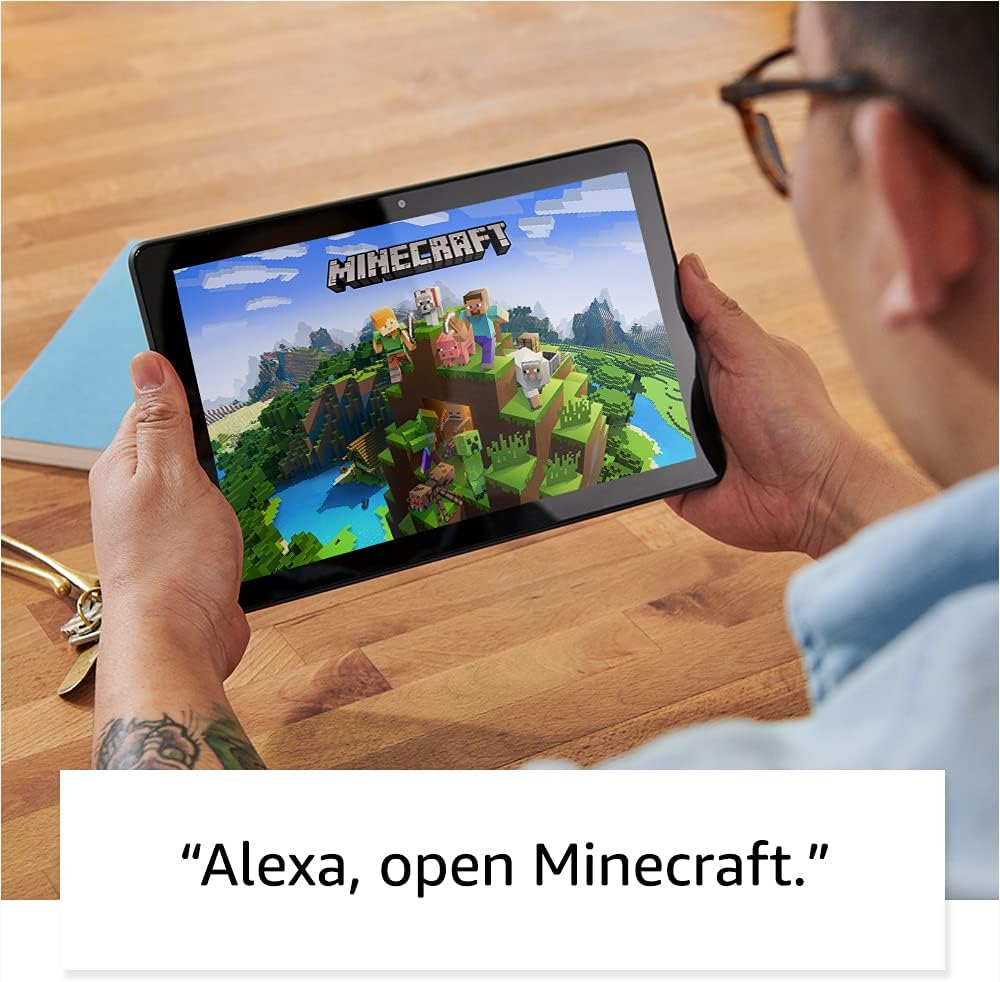
Image: A user holding the Fire HD 10 Plus tablet, showing the device's home screen with various app icons.
2. Instruccions de funcionament
2.1 Display and Performance
The Fire HD 10 Plus features a 10.1-inch 1080p Full HD display (1920 x 1200 resolution, 224 ppi) for clear visuals. The screen is strengthened with aluminosilicate glass for durability. The tablet is powered by an octa-core 2.0 GHz processor and 4 GB of RAM, providing responsive performance for various applications.
2.2 Storage and Battery
Your tablet comes with either 32 GB or 64 GB of internal storage. You can expand storage up to 1 TB using a microSD card (sold separately). The device offers up to 12 hours of battery life for reading, browsing, watching videos, and listening to music. Battery life varies based on usage and settings.
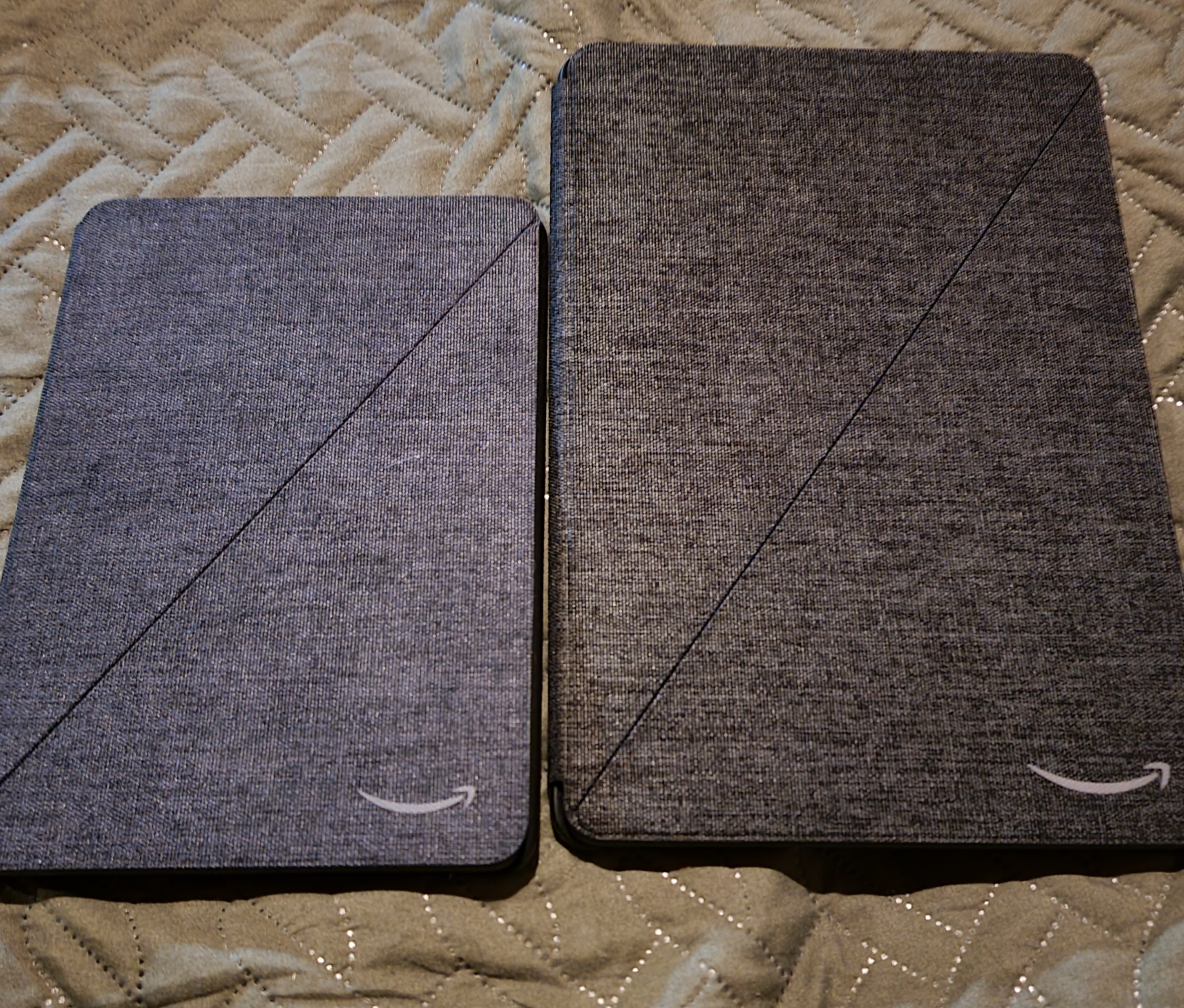
Image: The Fire HD 10 Plus tablet resting on a wireless charging dock, indicating its wireless charging capability.
2.3 Connectivitat i ports
The tablet supports 2.4 GHz and 5.0 GHz Wi-Fi networks and features Bluetooth 5.0 LE for connecting to headphones, speakers, microphones, and other accessories. It includes a USB-C (2.0) connector for charging and data transfer, a microSD slot for expandable storage, and a 3.5 mm stereo jack for audio output.
2.4 Cameras and Audio
The Fire HD 10 Plus is equipped with a 2 MP front-facing camera and a 5 MP rear-facing camera, both capable of 720p HD video recording. Dual integrated speakers and two built-in microphones provide audio input and output capabilities.
2.5 Integració d'Alexa
Utilize Alexa hands-free by saying "Alexa" followed by your command. You can ask Alexa to make video calls, check email, update lists, set reminders, and control smart home devices. A toggle is available to turn Alexa Hands-Free Mode on or off. Your privacy is protected; you can view and delete voice recordings at any time.
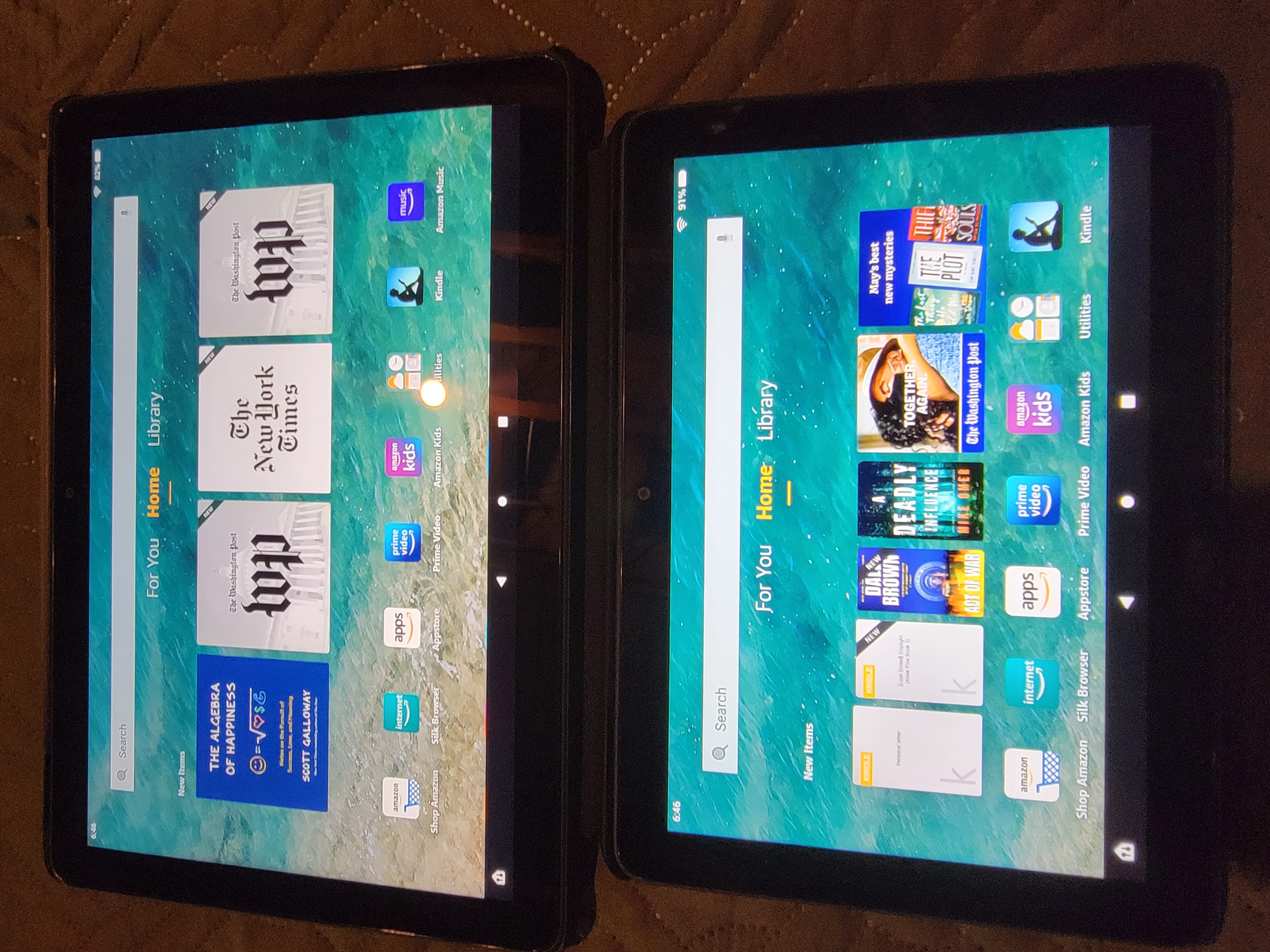
Image: A user interacting with the Fire HD 10 Plus tablet, which displays a smart home device dashboard.
2.6 Multitasking and Applications
The Fire HD 10 Plus supports a split-screen feature, allowing two compatible apps to be open side-by-side for enhanced multitasking. Access a wide range of applications including Netflix, Facebook, Hulu, Instagram, TikTok, Microsoft Office, and Dropbox through Amazon's Appstore.
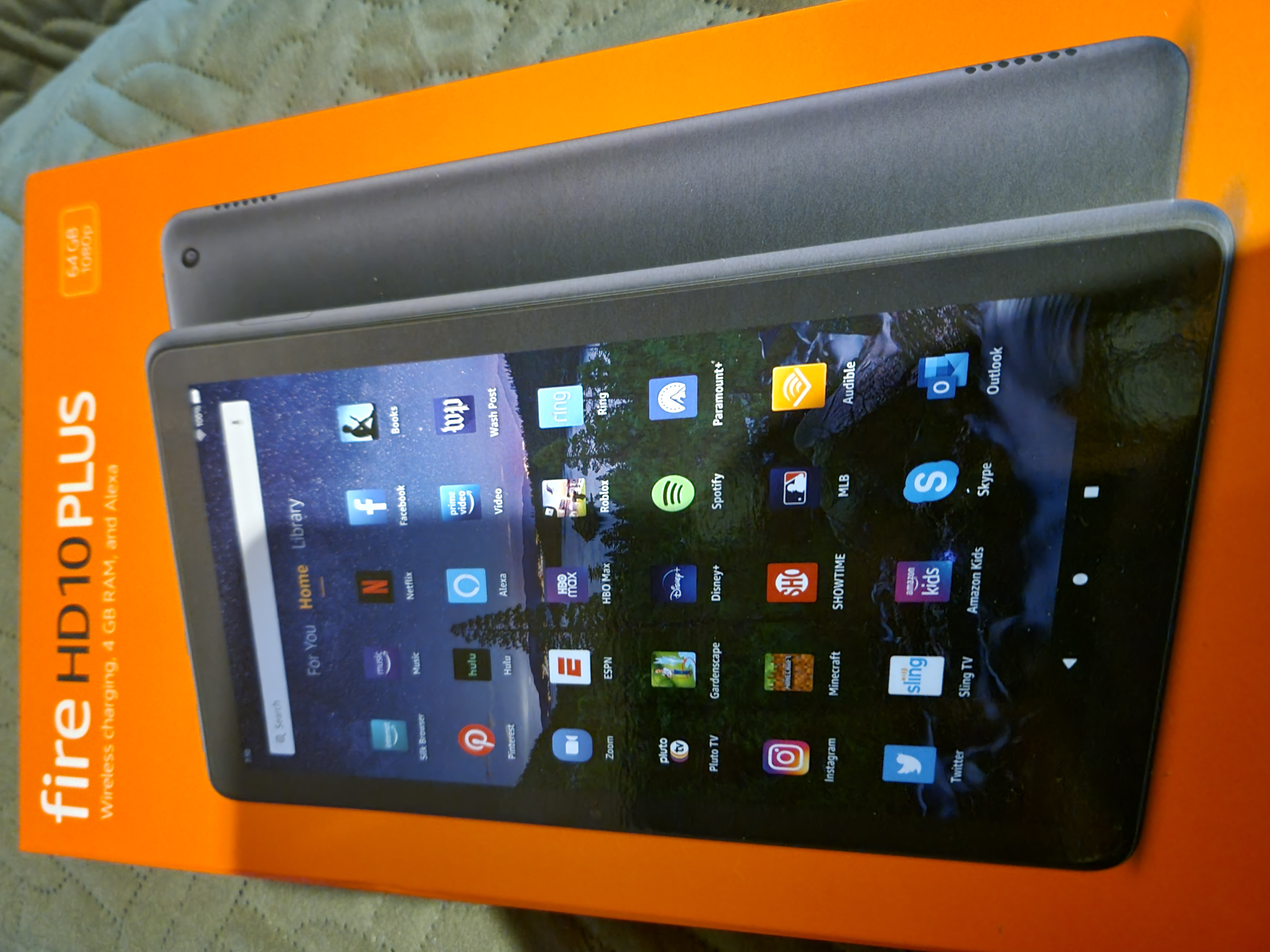
Image: The Fire HD 10 Plus tablet attached to a keyboard case, displaying a calendar and email application side-by-side, demonstrating productivity features.
2.7 Funcions d'accessibilitat
The tablet includes various accessibility options. Navigate to Configuració → Accessibilitat to enable features such as:
- veuView lector de pantalla: Per a usuaris cecs o amb discapacitat visual.
- Lupa de pantalla: To zoom in/out and pan the screen.
- Toca per a Alexa: Access Alexa via touch with on-screen tiles or a keyboard.
- Accés amb commutació: For users with motor impairments, using compatible Bluetooth devices.
- Lectura en veu alta al Kindle: Alexa llegeix llibres Kindle en veu alta.
- Other settings include Closed Captioning, Font Size, Display Size, High Contrast Text, Color Inversion, Color Correction, and Convert Stereo to Mono audio.
3. Manteniment
3.1 Atenció general
To maintain your tablet's condition:
- Keep the device clean using a soft, lint-free cloth. Avoid abrasive cleaners.
- Protect the screen from scratches. Consider a screen protector or case.
- Avoid exposing the tablet to extreme temperatures, direct sunlight, or moisture.
- Manipuleu el dispositiu amb cura per evitar caigudes o impactes.
3.2 Actualitzacions de programari
Ensure your tablet's software is up to date for optimal performance and security. Updates are typically downloaded automatically when connected to Wi-Fi. You can manually check for updates in Settings → Device Options → System Updates.
For more information on software security updates, visit the Amazon support weblloc.
3.3 Gestió d'emmagatzematge
Regularly manage your internal storage to ensure smooth operation. Delete unused apps, clear cache, and transfer large files to cloud storage or an inserted microSD card. Some applications may require installation on internal storage.
4. Solució De Problemes
4.1 Problemes comuns i solucions
- La tauleta no s'encén: Ensure the tablet is sufficiently charged. Connect it to the power adapter and wait a few minutes before attempting to power on again.
- Problemes de connectivitat Wi-Fi: Check if your Wi-Fi router is working correctly. Restart both your router and the tablet. Ensure you are within range and have entered the correct password. The tablet does not support ad-hoc networks.
- Rendiment lent: Close unused applications. Clear app caches in Settings → Apps & Notifications → Manage All Applications. Restart the tablet. Consider freeing up internal storage.
- La bateria s'esgota ràpidament: Reduce screen brightness. Close background apps. Disable Wi-Fi or Bluetooth when not in use. Check for apps consuming excessive power in battery settings.
- Les aplicacions es bloquegen o es bloquegen: Ensure the app is updated to its latest version. Clear the app's cache and data in settings. If the issue persists, uninstall and reinstall the app.
4.2 Restarting and Resetting
- Reinicia: Press and hold the power button for a few seconds, then tap "Restart" on the screen. If unresponsive, hold the power button for 40 seconds until the device restarts.
- Restabliment de fàbrica: A factory reset will erase all data and settings from your tablet. Back up important data before proceeding. Go to Settings → Device Options → Reset to Factory Defaults.
5. Especificacions
| Característica | Detall |
|---|---|
| Mostra | 10.1” 1080p Full HD (1920 x 1200) with 224 ppi, aluminosilicate strengthened screen |
| Mida | 9.73” x 6.53” x 0.36” (247 mm x 166 mm x 9.2 mm) |
| Pes | 16.5 oz (468 g) |
| CPU i RAM | Octa-core 2.0 GHz amb 4 GB de RAM |
| Emmagatzematge | 32 GB or 64 GB internal (expandable up to 1 TB with microSD) |
| Durada de la bateria | Up to 12 hours (reading, browsing, video, music) |
| Temps de càrrega | Approx. 4 hours with 9W adapter; 3.5 hours with 15W wireless charging dock (sold separately) |
| Càrrega sense fils | Certificat Qi |
| Connectivitat Wi-Fi | Supports 2.4 GHz and 5.0 GHz networks (does not support ad-hoc networks) |
| Connectivitat Bluetooth | Bluetooth 5.0 LE (A2DP compatible) |
| Ports | USB-C (2.0), microSD slot |
| Àudio | 3.5 mm stereo jack, dual integrated speakers |
| Sensors | Acceleròmetre, sensors de llum ambiental |
| Càmeres | 2 MP frontal, 5 MP posterior (enregistrament de vídeo HD de 720p) |
| Micròfons | 2 micròfons integrats |
| Serveis de localització | A través de Wi-Fi |
| Colors disponibles | Slate with soft-touch finish |
| Generació | 11a generació, llançament del 2021 |
6. Garantia i Suport
6.1 Garantia del producte
Your Fire HD 10 Plus tablet includes a 1-year limited warranty and service. Extended warranty options (1-year, 2-year, and 3-year) are available for U.S. customers and sold separately. Use of the Fire HD 10 tablet is subject to Amazon's Conditions of Use.
6.2 Atenció al client
For further assistance, troubleshooting, or warranty claims, please visit the official Amazon support website or contact Amazon customer service. Refer to the Quick Start Guide for initial support contact information.