Introducció
The Timex TW500 is a versatile alarm clock radio designed for modern living. It features wireless charging for compatible devices, a USB charging port, dual digital alarms, an FM radio with presets, a dimmable display, and a sleep timer. This manual provides detailed instructions for setting up and operating your device.
Producte acabatview

Davant View: The Timex TW500 alarm clock radio features a large, clear green LED display showing the time, along with indicators for PM, alarm status, and charging. Control buttons are located on the top panel.

Capacitat de càrrega dual: This image illustrates the dual charging feature of the TW500, with a smartphone wirelessly charging on the top surface and another smartphone connected to the USB-A charging port located on the back of the unit.
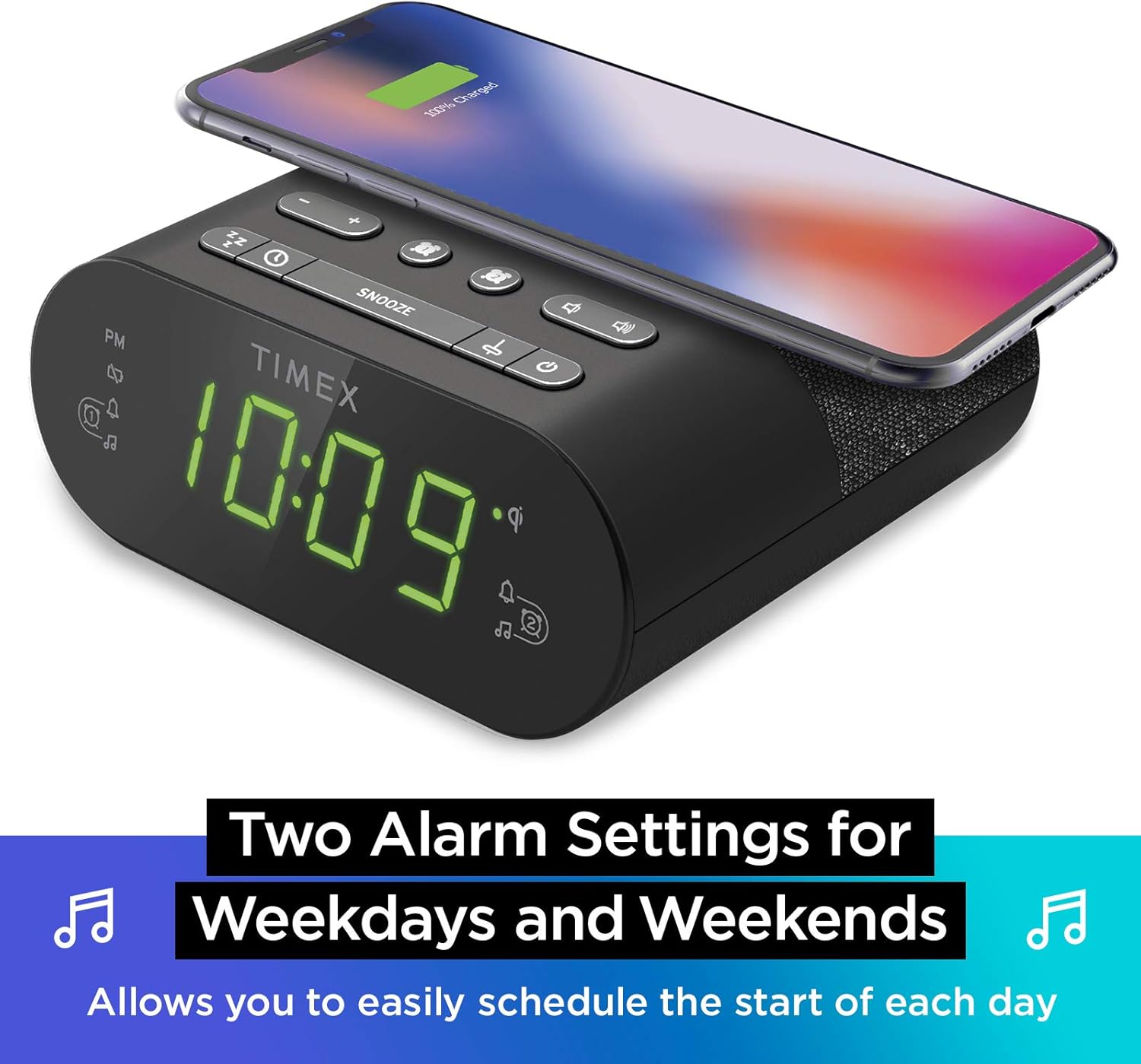
Configuració d'alarma dual: The TW500 supports two independent alarm settings, allowing users to schedule separate wake times for different days or for two individuals.
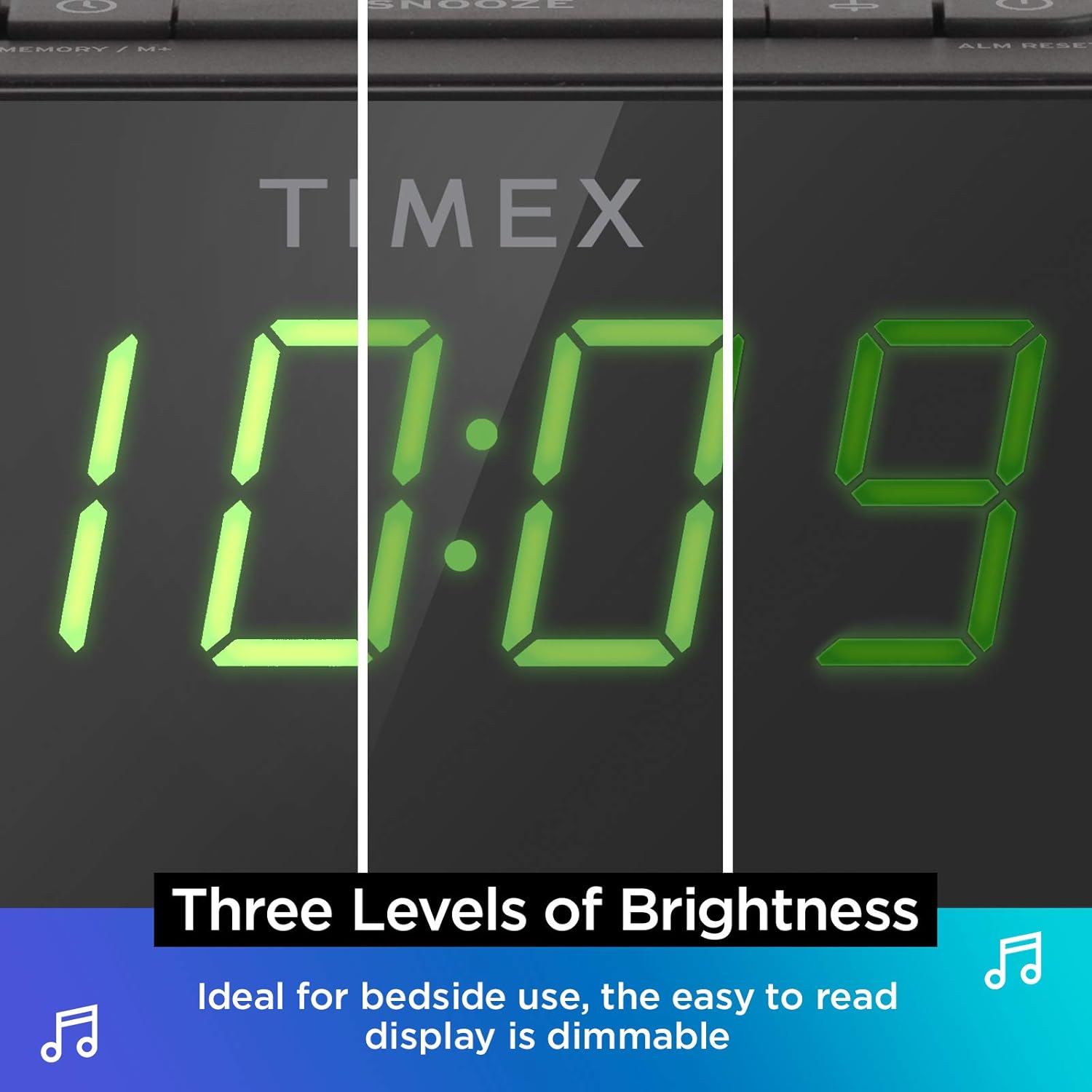
Pantalla regulable: The digital display offers multiple brightness levels, ensuring comfortable viewing in various lighting conditions, from bright daylight to a dark bedroom.
Configuració
1. Connexió d'alimentació
Connect the supplied AC power adapter to the DC jack on the back of the unit and plug the other end into a working wall outlet. The unit will power on and the display will light up.
2. Instal·lació de bateria de seguretat
Per a un cronometratge continu durant l'apagadatages, install one CR-2032 battery (included) into the battery compartment on the bottom of the unit. Ensure correct polarity (+/-) as indicated.
3. Configuració de l'antena
Extend the FM wire antenna on the back of the unit fully for optimal FM radio reception. Adjust its position as needed to improve signal quality.
Instruccions de funcionament
Establiment de l'hora
- Manteniu premut el botó HORA CONFIGURADA button located on the top panel until the time display flashes.
- Premeu el botó - or + botons per ajustar l'hora. Presteu atenció a l'indicador PM.
- Premeu el botó HORA CONFIGURADA button again to confirm the hour and move to minutes setting.
- Premeu el botó - or + botons per ajustar els minuts.
- Premeu el botó HORA CONFIGURADA button one last time to save the time and exit time setting mode.
Setting Alarms (Alarm 1 & Alarm 2)
The TW500 features two independent alarms. The process is identical for both.
- Manteniu premut el botó ALARM ONE or ALARM TWO botó fins que l'hora de l'alarma parpellegi.
- Premeu el botó - or + botons per ajustar l'hora de l'alarma. Observeu l'indicador PM.
- Premeu el botó corresponent ALARM ONE or ALARM TWO button again to confirm the hour and move to minutes setting.
- Premeu el botó - or + botons per ajustar els minuts de l'alarma.
- Premeu el botó corresponent ALARM ONE or ALARM TWO button again to select the alarm source (FM radio or Tone). The corresponding icon will light up.
- Premeu el botó corresponent ALARM ONE or ALARM TWO button one last time to save the alarm setting. The alarm indicator will remain lit.
To turn an alarm off, repeatedly press the corresponding ALARM ONE or ALARM TWO button until the alarm indicator light turns off.
Funcionament de la ràdio FM
- Premeu el botó ON/OFF botó per encendre la ràdio.
- Premeu el botó - or + buttons to tune to your desired FM station. Press and hold to auto-scan for the next available station.
- Premeu el botó VOLUM - or VOLUM + botons per ajustar el volum.
- Configuració de presets: Manteniu premut el botó MEMORY/M+ botó. El número preestablert parpellejarà. Feu servir el botó - or + buttons to select a preset number (1-10). Press MEMORY/M+ de nou per salvar.
- Recordant presets: Premeu breument PRESETS FM botó per anar ciclant per les estacions desades.
- Premeu el botó ON/OFF button to turn off the radio.
Càrrega sense fils
The top surface of the TW500 features a Qi-compatible wireless charging pad.
- Place your Qi-enabled smartphone or other compatible device directly onto the wireless charging pad.
- Ensure the device is centered on the charging pad for optimal connection. A charging indicator on your device or the TW500 (if applicable) will confirm charging has begun.
- Traieu el dispositiu un cop estigui completament carregat.
Càrrega USB
A 5W USB-A charging port is located on the back of the unit.
- Connect your device's USB charging cable to the USB port on the TW500.
- Connect the other end of the cable to your device. Charging will begin automatically.
Dimmer de la pantalla
The display brightness can be adjusted to suit your preference.
- Premeu el botó DIMMER repetidament per alternar entre els diferents nivells de brillantor (Alt, Mitjà, Baix, Desactivat).
Temporitzador de dormir
The sleep timer allows you to fall asleep to the radio, which will automatically turn off after a set duration.
- Mentre sona la ràdio, premeu el botó DORMIR button repeatedly to cycle through sleep timer options (e.g., 10, 20, 30, 60, 90 minutes, Off).
- La ràdio reproduirà durant el temps seleccionat i després s'apagarà automàticament.
Funció de posposar
Quan soni una alarma, premeu la tecla gran DORMITAR button on the top of the unit to temporarily silence the alarm for 9 minutes. The alarm will sound again after the snooze period.
Manteniment
- Neteja: Feu servir un drap suau i sec per netejar l'exterior de la unitat. No utilitzeu netejadors líquids ni materials abrasius.
- Substitució de la bateria: Replace the CR-2032 backup battery annually or if the time display is incorrect after a power outage.
- Emmagatzematge: Si guardeu la unitat durant un període prolongat, desconnecteu-la de l'alimentació i retireu la bateria de reserva.
Resolució de problemes
| Problema | Causa possible | Solució |
|---|---|---|
| La unitat no s'encén. | Power adapter not connected or outlet is not working. | Ensure AC adapter is securely plugged into the unit and a live wall outlet. Test the outlet with another device. |
| L'alarma no sona. | Alarm not set, alarm volume too low, or alarm turned off. | Verify alarm time and source are set correctly. Increase radio volume if alarm source is FM. Ensure alarm indicator is lit. |
| Mala recepció de ràdio FM. | Antena no estesa o zona amb senyal deficient. | Fully extend the FM wire antenna and reposition it for better reception. Try moving the unit to a different location. |
| La càrrega sense fil no funciona. | Device not Qi-compatible, not centered, or foreign object on pad. | Ensure your device supports Qi wireless charging. Re-position the device centrally on the pad. Remove any metal objects or thick cases. |
| La càrrega USB no funciona. | Cable defectuós o dispositiu no compatible. | Prova un cable USB diferent. Assegura't que el dispositiu sigui compatible amb la càrrega USB estàndard. |
Especificacions
- Model: TW500
- Dimensions: 5.48 cm (amplada) x 2.17 cm (profunditat) x 5.20 cm (alçada)
- Pes: 0.7 lliures (aprox. 0.32 kg)
- Entrada d'alimentació: AC Power Adapter (included)
- Còpia de seguretat de la bateria: 1 x bateria CR-2032 (inclosa)
- Càrrega sense fils: Compatible amb Qi
- Port de càrrega USB: 5 W USB-A
- Ràdio: FM with 10 presets
- Visualització: 0.9" Green LED, Dimmable
- Alarmes: Dual Digital Alarms (Wake to Radio or Tone)
Vídeo oficial del producte
Aquest vídeo ofereix una visió generalview of the Timex TW500, highlighting its key features such as wireless charging, USB charging, FM radio, dual alarms, and dimmable display. It demonstrates the product's compact design and functionality.
Garantia i Suport
This Timex product comes with a limited warranty. For detailed warranty information, product support, or to register your product, please refer to the warranty card included in your product packaging or visit the official Timex website. If you are not 100% satisfied with your new Timex alarm clock radio and its performance, please contact the seller for assistance.
Fabricant: Timex
UPC: 758859207179


