Introducció
This manual provides comprehensive instructions for the setup, operation, maintenance, and troubleshooting of your Trust Ymo Wireless Keyboard and Mouse Set. Please read this manual carefully before using the product to ensure optimal performance and longevity.

Image: The Trust Ymo Wireless Keyboard and Mouse Set, featuring a full-size QWERTY UK layout keyboard and a compact wireless mouse.
Característiques clau
- Full-Size UK Layout: The keyboard features a QWERTY UK layout with a dedicated numpad, compatible with Windows, MacOS, and ChromeOS.
- Connectivitat sense fils: Both keyboard and mouse connect via a single USB micro receiver, promoting a clutter-free workspace. The receiver can be stored inside the mouse for portability.
- Disseny resistent a vessaments: The keyboard is designed to withstand accidental liquid spills, enhancing durability.
- Funcionament silenciós: Keys and mouse buttons are engineered for quiet operation, minimizing disturbance in shared environments.
- Tecles multimèdia i de funció: Includes 13 dedicated office and multimedia keys for quick access to functions like calculator and volume control.
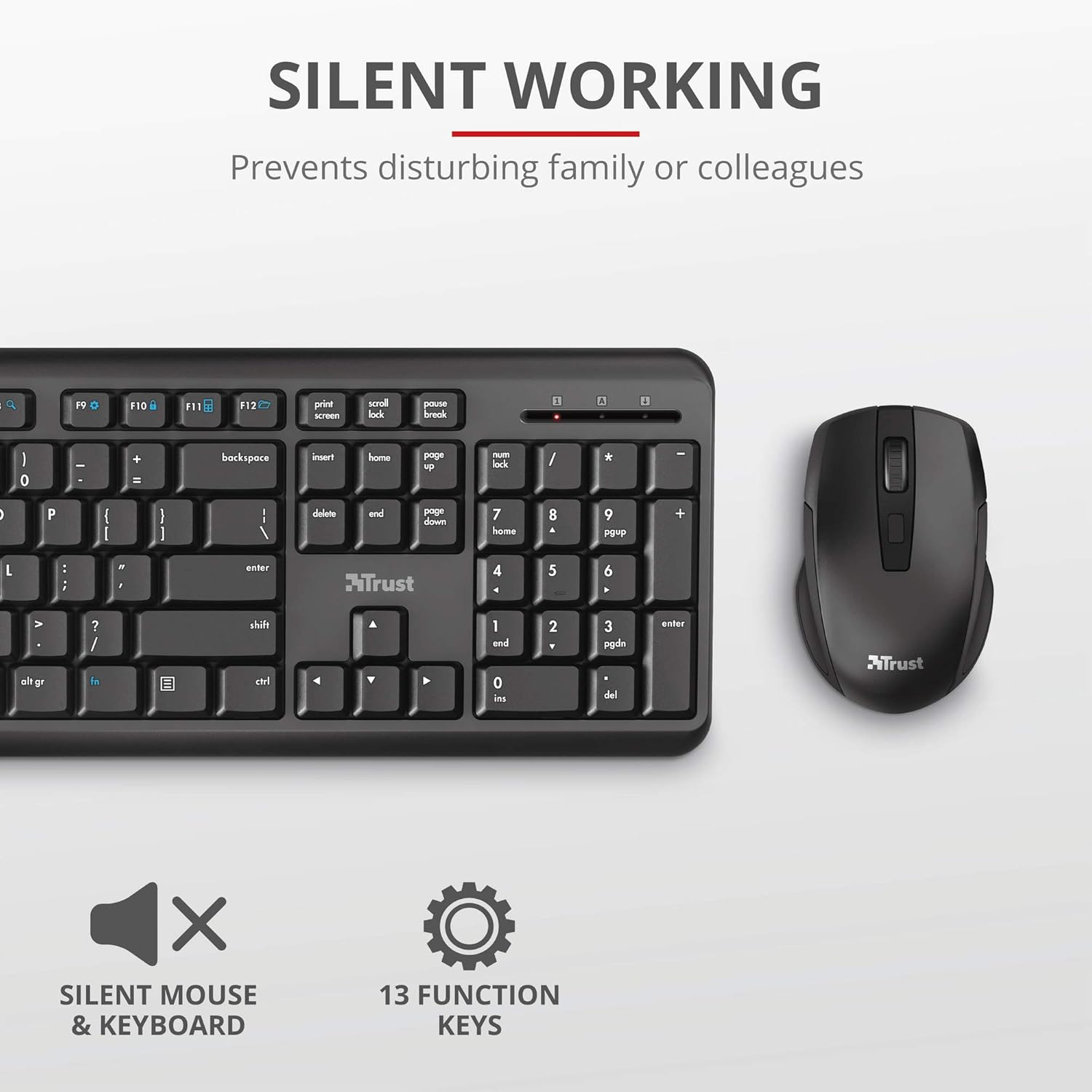
Imatge: Primer pla view of the Trust Ymo keyboard and mouse, highlighting the silent working feature. The image shows the keyboard and mouse from a top-down perspective, emphasizing their quiet design.

Image: A close-up of the Trust Ymo keyboard keys with water droplets, illustrating its spill-resistant design.
Instruccions de configuració
- Insereix les piles:
- For the keyboard: Open the battery compartment on the underside and insert 2 AAA batteries (included), ensuring correct polarity.
- For the mouse: Open the battery compartment on the underside and insert 2 AAA batteries (included), ensuring correct polarity.
- Localitza el receptor USB: The USB micro receiver is typically stored within the mouse's battery compartment or a dedicated slot. Carefully remove it.
- Connecta el receptor: Plug the USB micro receiver into an available USB port on your computer (PC, laptop, etc.).
- Encès: Ensure the keyboard and mouse are switched on. The mouse usually has an on/off switch on its underside. The keyboard may have an auto-sleep function or a small switch.
- Connexió automàtica: The keyboard and mouse should automatically connect to your computer. No additional drivers are typically required for basic functionality.
- Funcionalitat de prova: Verify that both the keyboard and mouse are responsive by typing and moving the mouse.

Image: The Trust Ymo keyboard, mouse, and the compact USB receiver, illustrating the components for setup.
Instruccions de funcionament
Ús del teclat
The Trust Ymo keyboard features a standard QWERTY UK layout, providing a familiar typing experience. It includes a full numeric keypad for data entry and various function keys for enhanced productivity.
- Tecles de funció (F1-F12): These keys often have secondary multimedia or office functions accessible by pressing the 'Fn' key simultaneously. Refer to the icons on the keys for specific functions (e.g., volume control, media playback, calculator, web navegador).
- Numpad: Use the numeric keypad for efficient number entry. Ensure 'Num Lock' is active if numbers are not registering.
- Resistència a vessaments: While spill-resistant, it is recommended to clean any liquid spills immediately to prevent long-term damage. Do not immerse the keyboard in liquid.
Ús del ratolí
The wireless mouse is designed for comfortable use with silent buttons and adjustable DPI speed.
- Clic esquerre/dret: Funcions estàndard del botó del ratolí.
- Roda de desplaçament: Used for vertical scrolling in documents and web pàgines. També pot funcionar com a botó del botó central.
- DPI Speed Button: Located near the scroll wheel, this button allows you to cycle through different cursor speeds (DPI settings) to suit your preference and task.
- Estalvi d'energia: The mouse will enter a low-power sleep mode after a period of inactivity to conserve battery life. Move the mouse or click a button to wake it up.

Imatge: Una imatge detallada view of the Trust Ymo wireless mouse, highlighting its ergonomic design, silent buttons, and adjustable speed feature.
Manteniment i cura
- Neteja: Feu servir un drap suau i sec per netejar les superfícies del teclat i el ratolí. Per a la brutícia persistent, netegeu lleugerament.amp cloth with mild soap can be used, ensuring no liquid enters the internal components. Do not use abrasive cleaners or solvents.
- Substitució de la bateria: Replace batteries when performance degrades (e.g., delayed response, intermittent connection). Always use new, good quality AAA batteries. Dispose of old batteries responsibly according to local regulations.
- Emmagatzematge: When not in use for extended periods, it is recommended to switch off the mouse to conserve battery life. Store the USB receiver inside the mouse to prevent loss. Store the set in a cool, dry place away from direct sunlight and extreme temperatures.
- Evitar caigudes i impactes: While durable, avoid dropping the devices or subjecting them to strong impacts, which can damage internal components.
Resolució de problemes
| Problema | Causa possible | Solució |
|---|---|---|
| El teclat/ratolí no respon | Low or dead batteries; USB receiver not properly connected; Device switched off; Interference. | Replace batteries. Ensure USB receiver is firmly plugged into a working USB port. Turn on the device. Move closer to the receiver or away from other wireless devices. Try a different USB port. |
| Mouse cursor erratic or jumping | Sensor òptic brut; Superfície inadequada; Bateria baixa. | Clean the optical sensor on the mouse's underside with a soft cloth. Use a mouse pad or a smooth, non-reflective surface. Replace batteries. |
| Delayed response or lag | Low battery; Distance from receiver; Wireless interference. | Replace batteries. Reduce the distance between the device and the USB receiver. Minimize interference from other 2.4GHz wireless devices (e.g., Wi-Fi routers, cordless phones). |
| Les tecles de funció no funcionen | Fn key not pressed; Software conflict. | Ensure you are pressing the 'Fn' key simultaneously with the desired function key if required. Check your operating system's settings for keyboard function key behavior. |
Especificacions
- Nom del model: YMO
- Número de model de l'article: 24083-02
- Connectivitat: Wireless (2.4 GHz USB receiver)
- Disseny del teclat: Full-size QWERTY UK Layout, 104 keys
- Característiques especials: Silent keys and mouse buttons, Spill-resistant keyboard
- Font d'alimentació: Battery Powered (4 x AAA batteries required, 2 for keyboard, 2 for mouse)
- Dispositius compatibles: Portàtil, PC
- Sistemes operatius: Chrome OS, Windows, Mac OS
- Color: Negre
- Pes de l'article: 720 g
- Dimensions del paquet: 45.1 x 16 x 6.4 cm
- Fabricant: Confia
- Data de primera disponibilitat: 19 d'agost de 2020
Informació de la garantia
Trust products are manufactured to high quality standards. For specific warranty terms and conditions, please refer to the warranty card included with your product or visit the official Trust weblloc web. Conserveu el comprovant de compra per a reclamacions de garantia.
Atenció al client
For technical support, frequently asked questions, or further assistance, please visit the official Trust support page:
You may also find helpful resources and contact information on the Trust brand store on Amazon:


