Introducció
This manual provides detailed instructions for the setup, operation, maintenance, and troubleshooting of your PDP Afterglow LED Wired Game Controller. Designed for use with Xbox Series X|S, Xbox One, and Windows PC, this controller features customizable Prismatic LED lighting, integrated audio controls, and dual vibration motors for an immersive gaming experience.

Imatge: Frontal view of the PDP Afterglow LED Wired Game Controller, showcasing its transparent casing and vibrant blue internal lighting.
Configuració
To begin using your PDP Afterglow LED Wired Game Controller, follow these simple steps:
- Desempaquetar el controlador: Carefully remove the controller and its attached USB cable from the packaging.
- Connectar-se a la consola/PC:
- For Xbox Series X|S or Xbox One: Plug the USB connector of the controller into any available USB port on your Xbox console.
- For Windows PC: Plug the USB connector of the controller into any available USB port on your PC. The necessary drivers should install automatically.
- Encès: Once connected, the controller will automatically power on and the LED lighting will illuminate.

Image: The PDP Afterglow LED Wired Game Controller shown alongside its retail box, illustrating the product and its packaging.
Instruccions de funcionament
The PDP Afterglow controller offers several features to enhance your gaming experience:
Il·luminació LED personalitzable
The controller features Prismatic LED lighting with various color hues and four different lighting modes. You can customize these settings using the free PDP Control Hub App.
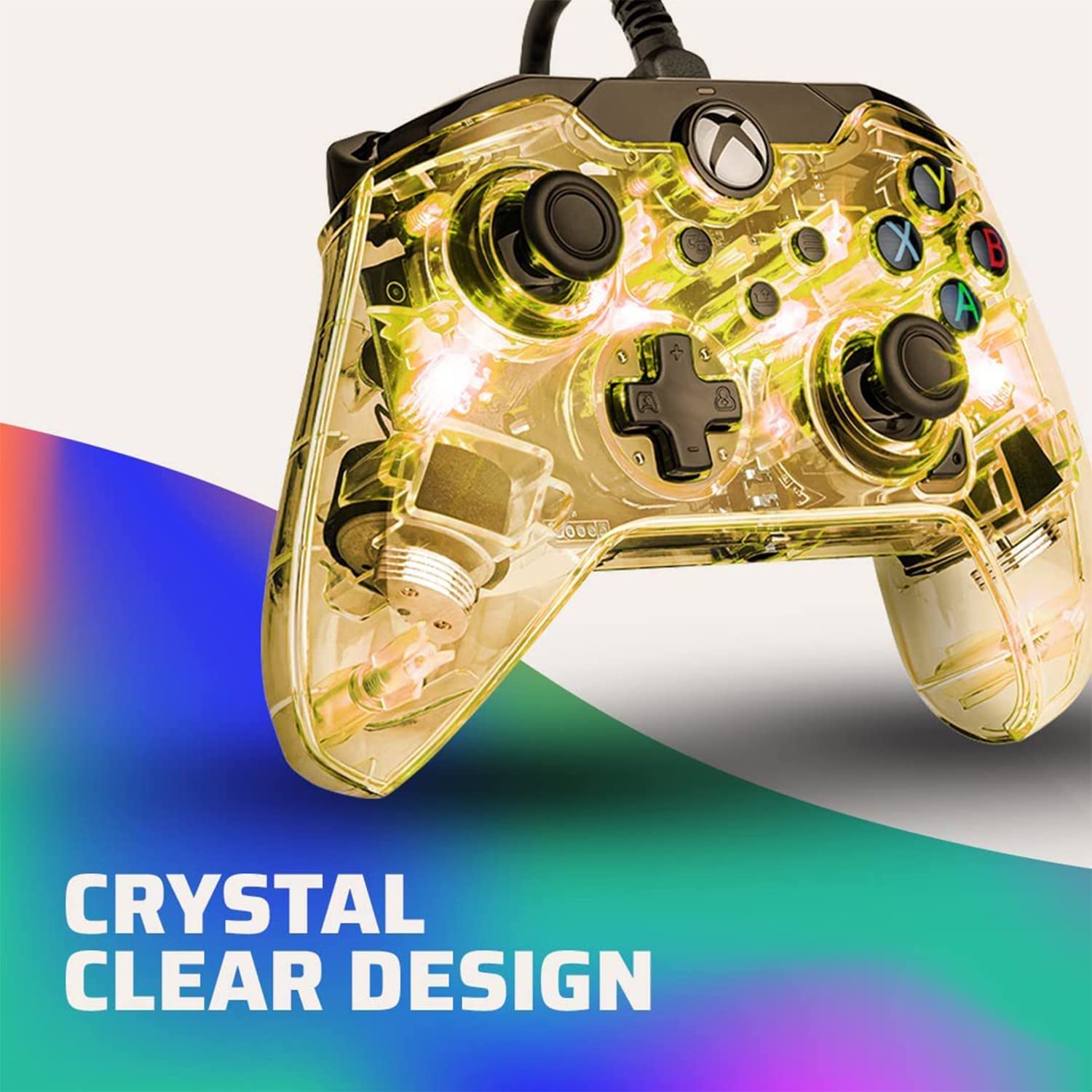
Image: A close-up of the PDP Afterglow controller with its transparent casing illuminated in yellow, highlighting the "Crystal Clear Design".

Imatge: Part posterior view of the PDP Afterglow controller, showing its transparent back and pink internal lighting, emphasizing its customizable nature.
Controls d'àudio
Adjust your game and chat audio directly from the controller using the audio controls located on the D-pad. The built-in 3.5mm audio jack allows for headset connection. Double-tap the "Function" button to mute your microphone.
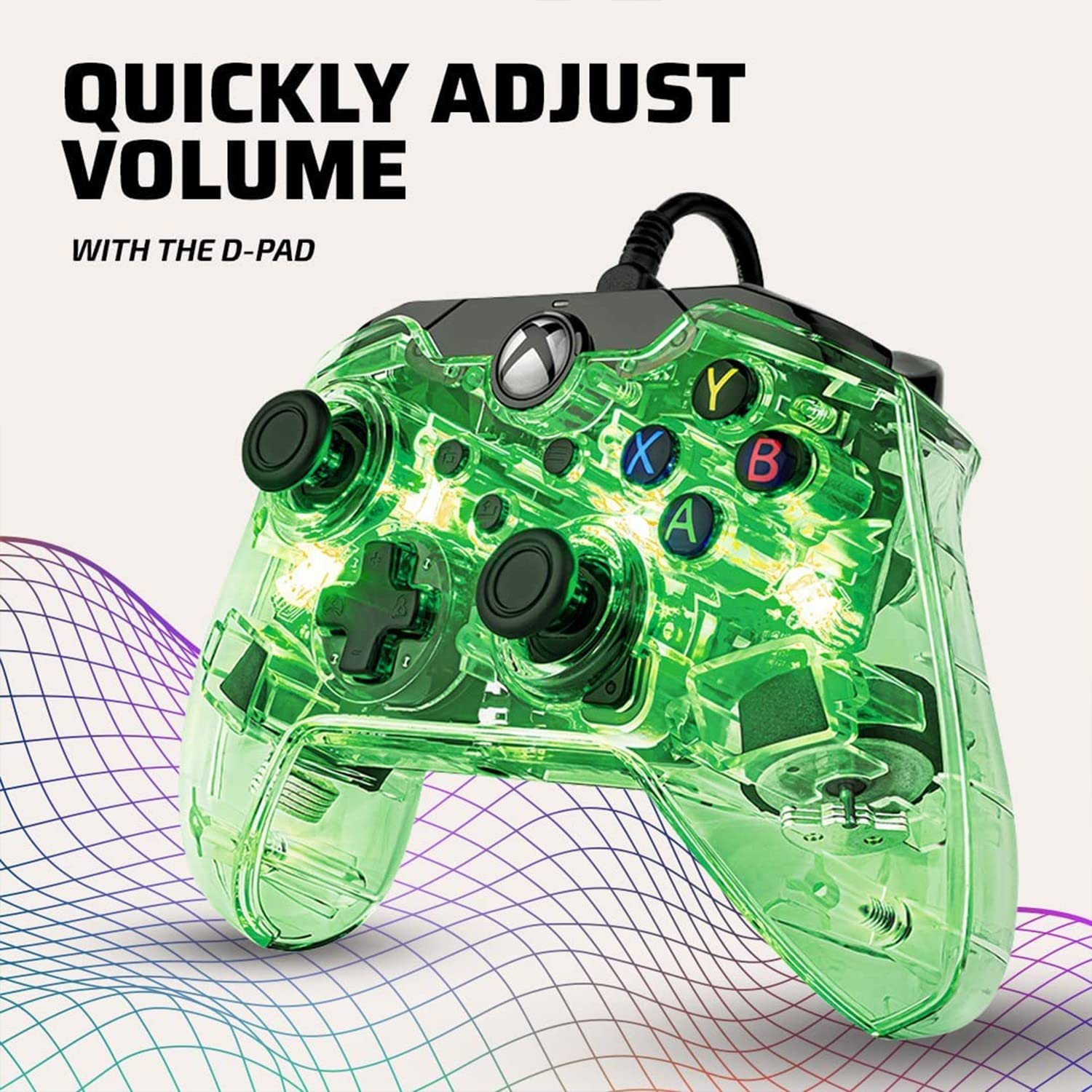
Image: The PDP Afterglow controller illuminated in green, with a focus on the D-pad, indicating its function for quick audio adjustments.
Aplicació del centre de control PDP
Download the free PDP Control Hub App to unlock advanced customization options. This app allows you to remap buttons, reconfigure triggers, adjust dead zones, and fine-tune other settings to personalize your gameplay.
Video: An official video demonstrating the customizable LED lighting features of the Afterglow controller and its compatibility with the PDP Control Hub App.
Botó Compartir
Utilize the dedicated share button to easily capture and share your in-game images and videos.
Manteniment
Per garantir la longevitat i el rendiment òptim del controlador, seguiu aquestes pautes de manteniment:
- Neteja: Feu servir un drap suau i sec per netejar el controlador. Per a la brutícia persistent, netegeu lleugerament.ampRenta el drap amb aigua. Evita utilitzar productes químics agressius o netejadors abrasius.
- Emmagatzematge: Guardeu el controlador en un lloc fresc i sec, allunyat de la llum solar directa i de temperatures extremes. Eviteu enredar el cable.
- Manipulació: Handle the controller with care. Avoid dropping it or subjecting it to excessive force, as this can damage internal components or the transparent casing.
Resolució de problemes
If you encounter issues with your PDP Afterglow LED Wired Game Controller, try the following solutions:
| Problema | Possible solució |
|---|---|
| El comandament no és reconegut per la consola/PC |
|
| Els llums LED no funcionen o estan enganxats |
|
| Audio issues (no sound, mic not working) |
|
| Buttons or joysticks unresponsive/drifting |
|
Especificacions
- Número de model: 049-005-NA
- Compatibilitat: Xbox Sèries X|S, Xbox One, PC amb Windows 10/11
- Connectivitat: USB per cable
- Longitud del cable: Aproximadament 10 peus (3 metres)
- Àudio: 3.5mm audio jack, D-pad audio controls
- Il·luminació: Prismatic LED with customizable colors and modes
- Vibració: Motors de doble vibració
- Dimensions: 3.15 x 8.27 x 4.33 polzades
- Pes: 2.82 unces
Garantia i Suport
Per obtenir informació sobre la garantia i assistència tècnica, consulteu el PDP oficial. weblloc web o poseu-vos en contacte amb el servei d'atenció al client. Conserveu el comprovant de compra per a reclamacions de garantia.
Additional resources, including a PDF user manual, may be available online:


