1. Introducció
The SONOFF S31 WiFi Smart Plug is a compact and intelligent device designed to transform your standard electrical outlets into smart, controllable power sources. It allows you to remotely manage your appliances, monitor energy consumption, and integrate with popular voice assistants like Amazon Alexa and Google Home. This manual provides essential information for setting up, operating, and maintaining your S31 Smart Plug.
2. Característiques del producte
- Comandament a distància: Turn connected devices ON/OFF from anywhere using the eWeLink app on your smartphone or tablet.
- Monitorització energètica: Seguiment de la potència, el corrent i el volum en temps realtage of your appliances. Access 100-day daily/monthly energy usage data and total electricity cost within the app.
- Control de veu: Compatible with Amazon Alexa and Google Home for hands-free control of your devices.
- Programació i temporitzadors: Set countdown, single, or repeat timers to automatically turn appliances ON/OFF.
- Control de grup: Control multiple smart plugs simultaneously with a single command or tap.
- Control compartit: Grant access to family members to control and monitor devices.
- Protecció de seguretat: ETL Certified with overload protection and a V-0 rated fire-resistant PC shell. Supports up to 15A maximum current.
- Compatibilitat Wi-Fi: Operates exclusively on 2.4GHz WiFi networks. Ensure your router provides separate SSIDs for 2.4GHz and 5GHz bands for optimal performance.

Imatge: Més deview of SONOFF S31 Smart Plug features, highlighting its capabilities such as voice control, remote access, scheduling, and energy monitoring.
3. Guia de configuració
Segueix aquests passos per configurar el teu endoll intel·ligent WiFi SONOFF S31:
- Descarrega l'aplicació eWeLink: Cerca "eWeLink" in the App Store (iOS) or Google Play Store (Android) and install it on your smartphone or tablet.
- Registra't/Iniciar sessió: Obriu l'aplicació eWeLink i registreu un compte nou o inicieu la sessió amb un d'existent.
- Connecteu l'endoll intel·ligent: Insert the SONOFF S31 Smart Plug into a standard electrical outlet.
- Introduïu el mode de vinculació: Press and hold the button on the smart plug for approximately 5-7 seconds until the LED indicator flashes rapidly (usually three short flashes and one long flash). This indicates it's in pairing mode.
- Afegeix un dispositiu a l'aplicació: In the eWeLink app, tap the "+" icon at the bottom center or top right to add a new device. Select "Quick Pairing" or the appropriate pairing method.
- Connecta't a Wi-Fi: Follow the in-app instructions to connect the smart plug to your 2.4GHz Wi-Fi network. Ensure your phone is also connected to the same 2.4GHz network during this process.
- Anomena el teu dispositiu: Un cop emparellat correctament, podeu anomenar el vostre endoll intel·ligent (per exemple, "Sala d'estar Lamp," "Coffee Maker") for easy identification and voice control.

Image: A set of four SONOFF S31 Smart Plugs, illustrating the compact design of the device.
4. Instruccions de funcionament
4.1 Control remot
After successful setup, you can control your devices from anywhere:
- Obriu l'aplicació eWeLink.
- Tap on the device name to toggle it ON/OFF. The app will display the current status.

Image: A user demonstrating remote control of a smart plug via the eWeLink app, turning a lamp encendre o apagar des de la distància.
4.2 Control de veu
Integrate with Amazon Alexa or Google Home for voice commands:
- Per a Alexa: Enable the "eWeLink Smart Home" skill in the Alexa app. Link your eWeLink account. Then, you can say commands like, "Alexa, turn on [device name]."
- Per a Google Home: Link the "eWeLink Smart Home" service in the Google Home app. Then, you can say commands like, "Hey Google, turn off [device name]."

Image: A user interacting with an Amazon Echo speaker to activate a fan connected to a SONOFF S31 Smart Plug, demonstrating voice control functionality.
4.3 Programació i temporitzadors
Automate your devices with schedules and timers:
- In the eWeLink app, select your device.
- Tap on the "Timer" or "Schedule" icon.
- Set specific times for the device to turn ON or OFF, or create countdown timers for temporary operation.
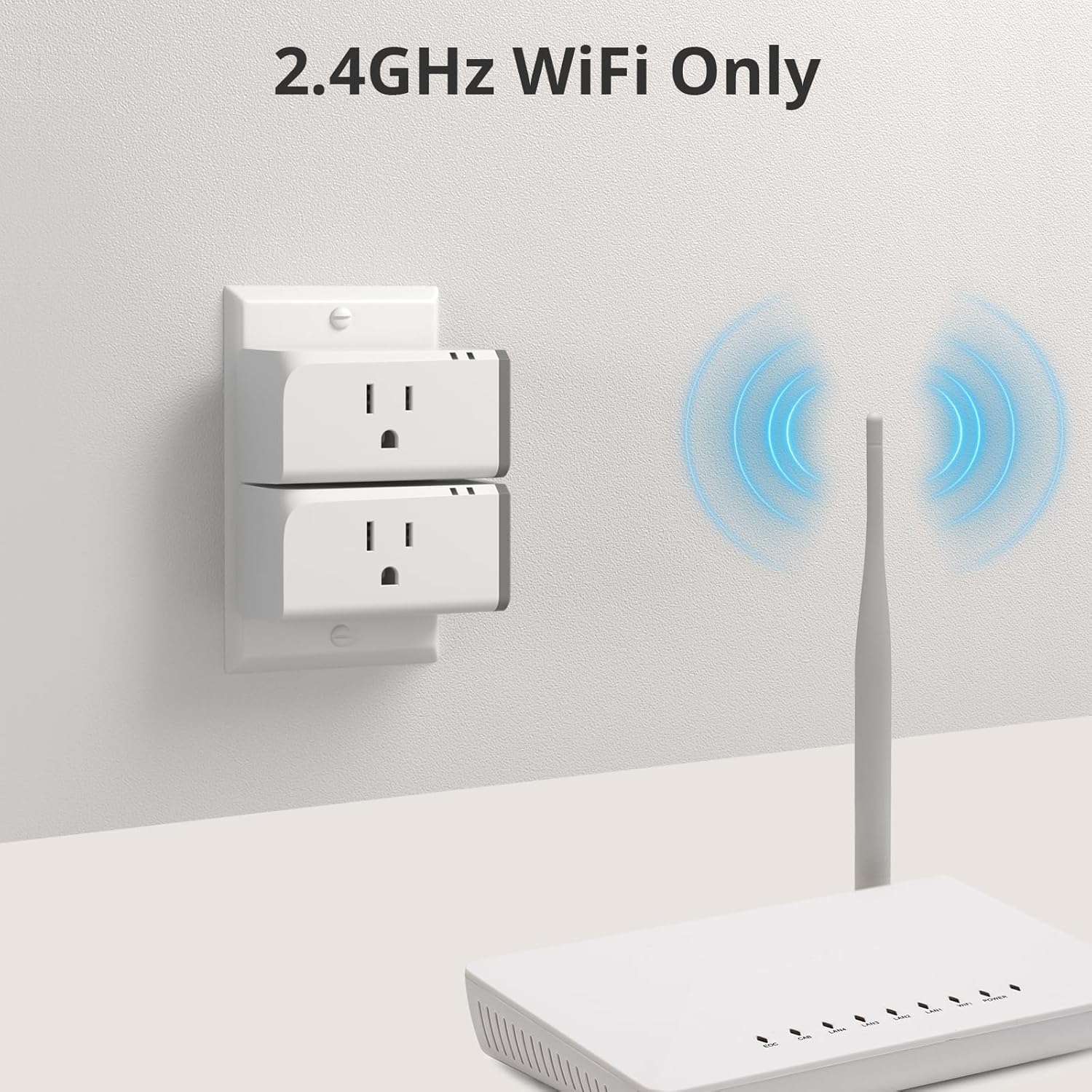
Image: A couple using the eWeLink app to set schedules for kitchen appliances, illustrating the timer and scheduling features of the smart plug.
4.4 Monitorització energètica
Monitor your energy usage directly from the app:
- In the eWeLink app, select your device.
- Tap on the "Consumption" or "Power Monitoring" section.
- View real-time power, current, and voltage. Access historical data for daily and monthly consumption.

Image: A smartphone displaying the energy monitoring interface of the eWeLink app, showing detailed consumption data for a connected appliance.
4.5 Group Control and Share Control
- Control de grup: Create groups of smart plugs in the eWeLink app to control multiple devices simultaneously (e.g., "All Bedroom Lights").
- Control compartit: Share device control with other eWeLink users by inviting them through the app.
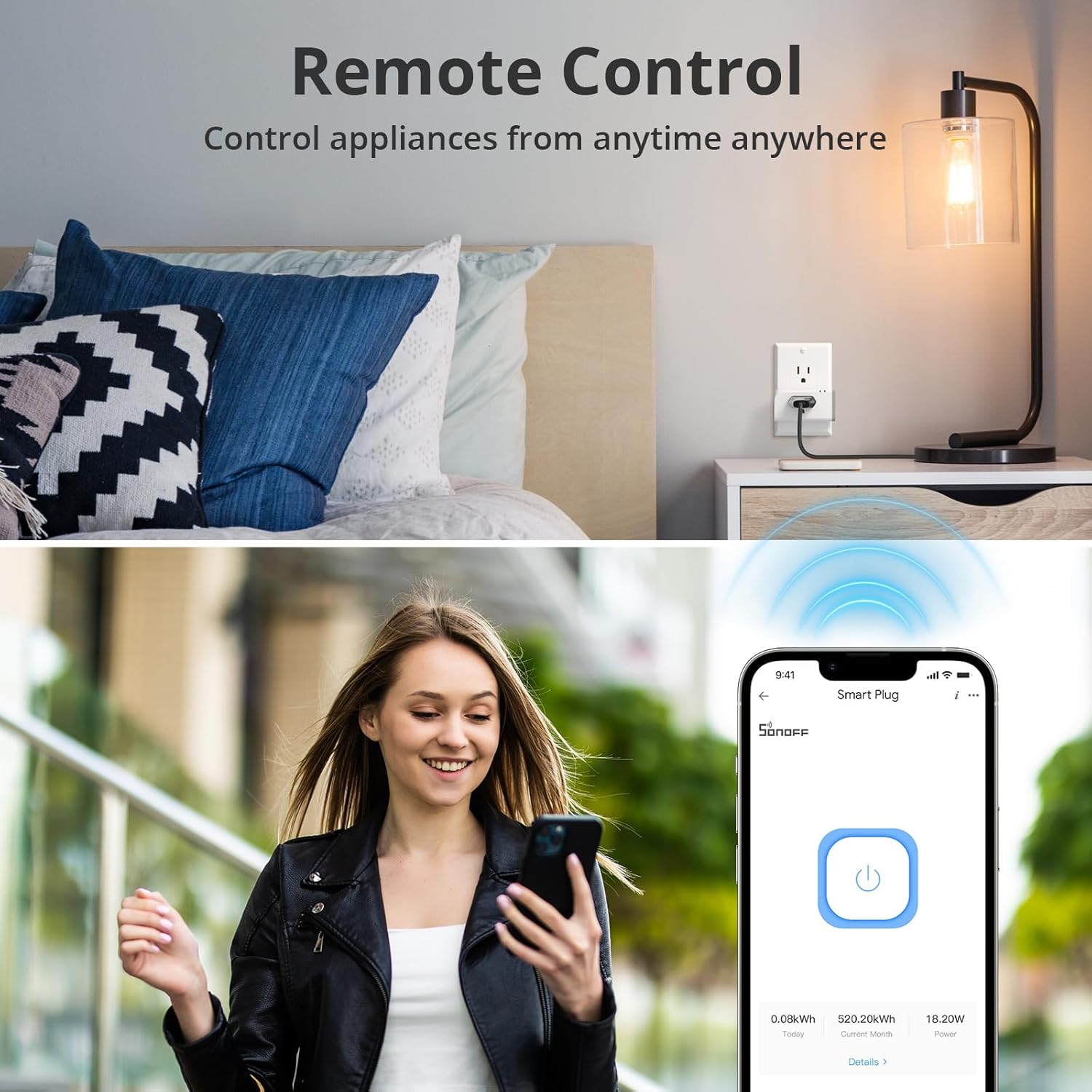
Image: The eWeLink app interface demonstrating group control, allowing users to manage multiple smart plugs across different rooms from a single screen.
5. Media Resources
5.1 Vídeos oficials de productes
SONOFF S31 WiFi Smart Plug Features Overview
Vídeo: Aquest vídeo ofereix una visió completaview of the SONOFF S31 WiFi Smart Plug, demonstrating its key features such as energy monitoring, compatibility with Alexa and Google Home, and IFTTT support. It shows practical applications in a smart home environment.
SONOFF S31 15A WiFi Smart Plug with Power Monitoring Demonstration
Video: A demonstration of the SONOFF S31 15A WiFi Smart Plug, focusing on its power monitoring capabilities and how it integrates into daily routines for convenience and energy management.
6. Manteniment
Per garantir un rendiment òptim i una llarga durada del vostre endoll intel·ligent SONOFF S31:
- Mantingueu el dispositiu net i lliure de pols. Feu servir un drap sec i suau per netejar-lo.
- Avoid exposing the smart plug to extreme temperatures, humidity, or direct sunlight.
- Do not disassemble or attempt to repair the device yourself. This may void the warranty and pose safety risks.
- Regularly check for firmware updates through the eWeLink app to ensure you have the latest features and security enhancements.
7. Solució De Problemes
If you encounter issues with your SONOFF S31 Smart Plug, refer to the following common solutions:
- Dispositiu fora de línia:
- Ensure the smart plug is powered on and within range of your 2.4GHz Wi-Fi router.
- Check your Wi-Fi network connection. Restart your router if necessary.
- Verify that your Wi-Fi network has separate SSIDs for 2.4GHz and 5GHz bands. The S31 only supports 2.4GHz.
- S'ha produït un error en l'aparellament:
- Make sure the smart plug is in pairing mode (LED flashing rapidly).
- Confirm your phone is connected to a 2.4GHz Wi-Fi network during pairing.
- Try resetting the smart plug by unplugging and replugging it, then re-enter pairing mode.
- El control per veu no funciona:
- Ensure the "eWeLink Smart Home" skill/service is enabled and linked in your Alexa or Google Home app.
- Check that the device name used in your voice command matches the name in the eWeLink app.
- Inaccurate Energy Monitoring:
- Ensure the device is properly connected and drawing power.
- Verify the eWeLink app is updated to the latest version.
Per a més ajuda, poseu-vos en contacte amb el servei d'atenció al client de SONOFF.
8. Especificacions
| Número de model | S31 |
| Marca | SONOFF |
| Dimensions del producte | 3 x 2 x 1.02 polzades |
| Pes de l'article | 13.12 unces |
| Valoració actual | 15 Amps |
| Vol. Operatiutage | 120 Volts |
| Tipus de connector | Connectar-se |
| Tipus de canvi | Toca |
| Material | coure |
| Wi-Fi estàndard | Només 2.4 GHz |
| Certificacions | Certificat ETL |
9. Garantia i Suport
Els productes SONOFF estan dissenyats per a la fiabilitat i el rendiment. Per obtenir informació sobre la garantia i assistència tècnica, consulteu la pàgina oficial de SONOFF. weblloc web o contacteu directament amb el servei d'atenció al client. Conserveu el rebut de compra com a comprovant de compra per a reclamacions de garantia.
Informació de contacte:
- Oficial Weblloc: www.sonoff.com
- Atenció al client: consulteu la weblloc per obtenir dades de contacte.


