Introducció
Thank you for choosing the SIMOLIO Kids Headphones. These headphones are designed with children's safety and comfort in mind, featuring a unique 3-level volume limiter to protect young ears and a convenient share port for shared listening experiences. This manual provides detailed instructions on how to set up, operate, and maintain your headphones to ensure optimal performance and longevity.
Producte acabatview
Components inclosos:
- SIMOLIO Kids Headphones (Model: SM-903A)
- Funda protectora de transport
- Manual d'usuari (Aquest document)
Característiques principals:
- 3-Level Volume Limiter: Adjustable settings at 75dB, 85dB, and 94dB for hearing protection in various environments.
- Micròfon integrat: Enables hands-free talking and call management.
- Foldable and Sturdy Design: Features an adjustable headband with memory stainless steel strips for flexibility and durability.
- Sharing Jack: Allows connection of another headphone for shared audio.
- Compatibilitat universal: Works with devices featuring a 3.5mm audio jack, including Chromebooks, Amazon Fire Tablets, Nintendo Switch, smartphones, and laptops.
- Portable Bag: Included for easy carrying and storage.

Image: The SIMOLIO Kids Headphones in Mint & Pink, showcasing the headphones themselves, the wired cable with inline microphone, and the included portable carrying bag.
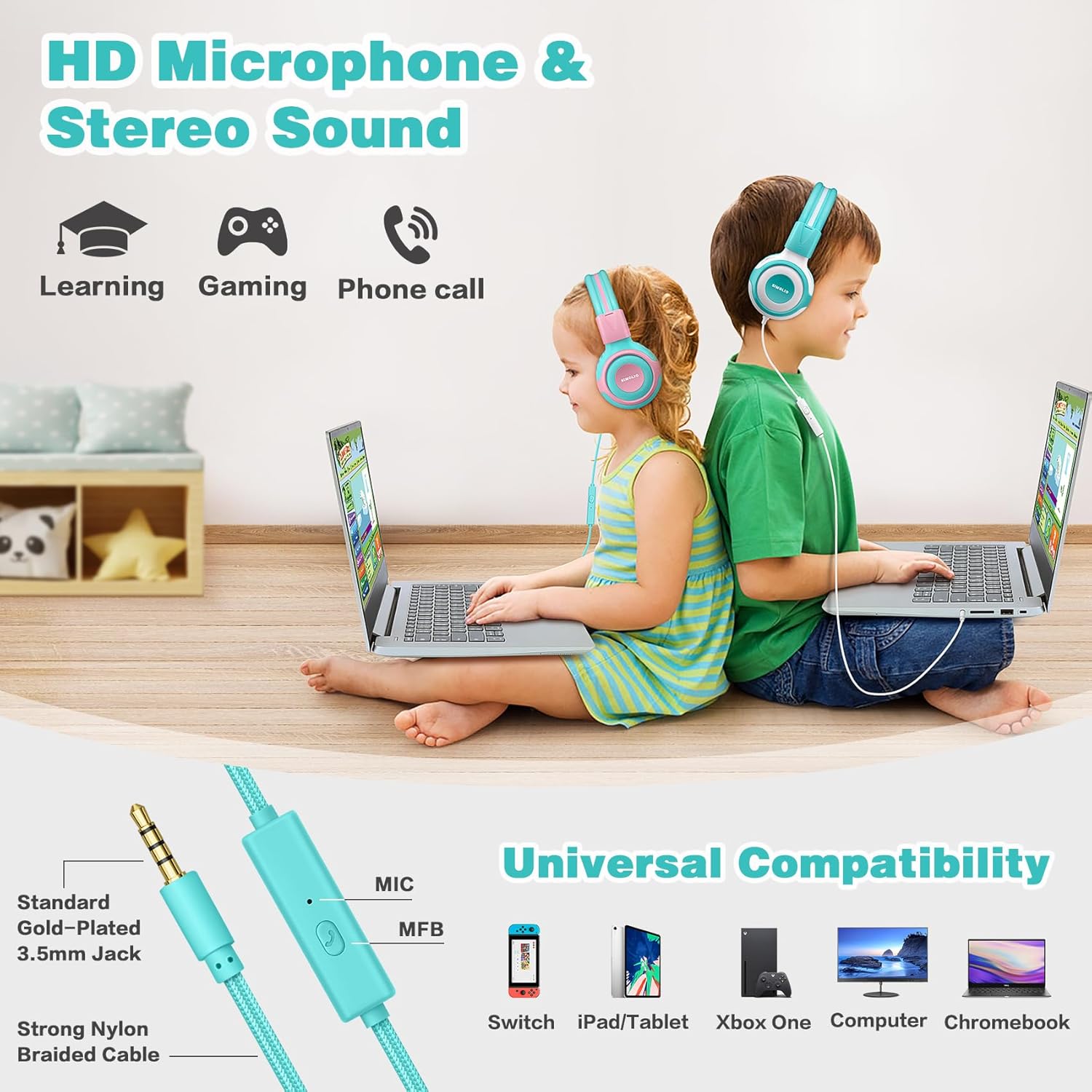
Image: A diagram illustrating the universal compatibility of the headphones with various devices such as Switch, iPad/Tablet, Xbox One, Computer, and Chromebook, highlighting the standard gold-plated 3.5mm jack and strong nylon braided cable with built-in mic.
Configuració
- Desembalar: Carefully remove the headphones and all included accessories from the packaging.
- Desplegar: Gently unfold the headphones. The adjustable headband allows for flexibility.
- Ajustar l'ajust: Extend or retract the headband to ensure a comfortable and secure fit on the child's head. The earcups are designed to sit comfortably on the ears.
- Connectar: Insert the 3.5mm audio jack firmly into the audio output port of your device (e.g., tablet, smartphone, laptop).
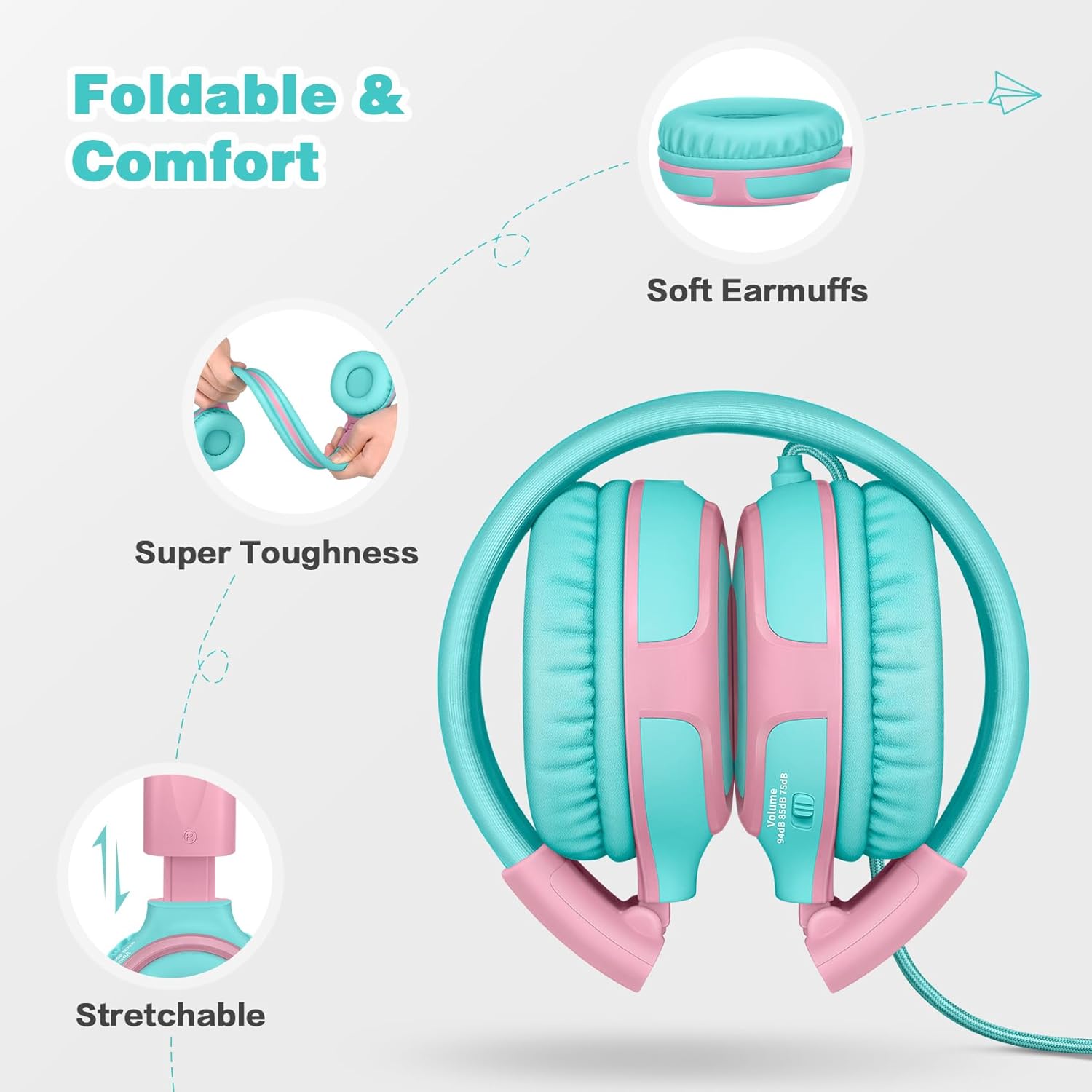
Image: A visual representation of the headphones' foldable design, soft earmuffs, super toughness, and stretchable headband, emphasizing comfort and durability.
Instruccions de funcionament
Basic Audio Playback:
Once connected to your device, audio will play through the headphones. Adjust the volume directly on your connected device.
Ús del micròfon integrat:
The inline control on the cable includes a built-in microphone for hands-free communication.
- Contestar/Finalitzar trucades: Press the multi-function button (MFB) once to answer an incoming call or end an ongoing call.
- Reproduir/pausar música: Press the MFB once to play or pause audio playback.
- Omet la pista: Press the MFB twice quickly to skip to the next track.
Volume Limiter Settings
The SIMOLIO Kids Headphones feature a 3-level volume limiter to protect children's hearing. A switch located on the earcup allows you to select the desired maximum volume level.
- 75dB (Toddler Mode): Ideal for very young children or extremely quiet environments.
- 85dB (Mode d'estudi): Suitable for general use, such as studying or listening in moderately quiet settings.
- 94dB (mode de viatge): Recommended for noisy environments like airplanes or cars, providing a slightly higher but still safe volume.
Always choose the lowest comfortable volume setting to maximize hearing protection.

Imatge: Un primer pla view of the volume limiter switch on the earcup, showing the 75dB, 85dB, and 94dB settings.
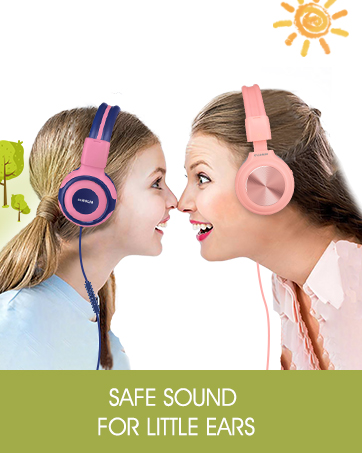
Image: Two children, one wearing pink and one wearing blue SIMOLIO headphones, demonstrating the safe sound feature for young users.
Funció de compartir
The SIMOLIO Kids Headphones include a unique sharing jack, allowing another headphone to be plugged in directly. This eliminates the need for an external audio splitter.
- Ensure the main SIMOLIO headphone is connected to your audio source.
- Locate the sharing jack on the left earcup of the SIMOLIO headphone.
- Plug the 3.5mm audio jack of a second headphone into the sharing jack.
- Both headphones will now receive audio from the connected device.

Image: Two children lying on a bed, each wearing SIMOLIO headphones, with one headphone plugged into the other, demonstrating the audio sharing feature.

Imatge: Una imatge detallada view of the sharing jack located on the earcup of the SIMOLIO Kids Headphones.
Manteniment i cura
- Neteja: Wipe the headphones with a soft, dry cloth. Do not use harsh chemicals or abrasive cleaners.
- Emmagatzematge: When not in use, fold the headphones and store them in the provided protective carrying case to prevent damage.
- Cura del cable: Eviteu doblegar el cable bruscament o estirar-lo massa per evitar danys interns.
- Humitat: Keep the headphones away from water and excessive moisture. They are not water-resistant.
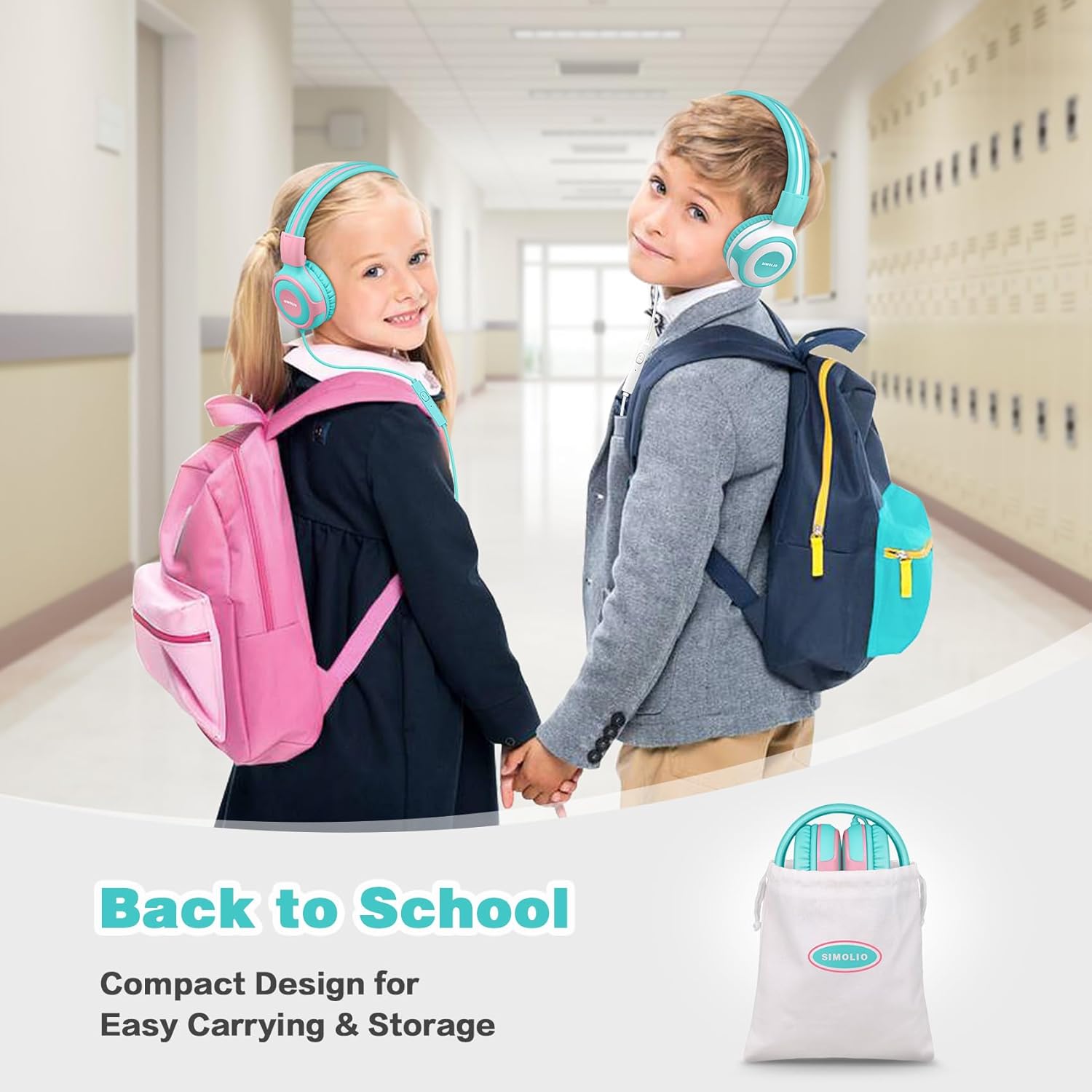
Image: The SIMOLIO Kids Headphones folded and placed inside their compact carrying bag, next to a backpack, illustrating ease of transport and storage for school or travel.
Resolució de problemes
| Problema | Causa possible | Solució |
|---|---|---|
| Sense so |
|
|
| El micròfon no funciona |
|
|
| Distorsió del so |
|
|
Especificacions
| Característica | Detall |
|---|---|
| Nom del model | Headphones for Kids SM-903A |
| Tecnologia de connectivitat | Wired (3.5 AUX) |
| Conector d'auriculars | 3.5 mm Jack |
| Sensibilitat | 94 dB (màx.) |
| Volume Limit Levels | 75 dB, 85 dB, 94 dB |
| Components inclosos | User Manual, Protective Case |
| Interval d'edat (descripció) | Nen |
| Material | Acrilonitril butadiè estirè (ABS) |
| Dispositius compatibles | Chromebook, Amazon Fire Tablet, Switch, Smartphone, Laptop, 3.5mm audio jack devices |
| Tipus de control | Micròfon integrat |
| Característica del cable | Braided Nylon, 4.9ft/1.5m |
| Nivell de resistència a l'aigua | No resistent a l'aigua |
| Pes de l'article | 8.4 unces |
| Color | Mint & Pink |
Garantia i Suport
SIMOLIO products are designed for quality and durability. For any questions, concerns, or support needs regarding your SIMOLIO Kids Headphones, please contact SIMOLIO customer service.
You are entitled to enjoy 24-hour Customer-friendly Support Service. Please refer to the product packaging or the official SIMOLIO weblloc web per obtenir la informació de contacte i els detalls de la garantia més actualitzats.


