Introducció
This manual provides essential information for setting up, operating, maintaining, and troubleshooting your Apple iPad (8th Generation). The iPad features a 10.2-inch Retina display, an A12 Bionic chip, and supports Apple Pencil (1st generation) and Smart Keyboard. Please read this guide thoroughly to ensure proper use and to maximize your device's capabilities.
Què hi ha a la caixa
Verifiqueu que tots els elements estiguin presents a l'embalatge:
- iPad (8a generació)
- Cable USB-C a Lightning
- Adaptador d'alimentació USB-C

Image: The back of the iPad (Space Gray) alongside the included USB-C to Lightning cable and USB-C power adapter.
Configuració
1. Engegada inicial
Press and hold the Top button until the Apple logo appears. Follow the on-screen instructions to select your language and region.
2. Connecteu-vos a Wi-Fi
Seleccioneu la vostra xarxa Wi-Fi de la llista i introduïu la contrasenya si se us demana. Cal una connexió a Internet estable per a l'activació.
3. Dades i privadesa
Review the Data & Privacy information and tap Continue.
4. Configuració de Touch ID
Follow the instructions to set up Touch ID using the Home button. This allows for secure authentication and Apple Pay.
5. Crea un codi d'accés
Set a six-digit passcode to protect your device. You can choose other passcode options later in Settings.
6. Apps & Data
Choose how you want to restore or transfer apps and data to your new iPad. Options include restoring from an iCloud Backup, Mac or PC, or setting up as a new iPad.
7. ID d'Apple
Sign in with your Apple ID. If you do not have one, you can create one during this step. Your Apple ID is used for iCloud, App Store, iTunes Store, and other Apple services.
8. Actualitzacions de programari
Ensure your iPad is running the latest version of iPadOS for optimal performance and security. Updates can be managed in Settings > General > Software Update.
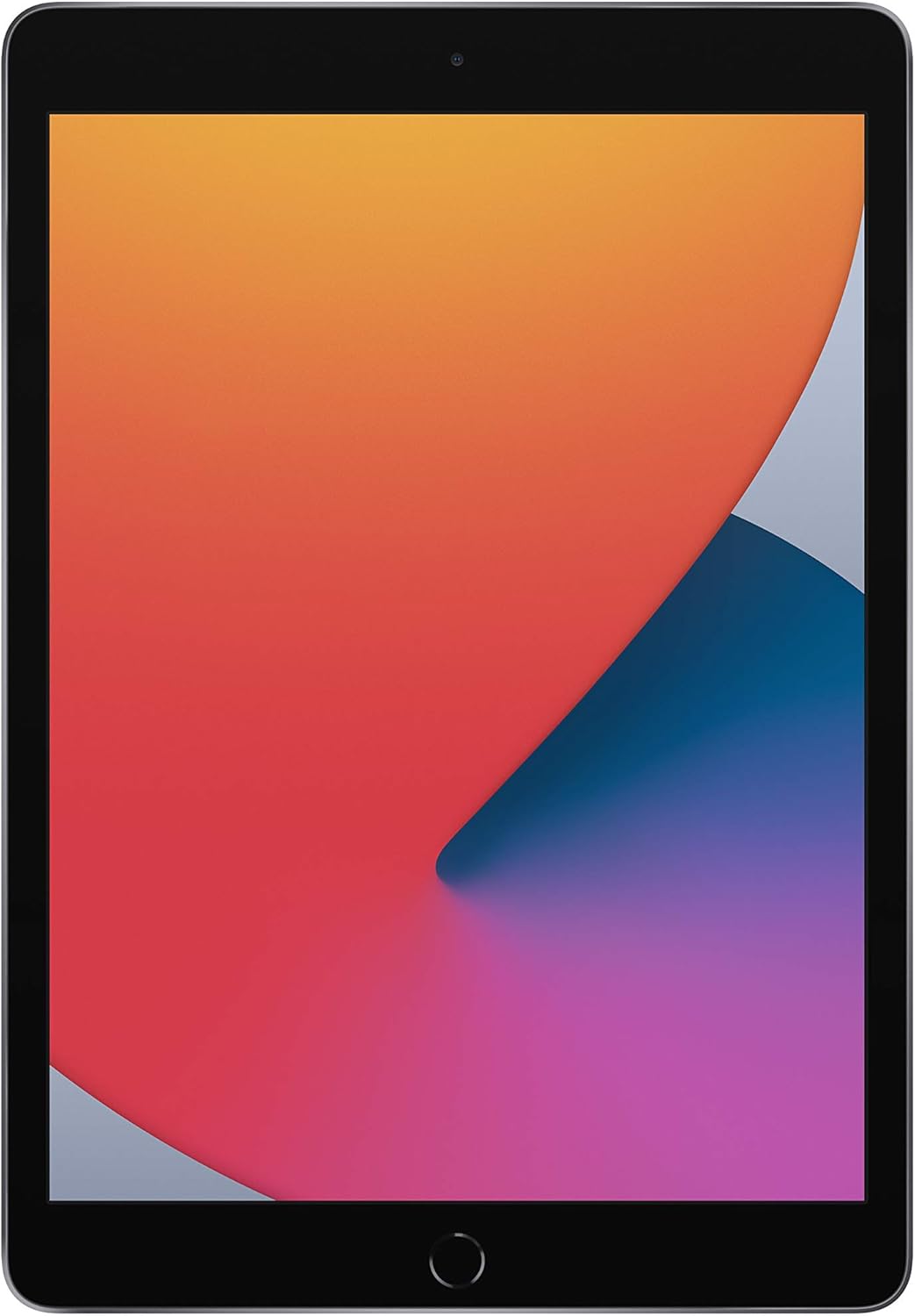
Image: The front of the iPad (8th Generation) displaying its 10.2-inch Retina screen.
Instruccions de funcionament
Navegació bàsica
- Botó d'inici: Premeu una vegada per tornar a la pantalla d'inici. Premeu dues vegades per obrir el selector d'aplicacions. Mantingueu premut per a Siri.
- Botó superior: Press to wake or sleep your iPad. Press and hold to power off.
- Botons de volum: Ajusteu el volum amunt o avall.
Pantalla Retina
The 10.2-inch Retina display offers vibrant colors and sharp details. Interact with the display using multi-touch gestures such as tap, swipe, pinch, and zoom.
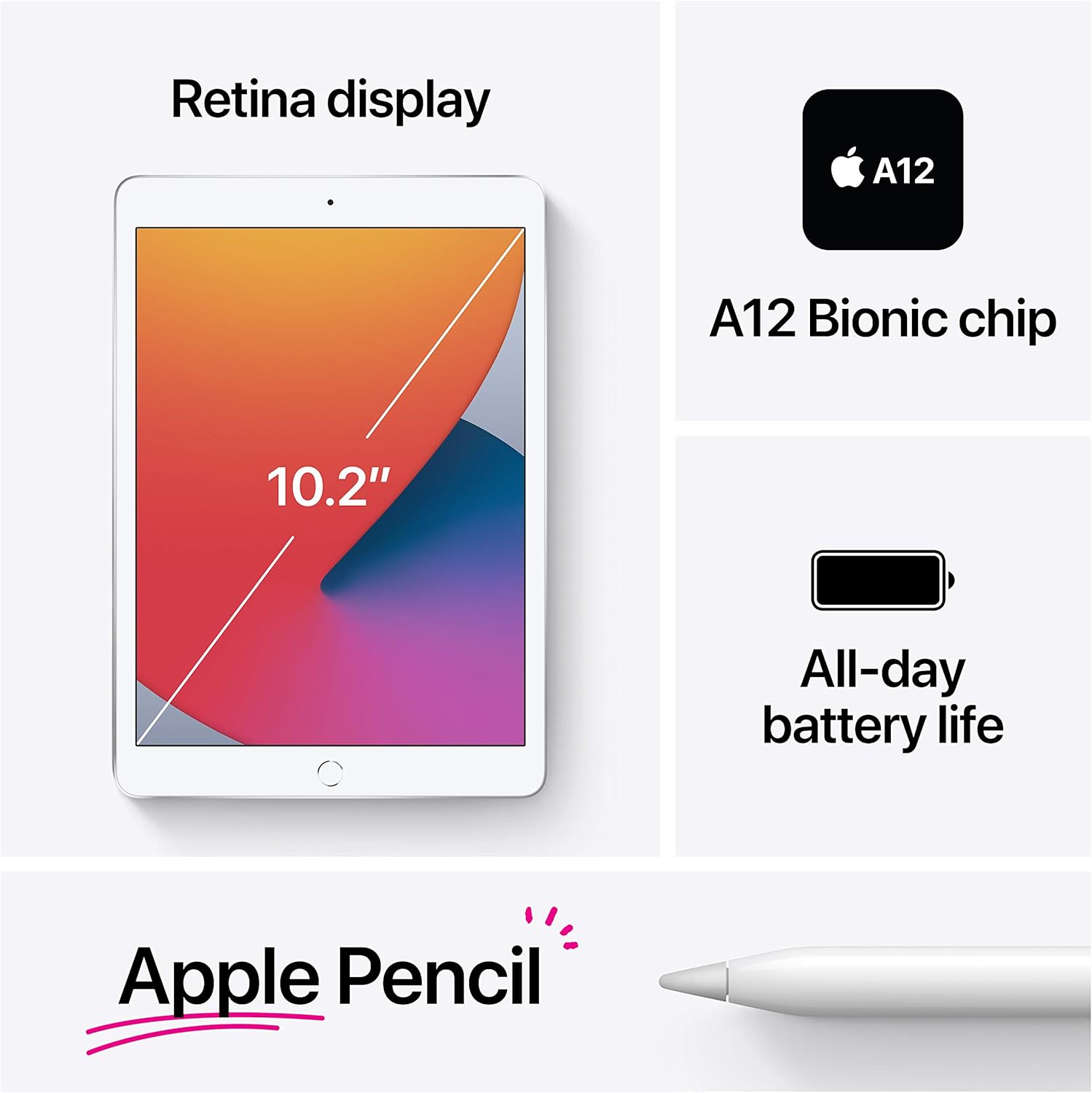
Image: A visual summary of the iPad's features, including its display size, A12 Bionic chip, battery life, and Apple Pencil support.
Xip biònic A12
The A12 Bionic chip with Neural Engine provides enhanced performance for demanding applications, gaming, and multitasking.
Funcions de la càmera
- Càmera posterior: The 8MP back camera supports HDR and 1080p HD video recording.
- Càmera frontal: The 1.2MP FaceTime HD front camera also supports HDR for clear video calls and selfies.

Imatge: Una imatge detallada view of the 8MP rear camera located on the back of the iPad.
Connectivitat
The iPad supports 802.11ac Wi-Fi for fast wireless internet access. To connect, go to Settings > Wi-Fi and select your network.
Touch ID
Use Touch ID for secure unlocking of your iPad, authenticating purchases in the App Store, iTunes Store, and Apple Books, and for Apple Pay.
Apple Pencil (1st Generation) & Smart Keyboard
The iPad (8th Generation) is compatible with the 1st generation Apple Pencil for drawing, note-taking, and marking up documents. It also supports the Smart Keyboard for a full-size typing experience.

Image: An individual using an Apple Pencil to write on the iPad's display, illustrating its use for taking notes.
Gestió de la bateria
The iPad offers up to 10 hours of battery life for web browsing on Wi-Fi, watching videos, or listening to music. Charge your iPad using the included USB-C to Lightning Cable and USB-C Power Adapter.
iPadOS 14
iPadOS 14 introduces new features specifically designed for iPad, including enhanced multitasking, redesigned widgets, and improved app organization.

Image: Several iPads demonstrating the multitasking and application display features of iPadOS.
Manteniment
Neteja del teu iPad
To clean your iPad, unplug all cables and power off the device. Use a soft, lint-free cloth. Avoid abrasive cloths, towels, paper towels, or similar items. Do not use aerosol sprays, solvents, or abrasives. For the screen, a slightly damp cloth with water is generally sufficient. Avoid getting moisture in any openings.
Actualitzacions de programari
Regularly check for and install software updates to ensure your iPad has the latest features, security enhancements, and bug fixes. Go to Settings > General > Software Update.
Cura de la bateria
To prolong battery lifespan, avoid exposing your iPad to extreme temperatures. For long-term storage, charge the device to about 50% and power it off.
Resolució de problemes
El dispositiu no respon
Si el teu iPad no respon, fes un reinici forçat: prem i mantén premut el botó superior i el botó Inici simultàniament. Continua mantenint-los premuts fins que aparegui el logotip d'Apple.
Problemes de connexió Wi-Fi
- Assegureu-vos que el Wi-Fi estigui activat a Configuració.
- Reinicieu el vostre encaminador Wi-Fi.
- Forget the network (Settings > Wi-Fi > tap the 'i' next to the network > Forget This Network) and reconnect.
L'aplicació es bloqueja o es congela
Close the app from the App Switcher (double-press Home button and swipe the app up) and reopen it. If the issue persists, restart your iPad.
Restabliment de fàbrica (últim recurs)
If persistent issues occur, you may need to erase all content and settings. Warning: This will delete all data on your iPad. Ensure you have a backup. Ves a Configuració > General > Transferir o restablir l'iPad > Esborra tot el contingut i la configuració.
Especificacions
| Característica | Detall |
|---|---|
| Nom del model | iPad (8a generació) |
| Mostra | 10.2-inch Retina display (2160 x 1620 pixels) |
| Xip | A12 Bionic chip with Neural Engine |
| Capacitat d'emmagatzematge | 32 GB |
| Càmera posterior | 8MP camera with HDR, 1080p HD video |
| Càmera frontal | 1.2MP FaceTime HD camera with HDR |
| Connectivitat | Wi-Fi 802.11ac |
| Durada de la bateria | Up to 10 hours (Wi-Fi browsing/video/music) |
| Connector | Llamp |
| Dimensions (A x A x P) | 9.8 x 6.8 x 0.29 polzades (250.6 x 174.1 x 7.5 mm) |
| Pes (model amb Wi-Fi) | 1.08 lliures (490 grams) |
| Data de llançament | 15 de setembre de 2020 |
Garantia i Suport
Your Apple iPad (8th Generation) comes with a limited hardware warranty. For detailed warranty information, please refer to the documentation included with your product or visit the official Apple support website. Apple also provides various support resources, including online knowledge bases, community forums, and direct technical support.
Per obtenir més ajuda, visiteu support.apple.com/ipad.


