Introducció
The JBL C115 True Wireless Earbuds deliver a high-quality audio experience with the convenience of true wireless technology. Designed for comfort and extended use, these earbuds feature crystal clear calls, powerful bass, and intuitive controls. This manual provides essential information for setting up, operating, and maintaining your JBL C115 earbuds.
Què hi ha a la caixa
Upon opening your JBL C115 True Wireless Earbuds package, you will find the following components:
- 1 x JBL C115TWS Earbuds
- 3 sizes of eartips (S, M, L) for a customized fit
- 1 x cable de càrrega USB tipus C
- 1 x funda de càrrega
- 1 x Document de garantia / avís (amb / !)
- 1 x Quick Start Guide (QSG) / Safety Sheet (S / i)

Image: Contents of the JBL C115TWS package, including earbuds, charging case, eartips, and cables.
Producte acabatview
The JBL C115 earbuds are designed for optimal audio performance and user convenience. They feature a compact design, touch controls, and a portable charging case.
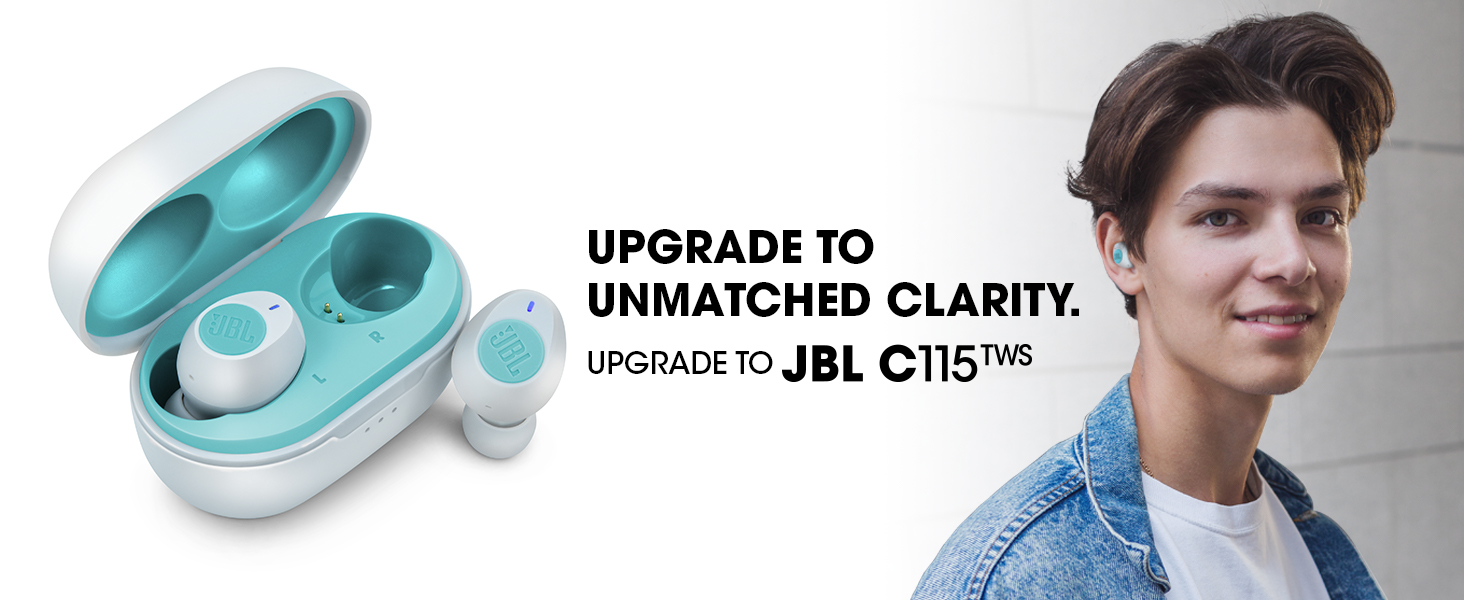
Image: A person wearing the JBL C115TWS earbuds, highlighting their discreet and comfortable fit.
Característiques principals:
- Veritable disseny sense fil: Gaudeix de completa llibertat de moviment sense cables.
- So de baixos purs JBL: Experience rich, undistorted bass from 5.8mm dynamic drivers.
- 21 Hours Combined Playback: 6 hours on earbuds + 15 hours from the charging case.
- Càrrega ràpida: 15 minutes of charging provides up to 1 hour of playback.
- Connexió dual: Use either earbud independently or both for stereo sound.
- Assistència de veu: Access your device's voice assistant with a simple tap.
- Trucades mans lliures: Integrated microphone for clear calls.
- Ajust còmode: Ergonomic design with multiple eartip sizes for secure wear.
Configuració
Initial Power On and Pairing:
- Encès: Open the charging case. The earbuds will automatically power on and enter pairing mode. The blue blinking light on the right earbud indicates pairing mode.
- Connecta't al dispositiu: On your mobile device, go to Bluetooth settings and select "JBL C115 TWS" from the list of available devices.
- Sincronització automàtica: Once the right earbud is paired, the left earbud will automatically connect, providing a seamless stereo experience.
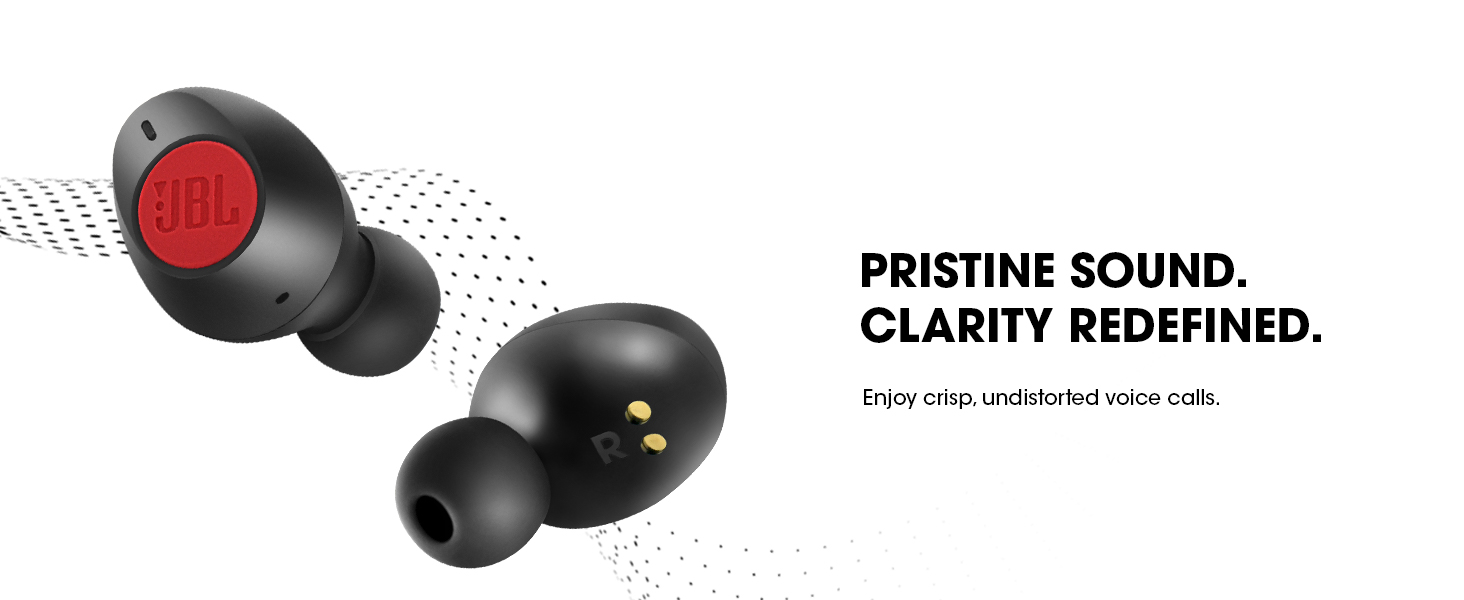
Image: Illustration of the JBL C115TWS earbuds and charging case, emphasizing instant connectivity with Bluetooth 5.0.
Acoblament manual:
If automatic pairing does not occur or you wish to pair manually:
- Hold and press the right earbud for 2 seconds to enable pairing mode.
- Then, connect to your device via Bluetooth settings.
Portant els auriculars
For optimal sound quality and comfort, ensure the earbuds are worn correctly and the appropriate eartip size is selected.
- Trieu les puntes per a les orelles: Select the eartip size (S, M, L) that best fits your ear canal. A snug fit is crucial for sound quality and bass response.
- Insert Earbud: Place the earbud into your ear canal with the bottom facing down.
- Girar per assegurar: Gently twist the top of the earbud firmly into your upper ear until it feels secure and comfortable.
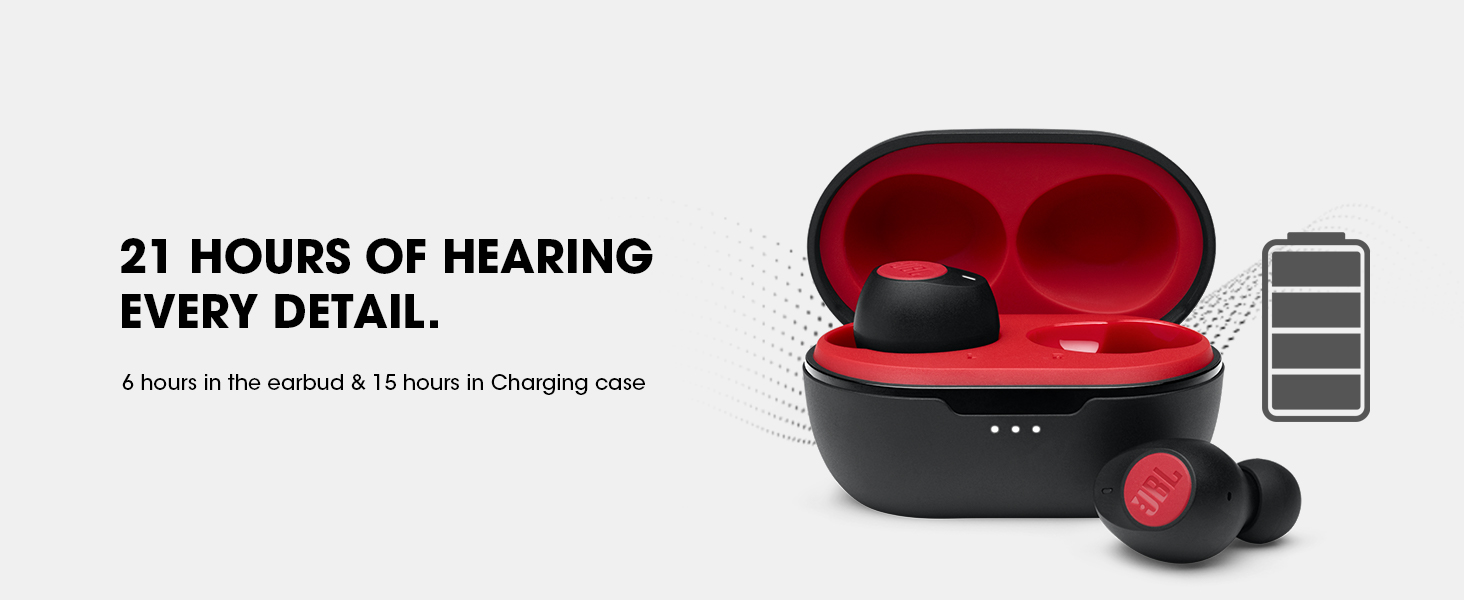
Image: An earbud shown with different sizes of eartips (Small, Medium, Large) to illustrate the importance of selecting the correct size for a comfortable and secure fit.
Nota: If the eartip size does not match your ear canals or the headset is not worn properly, you may not achieve the correct sound qualities or call performance. Experiment with different sizes for the best experience.
Instruccions de funcionament
Controls de música i trucades:
The JBL C115 earbuds feature intuitive touch controls for managing your audio and calls.
- Reproduir/pausa: Un sol toc a qualsevol dels auriculars.
- Pista següent: Toqueu dues vegades l'auricular dret.
- Pista anterior: Toqueu dues vegades l'auricular esquerre.
- Respondre/Finalitzar la trucada: Un sol toc a qualsevol dels auriculars.
- Rebutja la trucada: Manteniu premut qualsevol dels auriculars durant 2 segons.
Image: The JBL C115TWS earbuds shown alongside a smartphone displaying a call interface, highlighting the crystal clear call feature.
Integració de l'Assistent de veu:
Activate your device's voice assistant for hands-free control.
- Activa l'Assistent de veu: Triple tap on either earbud. Compatible with Siri, Google Assistant, and Bixby.
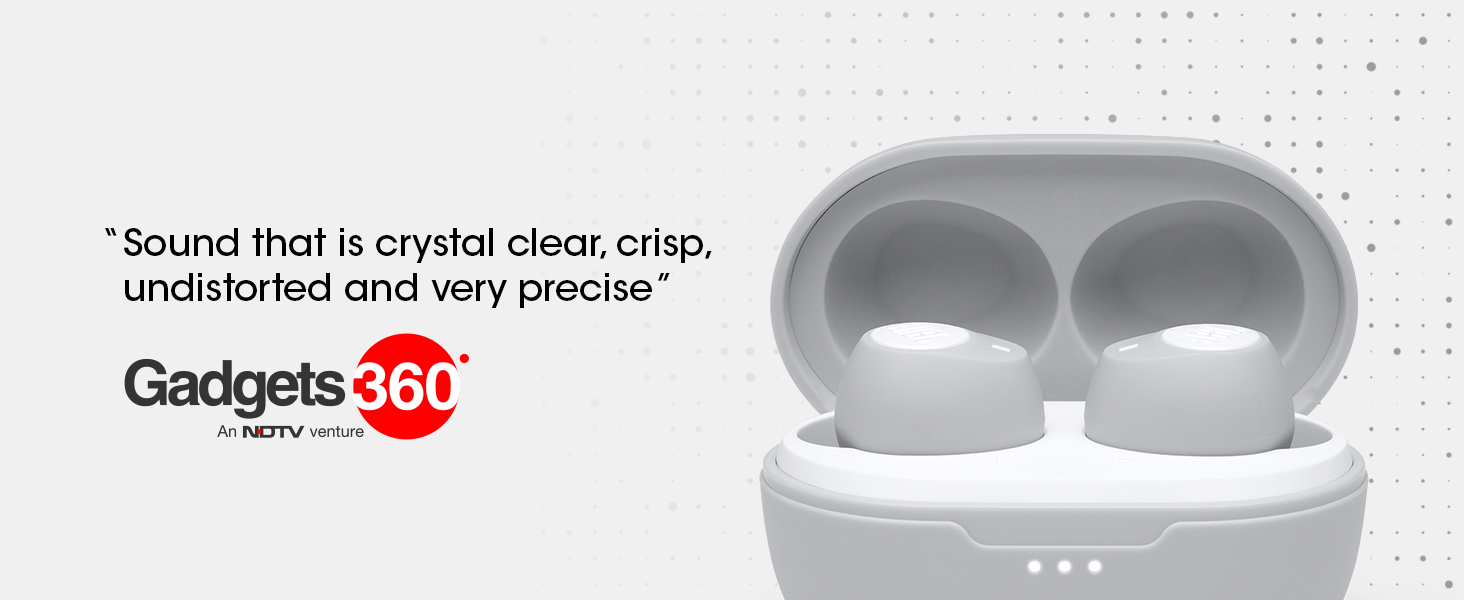
Image: A single JBL C115TWS earbud displayed with the logos of Alexa and Google Assistant, signifying its compatibility with voice assistant features.
Bateria i càrrega
The JBL C115 earbuds offer extended playback time and convenient charging options.
- Temps total de reproducció: Up to 21 hours (6 hours on earbuds + 15 hours from charging case).
- Càrrega ràpida: Get up to 1 hour of playback with just 15 minutes of charging.
- Temps de càrrega complet: Less than 2 hours for 100% battery.
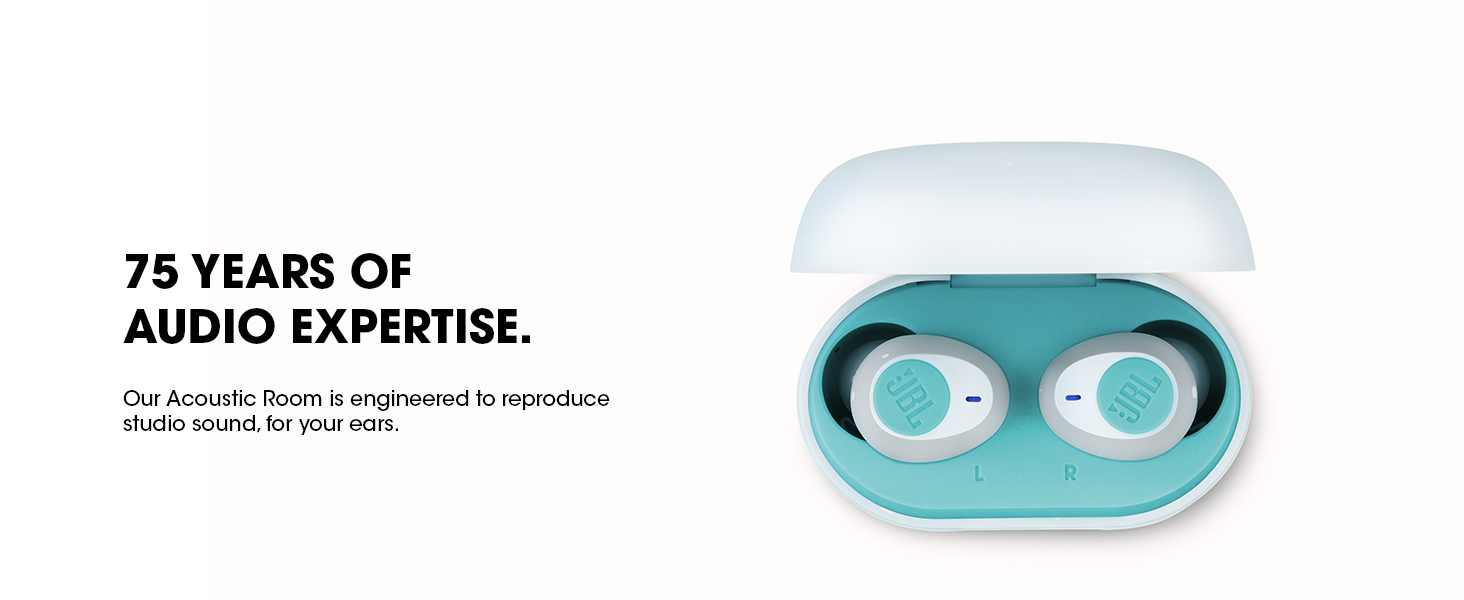
Image: The JBL C115TWS earbuds in their charging case, illustrating the impressive 21-hour total playback time and the quick charge capability.
Càrrega de la caixa:
Use the included Type-C USB charging cable to charge the case. The LED indicators on the case will show the charging status.
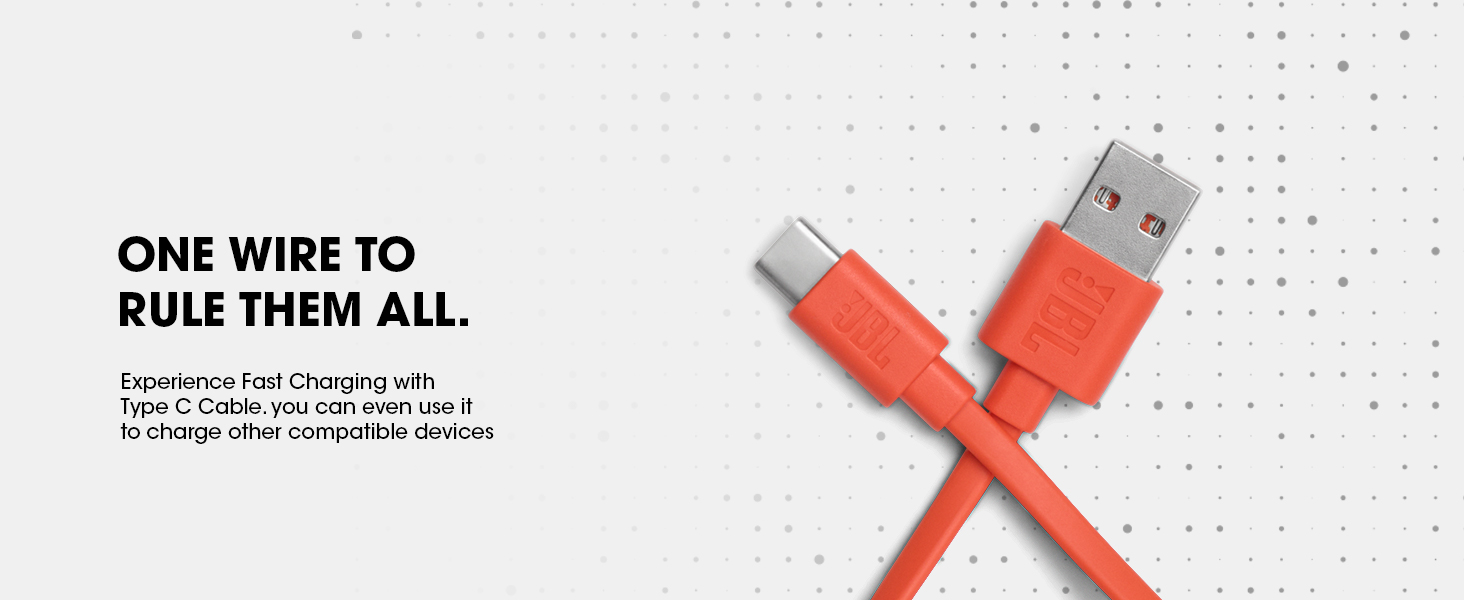
Image: The Type-C USB charging cable, used for charging the JBL C115TWS earbuds case and other compatible devices.
Connectivitat
The JBL C115 earbuds utilize Bluetooth 5.0 for stable and efficient wireless connection.
- Versió Bluetooth: 5.0
- Rang Bluetooth: Fins a 10 metres (33 peus)
- Connexió dual: Seamlessly switch between using one earbud (mono mode) or both (stereo mode) for music or calls.

Image: A visual representation of the Dual Connect feature of the JBL C115TWS, showing how earbuds can be used in both Mono and Stereo modes.
Qualitat del so
JBL's 75 years of audio engineering expertise ensures crystal clear sound and powerful bass with the C115 earbuds.
- Mida del controlador d'àudio: 5.8mm Dynamic Drivers.
- True Bass: Experience pristine sound quality with full bandwidth audio and no distortion, even at maximum volume.
- Acoustic Room Construction: Expertly engineered for precise tuning and studio-quality sound reproduction.
Especificacions
| Característica | Detall |
|---|---|
| Nom del model | Sintonitza |
| Tecnologia de connectivitat | Bluetooth 5.0 |
| Tecnologia de comunicació sense fils | Bluetooth |
| Components inclosos | 1 x JBL C115TWS, 3 sizes of eartips (S, M, L), Type-C USB charging cable, Charging case, 1 x Warranty / Warning (W / !), 1 x QSG / Safety Sheet (S / i) |
| Material | Cristall |
| Temps de càrrega | 15 Minutes (for 1 hour playback) |
| Usos recomanats | Entertainment, Calling, Gaming, Outdoor, Recording, Exercising, Running, Audio Monitoring, Travelling, Listening Music |
| Dispositius compatibles | All Bluetooth devices |
| Tipus de control | Media Control; Call Control; Voice Control |
| Pes de l'article | 73 grams |
| Mètode de control | Toca |
| Durada de la bateria | 21 Hours (6 hours earbuds + 15 hours case) |
| Tipus de controlador d'àudio | Conductor dinàmic |
| Interval Bluetooth | 10 metres |
| Mida del controlador d'àudio | 5.8 Mil·límetres |
| Forma de l'auricular | Bud |
| Format de micròfon | 2 micròfons |
| Tecnologia del micròfon | Mono, estèreo |
| Font d'alimentació | Funciona amb piles |
| Composició de les cel·les de la bateria | Ió de liti |
| Dimensions de l'article LxWxH | 16 x 10 x 4.2 centímetres |
| Impedància | 14 ohms |
Resolució de problemes
If you encounter issues with your JBL C115 earbuds, try the following solutions:
- Sense so/Volum baix:
- Assegureu-vos que els auriculars estiguin carregats.
- Comproveu el volum del dispositiu i el volum dels auriculars.
- Verify proper fit in ear canal; try different eartip sizes.
- Torneu a connectar el Bluetooth.
- Problemes d'aparellament:
- Assegureu-vos que el Bluetooth estigui habilitat al vostre dispositiu.
- Place earbuds back in the case and close, then reopen to re-enter pairing mode.
- Oblida't del dispositiu a la configuració de Bluetooth del telèfon i intenta emparellar-lo de nou.
- Els auriculars no es carreguen:
- Assegureu-vos que el cable de càrrega estigui connectat correctament tant a la carcassa com a una font d'alimentació.
- Check for debris in the charging ports of the case and earbuds.
- Assegureu-vos que els auriculars estiguin correctament col·locats a l'estoig de càrrega.
Manteniment
Proper care will extend the life of your JBL C115 earbuds:
- Neteja: Regularly clean the earbuds and charging case with a soft, dry cloth. Remove eartips and clean them separately with mild soap and water, ensuring they are completely dry before reattaching.
- Emmagatzematge: Quan no els utilitzeu, guardeu els auriculars a la seva funda de càrrega per protegir-los i mantenir-los carregats.
- Eviteu condicions extremes: Do not expose the earbuds to extreme temperatures, humidity, or liquids. While water-resistant, they are not waterproof.
Garantia i Suport
Your JBL C115 True Wireless Earbuds come with a 1-year manufacturer’s warranty.
- Cobertura de la garantia: The warranty covers manufacturing defects. Please refer to the included Warranty / Warning (W / !) document for full terms and conditions.
- Atenció al client: Per a assistència tècnica, reclamacions de garantia o més consultes, visiteu el servei d'assistència oficial de JBL. website or contact your local authorized service center.
Manufacturer: Harman International Industries, Inc, 8500, Balboa Blvd, Northridge, CA 91329, USA.
Importer: Harman International (India) Pvt Ltd, Salarpuria Sattva Knowledge Court, Office-1, Wing ‘A’ & ‘B’ 6th floor, Plot No. 9, Phase I, Doddenakkundi Industrial Area, Bearing Khata bearing Sl. No. 299 old No.62, situated at Survey No. 77, Doddenakkundi Village, K.R. Puram Hobli, Bangalore East Taluk, Bangalore -560048, Karnataka.


