1. Introducció
This manual provides essential information for the safe and effective use of your PowerLocus Smartwatch Activity Tracker. Please read it thoroughly before using the device to ensure optimal performance and longevity.
The PowerLocus Smartwatch is designed to monitor various health and fitness metrics, provide notifications, and assist in managing daily activities. It features a 1.4-inch full touch screen and is compatible with both iOS and Android devices.

Imatge 1.1: Davant view of the PowerLocus Smartwatch, displaying time, date, and a moon/stars graphic. The watch has a grey strap and a rectangular screen.
2. Configuració
2.1. Càrrega del dispositiu
Before first use, fully charge your smartwatch. Connect the magnetic charging cable to the charging points on the back of the watch and plug the USB end into a power adapter (not included) or a computer's USB port. A full charge typically takes less than 2 hours.
The watch offers more than 7 days of battery life and up to 15 days in standby mode.

Imatge 2.1: posterior view of the PowerLocus Smartwatch, highlighting the magnetic charging contacts and the optical heart rate sensor.
2.2. Instal·lació i emparellament de l'aplicació
- Descarrega l'aplicació: Cerca the dedicated PowerLocus Smartwatch app on your smartphone's app store (iOS or Android).
- Instal·lar i obrir: Instal·la l'aplicació i obre-la al teu telèfon intel·ligent.
- Activa el Bluetooth: Assegureu-vos que el Bluetooth estigui habilitat al vostre telèfon intel·ligent.
- Parella el dispositiu: Follow the in-app instructions to search for and connect to your PowerLocus Smartwatch. The app will guide you through the pairing process.
- Concedir permisos: Allow necessary permissions (e.g., notifications, location) for the app to function correctly.
3. Instruccions de funcionament
3.1. Navegació bàsica
The smartwatch features a full touch screen for easy navigation. Swipe left, right, up, or down to access different menus and functions. Tap to select an option or confirm an action. The side button typically serves as a back or home button.
3.2. Notificacions
Once paired with your smartphone, the smartwatch can display notifications for incoming calls, SMS messages, and various social media applications like WhatsApp and Messenger. Ensure notification permissions are granted in the app.

Imatge 3.1: A hand wearing the PowerLocus Smartwatch, with notification icons for various applications like WhatsApp, Twitter, Instagram, and Facebook floating around the watch face.
3.3. Monitorització de la salut
The smartwatch provides continuous monitoring of several health metrics:
- Detecció de la freqüència cardíaca: Controla la teva freqüència cardíaca durant tot el dia.
- Detecció de pressió arterial: Proporciona estimacions de la pressió arterial.
- Detecció d'oxigen en sang (SpO2): Mesura els nivells d'oxigen a la sang.
- Podòmetre: Compta els teus passos diaris.
- Consum de calories: Estima les calories cremades en funció de l'activitat.
- Càlcul de la distància: Tracks the distance covered.
Access these features through the watch's menu or view detailed data in the companion app.

Imatge 3.2: A man in a gym setting, looking at his PowerLocus Smartwatch which displays health metrics such as heart rate, blood pressure, and step count.
3.4. Seguiment del son
The smartwatch automatically tracks your sleep patterns, distinguishing between light sleep, deep sleep, and awake stages. This data helps you understand your sleep quality. Set bedtime reminders through the app to establish a consistent sleep routine.

Imatge 3.3: A woman sleeping peacefully, wearing a PowerLocus Smartwatch that shows sleep duration and quality metrics on its screen.
3.5. Sports Activities
The smartwatch supports 8 different sports modes to accurately track your workouts. These modes help monitor performance metrics like steps, distance, calories burned, and heart rate during activities such as running, cycling, basketball, and football.

Imatge 3.4: The PowerLocus Smartwatch displaying activity tracking data, accompanied by images of a person cycling, running, and playing football, illustrating its multi-sport capabilities.
3.6. Funcions addicionals
- Control de la càmera: Controla la càmera del teu telèfon intel·ligent de manera remota.
- Despertador: Configura alarmes directament des del rellotge o l'aplicació.
- Cronòmetre: Feu servir la funció de cronòmetre per a activitats de cronometratge.
- Recordatori sedentari: Rebre alertes per moure's després de períodes d'inactivitat.
- Control de música: Controla la reproducció de música al teu telèfon intel·ligent emparellat (reprodueix, pausa, salta pistes).
- Esferes de rellotge personalitzables: Change the watch face to suit your style.
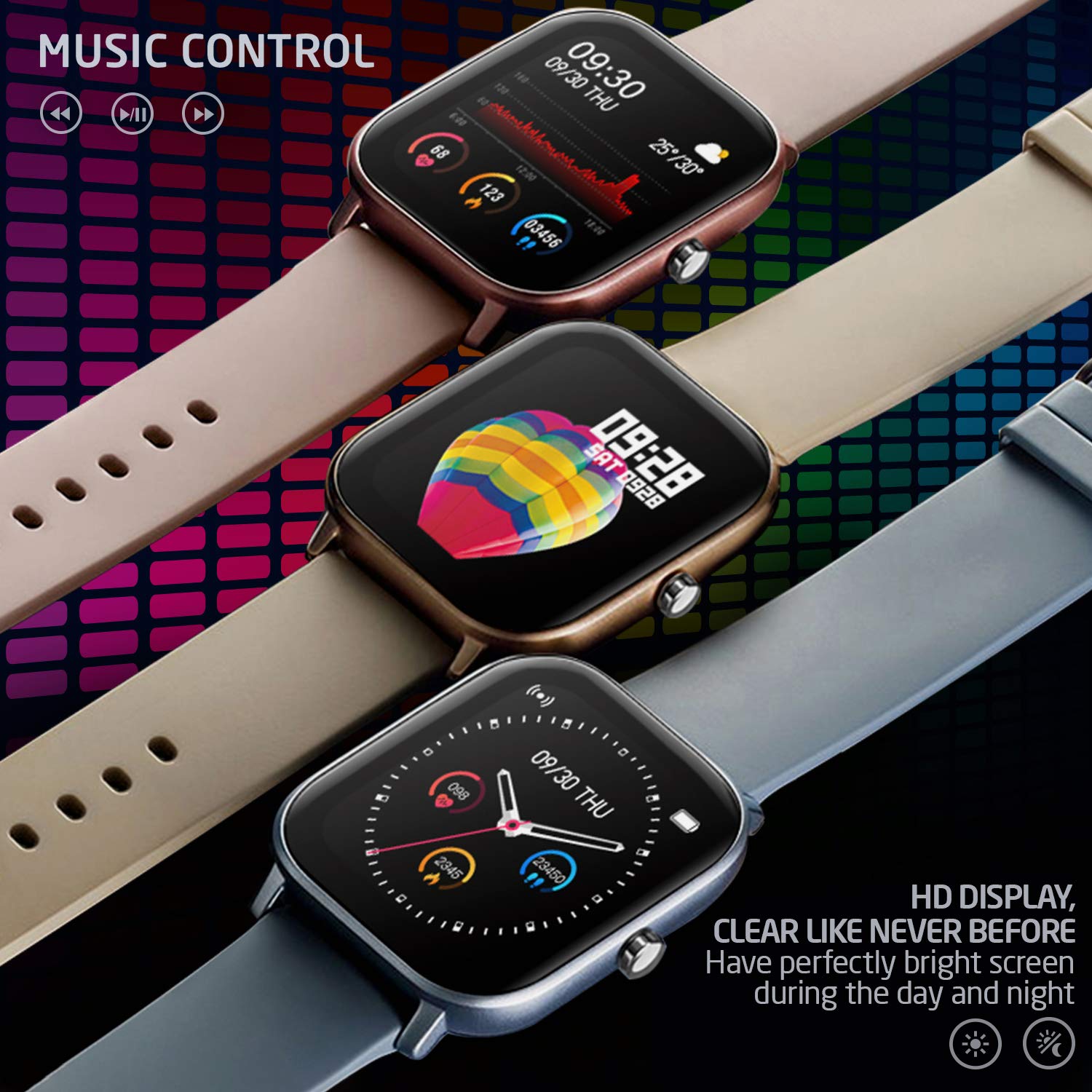
Imatge 3.5: Three PowerLocus Smartwatches in different colors, showcasing music control features and various customizable watch faces with health data.
4. Manteniment
4.1. Impermeabilització
The PowerLocus Smartwatch has an IP67 water resistance rating, meaning it is protected against dust and can withstand immersion in water up to 1 meter for 30 minutes. It is suitable for swimming and jogging in the rain. However, it is not recommended for diving or high-pressure water activities.
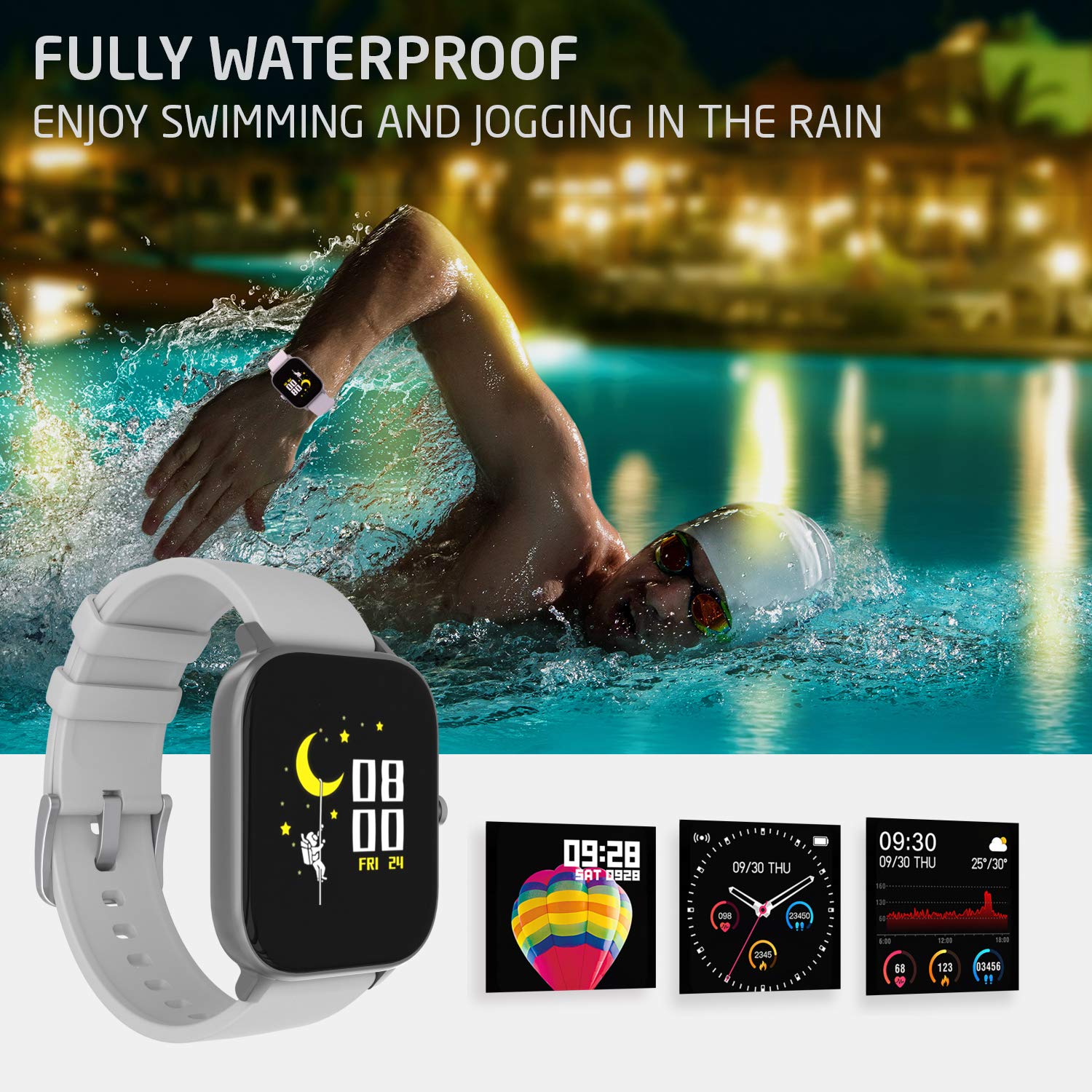
Imatge 4.1: A person swimming in a pool, wearing the PowerLocus Smartwatch, demonstrating its waterproof capability.
4.2. Neteja i cura
- Netegeu el rellotge i la corretja regularment amb un drap suau i sec.amp tela.
- Eviteu utilitzar productes químics aggressivs o netejadors abrasius.
- Assegureu-vos que els contactes de càrrega estiguin nets i secs abans de carregar.
- Protect the screen from scratches by avoiding contact with sharp objects.
5. Solució De Problemes
- El dispositiu no s'encén: Assegura't que el rellotge estigui completament carregat. Connecta'l al carregador i espera uns minuts abans d'intentar encendre'l.
- No es pot emparellar amb el telèfon intel·ligent:
- Assegureu-vos que el Bluetooth estigui habilitat al vostre telèfon intel·ligent.
- Assegureu-vos que el rellotge estigui dins de l'abast del vostre telèfon intel·ligent.
- Reinicieu tant el rellotge com el vostre telèfon intel·ligent.
- Comproveu si l'aplicació està actualitzada a la darrera versió.
- If previously paired, try unpairing and re-pairing the device through the app.
- Dades de salut inexactes:
- Assegureu-vos de portar el rellotge ben ajustat al canell, però no massa ajustat.
- Netegeu el sensor de la part posterior del rellotge.
- Environmental factors and individual physiology can affect readings. The device is not a medical instrument.
- Notificacions que no apareixen:
- Verify that notification permissions are enabled for the app on your smartphone.
- Check the app settings to ensure notifications are enabled for specific applications.
- Assegureu-vos que el rellotge estigui connectat per Bluetooth.
6. Especificacions
| Característica | Detall |
|---|---|
| Nom del model | Seguidor d'activitats |
| Número de model | pwl-par-smart1 |
| Mida de la pantalla | 1.4 polzades |
| Resolució | 240*240 |
| Pes | 46g (device), 141g (package) |
| Talla de la polsera | L*W*H=36.6*43*9.3 mm |
| Resistència a l'aigua | IP67 (impermeable) |
| Tecnologia de visualització | LCD |
| Connectivitat | Bluetooth |
| Sistema operatiu compatible | Android, iOS |
| Tipus de bateria | Lithium Ion (1 C battery included) |
| Durada de la bateria | 7+ days (typical use), 15 days (standby) |
| Temps de càrrega | Menys de 2 hores |
| Característiques especials | Pedometer, Heart Rate Monitor, Blood Pressure Monitor, Blood Oxygen Monitor, Sleep Tracker, Sports Modes, Notifications, Camera Control, Alarm Clock, Chronometer, Sedentary Reminder, Music Control, Customizable Watch Faces |
7. Garantia i Suport
7.1. Informació de la garantia
The PowerLocus Smartwatch Activity Tracker comes with a 24 mesos de garantia completa. This warranty covers manufacturing defects and ensures your smartwatch functions as intended for two years from the date of purchase. Please retain your proof of purchase for warranty claims.
7.2. Atenció al client
For any questions, technical assistance, or warranty claims, please contact PowerLocus customer support through the official website or the contact information provided with your product packaging. Our team is dedicated to providing prompt and helpful assistance.


