1. Introducció
Thank you for choosing the WOOX 741617 R4040 Smart Indoor PTZ HD 360° WiFi Camera. This manual provides essential information for the safe and efficient use of your new smart camera. Please read these instructions carefully before installation and operation, and retain them for future reference.
2. Producte acabatview
The WOOX R4040 is an indoor smart camera designed for home security and monitoring. It features Pan-Tilt-Zoom (PTZ) functionality, allowing for a 360-degree viewing angle, high-definition video recording (1080p), and Wi-Fi connectivity for remote access and control via a smartphone application. Key features include motion detection, two-way audio, and night vision.

Figura 2.1: Frontal view of the WOOX R4040 Smart Indoor PTZ HD 360° WiFi Camera.

Figure 2.2: WOOX R4040 camera highlighting key features such as motion detection, panoramic view, motion tracking, two-way audio, night vision, flexible storage, 1080P resolution, and wireless connectivity.
3. Contingut del paquet
Si us plau, comproveu el contingut del paquet en obrir-lo per assegurar-vos que hi hagi tots els elements i que no estiguin danyats.
- WOOX R4040 Smart Indoor PTZ HD 360° WiFi Camera
- Adaptador d'alimentació
- Cable d'alimentació USB
- Suport de muntatge
- Cargols i taps de paret
- Manual d'usuari
- Reset Pin (SIM ejector tool style)

Figure 3.1: All items included in the WOOX R4040 camera package, laid out on a wooden surface.
4. Configuració
4.1 Instal·lació de l'aplicació
The WOOX R4040 camera operates with the WOOX Home app or the Tuya Smart app.
- Download the "WOOX Home" app or "Tuya Smart" app from the App Store (iOS) or Google Play Store (Android).
- Registra't per obtenir un compte nou o inicia la sessió amb un d'existent.
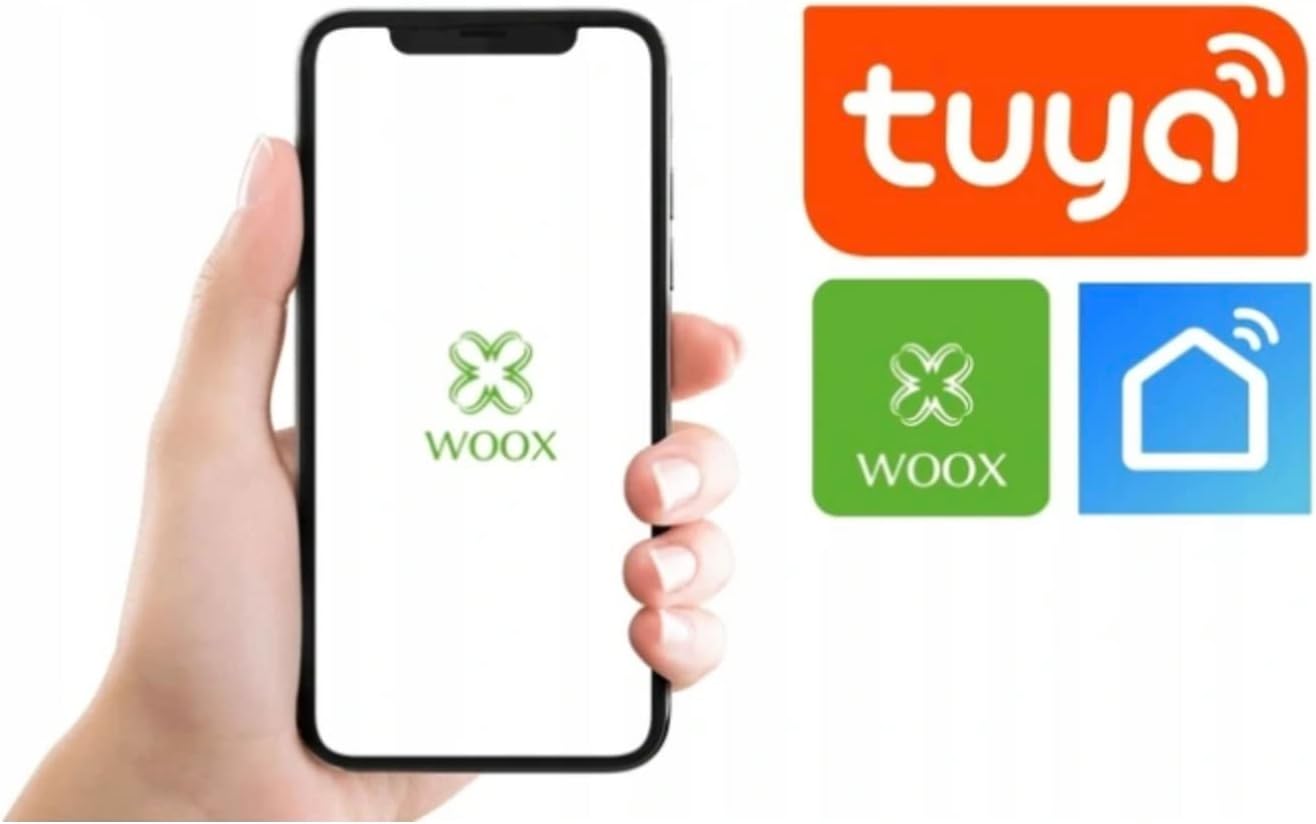
Figure 4.1: Smartphone screen showing the WOOX Home app interface and logos for WOOX and Tuya Smart applications.
4.2 Engegada i emparellament
- Connect the USB power cable to the camera and the power adapter.
- Plug the power adapter into a wall outlet. The camera will power on, and an indicator light will flash, indicating it's ready for pairing.
- Open the WOOX Home or Tuya Smart app.
- Toqueu la icona "+" a la cantonada superior dreta per afegir un dispositiu.
- Select "Security & Video Surveillance" then "Smart Camera (Wi-Fi)".
- Follow the on-screen instructions to connect the camera to your 2.4GHz Wi-Fi network. Ensure your phone is connected to the same 2.4GHz Wi-Fi network during setup.
- Scan the QR code displayed on your phone screen with the camera lens. You will hear a confirmation sound from the camera.
- Un cop connectat, l'indicador lluminós es tornarà blau fix.
4.3 Muntatge de la càmera
The camera can be placed on a flat surface or mounted to a wall or ceiling using the provided mounting bracket.
- Trieu una ubicació adequada per a un ús òptim viewing.
- If mounting, use the bracket as a template to mark drill holes.
- Drill holes, insert wall plugs, and secure the bracket with screws.
- Fixeu la càmera al suport de muntatge.
5. Instruccions de funcionament
5.1 Viu View i control PTZ
- Open the WOOX Home or Tuya Smart app and select your camera.
- Apareixerà el canal de vídeo en directe.
- Use the on-screen joystick or directional arrows to pan (horizontal) and tilt (vertical) the camera.
- Pessiga per ampliar o reduir la transmissió en directe.
5.2 Àudio bidireccional
- En directe view, toca la icona del micròfon per parlar a través de l'altaveu de la càmera.
- Toca la icona de l'altaveu per escoltar l'àudio de l'entorn de la càmera.
5.3 Detecció i seguiment de moviment
- Access camera settings in the app.
- Enable "Motion Detection" to receive alerts when movement is detected.
- Adjust sensitivity levels as needed.
- Enable "Motion Tracking" for the camera to automatically follow detected movement.
5.4 Visió nocturna
The camera automatically switches to infrared night vision in low-light conditions, providing clear black and white video. This feature can usually be toggled between auto, on, or off in the app settings.
5.5 Enregistrament i emmagatzematge de vídeo
- Emmagatzematge local: Insert a microSD card (not included) into the camera's slot for continuous recording or event-triggered recording.
- Emmagatzematge al núvol: The app may offer optional cloud storage subscriptions for recorded video footage.
- Recorded videos can be accessed and played back through the app.
6. Manteniment
- Neteja: Feu servir un drap suau i sec per netejar la lent i el cos de la càmera. No utilitzeu netejadors líquids ni materials abrasius.
- Actualitzacions de programari: Regularly check the WOOX Home or Tuya Smart app for firmware updates to ensure optimal performance and security.
- Col·locació: Assegureu-vos que la càmera estigui col·locada en un entorn interior estable i sec, allunyat de la llum solar directa, de fonts de calor i d'humitat excessiva.
7. Solució De Problemes
| Problema | Solució |
|---|---|
| La càmera no es connecta a la Wi-Fi. |
|
| Sense transmissió de vídeo en directe. |
|
| No es reben alertes de detecció de moviment. |
|
| Mala qualitat d'imatge. |
|
8. Especificacions
| Característica | Detall |
|---|---|
| Número de model | R4040 (741617) |
| Marca | WOOX |
| Color | Blanc |
| Dimensions (L x A x A) | 50 x 50 x 28 cm |
| Pes | 420 grams |
| Material | Metall |
| Entrada de potència | 5 Watts (via electric cable) |
| Tecnologia sense fils | Wi-Fi (només 2.4 GHz) |
| Viewangle ing | 360 graus (PTZ) |
| Resolució de gravació de vídeo | 1080p |
| Característiques especials | Motion Detector, PTZ Technology, Night Vision, Two-Way Audio |
| Entorn d'ús | Interior |
| Dispositius compatibles | Telèfon intel·ligent (iOS/Android) |
| Tipus de controlador | Assistant Google (via app integration) |
9. Garantia i Suport
For warranty information, please refer to the documentation provided with your purchase or contact your retailer. For technical support, please visit the official WOOX weblloc o poseu-vos en contacte amb el seu departament d'atenció al client.
WOOX Official Weblloc: www.wooxhome.com


