Introducció
This manual provides essential instructions for the safe and efficient use of your Hoffen Digital Electronic LCD Personal Weight Machine (Model HO-18-Red). Please read this manual thoroughly before operation and retain it for future reference. This product is proudly Fet a l'Índia.
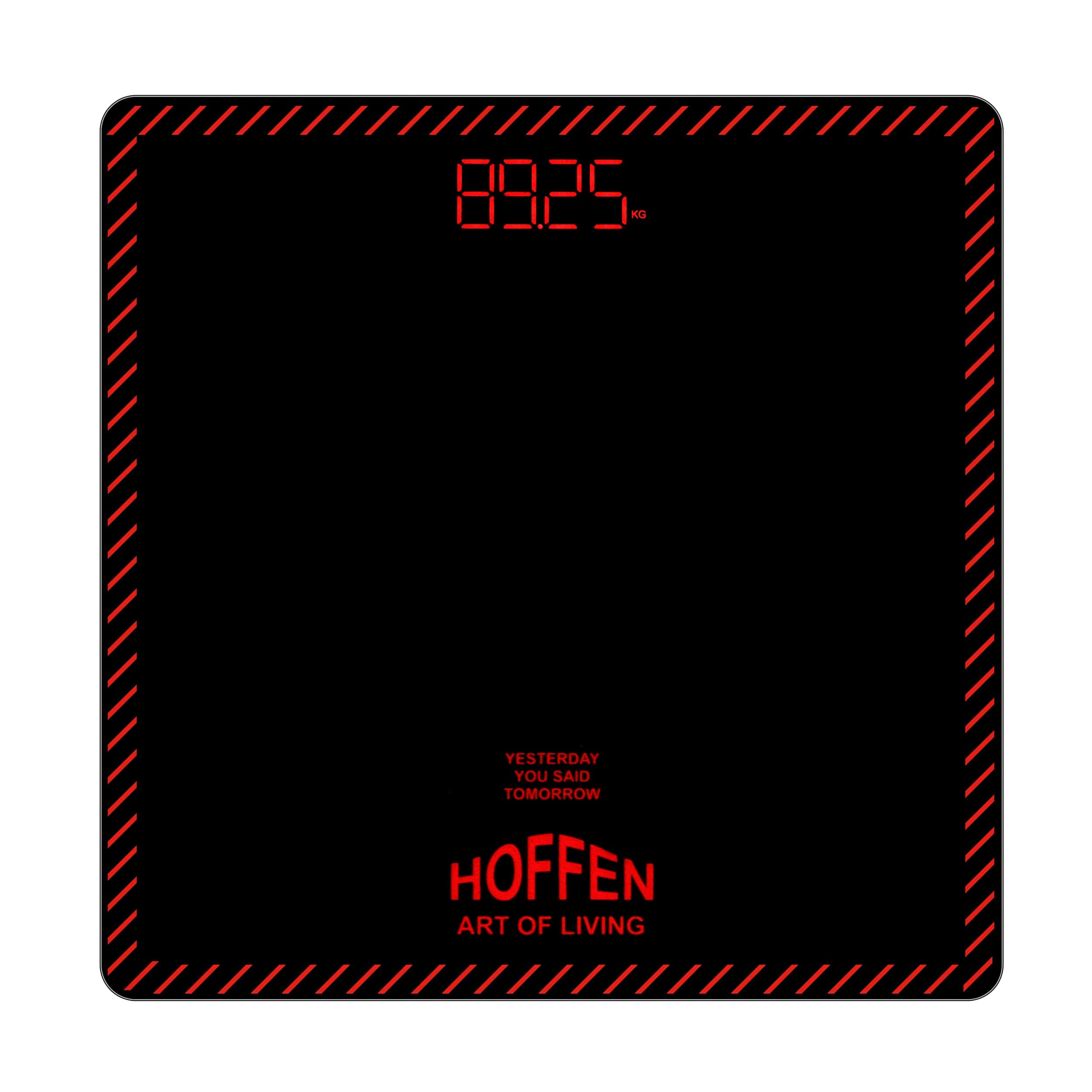
Figure 1: Hoffen HO-18-Red Digital Electronic LCD Personal Weight Machine.
1. Instruccions de configuració
1.1 Instal·lació de la bateria
Your Hoffen HO-18-Red scale requires 2 AAA batteries (included). Locate the battery compartment on the underside of the scale. Insert the batteries, ensuring correct polarity (+/-). Close the battery compartment cover securely.

Figure 2: The scale's features, including battery indicator.
1.2 Calibratge inicial
For the most accurate results, place the scale on a hard, flat surface. Avoid carpets or uneven surfaces. Initialize the scale by pressing one foot on it to see random numbers on the screen. Remove your foot as the display returns to zero (0.0). The scale is now calibrated and ready for use. This calibration should be performed each time the scale is moved.
Video 1: Demonstrates battery installation, initial calibration, and unit switching for the Hoffen Digital Electronic Scale.
2. Instruccions de funcionament
2.1 Procediment de pesatge
After initial calibration, step onto the scale with both feet, standing still in the center. Your weight will be displayed on the LCD screen. For consistent results, it is recommended to weigh yourself at the same time each day, preferably in the morning on an empty stomach and without footwear.

Figure 3: The scale displaying a weight measurement.
2.2 Conversió d'unitats
The scale can display weight in kilograms (kg), pounds (lb), or stones (st). To change the unit of measurement, locate the unit switch button on the back of the scale. Press the button to cycle through the available units until your desired unit is displayed.
2.3 Visualització de la temperatura ambient
In addition to weight, the scale also displays the room temperature in degrees Celsius (°C) on its LCD screen.

Figure 4: The scale displaying room temperature.
2.4 Automatic On/Off
The scale features an automatic on/off function. It will turn on when you step on it and turn off automatically after a period of inactivity to conserve battery life.
3. Manteniment
To maintain your Hoffen HO-18-Red scale, wipe the surface with a soft, damp cloth. Do not use abrasive cleaners or immerse the scale in water. Keep the scale dry and store it in a cool, dry place when not in use. The tempered glass surface is durable but should be handled with care to avoid damage.

Figura 5: Angle view of the Hoffen HO-18-Red scale, highlighting its sleek design.
4. Solució De Problemes
If you encounter any issues with your scale, refer to the following indicators:
- "LO": Indicates low battery. Replace the AAA batteries.
- "OL": Indicates overload. The maximum weight capacity of the scale is 180 kg (396 lbs). Remove excess weight.
- "ERR": Indicates an error in the reading. Step off the scale, wait for it to reset to 0.0, and then re-weigh. Ensure the scale is on a flat, hard surface.

Figura 6: superior view of the Hoffen HO-18-Red scale.
5. Especificacions
| Característica | Detall |
|---|---|
| Marca | Hoffen |
| Número de model | HO-18-Red |
| Color | Vermell |
| Tipus de visualització | LCD |
| Característica especial | Pantalla retroil·luminada |
| Límit de pes | 180 quilos (396 lliures) |
| Exactitud de lectura | 0.1 quilograms (100 g) |
| Material | Vidre temperat |
| Pes de l'article | 900 grams |
| Dimensions del producte | 31.7 x 31.2 x 5.7 centímetres |
| Bateries | 2 piles AAA (incloses) |
| País d'origen | Índia |
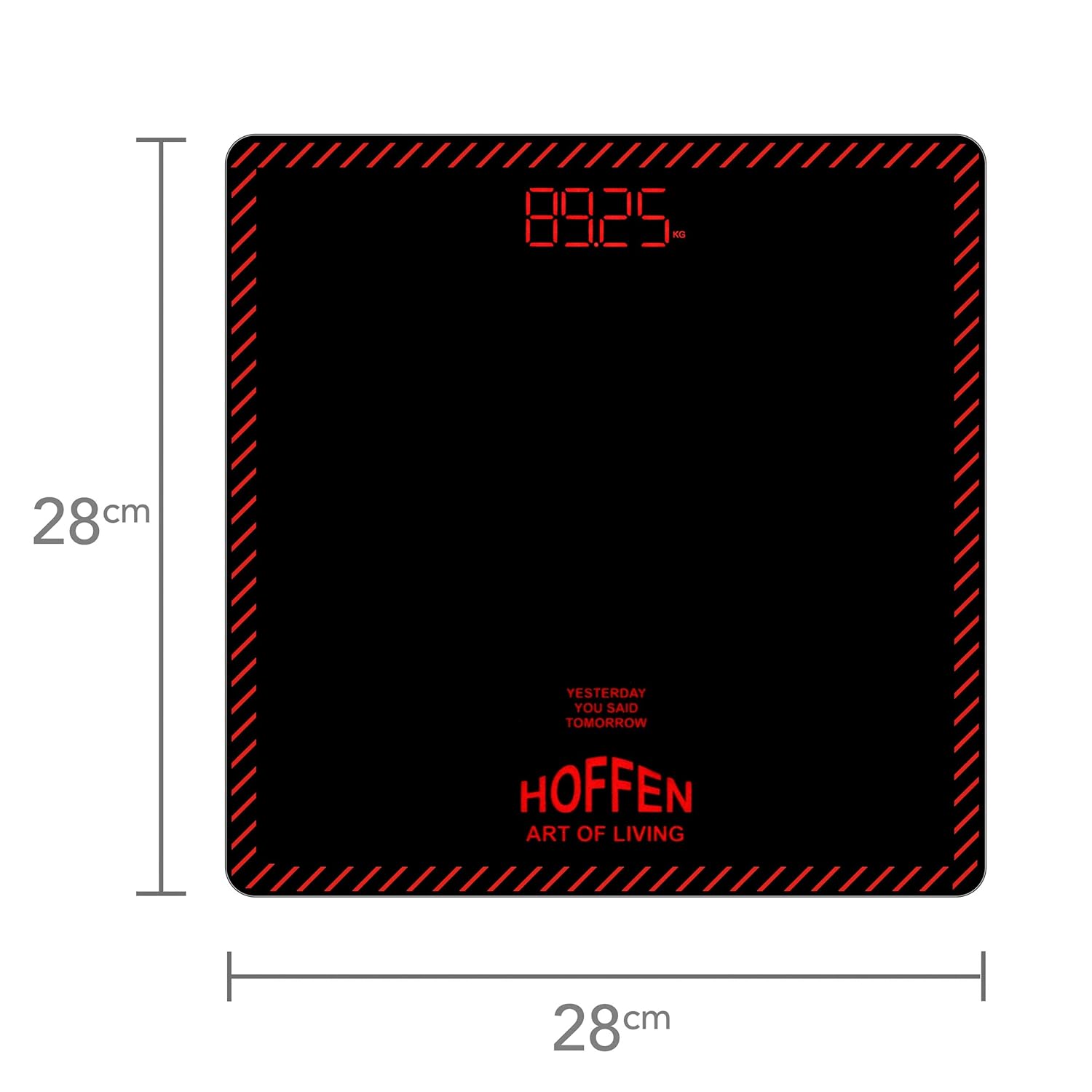
Figure 7: Dimensions of the Hoffen HO-18-Red scale.
6. Garantia i Suport
The Hoffen Digital Electronic LCD Personal Weight Machine comes with a Garantia de substitució d’un any against any manufacturing defects (battery not included). To register for your warranty, please scan the QR code provided on the warranty card included with your product.
For any issues or support, you can contact Hoffen customer service:
- Telèfon: 8432788147 (between 10:30 AM to 5:30 PM)
- Correu electrònic: support@aceincorporation.com


