1. Introducció
This manual provides comprehensive instructions for the setup, operation, and maintenance of your MEE Audio C11Z 4K Ultra HD Webcam. Designed for high-quality video conferencing and streaming, this webcam features 4K resolution, active noise-canceling microphones, and automatic low-light correction.
2. Configuració
2.1 Connexió del Weblleva
- Connect the USB cable from the MEE Audio C11Z webcam to an available USB port on your computer (PC or Mac).
- El webcam is plug-and-play, meaning no additional drivers are typically required. Your operating system should automatically detect and install the necessary software.
- For optimal performance, ensure you are connecting to a USB 3.0 port if available.

Figure 1: Connecting the MEE Audio C11Z Webcam to a laptop.
2.2 Configuració del programari
Once connected, launch your preferred video conferencing application (e.g., Zoom, Google Meet, Microsoft Teams, Skype). Navigate to the application's settings to select the MEE Audio C11Z as your primary camera and microphone.
Video 1: Official MEE Audio guide on setting up your USB camera for video conferencing.
3. Funcionament del Weblleva
3.1 Característiques clau
- Resolució 4K Ultra HD: Experience professional-quality video at up to 3840 x 2160 pixels, ensuring crisp and clear visuals for all your communications.
- Zoom digital 4X: A dedicated zoom button provides easy access to digital zoom, allowing you to focus on specific details or adjust your framing.
- Automatic Low Light Correction: El webcam automatically adjusts to low-light conditions, ensuring your video remains clear and bright even in dimly lit environments.
- Lent gran angular de 90 graus: Capture more of your surroundings with a 90-degree field of view, ideal for group conferences or showcasing a wider area.
- Built-in Stereo Microphones with ANC: Integrated stereo microphones with Active Noise Canceling technology effectively eliminate unwanted background noise, ensuring your voice is heard clearly.
- Removable Privacy Shutter: A physical privacy shutter and integrated privacy indicator light provide enhanced privacy and peace of mind when the camera is not in use.
- Integrated Mounting Clip: The versatile clip allows for secure mounting on laptops or monitors, offering 360-degree rotation for flexible positioning.
- Compatibilitat amb trípode: The camera base features a standard 1/4"-20 thread, enabling easy attachment to tripods for more stable or specialized setups (tripod not included).
- Funcionament Plug and Play: No additional software is required. The webcam works seamlessly with popular videoconferencing apps and is compatible with Windows, macOS, and ChromeOS.

Figure 2: The MEE Audio C11Z webcam delivers stunning 4K Ultra HD resolution for video calls.
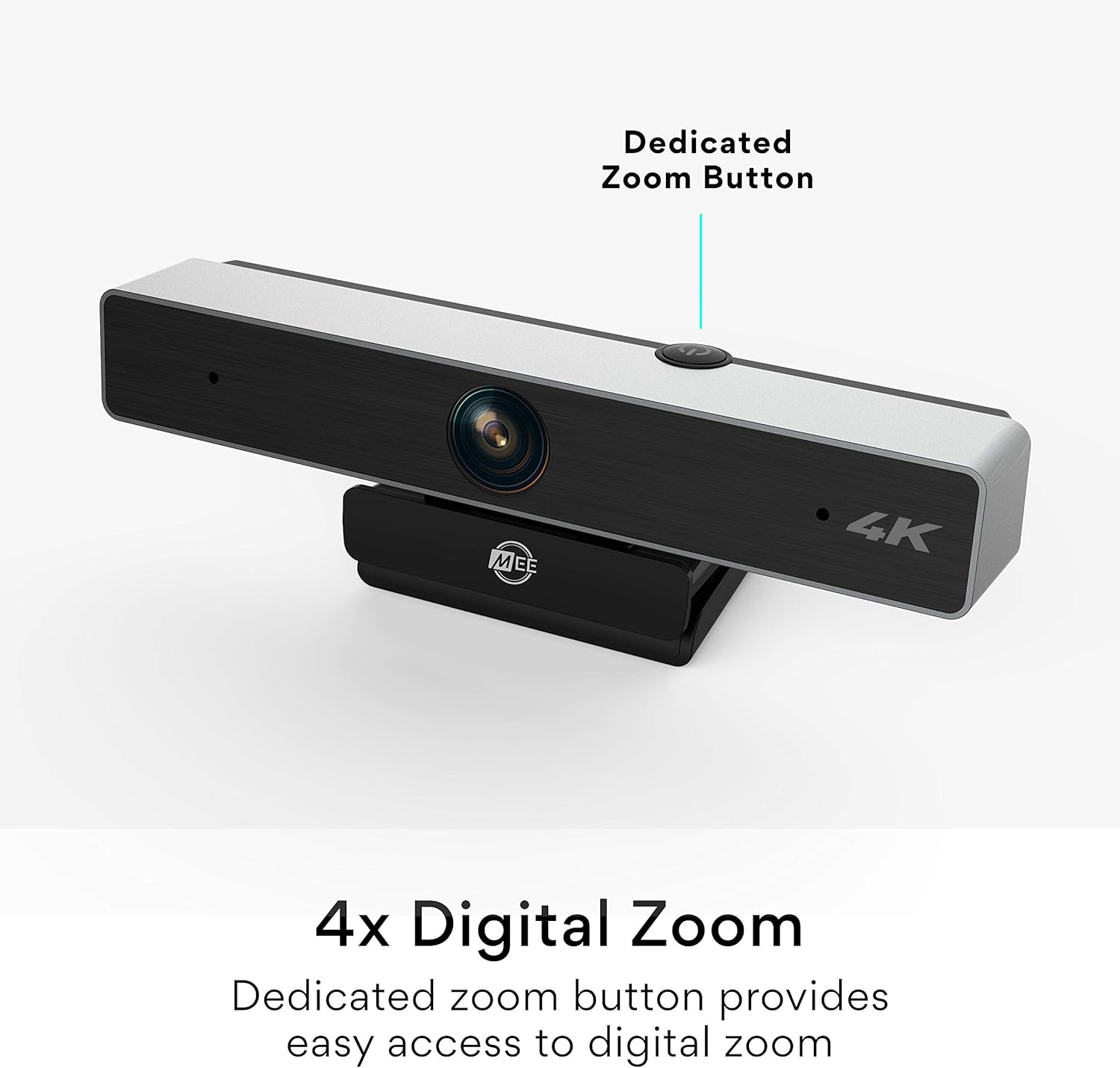
Figure 3: The dedicated zoom button on the MEE Audio C11Z weblleva.

Figure 4: Crystal-clear image quality with automatic low light correction.

Figure 5: The wide-angle lens provides a broad field of view.
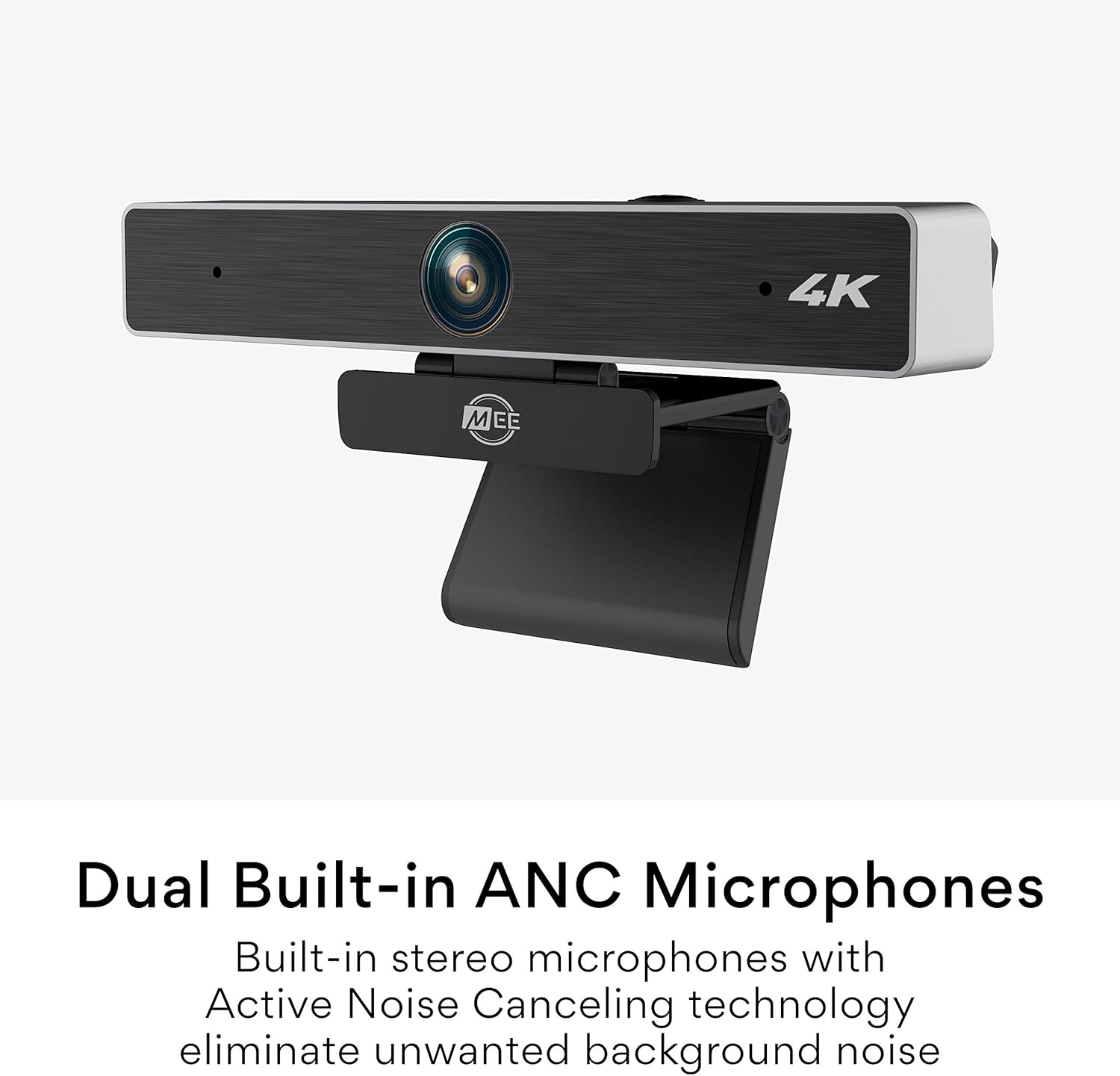
Figure 6: Dual built-in ANC microphones for clear audio.

Figure 7: The integrated mounting clip allows for secure and flexible placement.

Figura 8: El/La/Els/Les webcam is tripod-compatible for versatile use.

Figure 9: Enjoy plug and play operation with no additional software needed.
4. Manteniment
- Neteja: Utilitzeu un drap suau i sec per netejar-lo webcam lens and body. Avoid abrasive cleaners or solvents that could damage the surface.
- Emmagatzematge: Quan no s’utilitzi, emmagatzemeu el fitxer webcam in a cool, dry place, away from direct sunlight and extreme temperatures. Utilize the privacy shutter to protect the lens.
- Cura del cable: Eviteu doblegar o girar excessivament el cable USB per evitar danys interns.
5. Solució De Problemes
- Sense vídeo/àudio:
- Assegureu-vos el webcam is securely connected to a USB port.
- Check your video conferencing application's settings to confirm the MEE Audio C11Z is selected as the camera and microphone.
- Try connecting to a different USB port or another computer to rule out port or system issues.
- Reinicieu l'ordinador.
- Mala qualitat d'imatge:
- Assegureu-vos que la lent estigui neta i sense pols ni taques.
- Verify that your video conferencing application is set to the highest possible resolution (e.g., 4K or HD).
- Check lighting conditions. While the webcam has low-light correction, adequate ambient lighting will always yield better results.
- Problemes amb el micròfon:
- Confirm the MEE Audio C11Z microphone is selected in your application's audio settings.
- Ajusteu el nivell d'entrada del micròfon a la configuració del sistema o de l'aplicació.
- Ensure no other applications are monopolizing the microphone.
6. Especificacions
| Marca | Àudio MEE |
| Model | C11Z |
| Tecnologia del sensor fotogràfic | CMOS |
| Resolució de captura de vídeo | 4K (3840 x 2160) |
| Distància focal màxima | 30 mil·límetres |
| Apertura màxima | 2.8 f |
| Tecnologia de connectivitat | USB |
| Camp de View | 90 graus |
| Micròfons | Built-in Stereo with Active Noise Canceling |
| Muntatge | Integrated clip (360-degree rotation), 1/4"-20 tripod thread |
| Compatibilitat | Windows, macOS, ChromeOS |
7. Garantia i Suport
For warranty information and technical support, please refer to the official MEE audio weblloc web o poseu-vos en contacte amb el servei d'atenció al client. Conserveu el rebut de compra per a reclamacions de garantia.
MEE audio Official Weblloc: www.meeaudio.com
Atenció al client: Consulteu la secció de contacte del lloc web oficial weblloc web per a assistència per correu electrònic o telèfon.


