Introducció
This manual provides comprehensive instructions for the setup, operation, and maintenance of your SUNLUX XL3610 Square Code (2D) USB Handheld Wired Barcode Reader. Please read this manual carefully before using the device to ensure proper functionality and to prevent damage.
Configuració
Follow these steps to set up your SUNLUX XL3610 barcode reader:
- Desempaquetar el dispositiu: Carefully remove the barcode reader and its USB cable from the packaging.
- Connexió a l'ordinador: Insert the USB connector of the barcode reader's cable into an available USB port on your computer. The operating system will typically detect and install the necessary drivers automatically.
- Encès: The device is powered via the USB connection. Once connected, it should be ready for use.
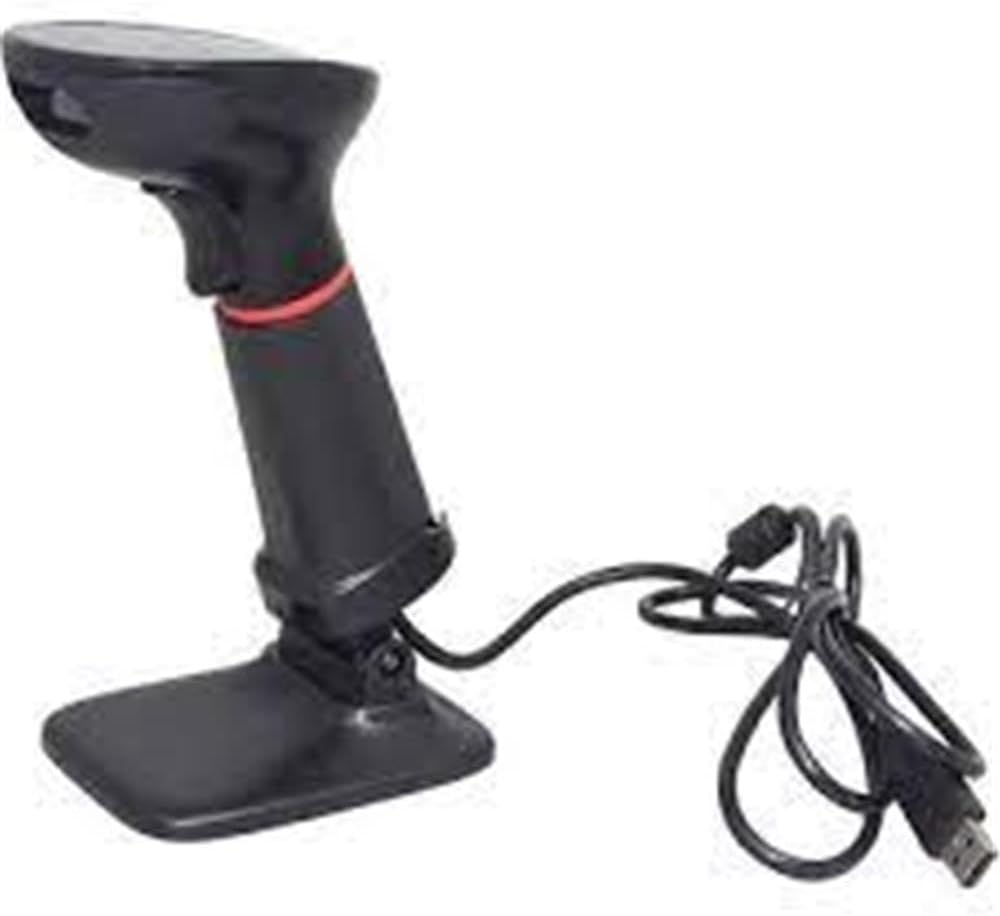
Image: The SUNLUX XL3610 barcode reader shown with its stand and connected USB cable, ready for setup.
Instruccions de funcionament
The SUNLUX XL3610 is designed for easy and efficient barcode scanning. Here’s how to operate it:
- Escaneig d'un codi de barres:
Apunteu la finestra de l'escàner cap al codi de barres que voleu llegir. Assegureu-vos que tot el codi de barres estigui dins del camp de l'escàner. view. Press the trigger button located on the handle. A successful scan will typically be indicated by an audible beep and/or a visual indicator (e.g., LED light). The scanned data will be transmitted to your computer as keyboard input.
- Codis de barres compatibles:
This device supports both 1D (linear) and 2D (matrix) barcodes, including QR codes, Data Matrix, PDF417, and standard 1D codes like EAN, UPC, Code 39, etc.
- Distància d'escaneig òptima:
For best results, hold the scanner at an appropriate distance from the barcode, typically between 5 cm and 20 cm, depending on the barcode size and type.
Manteniment
Proper maintenance will extend the life of your barcode reader:
- Neteja:
Use a soft, dry, lint-free cloth to clean the scanner's window and exterior. Do not use abrasive cleaners, solvents, or excessive moisture, as these can damage the device.
- Emmagatzematge:
When not in use, store the scanner in a cool, dry place, away from direct sunlight and extreme temperatures. Avoid dropping or subjecting the device to strong impacts.
- Cura del cable:
Do not bend or twist the USB cable excessively. Avoid placing heavy objects on the cable, which could cause damage.
Resolució de problemes
If you encounter issues with your SUNLUX XL3610, refer to the following common problems and solutions:
| Problema | Causa possible | Solució |
|---|---|---|
| Scanner not responding / No power | El cable USB no està connectat correctament o el port USB està defectuós. | Assegureu-vos que el cable USB estigui ben connectat tant a l'escàner com a l'ordinador. Proveu un port USB diferent. |
| Barcode not reading | Barcode damaged, poor print quality, incorrect scanning angle, or out of range. | Check the barcode for damage. Adjust the scanning angle and distance. Ensure the barcode type is supported. |
| Les dades escanejades són incorrectes o incompletes | Partial scan, software configuration issue. | Ensure the entire barcode is scanned. Check your application's input settings. |
Si el problema persisteix després de provar aquestes solucions, poseu-vos en contacte amb l'atenció al client.
Especificacions
- Model: XL3610
- Tipus: Square Code (2D) USB Handheld Wired Barcode Reader
- Connectivitat: Cable USB
- Codis de barres compatibles: 1D and 2D (e.g., QR Code, Data Matrix, PDF417, EAN, UPC, Code 39)
- Data de primera disponibilitat: 22 de gener de 2025
- ASIN: B08R29QYS7
- Referència del fabricant: 850.10.10.0015
Garantia i Suport
For information regarding warranty coverage, technical support, or service, please refer to the warranty card included with your product or visit the official Sunlux weblloc web. També podeu contactar amb el vostre punt de venda per obtenir ajuda.
Informació de contacte: Please refer to the packaging or the official Sunlux website for the most current contact details for customer support.


