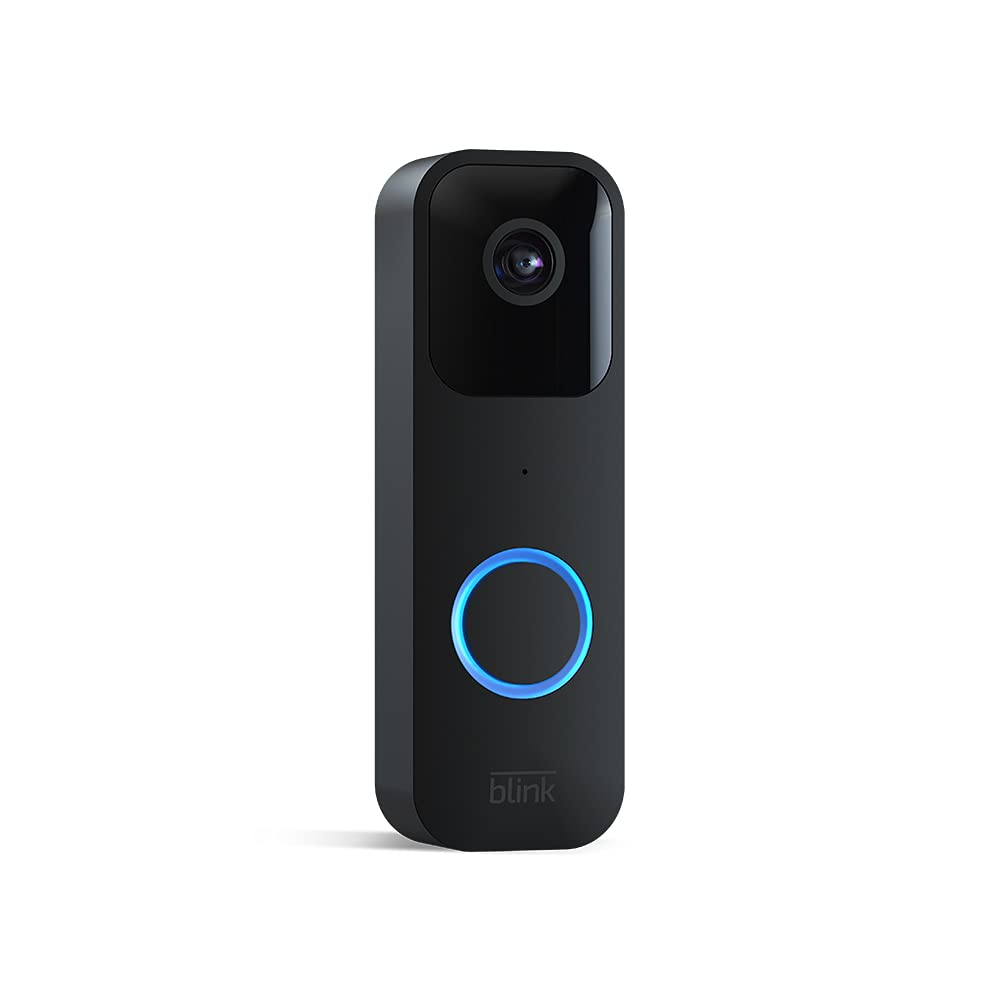
Image: The Blink Video Doorbell, showcasing its sleek black design and camera lens.
Model: Timbre de vídeo
Image: The Blink Video Doorbell, showcasing its sleek black design and camera lens.
This manual provides comprehensive instructions for the installation, operation, and maintenance of your Blink Video Doorbell. The Blink Video Doorbell is designed to provide enhanced home security and convenience, featuring 1080p HD video, two-way audio, motion detection, and flexible installation options.
The Blink Video Doorbell can be set up in minutes, offering both wire-free (battery-powered) and wired installation options to suit your home's needs.

Image: Hand inserting batteries into the Blink Video Doorbell. The doorbell is designed for easy battery access.
Connecta't a Wi-Fi: Follow the app's instructions to connect your doorbell to your 2.4 GHz Wi-Fi network.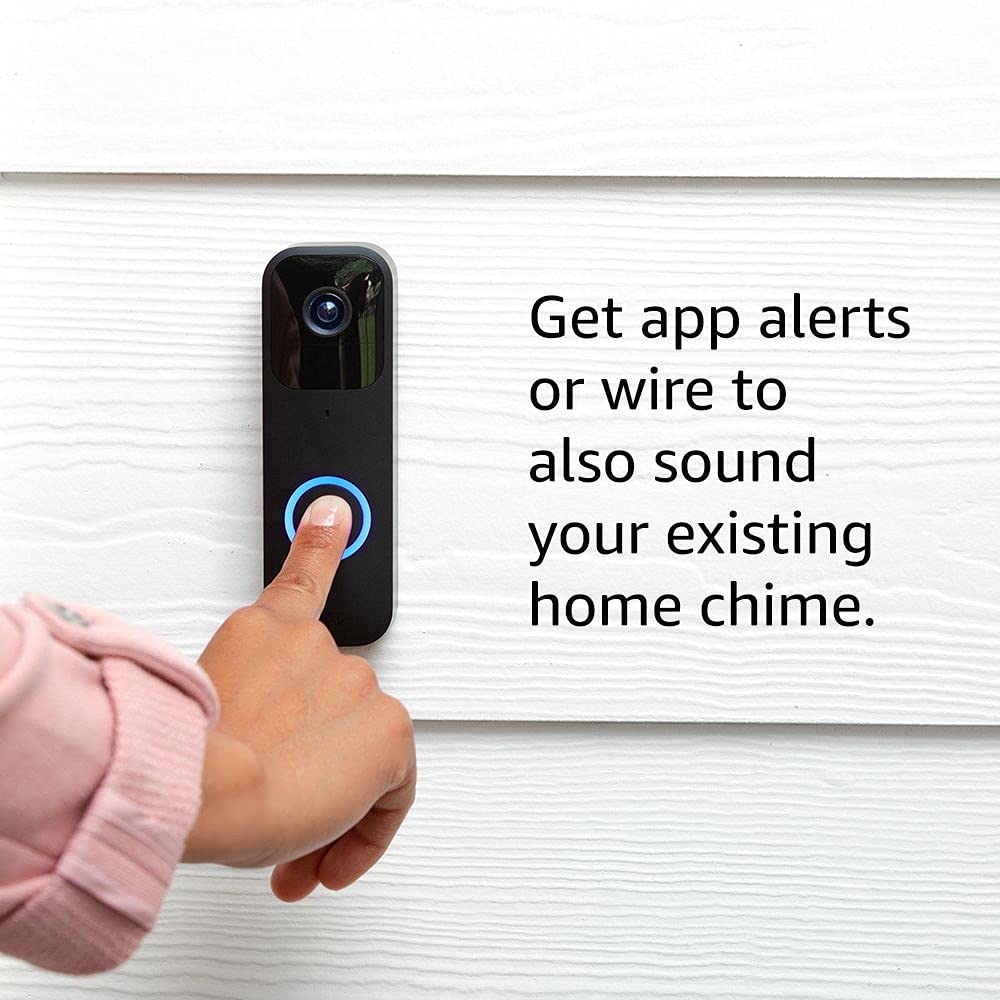
Image: A finger pressing the Blink Video Doorbell button. The image highlights the option to wire the doorbell to an existing home chime for traditional alerts.
The Blink Video Doorbell provides real-time monitoring and communication for your front door.
The app is your primary interface for managing and interacting with your Blink Video Doorbell.

Image: A smartphone displaying a live video feed from the Blink Video Doorbell, showing a person waving. The screen includes a "Tap to talk" button for two-way audio.
Viewing Recorded Clips: Access recorded motion events and doorbell presses from the app's clip list.Pair your Blink Video Doorbell with compatible Alexa devices for hands-free control and monitoring.

Image: An Amazon Echo Show device displaying a live video feed from the Blink Video Doorbell. The screen shows two individuals smiling, demonstrating the integration with Alexa for viewing.
Regular maintenance ensures optimal performance and longevity of your Blink Video Doorbell.
The Blink Video Doorbell uses two AA 1.5V lithium metal (non-rechargeable) batteries. Battery life can last up to two years under default settings, but varies based on usage and environmental factors. The app will notify you when battery levels are low.
To maintain clear video quality, periodically clean the camera lens and the doorbell's exterior.
If you encounter issues with your Blink Video Doorbell, refer to the following common solutions.
If you are unable to access live view on demand or use two-way audio, ensure your doorbell is either:
This issue typically occurs if the doorbell is not correctly wired to your existing chime system or if it's operating in wire-free mode.
| Característica | Detall |
|---|---|
| Camp de View | 135 ° horitzontal, 80 ° vertical |
| Resolució de vídeo | 1080p HD day, infrared HD night vision |
| Resolució fotogràfica | 640 x 360 nHD |
| Velocitat de fotogrames de la càmera | Fins a 30 fps |
| Dimensions (mida) | 130 x 42 x 34 mm |
| Pes | 91 grams |
| Poder | 2 piles de liti metàl·lic AA d'1.5 V (no recarregables); Cablejat del timbre existent: 16-24 V CA |
| Durada de la bateria | Up to two years (based on default settings; varies with use) |
| Connectivitat | Wi-Fi 2.4b/g/n de 802.11 GHz |
| Tipus de connexió | Battery or wired |
| Colors disponibles | Negre, Blanc |
| Minimum Smartphone Requirements | iOS 15.0, Android 9.0 o Fire 9.0 |
| Blink App | Blink Home Monitor |
| Àudio | Speaker output and 2-way audio recording |
| LEDs | 1 LED ring (optional), flashes in blue, red, and green |
| Temperatura de funcionament | -4 a 113 ° F (-20 a 45 ° C) |
| Compatibilitat | Sync Module, Sync Module 2, compatible Fire and Echo devices |
| Generació | 1a generació |
The Blink Video Doorbell comes with a Servei i garantia limitada de 1 anys. Use of Blink devices is subject to the terms found on the official Blink weblloc.
Aquest dispositiu rep actualitzacions de seguretat de programari garantides fins almenys quatre anys després que el dispositiu estigui disponible per a la seva compra com a unitat nova al nostre websites. For more information on software security updates, please refer to the official Blink support resources.
For additional information, setup guides, or technical assistance, please visit the official Blink support page:
 |
Manual d'usuari de Blink Outdoor (3a generació): Guia de configuració, instal·lació i funcionament Aquest manual d'usuari complet guia els usuaris a través de la configuració, la instal·lació i el funcionament del sistema de càmeres de seguretat sense fil Blink Outdoor (3a generació). Cobreix la creació de comptes, l'ús de l'aplicació, l'emparellament de dispositius, el muntatge i la configuració de les funcions. |
 |
Blink Video Doorbell 2nd Generation System Safety and Product Information Comprehensive safety, product specifications, and compliance information for the Blink Video Doorbell 2nd Generation System, including installation guidelines, battery safety, and FCC compliance. |
 |
Notes de la versió de l'actualització del firmware del dispositiu Blink Notes oficials de la versió per a les actualitzacions del firmware dels dispositius domèstics intel·ligents Blink, que detallen els canvis de versió, les correccions d'errors, les millores de rendiment i les millores de seguretat per a diversos models, com ara el timbre per a exteriors, el timbre amb vídeo, el mini, la càmera amb llum de fons amb cable i el nucli del mòdul de sincronització. |
 |
Càmera de seguretat intel·ligent Blink Mini: característiques, configuració i preguntes freqüents Guia completa de la càmera de seguretat HD per a interiors Blink Mini, que inclou les característiques, les especificacions, les instruccions de configuració i les preguntes més freqüents. Aprèn sobre la detecció de moviment, l'àudio bidireccional i la integració d'aplicacions. |
 |
Blink Video Doorbell Setup Guide Get started quickly with your Blink Video Doorbell. This guide covers app download, battery installation, account setup, and configuration options for wired or wire-free installation. Includes important safety information. |
 |
Blink Outdoor 4 Gen Security Camera User Manual User manual for the Blink Outdoor 4th Generation security camera, covering introduction, specifications, features, setup, safety, maintenance, troubleshooting, and FAQs. |