1. Introducció
This manual provides essential information for the safe and efficient use of your BLU G50 MEGA smartphone. Please read it thoroughly before operating your device to ensure optimal performance and longevity. The BLU G50 MEGA features a 6.5-inch HD+ Infinity Display, a dual 12+12MP camera system, and a 4,000mAh battery, running on Android 10.
2. Contingut del paquet
Comproveu que el vostre paquet contingui els elements següents:
- BLU G50 MEGA Device
- Carregador
- Cable USB
- Funda protectora
- Protector de pantalla
- Eina expulsora de SIM
- Guia d'inici ràpid
- Adhesiu
3. Disseny del dispositiu
Familiarize yourself with the physical components of your BLU G50 MEGA.

Imatge: Anvers i revers view of the BLU G50 MEGA smartphone. The front displays the 6.5-inch screen with a notch for the front camera. The back shows the dual camera module, LED flash, and a circular fingerprint sensor.
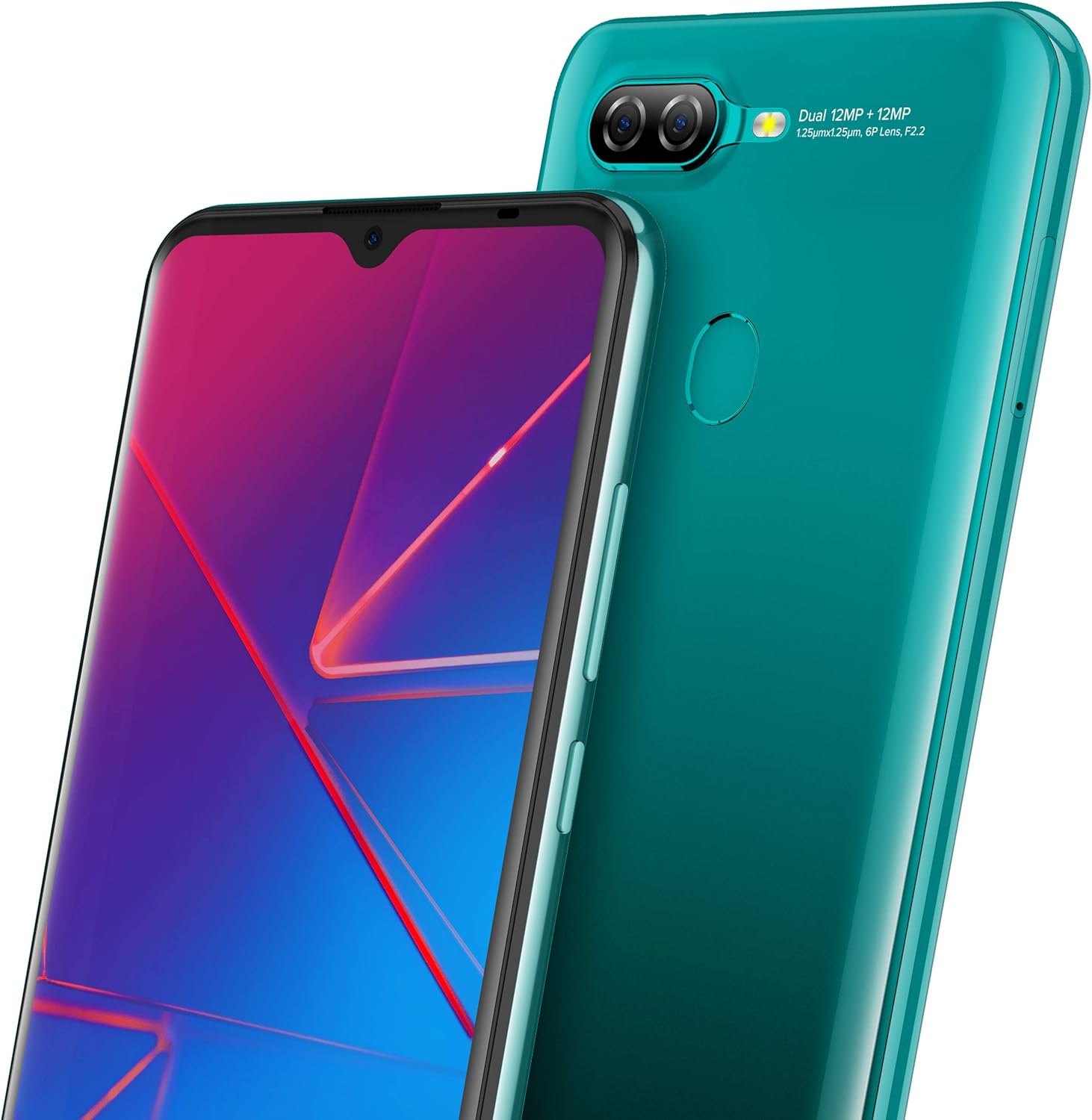
Image: Close-up of the rear of the BLU G50 MEGA, highlighting the dual 12+12MP camera system with LED flash and the circular fingerprint sensor located below the camera module.
- Càmera frontal: Situat a la part superior central de la pantalla.
- Botons de volum: Typically on the right side, used to adjust media and call volume.
- Botó d'encesa: Typically on the right side, used to turn the device on/off or lock/unlock the screen.
- Port USB: Situat a la part inferior, per a la càrrega i la transferència de dades.
- Ponent: Situat a la part inferior.
- Dual Rear Cameras & LED Flash: Located on the upper left of the back panel.
- Sensor d’empremta digital: Located on the upper center of the back panel.
4. Configuració
4.1 Inserció de la targeta SIM i SD
- Localitza la safata de la targeta SIM al lateral del dispositiu.
- Introduïu l'eina d'expulsió de la SIM al forat petit que hi ha al costat de la safata i premeu suaument fins que la safata surti.
- Col·loqueu la targeta (o targetes) nano-SIM i/o la targeta microSD a les ranures designades de la safata. Assegureu-vos que els contactes daurats estiguin mirant cap avall.
- Empenyeu amb cura la safata cap al dispositiu fins que encaixi al seu lloc.
4.2 Engegada i configuració inicials
- Press and hold the Power button until the BLU logo appears.
- Follow the on-screen prompts to select your language, connect to a Wi-Fi network, set up your Google account, and configure security features like the fingerprint sensor.
5. Funcionament del vostre dispositiu
5.1 Navegació bàsica
- Toca: Toca una icona o una opció per seleccionar-la.
- Llisca: Arrossegueu el dit per la pantalla per desplaçar-vos o navegar entre pantalles.
- Pessigar: Feu servir dos dits per ampliar o reduir les imatges i web pàgines.
5.2 Trucades i missatges
- To make a call, open the Phone app and dial the number or select a contact.
- To send a message, open the Messages app, tap 'Start chat', and enter the recipient and your message.
5.3 Connexió a xarxes
- Wi-Fi: Vés a Configuració > Xarxa i Internet > Wi-Fi, activeu el Wi-Fi i seleccioneu la xarxa que vulgueu.
- Dades mòbils: Vés a Configuració > Xarxa i Internet > Xarxa mòbil i assegureu-vos que les dades mòbils estiguin habilitades.
5.4 Ús de la càmera
Open the Camera app to capture photos and videos. Tap the shutter button to take a picture or the record button to start/stop video recording. Swipe left or right to switch between camera modes.
5.5 Sensor d'empremta digital
The fingerprint sensor on the back of your device can be used to unlock your phone and authorize purchases. To set it up, go to Configuració > Seguretat > empremta digital i seguiu les instruccions.
5.6 Gestió de la bateria
Your BLU G50 MEGA is equipped with a 4,000mAh battery. To optimize battery life:
- Redueix la brillantor de la pantalla.
- Desactiva la Wi-Fi, el Bluetooth i el GPS quan no estiguis en ús.
- Tanca les aplicacions que no s'utilitzen i que s'executen en segon pla.
- Activa el mode d'estalvi de bateria a Configuració > Bateria.
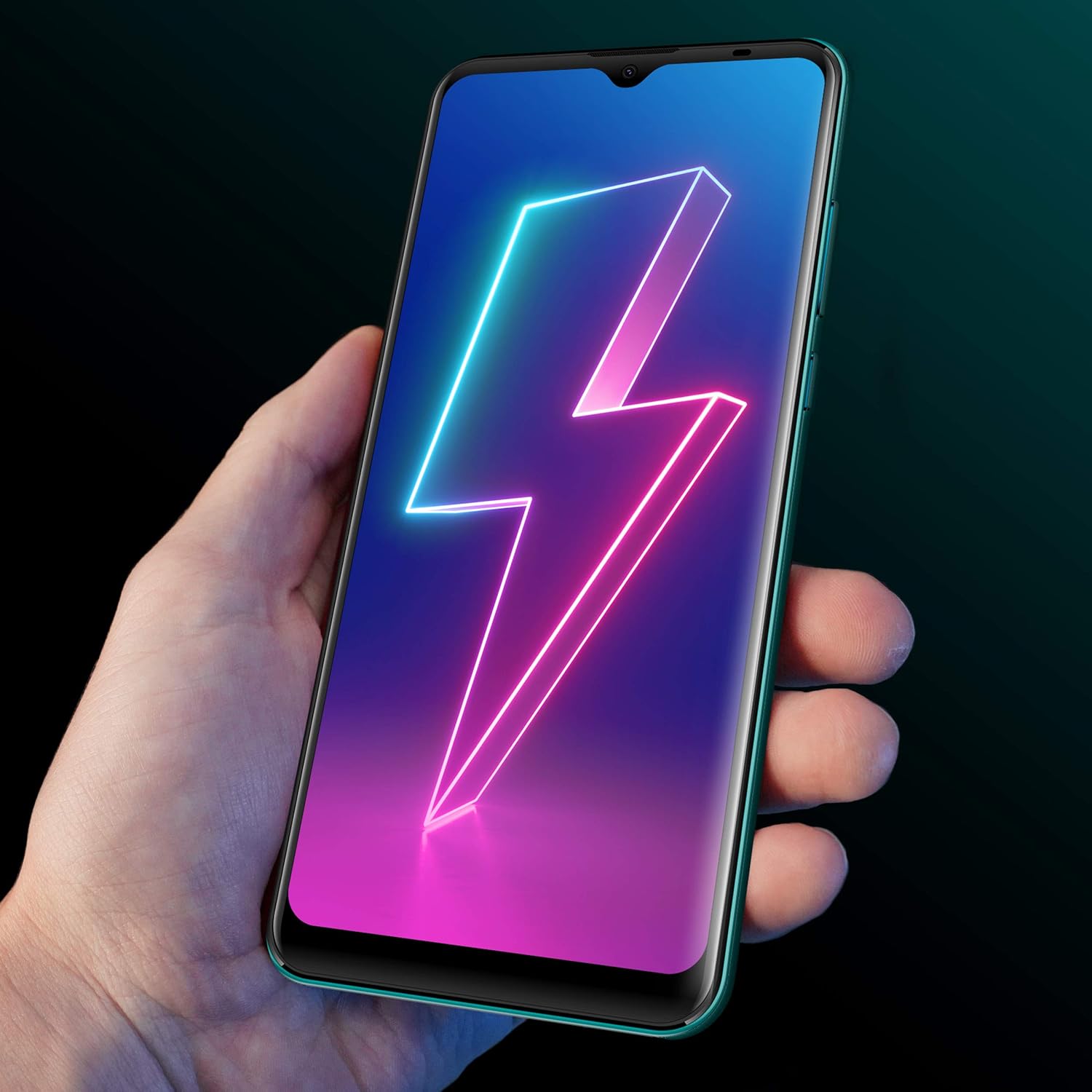
Image: A hand holding the BLU G50 MEGA, with the screen displaying a stylized lightning bolt, symbolizing the phone's battery and charging capabilities.
6. Manteniment
6.1 Neteja del vostre dispositiu
Feu servir un drap suau i sense borrissol per netejar la pantalla i la carcassa del telèfon. Eviteu utilitzar productes químics agressius o materials abrasius que puguin danyar el dispositiu.
6.2 Actualitzacions de programari
Comproveu regularment si hi ha actualitzacions de programari per assegurar-vos que el dispositiu tingui les funcions i els pegats de seguretat més recents. Aneu a Configuració > Sistema > Actualització del sistema per comprovar i instal·lar actualitzacions.
6.3 Gestió d'emmagatzematge
Per alliberar espai d'emmagatzematge, esborreu la memòria cau regularment, desinstal·leu les aplicacions no utilitzades i transferiu fitxers grans files to a computer or cloud storage. You can also expand storage using a microSD card.
7. Solució De Problemes
This section addresses common issues you might encounter with your BLU G50 MEGA.
- El dispositiu no s'encén: Assegureu-vos que la bateria estigui carregada. Connecteu el carregador i espereu uns minuts abans d'intentar tornar-lo a engegar.
- Senyal de xarxa deficient: Check if your SIM card is properly inserted. Move to an area with better network coverage. Contact your carrier if the issue persists.
- Les aplicacions es bloquegen o es bloquegen: Close the app and reopen it. If the problem continues, clear the app's cache (Configuració > Aplicacions i notificacions > Veure totes les aplicacions > [Nom de l'aplicació] > Emmagatzematge i memòria cau > Esborra la memòria cau).
- La bateria s'esgota ràpidament: Refer to section 5.6 for battery optimization tips. Reduce background app activity and screen brightness.
- El sensor d'empremtes dactilars no funciona: Ensure your finger is clean and dry. Re-register your fingerprint in settings if necessary.
8. Especificacions
Detailed technical specifications for the BLU G50 MEGA.
| Característica | Especificació |
|---|---|
| Nom del model | G50 MEGA |
| Sistema operatiu | Android 10.0 |
| Mida de la pantalla | 6.5 polzades |
| Resolució de visualització | 1080 x 1920 |
| Processador | Octa-Core 1.6 GHz ARM Cortex-A55 |
| RAM | 2 GB |
| Emmagatzematge intern | 32 GB |
| Càmera posterior | Dual 12MP + 12MP with LED Flash |
| Càmera frontal | 8MP |
| Capacitat de la bateria | 4000 mAh |
| Connectivitat | 4G LTE, Wi-Fi, Bluetooth, USB |
| Seguretat | Sensor d'empremta digital |
| Dimensions | 7.2 x 3.86 x 2.17 polzades (paquet) |
| Pes | 1.01 lliures |
9. Informació de seguretat
Si us plau, observeu les següents pautes de seguretat:
- No exposeu el dispositiu a temperatures extremes, llum solar directa ni humitat.
- Use only BLU-approved chargers and accessories.
- Eviteu deixar caure el dispositiu ni sotmetre'l a impactes forts.
- Do not attempt to disassemble or repair the device yourself. This may void your warranty.
- Desfeu-vos del dispositiu i de la bateria de manera responsable d'acord amb la normativa local.
10. Garantia i Suport
Your BLU G50 MEGA comes with a limited manufacturer's warranty. For specific warranty terms and conditions, please refer to the warranty card included in your package or visit the official BLU website. For technical support, troubleshooting assistance, or service inquiries, please contact BLU customer support through their official channels.


