1. Producte acabatview
The idinio ZigBee foot dimmer combines user comfort with smart features. It utilizes phase section technology and allows for adjustable minimum brightness. This dimmer is designed to integrate seamlessly into existing ZigBee 3.0 systems, such as Philips Hue, transforming any conventional floor lamp en una llum intel·ligent regulableamp.
The dimmer is supplied with both a black and a white interchangeable casing, allowing it to match various interior designs and lighting fixtures.

Image 1.1: The idinio ZigBee foot dimmer shown with both its black and white interchangeable casings, highlighting its adaptable design.
2. Característiques clau
- ZigBee 3.0 Compatibility: Integrates with existing ZigBee 3.0 systems like Philips Hue and Athom Homey.
- Phase Section Technology: Ideal for dimmable LED lights up to 50W and halogen bulbs up to 100W.
- Adjustable Minimum Brightness: Allows fine-tuning of the lowest dimming level.
- C intercanviableasings: Includes both black and white casings for aesthetic flexibility.
- Doble funcionalitat: Operates as a standard wired dimmer/switch or via smart app/voice control.
- Control de veu: Compatible with Alexa and Google Assistant when integrated with a ZigBee gateway.
- Fàcil instal·lació: Designed for straightforward installation or replacement of existing foot switches.
3. Instruccions de configuració
Before installation, ensure the power supply to the lamp is disconnected for safety.
- Trieu Casing: Select either the black or white casing based on your preference. The dimmer comes pre-assembled in one casing, and the other is included for interchangeability.
- Open Dimmer: Carefully open the dimmer casing to access the internal wiring terminals. Refer to Image 3.1 for guidance.
- Connexió de cable: Connecteu la lamp's power cord to the appropriate terminals inside the dimmer. Ensure secure connections and proper polarity. The integrated pull relief should be used to secure the cables.
- Close Dimmer: Carefully close the dimmer casing, ensuring no wires are pinched.
- Encès: Reconnect the power supply to the lamp.
- ZigBee Integration (Requires Gateway/Hub):
- Ensure your ZigBee gateway/hub (e.g., Philips Hue Bridge, Athom Homey) is powered on and connected to your network.
- Put your ZigBee gateway into pairing mode (refer to your gateway's specific instructions).
- On the idinio dimmer, there is a reset button (refer to Image 3.2). Press and hold this button for approximately 5 seconds until the dimmer's indicator light (if present) flashes, indicating it's in pairing mode.
- Once paired, the dimmer will appear in your gateway's app (e.g., Philips Hue app, as shown in Image 3.3).

Image 3.2: The underside of the idinio ZigBee foot dimmer, displaying its model number (140302), electrical specifications, and the reset/pairing button.
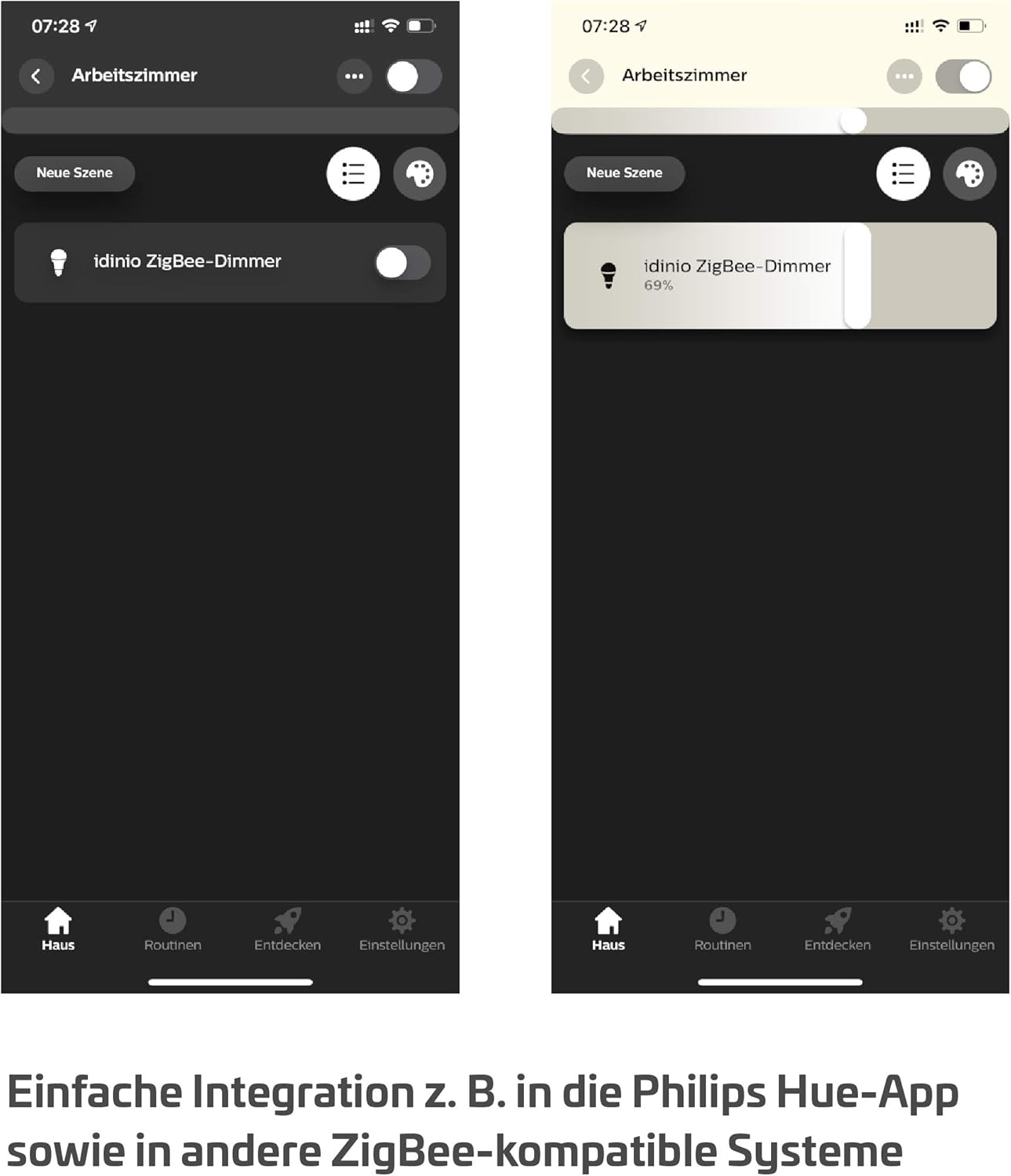
Image 3.3: A mobile application interface demonstrating the successful integration of the idinio ZigBee dimmer, allowing for remote control and dimming adjustments.

Image 3.1: An open view of the idinio ZigBee foot dimmer, revealing its internal circuit board and the terminals for electrical connections.
4. Instruccions de funcionament
The idinio ZigBee foot dimmer offers both traditional manual control and smart control via a ZigBee gateway.
4.1 Funcionament manual
Press the large central button on the dimmer to turn the connected lamp on or off. To dim, press and hold the button. Release the button when the desired brightness is reached.
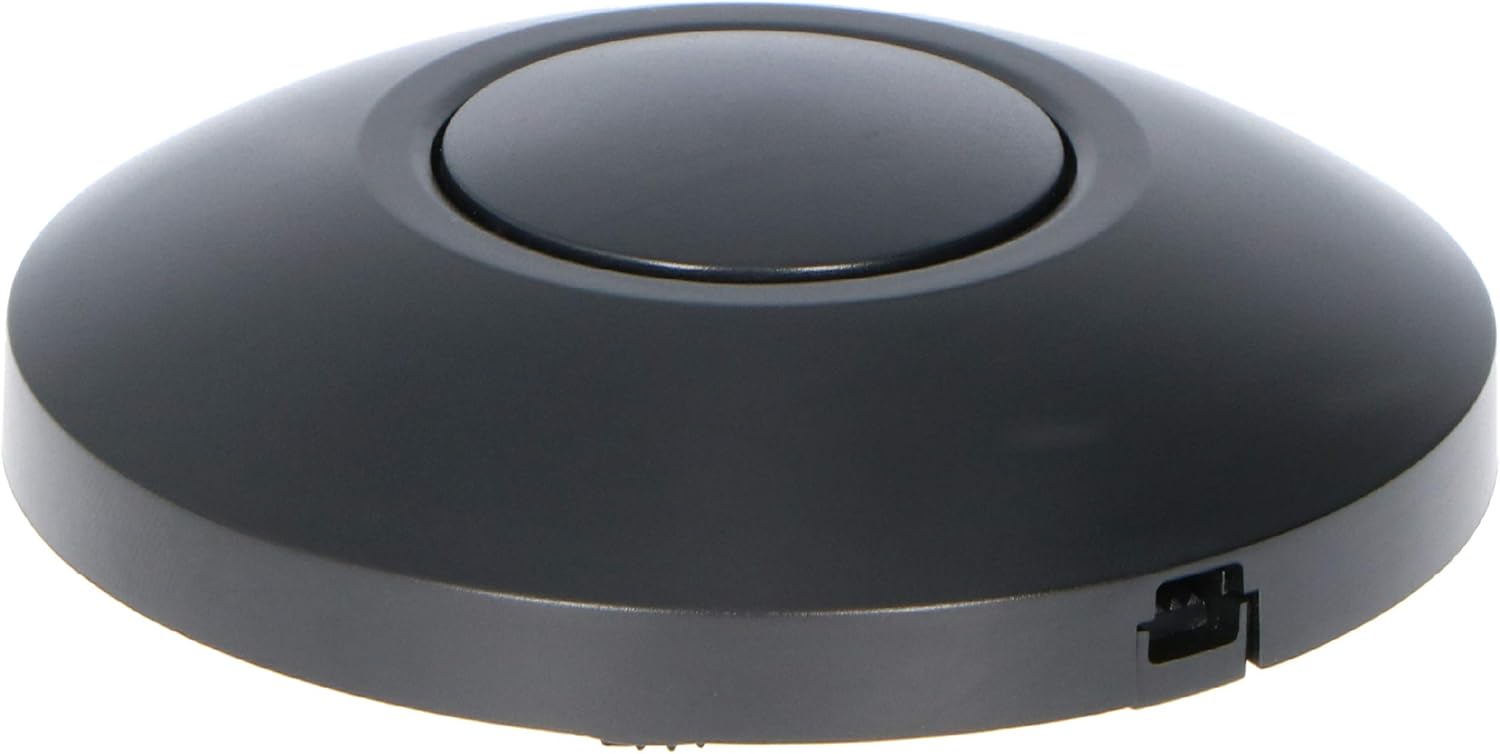
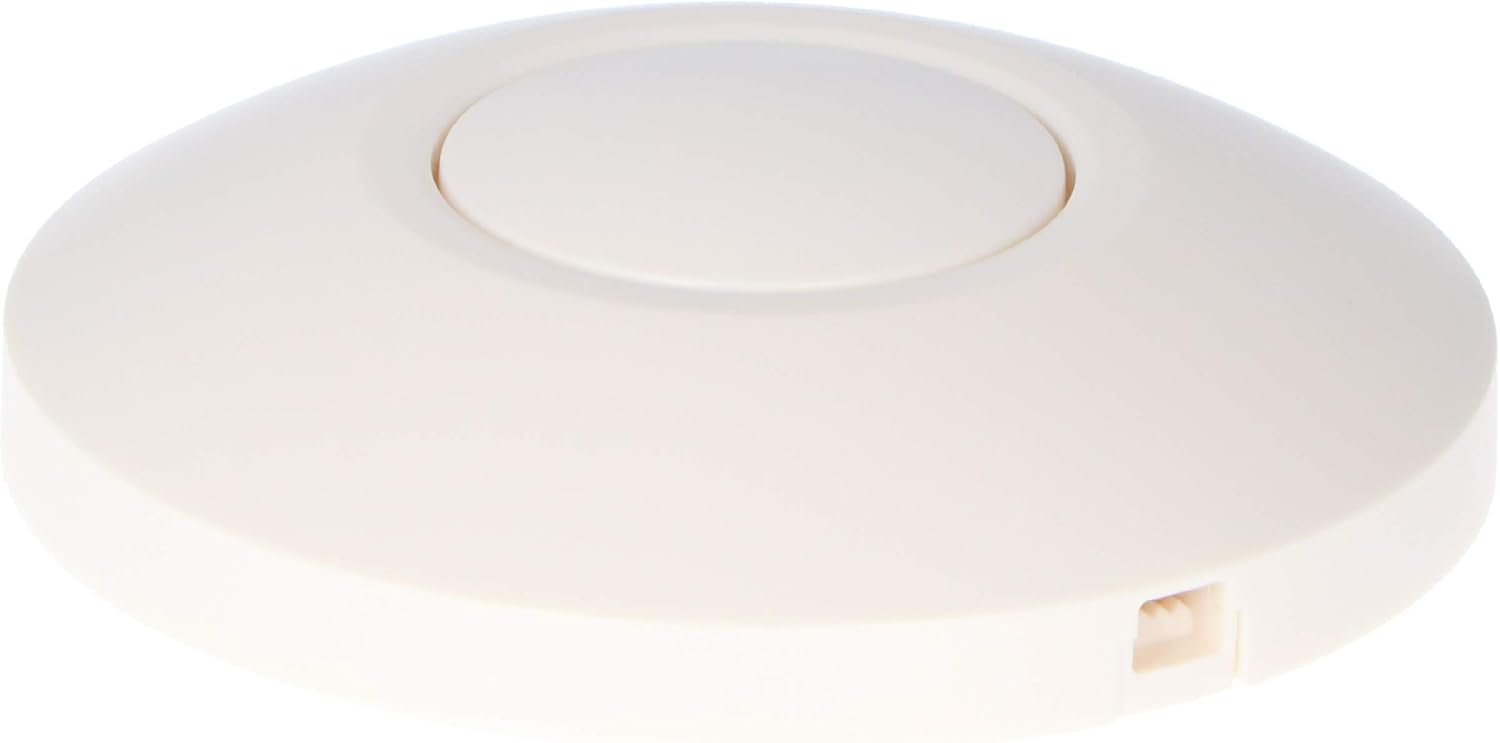
Image 4.1: The idinio ZigBee foot dimmer in both black and white casings, showing the prominent central button used for manual on/off and dimming control.
4.2 Smart Control (via ZigBee Gateway)
Once integrated with your ZigBee gateway, you can control the dimmer using the associated mobile application (e.g., Philips Hue app). This allows for:
- Girant la lamp encès/apagat de forma remota.
- Adjusting brightness levels precisely.
- Creating scenes and automation routines.
- Setting time-based programs for lighting.
- Voice control via connected smart assistants (Alexa, Google Assistant).
Refer to your specific ZigBee gateway's app instructions for detailed smart control functionalities.
5. Manteniment
The idinio ZigBee foot dimmer requires minimal maintenance.
- Neteja: Wipe the exterior with a soft, dry cloth. Do not use abrasive cleaners or solvents. Ensure the device is unplugged before cleaning.
- Medi ambient: Operate the dimmer within the specified temperature range (0 ... 40 °C) and avoid exposure to moisture or extreme temperatures. The protection class is IP20, meaning it is not protected against water.
- Inspecció del cable: Periodically check the power cables connected to the dimmer for any signs of wear, fraying, or damage. Replace damaged cables immediately.
6. Solució De Problemes
- Problema: Lamp no s'encén ni s'atenua.
- Comproveu si la lamp itself is working by plugging it directly into a power outlet.
- Ensure the dimmer is correctly wired and receiving power.
- Verify that the connected bulb is dimmable and compatible with phase section dimmers.
- Check the maximum load: 50W for LED, 100W for halogen. Exceeding this can cause issues.
- Problem: Dimmer is not responding to app/voice commands.
- Ensure your ZigBee gateway/hub is powered on and connected to your network.
- Verify that the dimmer is still paired with your gateway. If not, re-pair it following the setup instructions.
- Check your Wi-Fi connection and ensure your mobile device is connected to the same network as your gateway.
- Restart your ZigBee gateway and try again.
- Problem: Dimming range is not satisfactory (e.g., flickers at low brightness).
- Adjust the minimum brightness setting. Some ZigBee gateways or apps allow for fine-tuning of the dimming curve.
- Ensure the LED bulb is of good quality and specifically designed for dimming.
7. Especificacions tècniques
| Especificació | Valor |
|---|---|
| Model | 140302 |
| Voltage / Freqüència | 230-240V~ / 50Hz |
| Càrrega màxima (LED) | 50W |
| Maximum Load (Halogen/Incandescent) | 10-100W |
| Temperatura de funcionament | 0 ... 40 °C |
| Classe de protecció | IP20 |
| Dimensions (L x A x P) | 97 x 31 x 40 mm |
| Connectivitat | ZigBee 3.0 |
| Sistemes compatibles | Athom Homey, Philips Hue |
| Material | Plàstic |
| Pes | 110 g |

Image 7.1: The physical dimensions of the idinio ZigBee foot dimmer, indicating its length of 97mm and height of approximately 30mm.
8. Garantia i Suport
For warranty information and technical support, please refer to the official idinio weblloc web o contacteu amb el vostre distribuïdor. Conserveu el rebut de compra com a comprovant de compra.
For further assistance, you may also consult the support resources for your specific ZigBee gateway (e.g., Philips Hue support pages) as they often provide guidance on integrating third-party devices.


