1. Introducció
Thank you for choosing the MIKO L Air Purifier. This device is designed to improve your indoor air quality by effectively filtering various airborne particles. Please read this manual thoroughly before operation to ensure proper use, maintenance, and safety.
The MIKO L Air Purifier features Siphon Intake Technology, a 3-stage filtration system, and smart controls to provide clean air in large rooms up to 1600 sq ft.
2. Instruccions de seguretat importants
WARNING: To reduce the risk of fire, electric shock, or injury, please follow these guidelines:
- Desendolleu sempre el purificador d'aire abans de moure'l, netejar-lo o fer-ne cap manteniment.
- Do not operate the appliance if the cord or plug is damaged. Contact customer support for assistance.
- Mantingueu el cable d'alimentació lluny de superfícies escalfades.
- No utilitzeu el purificador d'aire en ambient humit o damp ambients, com ara els banys.
- Assegureu-vos que l'entrada i la sortida d'aire no estiguin bloquejades.
- Aquest aparell no està pensat per ser utilitzat per persones (inclosos nens) amb capacitats físiques, sensorials o mentals reduïdes, o amb manca d'experiència i coneixements, tret que hagin rebut la supervisió o instruccions sobre l'ús de l'aparell per una persona responsable de la seva seguretat.
- Els nens han de ser supervisats per assegurar-se que no juguin amb l'aparell.
3. Producte acabatview
The MIKO L Air Purifier is designed for efficient air purification in large spaces. Key components include:
- Tauler de control: Touch-sensitive interface for all functions.
- Sortida d'aire: 360-degree air distribution.
- Entrada d’aire: Located at the base for drawing in air.
- Compartiment del filtre: Houses the multi-stage sistema de filtració.
- PM 2.5 Indicator: Digital display showing real-time air quality.

Figura 3.1: Frontal view of the MIKO L Air Purifier. This image shows the cylindrical design with the MIKO logo and the air outlet at the top.

Figura 3.2: De dalt a baix view of the MIKO L Air Purifier's control panel with intelligent monitoring display. The display shows a PM2.5 sensor reading and color-coded air quality indicators.
4. Configuració
- Desempaquetar el purificador d'aire: Traieu amb cura la unitat del seu embalatge.
- Eliminar l'embalatge del filtre:
- Gireu el purificador d'aire cap per avall.
- Gireu la coberta de la base en sentit antihorari per desbloquejar-la i treure-la.
- Traieu el filtre de la seva bossa de plàstic protectora.
- Torneu a inserir el filtre a la unitat.
- Torneu a col·locar la coberta de la base i gireu-la en sentit horari per bloquejar-la de manera segura.
Video 4.1: Miko Air Purifier setup and filter installation. This video demonstrates how to unpack the air purifier and correctly install the filter by removing its plastic packaging.
- Col·locació: Place the air purifier on a flat, stable surface. Ensure there is at least 15 inches (38 cm) of space around the unit for optimal air circulation.
- Connexió d'alimentació: Connecteu el cable d'alimentació a una presa de corrent estàndard.
5. Instruccions de funcionament
The MIKO L Air Purifier features a user-friendly touch control panel.

Figure 5.1: Close-up of the MIKO L Air Purifier's touch control panel. The panel displays various icons for fan speed, timer, auto mode, child lock, and sleep mode.
5.1. Encendre/apagar
- Premeu el botó Botó d'engegada (Power Icon) to turn the unit on or off.
5.2. Ajust de velocitat del ventilador
- Premeu el botó Botó de velocitat del ventilador (Fan Icon) to cycle through 4 fan speeds: Low, Medium, High, and Turbo.
5.3. Mode automàtic
- Premeu el botó Botó automàtic (Auto Icon) to activate Auto Mode. The air purifier will automatically adjust fan speed based on real-time PM 2.5 air quality readings.
5.4. Mode de repòs
- Premeu el botó Botó de mode de repòs (Sleep Icon) to enter Sleep Mode. The fan speed will reduce to the lowest setting, and display lights will dim for undisturbed rest.
Video 5.2: Demonstration of the Miko Air Purifier's sleep mode. This video shows the unit transitioning to a quieter operation and dimming its lights for nighttime use.
5.5. Funció de temporitzador
- Premeu el botó Botó del temporitzador (Timer Icon) to set an operating time from 1 to 12 hours. The unit will automatically turn off after the set time.
5.6. Bloqueig infantil
- Manteniu premut el botó Botó de bloqueig infantil (Child Lock Icon) for 3 seconds to activate or deactivate the child lock. This prevents accidental changes to settings.
6. Manteniment
Regular maintenance ensures optimal performance and extends the lifespan of your MIKO L Air Purifier.
6.1. Substitució del filtre
- The filter should be replaced every 6-8 months, depending on usage and air quality.
- A filter replacement indicator light will illuminate on the control panel when it's time to change the filter.
- Per substituir:
- Desendolleu el purificador d'aire.
- Turn the unit upside down and twist the base cover counter-clockwise to remove.
- Traieu el filtre antic.
- Insert a new MIKO Ibuki L replacement filter (Model B08XB3JQVB).
- Torneu a col·locar la coberta de la base i gireu-la en sentit horari per bloquejar-la.
- Plug in the unit. Press and hold the filter reset button (often the Auto button or a dedicated filter icon) for 3-5 seconds until the indicator light turns off.
Vídeo 6.1: Preview of Miko Air Purifier filter replacement. This short video demonstrates the process of removing and replacing the air filter.
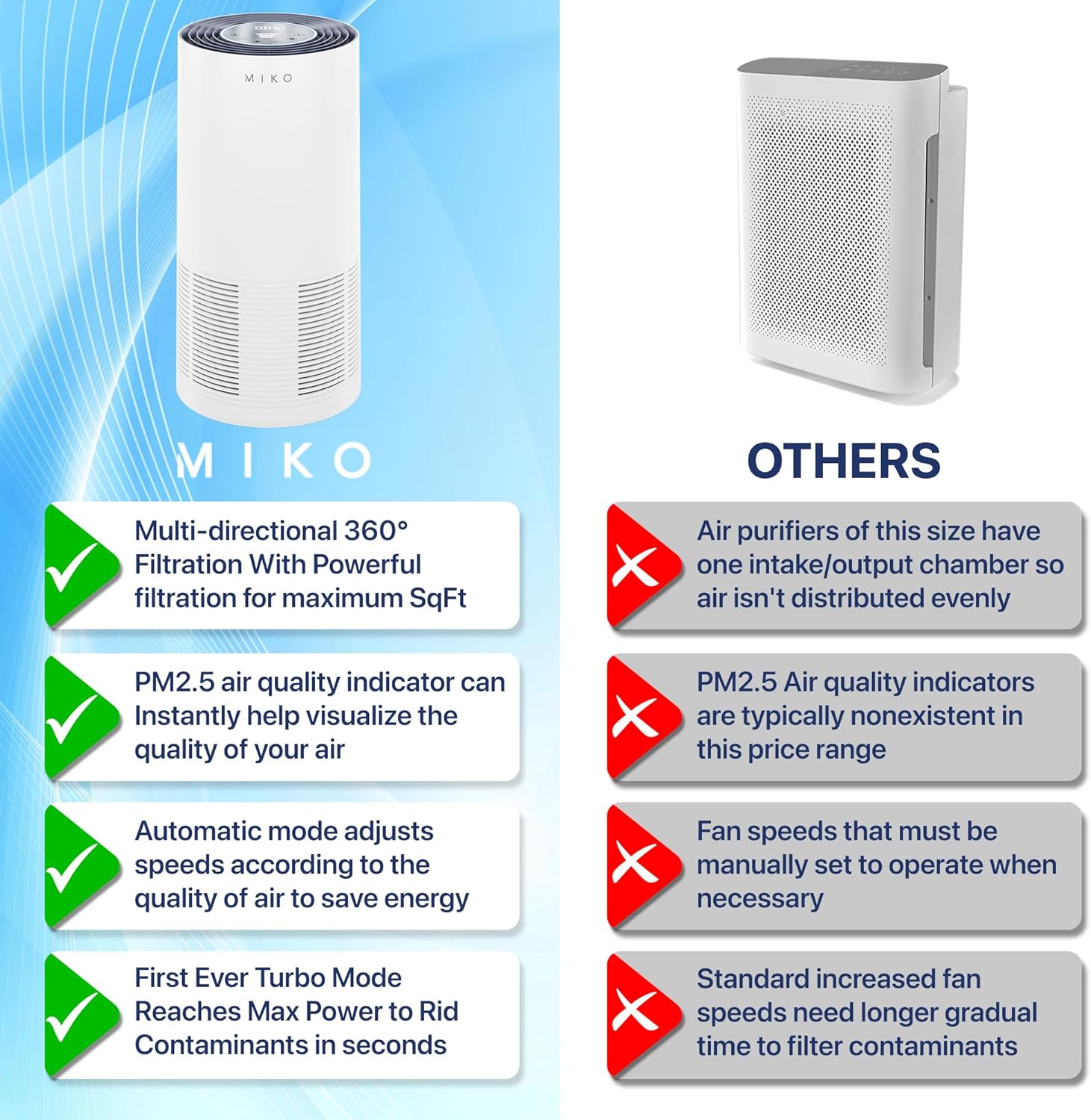
Figura 6.1: Diagrama que il·lustra les 3-stage filtration system of the MIKO L Air Purifier. This includes the Pre-Filter, H13 True HEPA Filter, and Active Carbon Filter.
6.2. Neteja de l'exterior
- Netegeu l'exterior del purificador d'aire amb un drap suau i sec.
- No utilitzeu netejadors abrasius ni dissolvents.
7. Solució De Problemes
| Problema | Causa possible | Solució |
|---|---|---|
| La unitat no s'encén. | No connectat; Apagattage; Filter not installed correctly. | Ensure power cord is securely plugged in; Check power supply; Reinstall filter and ensure base cover is locked. |
| El flux d'aire és feble. | Air inlets/outlets blocked; Filter is dirty. | Clear any obstructions; Replace the filter. |
| Soroll inusual. | Unit not on a flat surface; Foreign object inside. | Place on a stable, flat surface; Unplug and check for foreign objects. |
| Air quality not improving. | Room size too large; Filter needs replacement. | Ensure unit is appropriate for room size (up to 1600 sq ft); Replace filter. |
8. Especificacions
- Model: MA-03
- Marca: MIKO
- Dimensions del producte: 12.7 x 13 x 12.7 polzades
- Pes de l'article: 7.34 lliures
- Àrea de cobertura: Fins a 1600 peus quadrats
- Nivell de soroll: 25 Decibels (in Sleep Mode)
- Tipus de filtre: H13 Veritable HEPA 3-Stage Filtration (Pre-Filter, H13 HEPA, Active Carbon)
- Velocitats del ventilador: 4 (Low, Medium, High, Turbo)
- Tipus de control: Control tàctil
- Característiques especials: PM 2.5 Indicator, Auto Mode, Sleep Mode, Timer (1-12 hours), Child Lock
9. Garantia i Suport
For warranty information and customer support, please refer to the official MIKO website or contact their customer service directly. MIKO is a US-based company committed to quality products and customer satisfaction.
Replacement filters can be found by searching for "Ibuki L" or "B08XB3JQVB".


