Introducció
This manual provides instructions for the ProCase Slim Stand Smart Cover, designed to protect and enhance the functionality of your iPad Pro 11-inch. This cover offers a slim profile, durable protection, and versatile viewing opcions.
Compatibilitat
This ProCase cover is specifically designed for the following iPad Pro 11-inch models:
- iPad Pro 11-inch 4th Generation (2022): Models A2759 / A2435 / A2761 / A2762
- iPad Pro 11-inch 3rd Generation (2021): Models A2377 / A2459 / A2301 / A2460
- iPad Pro 11-inch 2nd Generation (2020): Models A2228 / A2231 / A2068 / A2230
- iPad Pro 11-inch 1st Generation (2018): Models A1980 / A2013 / A1934 / A1979
To verify your iPad model number, please check the back of your device, typically found in small print near the bottom.

Image: Visual guide for identifying compatible iPad Pro 11-inch models by their model numbers.
Setup: Installing the Case
Follow these steps to correctly install your ProCase Smart Cover:
- Ensure your iPad Pro 11-inch is clean and free of dust or debris.
- Open the front cover of the ProCase.
- Align your iPad with the hard back shell, ensuring the camera cutout and ports match.
- Gently press your iPad into the case, starting from one corner and working your way around until all corners are securely snapped into place.
Video: Demonstrates the step-by-step installation process of the ProCase cover onto an iPad Pro 11-inch.

Image: A person's hands carefully placing the iPad into the protective case, ensuring proper alignment.
Operating: Key Features
Auto Sleep/Wake Function
The integrated magnets in the front cover automatically activate your iPad's sleep/wake function. Opening the cover will wake your iPad, and closing it will put it to sleep, helping to conserve battery life.

Image: A visual representation of the auto sleep/wake feature, showing the iPad screen turning on when the cover is opened and off when closed.
Versatile Stand Modes
The tri-fold front cover can be folded into two distinct stand positions to suit your needs:
- Viewing Angle (65°): Ideal for watching videos, making video calls, or browsing content.
- Typing/Working Angle (30°): Provides a comfortable incline for typing, drawing, or working on your iPad.
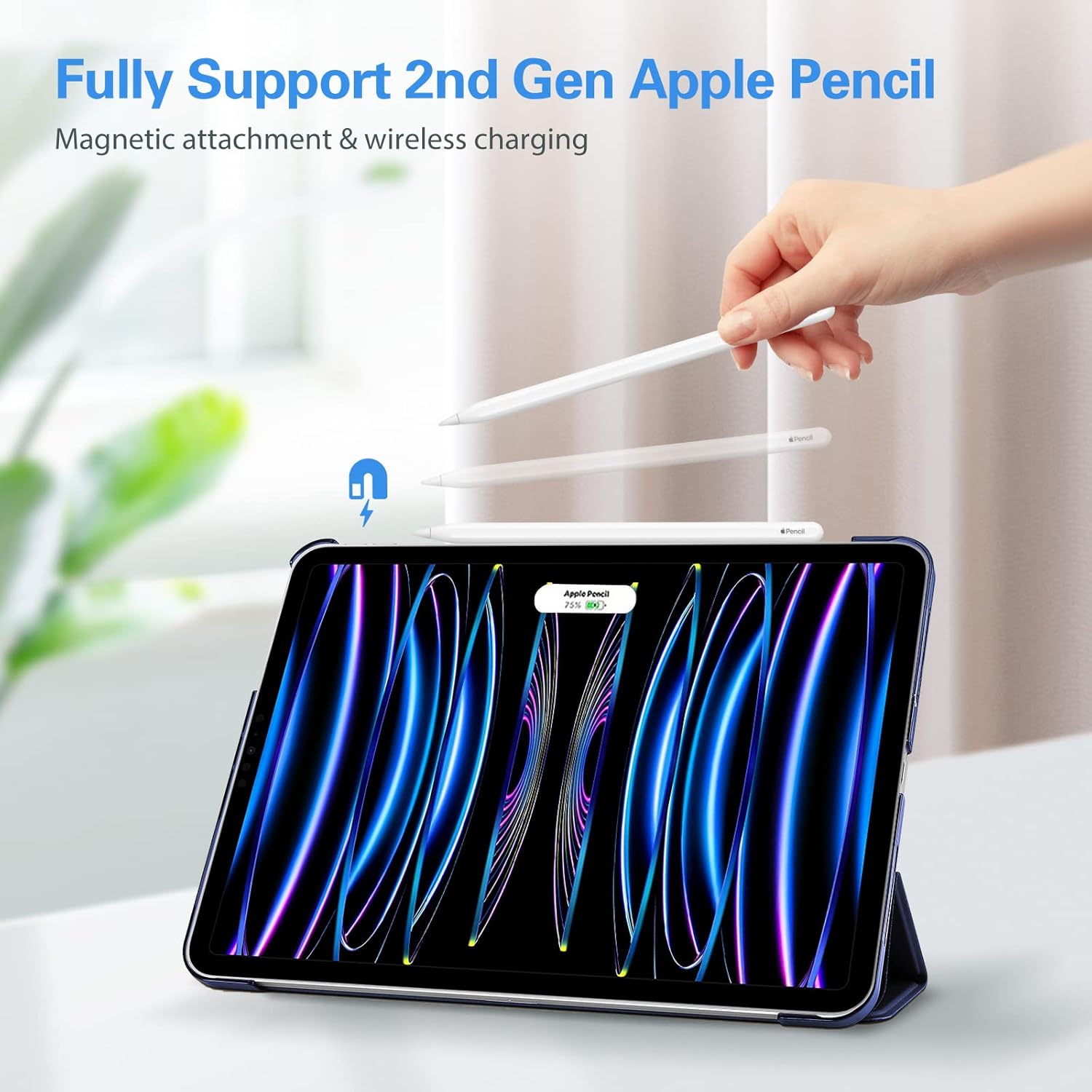
Image: Illustration demonstrating how to fold the cover to achieve both the upright viewing angle and the lower typing angle.
Apple Pencil (2nd Gen) Support
The case is designed to fully support the 2nd Generation Apple Pencil's magnetic attachment and wireless charging capabilities. The side cutout ensures the Apple Pencil can securely attach and charge while protected by the case.
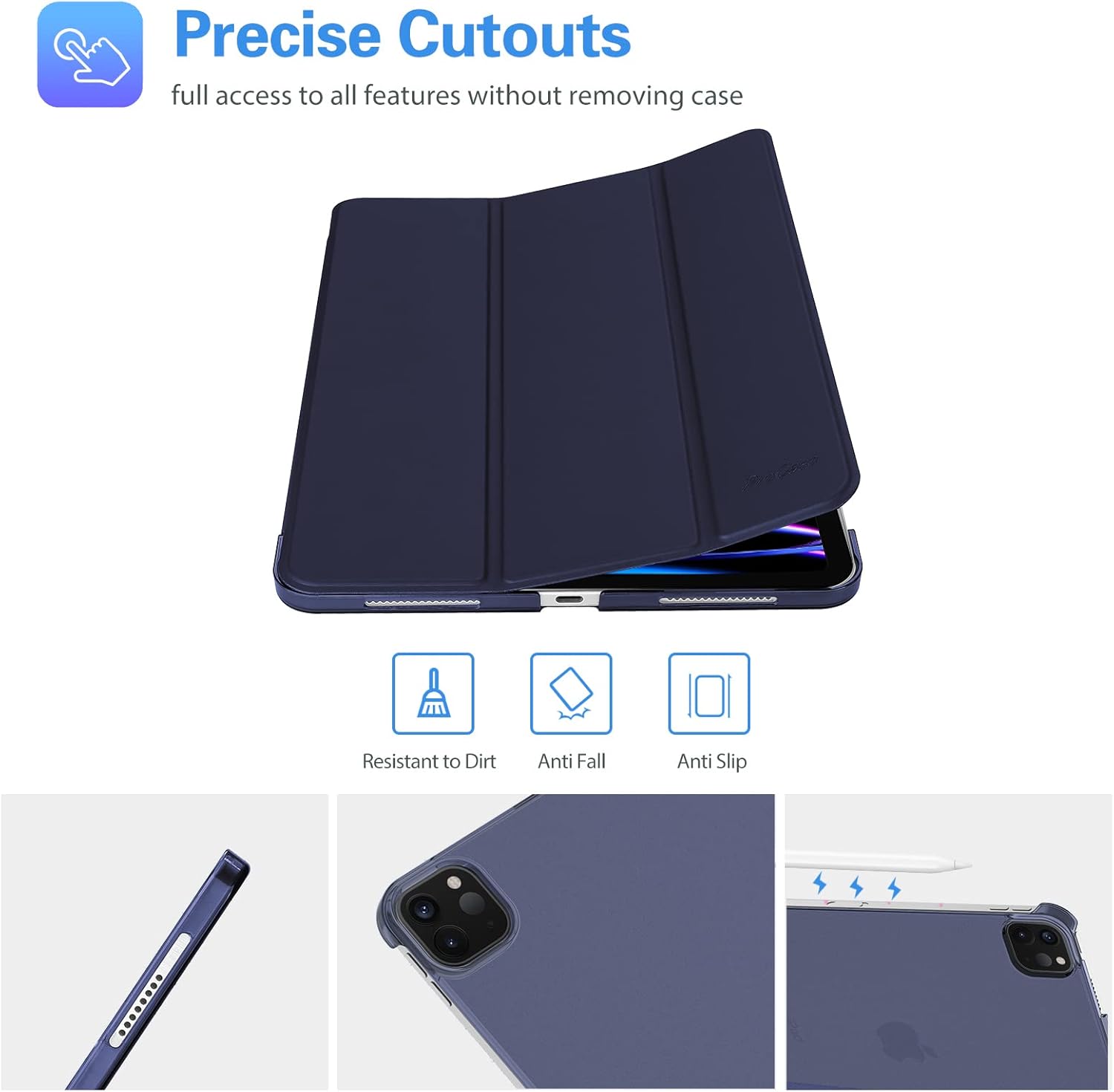
Image: An iPad in the ProCase cover with an Apple Pencil magnetically attached to its side, indicating wireless charging functionality.
Protection and Design
- Translucent Frosted Back: The hard back shell is translucent, allowing the Apple logo to be visible while protecting against fingerprints and scratches.
- Prim i lleuger: Adds minimal bulk to your iPad, making it easy to carry and comfortable to hold.
- Retalls precisos: Ensures full access to all ports, buttons, and cameras without needing to remove the case.

Image: The main product image of the navy blue ProCase cover, highlighting its design and translucent back.

Imatge: Un professional lateralfile of the iPad within the ProCase, illustrating its thinness and lightweight construction.
Manteniment
To keep your ProCase Smart Cover in optimal condition:
- Netegeu l'exterior amb un suau, damp drap per eliminar la pols i les taques.
- Eviteu utilitzar productes químics agressius o netejadors abrasius, ja que poden danyar el material.
- Periodically remove your iPad from the case to clean both the device and the interior of the case.
Resolució de problemes
Case Not Fitting Correctly
- Verificar la compatibilitat: Double-check your iPad model number against the compatibility list in this manual. Ensure you have the correct case size for your specific iPad Pro 11-inch generation.
- Reinstal·lació: Remove the iPad from the case and carefully re-install it, ensuring all corners snap into place evenly.
Auto Sleep/Wake Not Working
- Check iPad Settings: Go to iPad Settings > Display & Brightness, and ensure 'Lock/Unlock' is enabled.
- Interferència magnètica: Ensure no other magnetic objects are interfering with the case's magnets.
Especificacions
| Característica | Detall |
|---|---|
| Dimensions del producte | 9.7 x 7.2 x 0.46 polzades |
| Pes de l'article | 5.9 unces |
| Dispositius compatibles | iPad Pro 11-inch (1st, 2nd, 3rd, 4th Generation) |
| Material | Hard Back Shell, Tri-fold Front Cover |
| Característiques especials | Dual Standing Positions, Foldable, Magnetic Closure, Translucent Frosted Back, Ultra Slim |
| Color | Marina |
Garantia i Suport
ProCase products are designed for durability and functionality. For any questions, concerns, or warranty inquiries regarding your ProCase Slim Stand Smart Cover, please contact ProCase customer support through their official weblloc web o el distribuïdor on es va comprar el producte. Si us plau, conserveu el comprovant de compra per a reclamacions de garantia.


