Introducció
Thank you for choosing the boAt Rockerz 450 Pro Bluetooth On-Ear Headphones. This manual provides essential information for setting up, operating, and maintaining your headphones to ensure optimal performance and longevity. Please read this manual carefully before using the product.
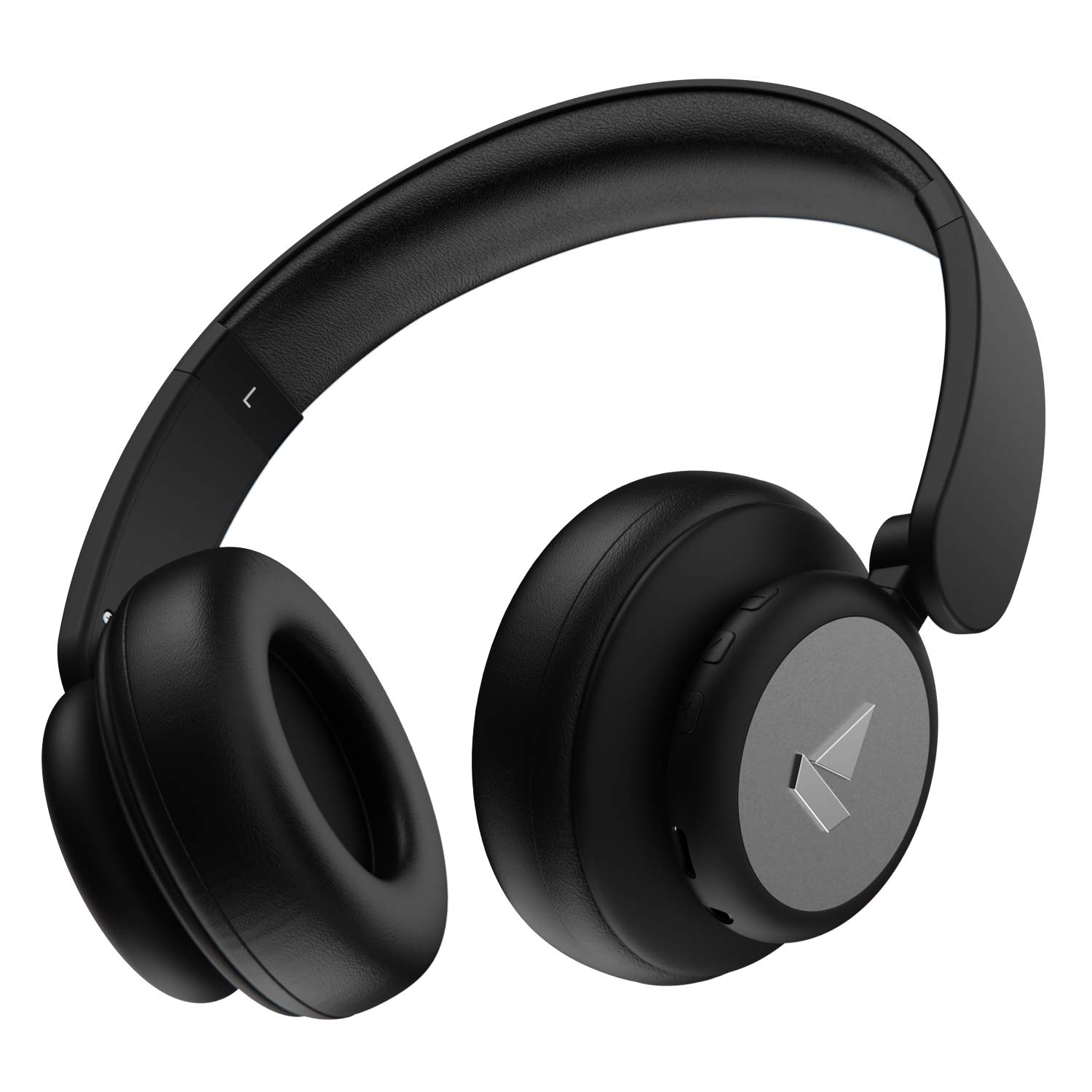
Image: The boAt Rockerz 450 Pro headphones in Luscious Black, showcasing el seu disseny elegant.
Què hi ha a la caixa
- boAt Rockerz 450 Pro Headphones
- Cable de càrrega (USB tipus C)
- Cable auxiliar (3.5 mm)
- Manual d'usuari
- Targeta de garantia
Producte acabatview
Familiarize yourself with the key features and components of your Rockerz 450 Pro headphones.

Image: An infographic highlighting key features such as up to 70 hours playtime, 40mm drivers, integrated controls, premium matte finish, and adjustable & foldable earcups.
Controls i Ports

Imatge: Una imatge detallada view of the integrated control buttons on the earcup, including volume up/next track, play/pause/call, and volume down/previous track buttons.
- Botó d'engegada/multifunció: Power On/Off, Play/Pause, Answer/End Calls, Activate Voice Assistant.
- Botó Pujar volum/Pista següent: Increase volume, Skip to next track.
- Botó per baixar el volum/pista anterior: Decrease volume, Go to previous track.
- Port de càrrega tipus C: Per carregar els auriculars.
- Port AUX de 3.5 mm: For wired connectivity.
- Micròfon: Per a trucades amb mans lliures.
Configuració
Carregant els teus auriculars
Before first use, fully charge your headphones. The Rockerz 450 Pro features a Type-C charging port for convenient charging.
- Connect the provided USB Type-C charging cable to the headphone's charging port.
- Connecteu l'altre extrem del cable a un adaptador de corrent USB (no inclòs) o al port USB d'un ordinador.
- L'indicador LED mostrarà l'estat de càrrega (per exemple, vermell mentre es carrega, blau/apagat quan està completament carregat).
- Una càrrega completa triga aproximadament entre 2 i 3 hores.
- Càrrec ASAP: Charge for 10 minutes to get up to 10 hours of playtime.

Image: The boAt Rockerz 450 Pro headphones with an illuminated earcup, emphasizing the "Up to 70 Hours Playtime" feature.
Emparellament Bluetooth
Per connectar els auriculars sense fil a un dispositiu:
- Assegureu-vos que els auriculars estiguin carregats.
- Press and hold the Power/Multi-function button for a few seconds until the LED indicator flashes blue and red, indicating pairing mode.
- Al dispositiu (telèfon intel·ligent, ordinador portàtil, etc.), activeu el Bluetooth i cerqueu els dispositius disponibles.
- Select "boAt Rockerz 450 Pro" from the list.
- Once connected, the LED indicator will flash blue slowly or turn off, and you will hear an audio prompt.
- Els auriculars es tornaran a connectar automàticament a l'últim dispositiu emparellat quan s'engeguin, si estan dins de l'abast.
Wired Connectivity (AUX Mode)
You can also use your headphones with a 3.5mm AUX cable for wired listening, which is useful when the battery is low or for devices without Bluetooth.
- Connect one end of the 3.5mm AUX cable to the AUX port on the headphones.
- Connecteu l'altre extrem al connector d'àudio de 3.5 mm del dispositiu.
- Els auriculars canviaran automàticament al mode AUX.
Instruccions de funcionament
Encès/Apagat
- Encès: Premeu i manteniu premut el botó d'engegada/multifunció durant 3 segons.
- Apagar: Premeu i manteniu premut el botó d'engegada/multifunció durant 5 segons.
Reproducció de música
- Reproduir/pausa: Premeu breument el botó d'engegada/multifunció.
- Pista següent: Premeu llargament el botó de pujar el volum.
- Pista anterior: Premeu llargament el botó per baixar el volum.
- Pujar el volum: Premeu breument el botó de pujar el volum.
- Baixar el volum: Premeu breument el botó per baixar el volum.
Gestió de trucades
- Respondre/Finalitzar la trucada: Premeu breument el botó d'engegada/multifunció.
- Rebutja la trucada: Premeu llargament el botó d'engegada/multifunció.
Assistent de veu
- Activar l'assistent de veu (Siri, Assistent de Google): Premeu dues vegades el botó d'engegada/multifunció.
Manteniment
Una cura adequada garanteix la longevitat dels teus auriculars.
- Keep the headphones dry. Do not expose them to water or excessive moisture.
- Netegeu els auriculars i la diadema amb un drap suau i sec. Eviteu utilitzar productes químics agressius o materials abrasius.
- Guardeu els auriculars en un lloc fresc i sec quan no els feu servir.
- Eviteu temperatures extremes.
- No intenteu desmuntar ni modificar els auriculars, ja que això anul·larà la garantia.
- The earcups are designed to be adjustable and foldable for portability. Handle them gently when folding.

Image: The boAt Rockerz 450 Pro headphones shown in their folded configuration, demonstrating the adjustable and foldable earcups feature for compact storage.
Resolució de problemes
| Problema | Possible solució |
|---|---|
| Els auriculars no s'encenen | Assegureu-vos que els auriculars estiguin completament carregats. Connecteu-los a una font d'alimentació i torneu-ho a provar. |
| No es pot emparellar amb el dispositiu |
|
| Sense so ni volum baix |
|
| Poca qualitat de trucada |
|
Especificacions
| Característica | Detall |
|---|---|
| Nom del model | Rockerz 450 Pro |
| Tecnologia de connectivitat | Bluetooth 5.0, AUX |
| Conductors | Controladors dinàmics de 40 mm |
| Temps de reproducció | Fins a 70 hores (a un 60% de volum) |
| Càrrega el més aviat possible | 10 mins charge = 10 hours playtime |
| Interfície de càrrega | USB tipus C |
| Conector d'auriculars | 3.5 mm Jack |
| Interval Bluetooth | 10 metres |
| Pes de l'article | 300 grams |
| Material | Plàstic |
| Tipus de control | Control de veu, control de volum |
| Micròfon | Integrat |
| Forma de l'auricular | Circle (On-Ear) |
| Bateries | 1 bateria de ions de liti (inclosa) |
| País d'origen | Xina |

Imatge: Una explosió view diagram illustrating the components of the 40mm dynamic drivers, which deliver boAt Signature Sound.
Garantia i Suport
Your boAt Rockerz 450 Pro headphones come with a 1 any de garantia des de la data de compra.
For warranty claims, technical support, or any other inquiries, please contact boAt customer service. Refer to the warranty card included in your package for specific contact details or visit the official boAt weblloc.
Note: The warranty covers manufacturing defects. Damage caused by misuse, accidents, or unauthorized modifications is not covered.


