Introducció
Thank you for choosing the Dolphin SNB-161R Rechargeable Soundbar Computer Speaker. This manual provides essential information for the proper setup, operation, and maintenance of your new soundbar. Please read it thoroughly before use to ensure optimal performance and longevity of your device.
Informació de seguretat
- No exposeu el dispositiu a l'aigua ni a una humitat excessiva.
- Avoid placing the soundbar near heat sources or in direct sunlight.
- Feu servir només el cable de càrrega i l'adaptador de corrent especificats.
- No intenteu desmuntar ni reparar la unitat vosaltres mateixos. Encarregueu tot el manteniment a personal qualificat.
- Mantenir fora de l'abast dels nens.
- Assegureu-vos que hi hagi una ventilació adequada al voltant del dispositiu durant el funcionament.
Contingut del paquet
Marqueu la casella per als elements següents:
- Dolphin SNB-161R Soundbar Speaker (Set of 2 for Wavesync™ Bundle)
- Cable de càrrega USB
- Manual d'usuari
Producte acabatview
The Dolphin SNB-161R is a versatile rechargeable soundbar designed for computer and multimedia use, featuring a built-in clock and dynamic lighting. It supports Wavesync™ technology for pairing two speakers for enhanced stereo sound.

Figura 1: Frontal view of the Dolphin SNB-161R Soundbar, showing the digital clock display and integrated lights.
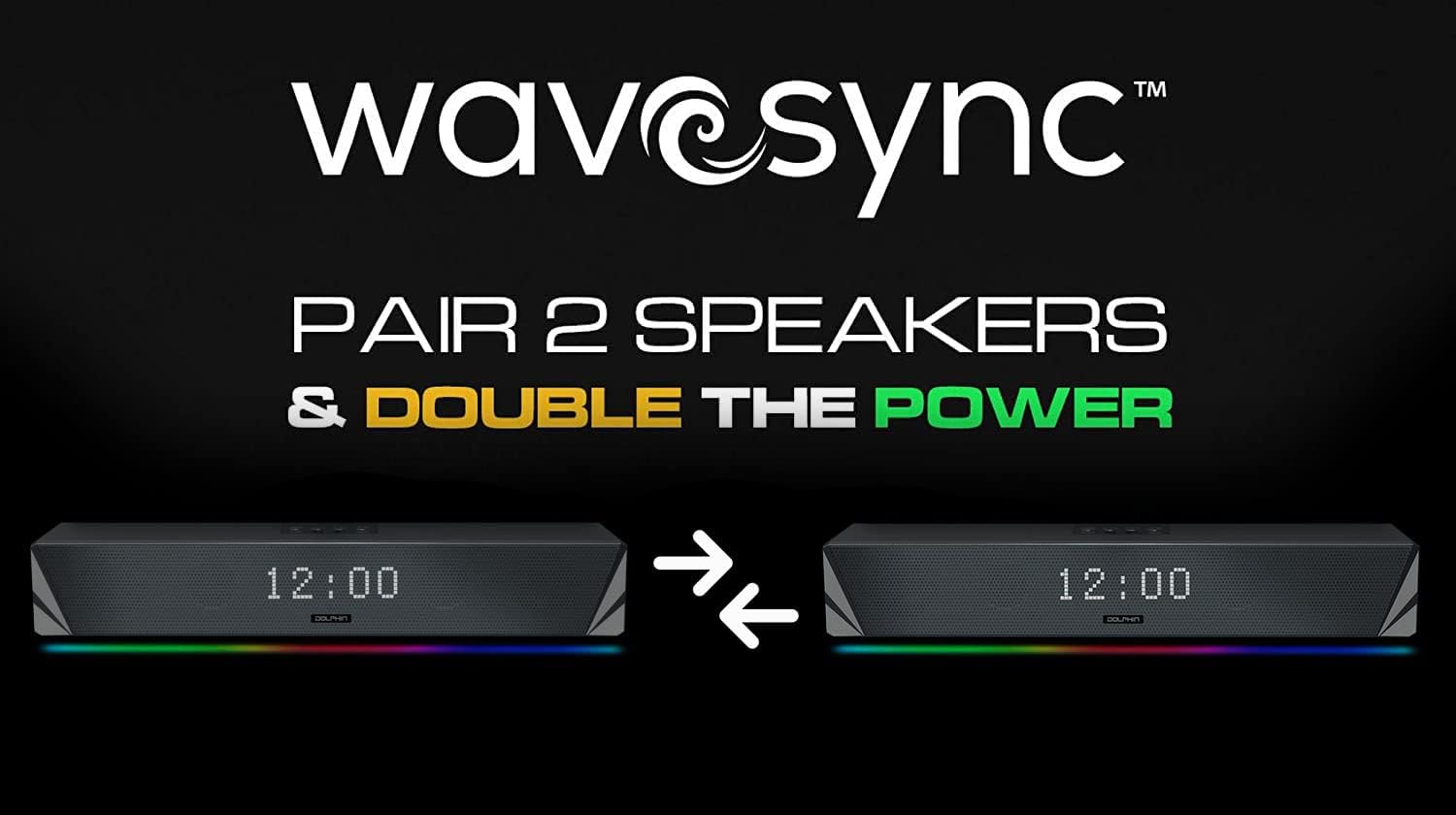
Figura 2: lateral view of the Dolphin SNB-161R Soundbar, highlighting its compact design.
%20Set%20of%202_image_1.jpg)
Figure 3: Two SNB-161R soundbars demonstrating synchronized clock displays and lighting.
Configuració
- Charging the Soundbar: Before first use, fully charge the soundbar using the provided USB cable. Connect the USB cable to the soundbar's charging port and the other end to a compatible USB power source (e.g., computer USB port, USB wall adapter). The charging indicator will show the charging status.
- Encès: Press and hold the power button (usually located on the top or back of the soundbar) for a few seconds until the display lights up.
- Connexió inicial: Connect the soundbar to your device (Laptop, Desktop, Tablet, Smartphone) via USB. The soundbar should be recognized as an audio output device.
Instruccions de funcionament
Funcions bàsiques
- Encès/apagat: Manteniu premut el botó d'encesa.
- Control de volum: Use the volume buttons (usually marked '+' and '-') on the soundbar or your connected device to adjust the audio level.
- Configuració del rellotge: Refer to the specific button on your soundbar (often labeled 'SET' or 'TIME') to enter clock setting mode. Use the navigation buttons to adjust hours and minutes, then confirm.
- Control de la llum: The soundbar features integrated lights. Look for a dedicated light button or a multi-function button to cycle through light modes or turn them off.
- Funció de ràdio: If equipped, press the 'MODE' button to switch to FM radio mode. Use the tuning buttons to scan for stations.
Wavesync™ Pairing (for Bundle Set)
The Wavesync™ feature allows you to wirelessly pair two SNB-161R soundbars for a true stereo experience, doubling your audio power.
%20Set%20of%202_image_2.jpg)
Figure 4: Visual representation of Wavesync™ pairing between two SNB-161R soundbars.
- Ensure both SNB-161R soundbars are powered on and within close proximity.
- On one soundbar (this will be your primary unit), activate the Wavesync™ pairing mode. This is typically done by pressing and holding a dedicated 'Wavesync' or 'Pair' button. Consult the markings on your specific unit.
- The primary unit will begin searching for the secondary unit.
- Once connected, you will hear an audible confirmation, and the indicators on both soundbars will change to show a successful connection.
- Now, any audio played through the primary soundbar will be distributed in stereo across both units.
Manteniment
- Neteja: Use a soft, dry cloth to wipe the exterior of the soundbar. Do not use liquid cleaners or abrasive materials.
- Emmagatzematge: When not in use for extended periods, store the soundbar in a cool, dry place away from direct sunlight.
- Cura de la bateria: Per allargar la durada de la bateria, eviteu descarregar-la completament amb freqüència. Torneu a carregar la unitat periòdicament si l'heu emmagatzemada durant molt de temps.
Resolució de problemes
| Problema | Causa possible | Solució |
|---|---|---|
| Sense poder | Battery drained; Power button not pressed correctly | Charge the soundbar; Press and hold the power button until the unit turns on. |
| Sense so | Volume too low; Incorrect input selected; Device not connected properly | Increase volume; Ensure USB connection is secure; Check audio output settings on your device. |
| Wavesync™ pairing fails | Soundbars too far apart; One unit not in pairing mode | Ensure units are close; Re-enter pairing mode on both units. |
| Clock not displaying correctly | Time not set; Power interruption | Re-set the clock using the dedicated buttons. |
Especificacions
- Nom del model: SNB 161R
- Tipus d'altaveu: Barra de so
- Tecnologia de connectivitat: USB
- Font d'alimentació: Funciona amb bateria
- Mode de sortida d'àudio: estèreo
- Característica especial: Radio, Clock, Lights
- Dispositius compatibles: Ordinador portàtil, escriptori, tauleta, telèfon intel·ligent
- Mètode de control: Botó, toc
- Configuració del canal de so envoltant: 2.0
- UPC: 810059430464
Garantia i Suport
This Dolphin SNB-161R Soundbar comes with a Limited Warranty. Please refer to the warranty card included in your package for specific terms and conditions. For technical support or service inquiries, please visit the official Dolphin weblloc o poseu-vos en contacte amb el seu departament d'atenció al client.


