1. Introducció
The WIWU Smart Pro Pen is an advanced stylus designed for seamless interaction with compatible iPad models. It features tilt writing functionality and palm rejection technology, allowing for a natural writing and drawing experience. The pen is equipped with a pressure sensor for precise input and a magnetic body for convenient attachment to your tablet.
This manual provides detailed instructions on how to set up, operate, and maintain your Smart Pro Pen, along with troubleshooting tips and product specifications.
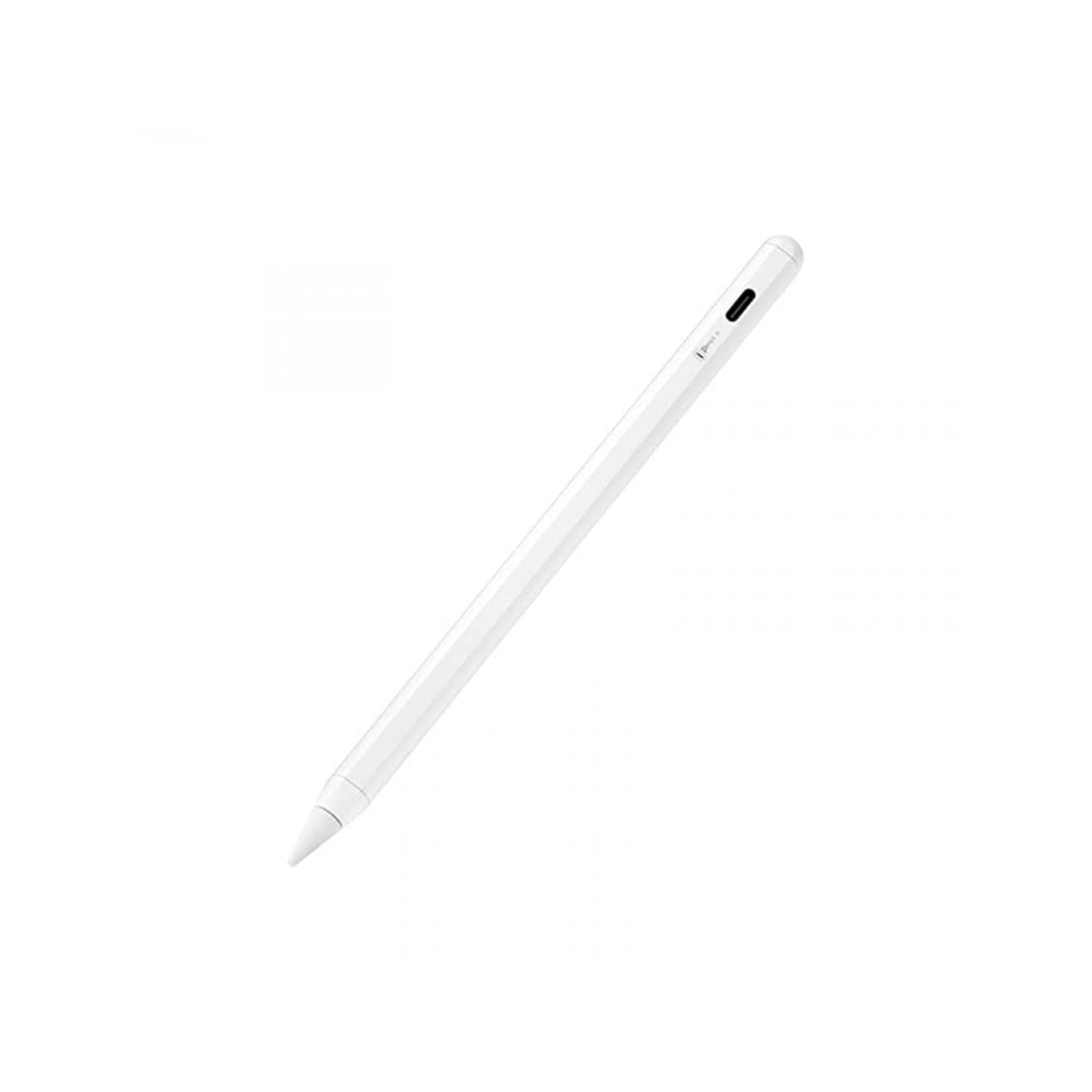
Image: The WIWU Smart Pro Pen, a sleek white stylus.
2. Contingut del paquet
Si us plau, assegureu-vos que tots els articles estiguin presents al vostre paquet:
- WIWU Smart Pro Pen
- Cable de càrrega USB-C
- Replaceable Pen Tip (one included)
- Manual d'usuari

Image: The WIWU Smart Pro Pen in its retail packaging, positioned next to a tablet displaying a note-taking application.
3. Configuració
3.1 Charging the Pen
Before first use, fully charge your WIWU Smart Pro Pen.
- Locate the USB-C charging port on the side of the pen.
- Connect the provided USB-C cable to the pen and plug the other end into a compatible USB power adapter (not included) or a computer's USB port.
- The LED indicator on the pen will show the charging status. A full charge takes approximately 1.5 hours.

Imatge: Un primer pla view of the WIWU Smart Pro Pen, highlighting its USB-C charging port.
3.2 Engegada/apagada
To power on the pen, press and hold the power button located on the side of the pen until the LED indicator lights up. To power off, press and hold the power button again until the LED indicator turns off.
3.3 Compatibilitat
The WIWU Smart Pro Pen is designed for specific iPad models. Please ensure your device is compatible before use. This pen is compatible with iPad models from 2018, 2019, and 2020, including:
- iPad 6th/7th Generation
- iPad Air 3rd Generation
- iPad Mini 5th Generation
- iPad Pro 11-inch (2018, 2020)
- iPad Pro 12.9-inch (3rd Gen 2018, 4th Gen 2020)
For detailed model numbers, refer to the compatibility chart below.

Image: A detailed compatibility list showing supported iPad models and their corresponding model numbers for the WIWU Smart Pro Pen.
4. Instruccions de funcionament
4.1 Ús bàsic
Once powered on and your iPad is compatible, the pen is ready for use. Simply touch the pen tip to the iPad screen to interact with applications, write, or draw.

Image: A hand holding the WIWU Smart Pro Pen, actively drawing on an iPad screen.
4.2 Rebuig del palmell
The Smart Pro Pen features advanced palm rejection technology. This allows you to rest your hand naturally on the iPad screen while writing or drawing, without your palm interfering with the input.
4.3 Funció d'inclinació
The pen supports tilt sensitivity, which means you can shade or vary line thickness in supported applications by tilting the pen, similar to using a traditional pencil.

Image: A collage showing various uses of the WIWU Smart Pro Pen, including drawing detailed illustrations and taking notes on an iPad.
4.4 Fixació magnètica
The pen contains built-in magnets, allowing it to attach securely to the side of compatible iPad models for convenient storage. Note that this magnetic attachment does not provide wireless charging.
5. Manteniment
5.1 Neteja
To clean the pen, gently wipe it with a soft, dry, lint-free cloth. Do not use abrasive cleaners or solvents, as these may damage the pen's finish.
5.2 Substitució de la punta
The pen comes with one replaceable tip. If the tip becomes worn or damaged, gently twist it counter-clockwise to remove and replace it with a new one. Ensure the new tip is securely fastened by twisting clockwise.
5.3 Cura de la bateria
To prolong battery life, avoid fully discharging the pen frequently. Charge the pen regularly, especially if it will not be used for an extended period.
6. Solució De Problemes
6.1 Pen Not Responding
- Ensure the pen is powered on.
- Check the battery level and charge the pen if necessary.
- Verify that your iPad model is compatible with the pen (refer to Section 3.3).
- Reinicieu el vostre iPad.
- Ensure there are no other active styluses or Bluetooth devices interfering with the connection.
6.2 Problemes de càrrega
- Ensure the USB-C cable is securely connected to both the pen and the power source.
- Proveu d'utilitzar un cable USB-C o un adaptador d'alimentació diferent.
- Check the charging port on the pen for any debris or damage.
6.3 Inaccurate or Intermittent Input
- Assegureu-vos que la punta del bolígraf estigui neta i lliure de residus.
- Check if the pen tip is securely attached or if it needs replacement.
- Make sure your iPad screen is clean.
7. Especificacions
| Característica | Descripció |
|---|---|
| Nom de marca | WIWU |
| Número de model de l'article | B08ZM41KH8 |
| Color | Blanc |
| Material | Nylon (Body), POM (Tip) |
| Dimensions del producte | 0.9 x 5.9 x 3 cm (0.35 x 2.32 x 1.18 polzades) |
| Pes de l'article | 100 grams |
| Dispositius compatibles | Tablets (Specific iPad models 2018-2020) |
| Nombre de bateries | 1 bateria de ions de liti (inclosa) |
| Piles incloses | Sí |
| Piles necessàries | No (battery is built-in) |
| Temps de càrrega de la bateria | 1.5 hores |
8. Garantia i Suport
For warranty information or technical support, please refer to the documentation included with your purchase or contact WIWU customer service through their official weblloc web o el venedor on es va comprar el producte.
No relevant seller videos were found for this product.


