Introducció
Gràcies per la compraasing the SYMA Foldable HD Camera Drone Z3. This drone combines a convenient foldable design with advanced features such as dual 720P cameras, Optical Flow Positioning, and one-key take-off and landing. This manual will guide you through the setup, operation, and maintenance of your drone to ensure a safe and enjoyable flying experience.
Precaucions de seguretat
Please read and understand all safety instructions before operating the drone. Failure to follow these instructions may result in injury or damage to the product.
- Edat recomanada: Aquest producte es recomana per a usuaris de 12 anys o més. Es recomana la supervisió d'un adult per als usuaris més joves.
- Entorn de vol: Fly in open, unobstructed areas away from people, animals, buildings, and power lines. Avoid flying in strong winds or adverse weather conditions.
- Seguretat de la bateria: Use only the specified battery and charging cable. Do not overcharge or short-circuit batteries. Discontinue use if batteries show signs of damage or swelling.
- Seguretat de l'hèlix: Keep hands, face, and loose clothing away from rotating propellers. Always ensure propeller guards are installed before flight.
- Línia de visió visual: Mantingueu sempre la línia de visió amb el dron durant el vol.
- Respectar la privadesa: Be mindful of privacy laws when using the camera feature.

Image: SYMA Z3 drone with propeller guards. Propeller guards help protect against accidental contact with rotating blades.
Què hi ha a la caixa
Verifiqueu que tots els components siguin presents en desembalar:
- SYMA Z3 Foldable HD Camera Drone
- Transmissor de control remot
- Rechargeable Drone Battery
- Cable de càrrega USB
- Hélices de recanvi
- Guàrdies d'hèlix
- Manual d'instruccions

Image: The SYMA Z3 drone and its components as packaged. This includes the drone, remote control, and other accessories.
Configuració
1. Desplegament del dron
- Gently unfold the four propeller arms until they lock into position.
- Ensure all arms are fully extended and secure before proceeding.

Image: The SYMA Z3 drone in its compact, folded configuration. The arms must be extended for flight.
2. Instal·lació i càrrega de la bateria
- Drone Bateria: Insert the fully charged drone battery into the battery compartment on the drone's underside. Ensure it clicks securely into place.
- Bateries de control remot: Open the battery cover on the back of the remote control and insert 4x AA batteries (not included), observing correct polarity. Close the cover.
- Càrrega: Connect the drone battery to the USB charging cable and plug it into a USB power source (e.g., computer, USB adapter). The indicator light will show charging status and turn off when fully charged. Charging time is approximately 130 minutes for a 16-minute flight time.
3. Propeller Installation (if necessary)
Si les hèlixs no estan preinstal·lades o cal substituir-les:
- Match the propellers with the corresponding motor shafts (usually marked A and B).
- Press the propellers firmly onto the motor shafts until they are secure.
- Ensure propeller guards are securely attached to the drone arms.
4. Instal·lació de l'aplicació (opcional)
For advanced control and live view, download the SYMA app from your mobile device's app store. Cerca "SYMA FPV" or refer to the QR code in the quick start guide.
Instruccions de funcionament
1. Drone and Remote Control Overview

Imatge: De dalt a baix view of the SYMA Z3 drone, showing its main body and propellers. The front camera is visible at the front.
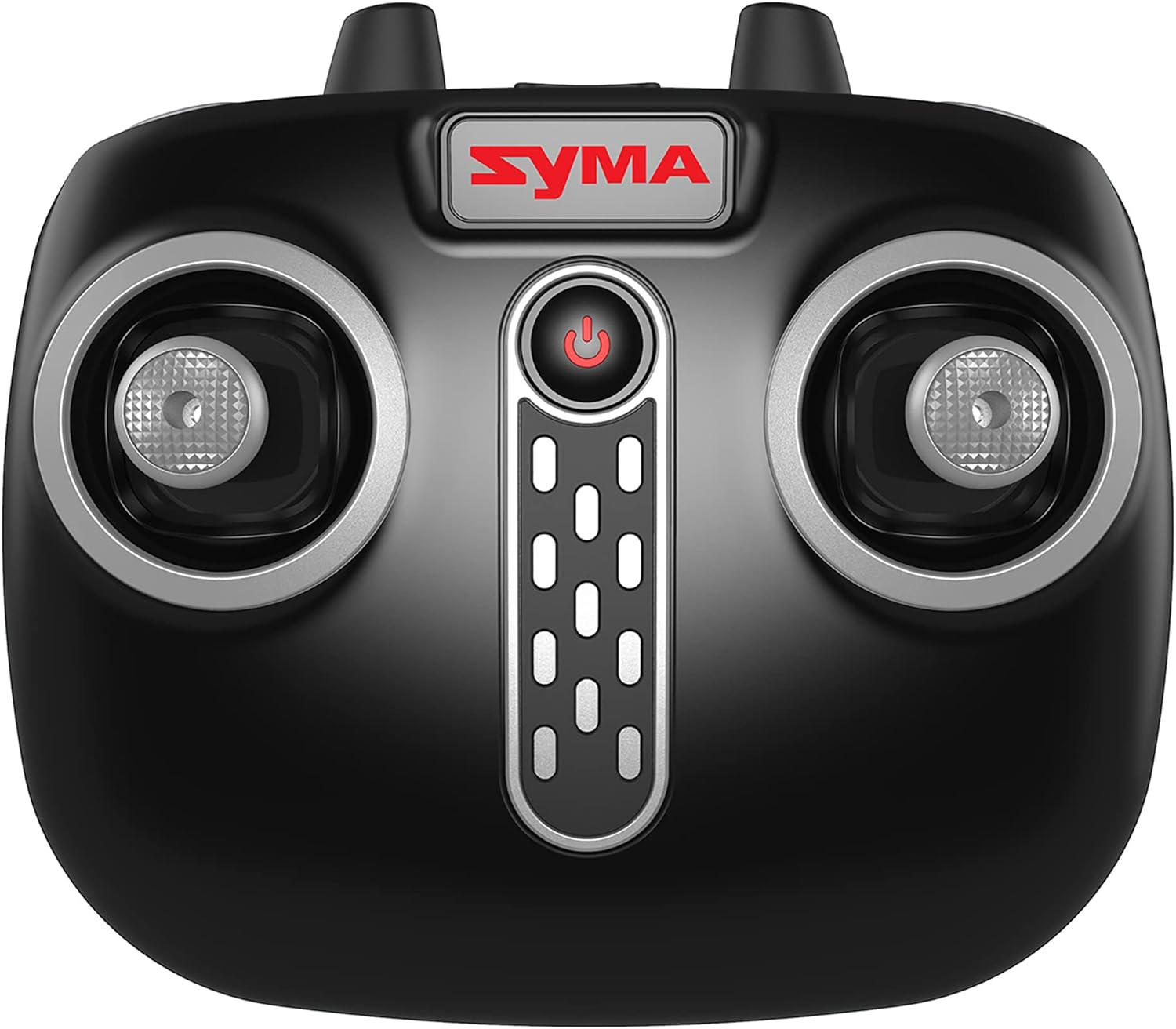
Image: Close-up of the SYMA Z3 remote control, highlighting the joysticks and control buttons. The power button is centrally located.
2. Pairing the Drone with the Remote Control
- Col·loqueu el drone sobre una superfície plana i plana.
- Engegueu el dron prement el botó d'engegada. Els llums indicadors del dron parpellejaran.
- Engegueu el comandament a distància.
- Push the left joystick (throttle) all the way up, then all the way down. The drone's indicator lights will stop flashing and remain solid, indicating successful pairing.
3. Controls bàsics de vol
- Enlairament/aterratge d'una sola tecla: Press the dedicated One-Key Take-Off/Landing button on the remote or in the app. The drone will automatically ascend to a stable hover or descend and land.
- Accelerador (joystick esquerre amunt/avall): Controls altitude. Push up to ascend, pull down to descend.
- Guinyada (joystick esquerre esquerra/dreta): Controls rotation. Push left to rotate counter-clockwise, right to rotate clockwise.
- Endavant/Enrere (joystick dret amunt/avall): Controla el moviment endavant i endarrere.
- Left/Right Sideways Flight (Right Joystick Left/Right): Controls sideways movement.
- Auto Hover: The drone will automatically maintain its altitude when the throttle joystick is released.
4. Funcions avançades
- Posicionament del flux òptic: This feature uses a downward-facing camera to help the drone maintain its position stably, reducing unwanted drift, especially indoors or in low wind conditions.
- Càmeres duals de 720P: The Z3 features two 720P cameras (forward and vertical facing). Use the SYMA app to switch between cameras and capture photos or videos.
- Modes de velocitat: The drone offers multiple speed settings (e.g., 2 speeds) for different skill levels. Refer to the remote control diagram for the speed switch button.
- App Control (Gravity App & Flight Plan): When connected to the SYMA app via Wi-Fi, you can control the drone using your mobile phone's gyroscope (Gravity App) or draw a flight path on the screen for the drone to follow (Flight Plan).
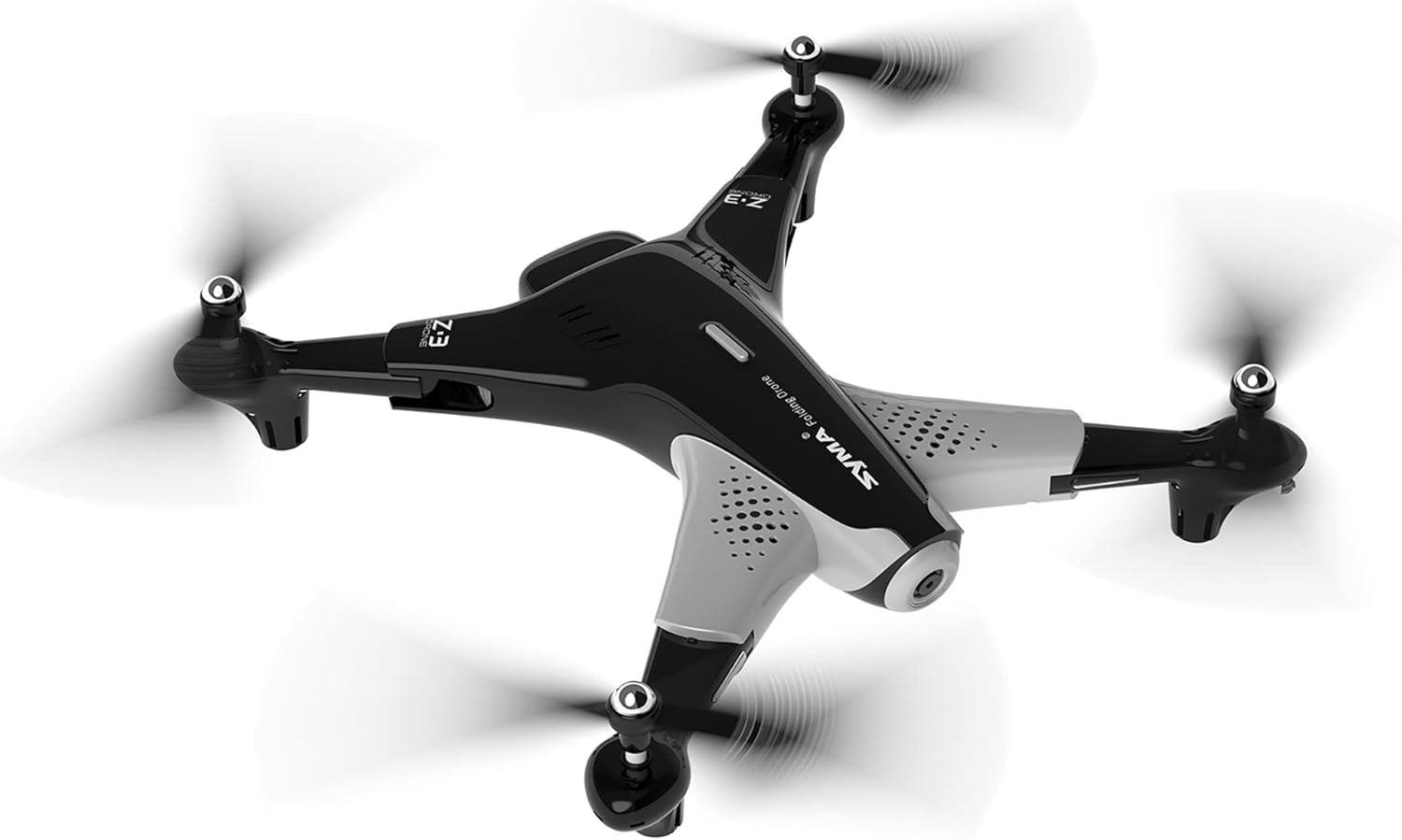
Image: The SYMA Z3 drone in stable flight. Its design allows for both indoor and outdoor operation.
Manteniment i cura
- Neteja: Feu servir un drap suau i sec per netejar el dron i el comandament a distància. Eviteu utilitzar aigua o dissolvents.
- Substitució de l'hèlix: If propellers are damaged, replace them immediately with genuine SYMA Z3 spare parts. Ensure correct A/B propeller placement.
- Cura de la bateria: Guardeu les piles en un lloc fresc i sec. No emmagatzemeu piles completament carregades o completament esgotades durant períodes prolongats. Carregueu-les fins a un 50% aproximadament per a l'emmagatzematge a llarg termini.
- Emmagatzematge: When not in use, fold the drone for compact storage. Keep the drone and remote control away from direct sunlight and extreme temperatures.
Resolució de problemes
| Problema | Causa possible | Solució |
|---|---|---|
| El dron no respon al comandament a distància. | Not paired; low battery (drone/remote); remote out of range. | Re-pair drone and remote; charge drone battery, replace remote batteries; ensure drone is within operating range. |
| El dron es desplaça durant el vol. | Not calibrated; strong wind; uneven take-off surface. | Perform gyroscope calibration on a flat surface; fly in calm conditions; ensure take-off from a level surface. |
| Les hèlixs no giren. | Propeller obstruction; motor damage; low battery. | Check for obstructions and clear them; contact support if motor is damaged; charge drone battery. |
| Camera not working or no live feed. | App not connected to drone Wi-Fi; camera malfunction. | Ensure your phone is connected to the drone's Wi-Fi network; restart drone and app; contact support if issue persists. |
Especificacions
| Característica | Detall |
|---|---|
| Nom del model | SYMA FOLDABLE HD CAMERA DRONE Z3 |
| Marca | SYMA |
| Característica especial | Optical Flow Positioning, Dual 720P Cameras |
| Interval d'edat (descripció) | Adult (Manufacturer recommended age: 5 years and up) |
| Resolució de captura de vídeo | 720p (1280 x 720 píxels) |
| Tecnologia de connectivitat | Wi-Fi |
| Nivell d'habilitat | Principiant |
| Temps de vol | Aprox. 16 minuts |
| Material | Plàstic |
| Composició de les cèl·lules de la bateria | Ió de liti |
| Format d'imatge compatible | JPEG |
| Dimensions del producte | 19.42 x 3.12 x 12.87 polzades |
| Pes de l'article | 1.94 lliures |
Atenció al client
For further assistance, troubleshooting not covered in this manual, or warranty inquiries, please contact SYMA customer support. Refer to the SYMA official weblloc web o l'embalatge del producte per obtenir la informació de contacte més actualitzada.
Recursos en línia: Visit the official SYMA website for FAQs, video tutorials, and updated support information.


