Introducció
This manual provides detailed instructions for the installation, operation, and maintenance of your SSYING 1080P Battery Home Security Camera System. Please read this manual thoroughly before use and retain it for future reference.
Característiques del producte
- Resolució de vídeo HD de 1080P
- Wire-Free Design for Flexible Placement
- IP65 Weatherproof Rating for Outdoor Use
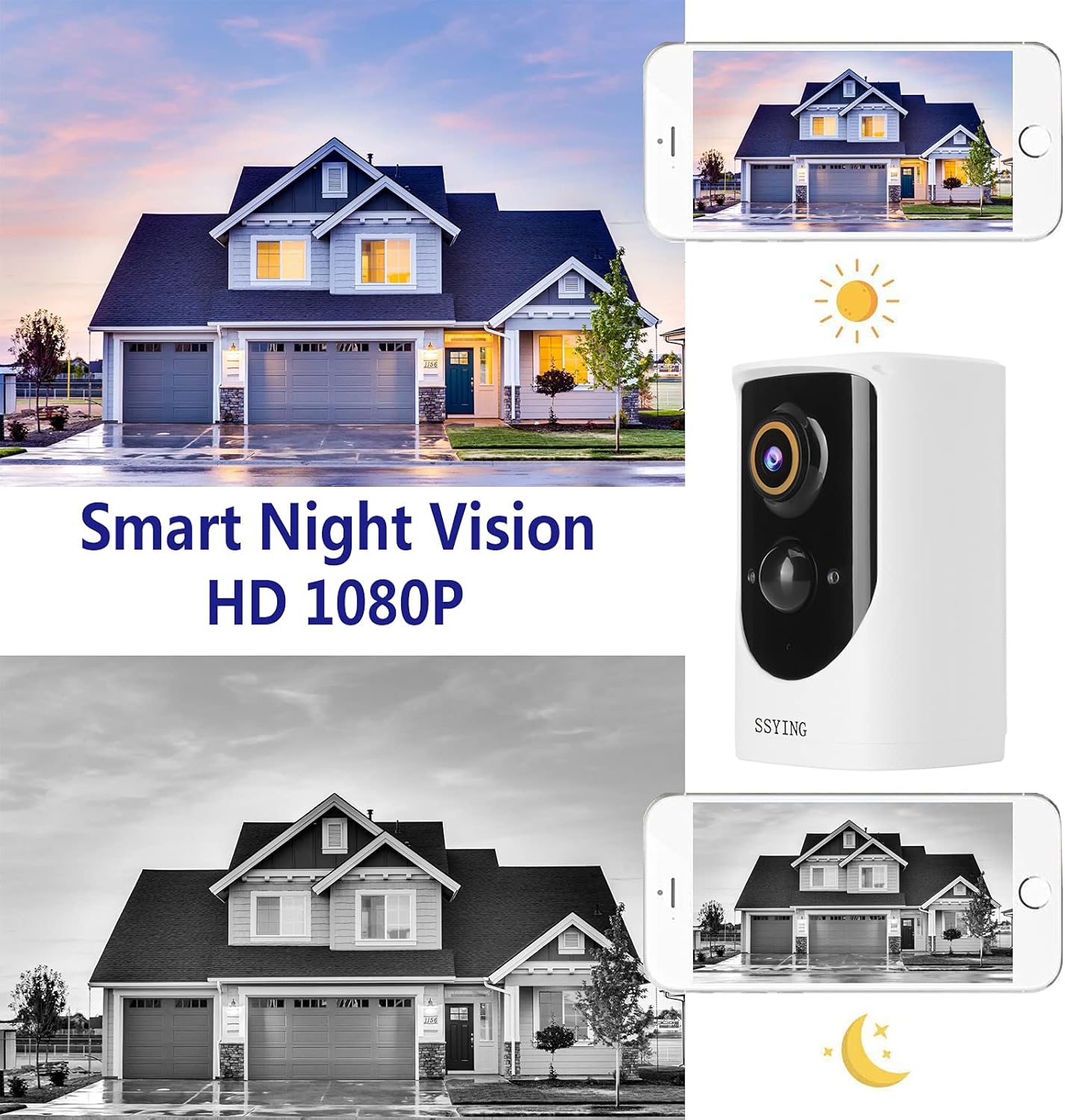
- HD Night Vision (Infrared)
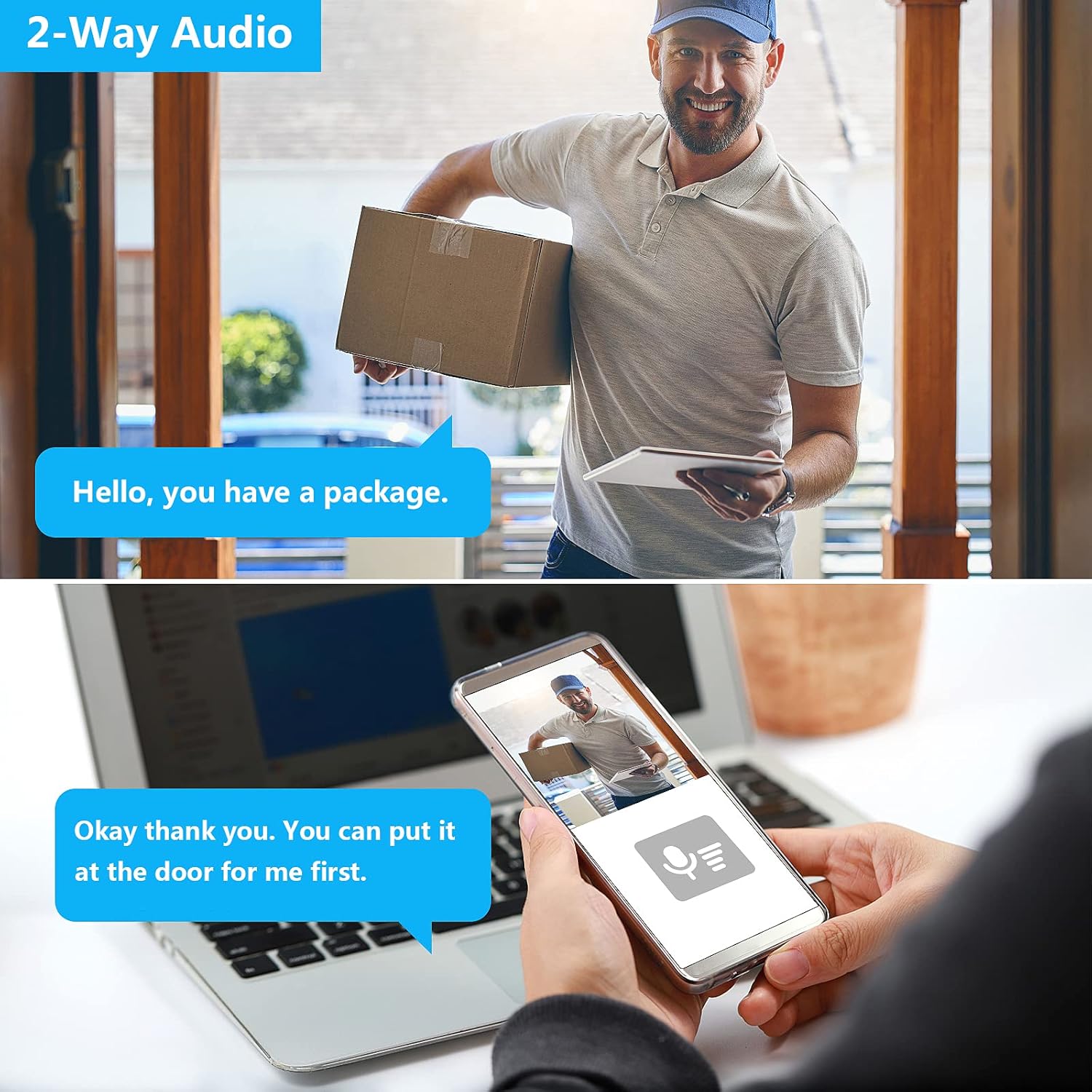
- Comunicació d'àudio bidireccional
- PIR Motion Detection with Instant Mobile Notifications
- Alimentació de la bateria recarregable
- Wide-Angle Camera Lens
- Admet dispositius iOS i Android

Contingut del paquet
Si us plau, comproveu que tots els components siguin presents i en bon estat:
- SSYING 1080P Battery Camera
- Suport de muntatge
- Cable de càrrega USB
- Cargols i ancoratges de paret
- Manual d'usuari
Guia de configuració
1. Càrrega de la càmera
Before initial use, fully charge the camera battery using the provided USB cable. A full charge ensures optimal performance and battery life.
2. App Download and Account Registration
Download the official SSYING app from the App Store (iOS) or Google Play Store (Android). Register for an account and log in.
3. Emparellar la càmera amb l'aplicació
- Enceneu la càmera.
- Segueix les instruccions de l'aplicació per afegir un dispositiu nou. Normalment, això implica escanejar un codi QR a la càmera o connectar-te a un punt d'accés Wi-Fi temporal creat per la càmera.
- Connect the camera to your home 2.4GHz Wi-Fi network. Note: 5GHz Wi-Fi is not supported.
- Once connected, the camera will appear in your app's device list.

4. Instal·lació
The camera can be mounted on a wall or ceiling, or simply placed on a flat surface.
Muntatge a paret/sostre
- Choose a suitable location that provides the desired viewing angle and strong Wi-Fi signal.
- Use the mounting bracket as a template to mark drill holes.
- Perforeu forats i inseriu ancoratges de paret si cal.
- Fixeu el suport de muntatge amb cargols.
- Attach the camera to the mounting bracket and adjust the angle.


Instruccions de funcionament
Viu View
Open the SSYING app and select your camera to view the live feed. You can pinch to zoom and pan the view.
Àudio bidireccional
Mentre està en directe view, tap the microphone icon in the app to speak through the camera's speaker. Tap again to end. This allows for direct communication with visitors.
Detecció de moviment i alertes
The camera uses a Passive Infrared (PIR) sensor to detect motion. When motion is detected, the camera will record a video clip and send an instant notification to your smartphone.
You can adjust motion sensitivity and set detection zones within the app settings.
Visió nocturna
The camera automatically switches to infrared night vision in low-light conditions, providing clear black-and-white video footage.
Emmagatzematge al núvol
The camera supports cloud storage for recorded events. Refer to the app for details on storage plans and access to recorded footage.
Manteniment
Càrrega de la bateria
When the battery level is low, you will receive a notification. Disconnect the camera from its mount and charge it using the USB cable.
Neteja
Periodically wipe the camera lens and body with a soft, dry cloth to remove dust and debris. Do not use harsh chemicals.
Resistència a la intempèrie
The IP65 rating ensures protection against dust and water jets. However, avoid submerging the camera in water or exposing it to extreme weather conditions beyond its operating limits.
Resolució de problemes
La càmera no es connecta a la Wi-Fi
- Assegureu-vos que la vostra xarxa Wi-Fi sigui de 2.4 GHz. La càmera no admet xarxes de 5 GHz.
- Comproveu la intensitat del senyal Wi-Fi a la ubicació de la càmera.
- Restart your router and the camera, then attempt pairing again.
- Verify the Wi-Fi password entered is correct.
If issues persist, try moving the camera closer to the router during setup.
No Motion Detection Alerts
- Check the motion detection settings in the app to ensure it's enabled and sensitivity is appropriate.
- Assegureu-vos que la càmera view no està obstruït.
- Verifiqueu que les notificacions de l'aplicació estiguin habilitades al vostre telèfon intel·ligent.
Durada de la bateria curta
- Esdeveniments freqüents de detecció de moviment o en directe view usage can drain the battery faster. Adjust sensitivity or reduce live view temps.
- Extreme cold weather can reduce battery performance.
- Ensure the camera is fully charged each time.
Poca qualitat de vídeo
- Check your Wi-Fi connection speed. A weak signal can affect video streaming quality.
- Netegeu la lent de la càmera.
For further assistance, please contact SSYING customer support.
Especificacions
| Característica | Detall |
|---|---|
| Model | BACA-422 |
| Resolució de vídeo | 1080P HD |
| Font d'alimentació | Alimentat per bateria (6000 mAh) |
| Connectivitat | 2.4GHz Wireless WiFi |
| Resistència a la intempèrie | IP65 |
| Visió nocturna | infrarojos |
| Àudio | Àudio bidireccional |
| Detecció de moviment | Sensor de moviment PIR |
| Dimensions (L x A x A) | 3.7 x 2.3 x 2.3 polzades |
| Pes de l'article | 14.8 unces |
| Temperatura de funcionament | Fins a 50 °C (122 °F) |
Garantia i Suport
For warranty information and technical support, please refer to the product packaging or contact SSYING customer service through their official weblloc web o la informació de contacte proporcionada a l'aplicació.


