Introducció
Welcome to the Altec Lansing NanoBuds True Wireless Earbuds instruction manual. This guide provides essential information for setting up, operating, maintaining, and troubleshooting your new earbuds. Please read this manual thoroughly to ensure optimal performance and longevity of your device.

Image: The Altec Lansing NanoBuds True Wireless Earbuds shown with their charging case.
Què hi ha a la caixa
Your Altec Lansing NanoBuds package includes the following items:
- Altec Lansing NanoBuds True Wireless Earbuds (Left and Right)
- Estoig de càrrega sense fil
- Cable de càrrega USB
- Multiple sizes of ear tips for a customized fit
- Guia d'inici ràpid

Image: The NanoBuds earbuds displayed alongside their charging case.
Configuració
1. Càrrega dels auriculars i l'estoig
Before first use, fully charge your NanoBuds and their charging case. Place the earbuds into the charging case. Connect the USB charging cable to the charging port on the case and plug the other end into a USB power source. The indicator lights on the case will show the charging status.

Image: NanoBuds seated in the charging case, with blue indicator lights illuminated, signifying charging status.
2. Emparellament Bluetooth
- Assegureu-vos que els auriculars estiguin carregats.
- Obre l'estoig de càrrega. Els auriculars entraran automàticament en mode d'emparellament, cosa que s'indicarà amb llums intermitents.
- Al dispositiu (telèfon intel·ligent, tauleta, etc.), aneu a la configuració de Bluetooth i activeu el Bluetooth.
- Select "Altec NanoBuds" from the list of available devices.
- Un cop connectat, un missatge de veu confirmarà l'emparellament correcte.
3. Aconseguir un ajust segur
For optimal sound quality and comfort, select the ear tips that best fit your ears. The NanoBuds feature Altec Lansing Helix wings for a secure fit, especially during active use. Gently insert each earbud into your ear canal and twist slightly to lock the Helix wing into place.

Imatge: Primer pla view of the NanoBuds, highlighting the integrated Helix wings designed for a stable and secure fit in the ear.
Funcionament dels auriculars
Controls tàctils
The NanoBuds feature intuitive touch controls on each earbud for managing audio playback and calls.
| Acció | Funció |
|---|---|
| Toc únic (esquerra/dreta) | Reproduir/Pausar música, Respondre/Finalitzar trucada |
| Doble toc (dreta) | Pista següent |
| Doble toc (esquerra) | Pista anterior |
| Toc triple (esquerra/dreta) | Activa l'Assistent de veu |
| Manteniu premut (2 segons) | Rebutja la trucada |
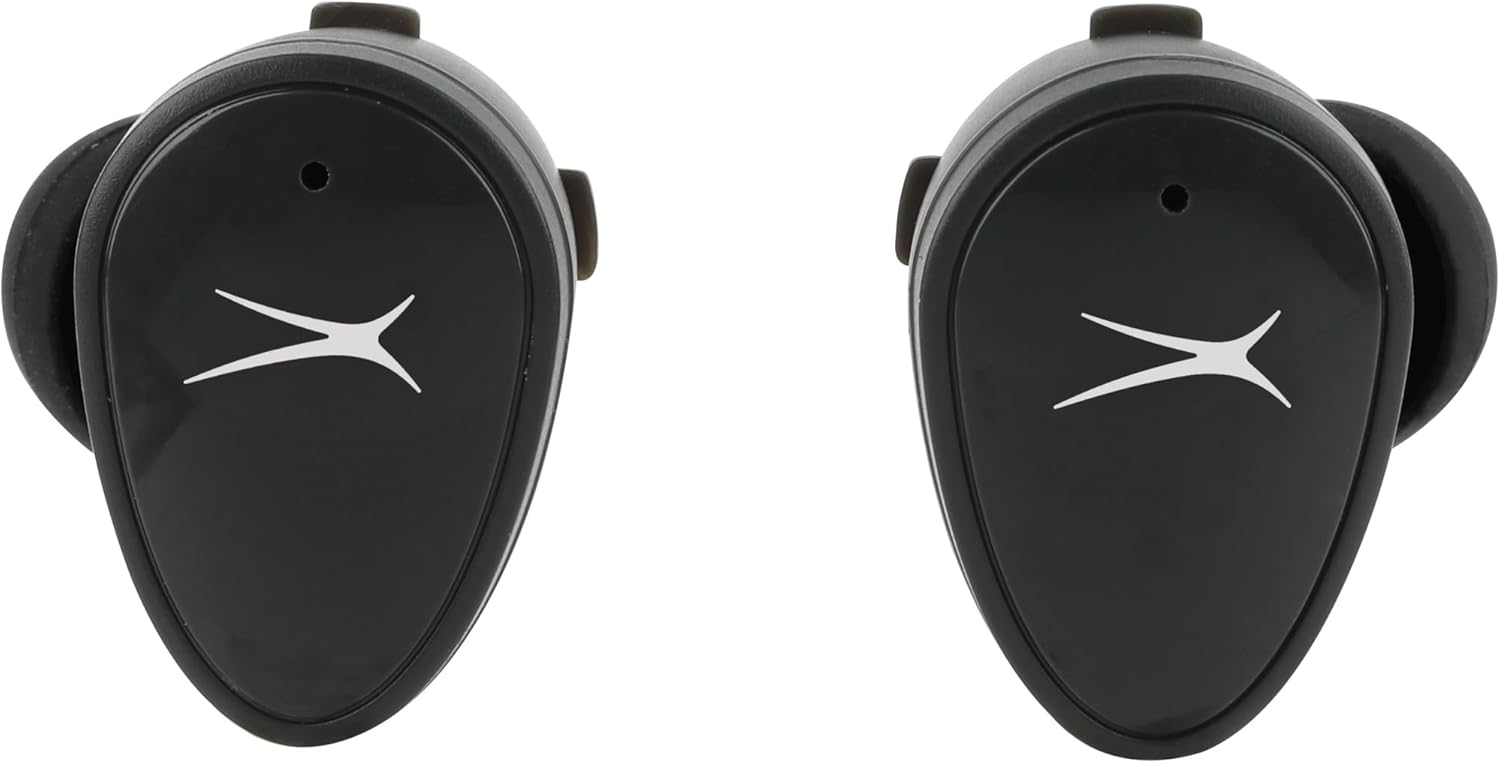
Imatge: Frontal view of the NanoBuds, indicating the touch-sensitive surface for controls.
Encès/Apagat
- Encès: Els auriculars s'encenen automàticament quan es treuen de l'estoig de càrrega.
- Apagar: Torneu a col·locar els auriculars a l'estoig de càrrega perquè s'apaguin automàticament i comencin a carregar-se.
Fer i rebre trucades
The NanoBuds feature dual microphones for clear calling. Use the touch controls as described above to manage your calls.
Manteniment
Neteja
Regularly clean your earbuds and charging case to maintain performance. Use a soft, dry, lint-free cloth. Do not use harsh chemicals or abrasive materials. Ensure charging contacts are free of debris.
Resistència a l'aigua (IPX4)
The NanoBuds are rated IPX4 water-resistant, meaning they are protected from splashing water from any direction. This makes them suitable for workouts and light rain. They are not designed for submersion in water.
Resolució de problemes
If you encounter issues with your NanoBuds, try the following steps:
- Sense energia: Assegureu-vos que els auriculars i l'estoig de càrrega estiguin completament carregats.
- Problemes d'aparellament: Make sure Bluetooth is enabled on your device and the earbuds are in pairing mode. Try forgetting the device in your phone's Bluetooth settings and re-pairing.
- Un auricular no funciona: Place both earbuds back into the charging case, close the lid, wait a few seconds, then open and try again. Ensure both earbuds are charged.
- Qualitat de so baixa: Check the ear tip fit. Ensure there is no obstruction in the earbud's speaker mesh.
- No Audio During Calls: Confirm the NanoBuds are selected as the audio output device on your phone during a call.
- Restablir: For persistent issues, consult the Altec Lansing support weblloc web per obtenir instruccions de restabliment específiques per al vostre model.
Especificacions
| Característica | Especificació |
|---|---|
| Nom del model | NanoBuds Sport |
| Número de model | MZX5200 |
| Tecnologia de connectivitat | Sense fil (Bluetooth 5.0) |
| Interval Bluetooth | Fins a 15.24 metres (50 peus) |
| Nivell de resistència a l'aigua | IPX4 (resistent a l'aigua) |
| Durada de la bateria (auriculars) | Fins a 5 hores per recàrrega |
| Temps de reproducció total (amb estoig) | Up to 30 hours (4 additional charges from case) |
| Temps de càrrega | Approximately 5 hours (for full system charge) |
| Control de soroll | Cancel·lació passiva de soroll |
| Mètode de control | Toca |
| Interval de freqüència | 20 Hz - 20,000 Hz |
| Pes | 5.3 unces |
Informació de la garantia
Altec Lansing products are designed and manufactured to the highest quality standards. For detailed warranty information, including terms, conditions, and registration, please refer to the warranty card included with your product or visit the official Altec Lansing weblloc web. Conserveu el comprovant de compra per a reclamacions de garantia.
Atenció al client
If you require further assistance or have questions not covered in this manual, please contact Altec Lansing customer support. You can find contact information, FAQs, and additional resources on the official Altec Lansing weblloc: www.alteclansing.com.


