Introducció
Welcome to your Tribit Flybuds 3 Wireless Earbuds user manual. This guide provides detailed instructions on setting up, operating, and maintaining your earbuds to ensure optimal performance and a superior audio experience.
Producte acabatview
Contingut del paquet
- Tribit Flybuds 3 Wireless Earbuds (Left & Right)
- Estoig de càrrega
- Cable de càrrega USB-C
- Multiple sizes of Eartips (6 sets)
- Multiple sizes of Ear Wings (3 sets)
Característiques clau
- Battery Champ: True wireless earbuds designed for phone calls, music, and video.
- Long-lasting Playtime: Up to 8 hours of music playback per charge, and up to 150 hours total with the charging case. The charging case can also serve as a power bank for your phone.
- So immersiu: FlyBuds 3 deliver Hi-Fi stereo sound with deep bass, ensuring clear phone calls even in noisy environments.
- Maridatge en un sol pas: Simply open the charging case, and the earbuds will automatically connect to the last paired device.
- IPX8 Impermeable: Boasts IPX8-rated protection, defending against liquids in any weather conditions.
Diagrama del producte

Image showing the Tribit Flybuds 3 Pink Wireless Earbuds and their open charging case.
Configuració
Carregant els teus auriculars
Abans del primer ús, assegureu-vos que els auriculars i l'estoig de càrrega estiguin completament carregats.
- Connecteu el cable USB-C proporcionat al port de càrrega de la funda.
- The LED indicators on the case will illuminate to show the charging status.
- A full charge provides approximately 8 hours of playback for the earbuds and up to 150 hours total with the fully charged case.

The charging case provides up to 150 hours of additional playtime for the earbuds.

The charging case can also function as a portable power bank for other devices.
Vinculació dels vostres auriculars
The earbuds feature convenient one-step pairing for quick connection.
- Obre l'estoig de càrrega. Els auriculars s'encendran automàticament i entraran en mode d'emparellament.
- On your Bluetooth-enabled device, navigate to the Bluetooth settings and select "Tribit Flybuds 3" from the list of available devices.
- Once successfully connected, the earbuds will automatically pair with this device whenever the case is opened in the future.

The charging case button can be used to check battery percentage or to unpair for re-pairing.
Instruccions de funcionament
Controls tàctils
The Tribit Flybuds 3 feature intuitive touch controls for seamless operation.
| Funció | Acció |
|---|---|
| Reproducció/pausa de música | Fes doble toc a qualsevol dels auriculars |
| Respondre/Finalitzar la trucada | Fes doble toc a qualsevol dels auriculars |
| Pista següent | Toqueu tres vegades qualsevol dels auriculars |
| Rebutja la trucada entrant | Press and hold touch button for 2 seconds |
| Activa l'Assistent de veu | Press and hold touch button for 2 seconds (then release) |
| Comproveu el percentatge de bateriatage (Case) | Short press button on charging case |
| Desvincular el dispositiu | Press and hold button on charging case for 10 seconds |
Porteu els vostres auriculars
For optimal sound quality and comfort, select the appropriate size eartips and ear wings that provide a snug and secure fit in your ears.

Ensure a snug fit for the best audio experience and noise isolation.
Qualitat d'àudio
The Flybuds 3 deliver Hi-Fi stereo sound with deep bass, enhanced by 6mm drivers and Tribit's Bass Up technology for a powerful audio experience.
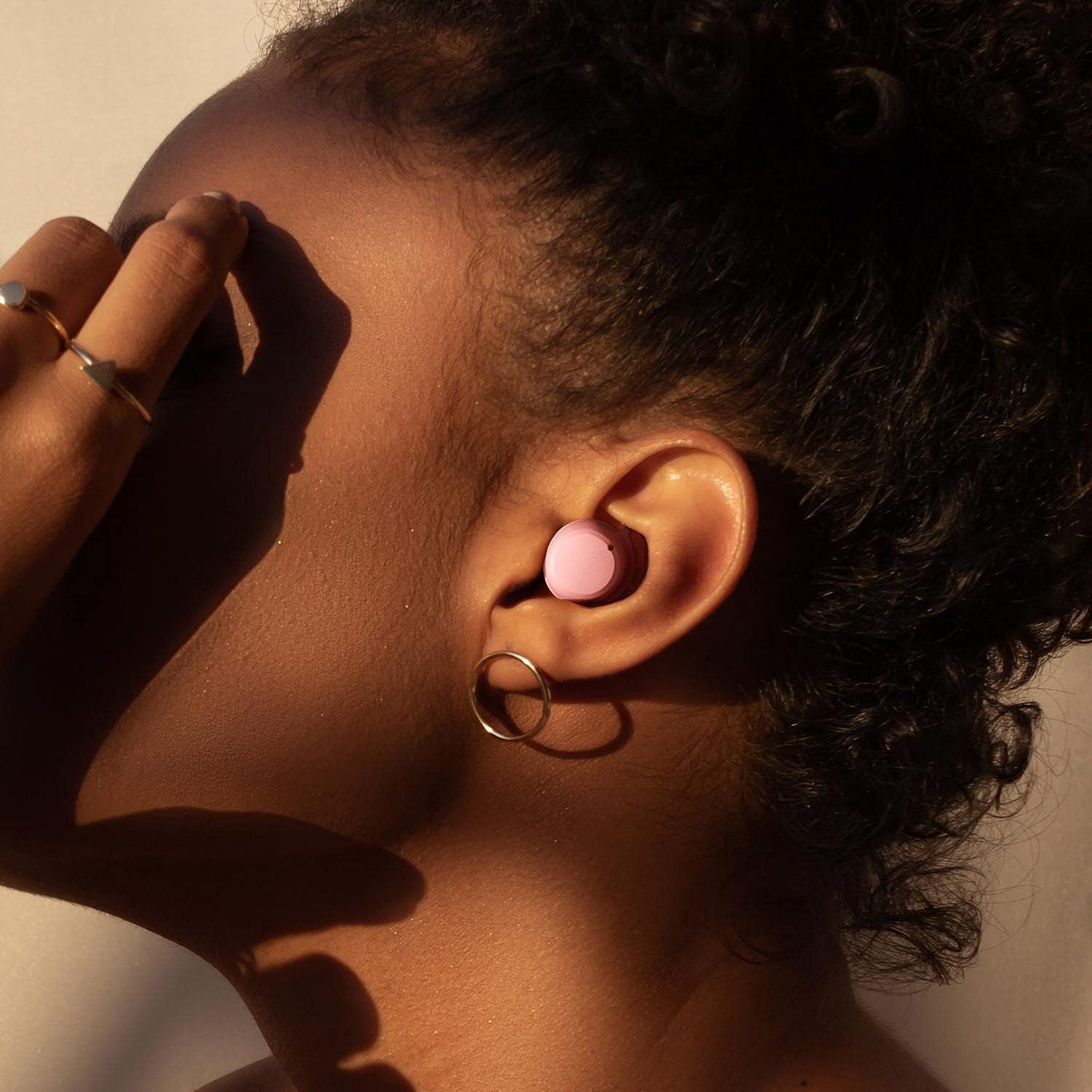
Experimenta un àudio potent i immersiu amb greus millorats.
Manteniment
Neteja
Netegeu els auriculars i l'estoig de càrrega regularment per mantenir el rendiment i la higiene.
- Use a soft, dry, lint-free cloth to wipe down the earbuds and case.
- If necessary, gently remove the eartips and clean them separately with mild soap and water, then dry thoroughly before reattaching.
- Eviteu l'ús de productes químics agressius, materials abrasius o humitat excessiva.
Emmagatzematge
Store the earbuds in their charging case when not in use to protect them from damage and ensure they remain charged.
- Keep the case and earbuds in a cool, dry place.
- Avoid exposure to extreme temperatures, direct sunlight, or humid environments.
Resolució de problemes
Els auriculars no s'aparellen
- Assegureu-vos que els dos auriculars estiguin prou carregats.
- Turn off Bluetooth on any other devices that may be attempting to connect.
- Place the earbuds back into the charging case, close the lid, then open it again to re-enter pairing mode.
- If issues persist, press and hold the button on the charging case for 10 seconds to unpair all previous devices, then attempt to re-pair.
Volum baix o mala qualitat de so
- Ajusteu el volum del vostre dispositiu connectat.
- Ensure the eartips are the correct size for your ears and provide a snug, sealed fit.
- Clean any debris or earwax from the earbud nozzles.
Problemes de càrrega
- Verify that the charging cable and power adapter are functioning correctly.
- Ensure the charging contacts on both the earbuds and inside the case are clean and free of any obstructions.
Especificacions
| Característica | Detall |
|---|---|
| Nom del model | BTH92-P |
| Tecnologia de connectivitat | Sense fil |
| Tecnologia de comunicació sense fils | Bluetooth |
| Versió Bluetooth | 5.2 |
| Durada de la bateria (auriculars) | 8 hores |
| Durada de la bateria (estoig de càrrega) | 150 Hours (total playtime) |
| Nivell de resistència a l'aigua | IPX8 |
| Mètode de control | Toca |
| Temps de càrrega | 1.5 hores |
| Pes de l'article | 3.68 unces |
| Dimensions del producte | 3.4 x 2 x 1.2 polzades |
| Components inclosos | Cable, Wireless Charging Case |
Garantia i Suport
For detailed warranty information and customer support, please visit the official Tribit weblloc web o contacteu directament amb el seu equip d'atenció al client.
Oficial Weblloc: www.tribitaudio.com
Correu electrònic de suport: support@tribit.com


