1. Introducció
Thank you for choosing the ORCC 10-in-1 Record Player, Model TT-168-K. This versatile audio system combines classic aesthetics with modern functionality, allowing you to enjoy music from various sources including vinyl records, CDs, cassette tapes, AM/FM radio, Bluetooth-enabled devices, USB drives, and SD/MMC cards. This manual provides detailed instructions to help you set up, operate, and maintain your new record player.

Imatge 1: Frontal view of the ORCC 10-in-1 Record Player with the lid open, showcasing the turntable and the vintage-style control panel.
2. Contingut del paquet
Abans de continuar amb la configuració, assegureu-vos que tots els elements estiguin presents al paquet:
- ORCC 10-in-1 Record Player (Model TT-168-K)
- Control remot
- Adaptador de 45 RPM
- Stylus de recanvi
- Manual d'instruccions (aquest document)
3. Configuració
3.1 Col·locació
Place the record player on a stable, level surface away from direct sunlight, heat sources, and excessive dust or moisture. Ensure adequate ventilation around the unit.
3.2 Connexió d'alimentació
- Assegureu-vos que l'interruptor d'alimentació estigui a la posició OFF.
- Connect the power cord to the AC inlet on the back of the unit.
- Connecteu l'altre extrem del cable d'alimentació a una presa de corrent estàndard.
3.3 Comprovacions inicials
Before first use, gently remove any protective packaging or ties from the turntable platter and tonearm. Ensure the stylus protector is removed from the needle.
4. Instruccions de funcionament
4.1 Tauler de control acabatview
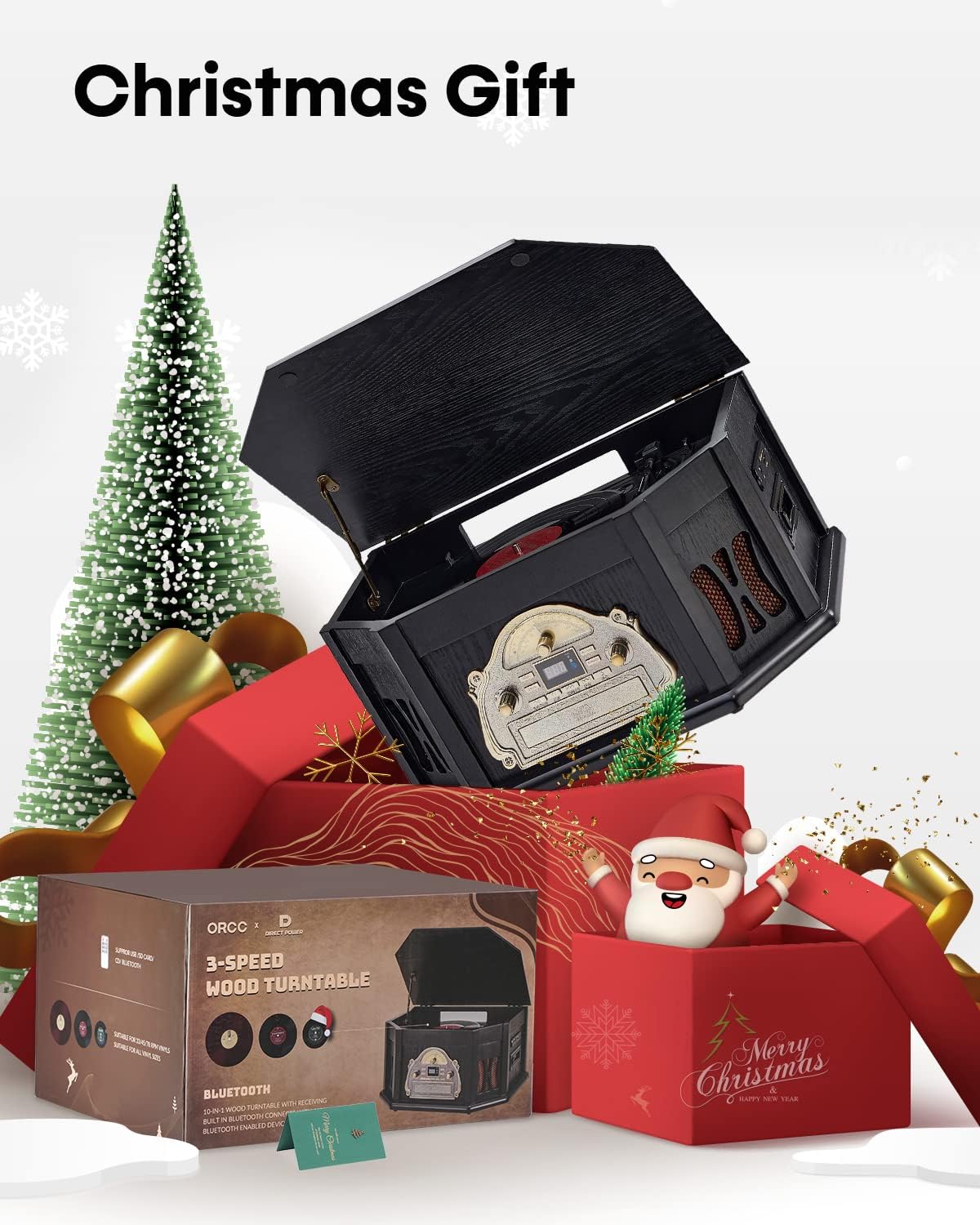
Image 2: Diagram illustrating the multiple functions of the ORCC 10-in-1 Record Player, including vinyl, cassette, Bluetooth, radio, USB, CD, and various input/output options.
The front panel features a mode selector, volume control, tuning knob for radio, and playback controls for CD/USB/SD/Cassette. The display shows the current mode and track information.
4.2 Funcionament del tocadiscs
- Open the lid and place a vinyl record on the platter.
- Select the appropriate speed (33, 45, or 78 RPM) using the speed selector switch. Use the 45 RPM adapter for 7-inch singles.
- Move the tonearm lock lever to release the tonearm.
- Gently lift the tonearm using the cueing lever and position it over the desired track on the record.
- Lower the cueing lever to slowly drop the stylus onto the record.
- The turntable will begin playing. The auto-stop feature will stop the platter when the last song ends.
- To stop playback, lift the tonearm using the cueing lever and return it to its rest. Secure it with the tonearm lock lever.

Imatge 3: Detallada view of the turntable area, highlighting the 45 RPM adapter, 3-speed selector, auto-stop switch, and tonearm lock lever for vinyl playback.
4.3 Funcionament del reproductor de CD
- Premeu el botó MODE per seleccionar el mode CD.
- Insert a CD into the CD slot on the front panel. The display will show "---CD---" then the track number.
- Use the PLAY/PAUSE, STOP, NEXT, and PREVIOUS buttons to control playback.
4.4 Funcionament del reproductor de casset
- Press the MODE button to select TAPE mode.
- Introduïu una cinta de casset a la ranura de casset que hi ha al lateral de la unitat.
- Use the playback controls (PLAY, STOP, FAST FORWARD, REWIND) to operate the cassette player.
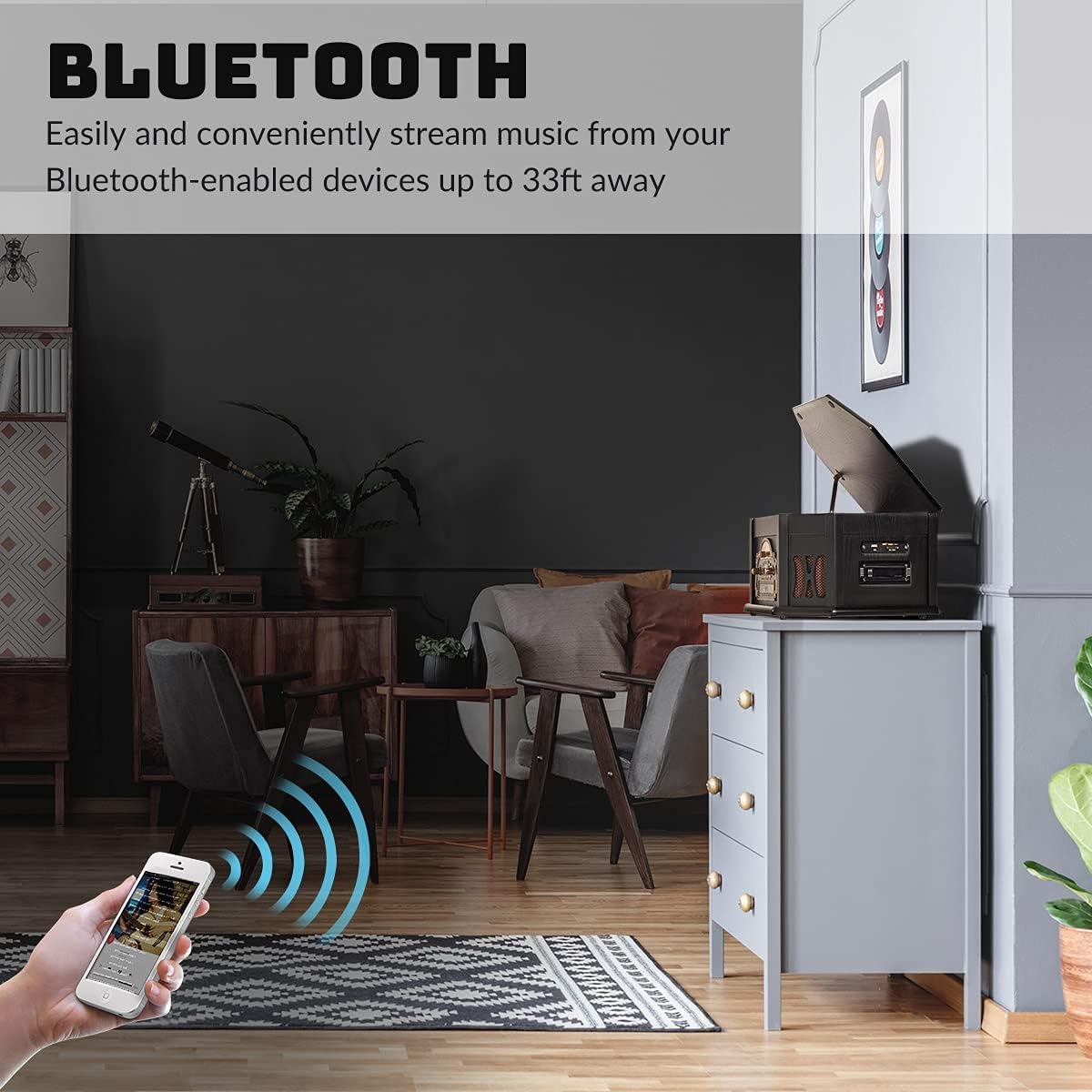
Image 4: Side panel detail, showing the USB port, SD/MMC card slot, and the cassette tape insertion point.
4.5 Vinculació Bluetooth
- Press the MODE button to select Bluetooth mode. The display will show "BT" and a blinking Bluetooth icon, indicating it is ready for pairing.
- Al dispositiu amb Bluetooth (telèfon intel·ligent, tauleta, etc.), activeu el Bluetooth i cerqueu els dispositius disponibles.
- Select "ORCC Record Player" from the list. Once paired, the Bluetooth icon will stop blinking.
- You can now stream audio from your device to the record player.

Image 5: Illustration of Bluetooth connectivity, showing a smartphone wirelessly streaming music to the ORCC record player from up to 33 feet away.
Reproducció USB/SD de 4.6"
- Insert a USB drive into the USB port or an SD/MMC card into the SD slot.
- Press the MODE button to select USB or SD mode. The unit will automatically detect and begin playing compatible audio files (MP3/WMA).
- Use the playback controls (PLAY/PAUSE, STOP, NEXT, PREVIOUS) to navigate tracks.
Sintonització de ràdio AM/FM 4.7
- Press the MODE button to select AM or FM radio.
- Rotate the TUNING knob to search for radio stations. The analog dial will indicate the frequency.
- Ajusteu el volum com vulgueu.
4.8 Connexions externes

Image 6: Rear panel connections, detailing the Aux In and RCA Line Out ports, and illustrating how to connect external speakers, headphones, and other digital audio devices.
- Jack d'entrada auxiliar: Connect external audio devices (e.g., MP3 players, smartphones without Bluetooth) using a 3.5mm audio cable to the AUX IN jack. Select AUX mode to play audio from the connected device.
- Sortida de línia RCA: Connect the RCA LINE OUT jacks on the back of the unit to an external ampamplificador o altaveus autoamplificats amb cables RCA per a una sortida d'àudio millorada.
- Auriculars Jack: Plug standard 3.5mm headphones into the HEADPHONE jack for private listening.
4.9 Control remot
The included remote control allows convenient operation of various functions from a distance, including mode selection, volume adjustment, and playback controls for CD, USB, and SD/MMC modes.
5. Manteniment
5.1 Neteja de la unitat
Wipe the exterior of the unit with a soft, dry cloth. Do not use abrasive cleaners or solvents. For the turntable platter, use a slightly damp drap i assecar bé.
5.2 Cura i substitució del llapis òptic
The stylus (needle) is a delicate component. Handle it with care. Clean the stylus periodically with a soft brush, brushing from back to front. If sound quality deteriorates or the stylus appears damaged, replace it with the provided spare stylus or an ORCC-approved replacement.
5.3 Cura de registres
Keep your vinyl records clean and free of dust. Store them vertically in their sleeves to prevent warping. Avoid touching the record grooves directly.
5.4 Cura de CD i cassets
Handle CDs by the edges to avoid fingerprints and scratches. Store them in their cases. Keep cassette tapes away from strong magnetic fields and extreme temperatures.
6. Solució De Problemes
| Problema | Causa possible | Solució |
|---|---|---|
| Sense poder | Cable d'alimentació no connectat; presa de corrent no activa | Ensure power cord is securely plugged in; test outlet with another device. |
| Sense so | Volume too low; incorrect mode selected; external speakers not connected/powered | Increase volume; select correct input mode; check external speaker connections and power. |
| La plataforma giratòria no gira | Speed selector incorrect; auto-stop engaged; tonearm not positioned correctly | Verify correct RPM speed; ensure auto-stop switch is in the ON position for continuous play or OFF for auto-stop; ensure tonearm is over the record. |
| Bluetooth no emparellat | Device too far; not in pairing mode; device already paired to another unit | Move device closer; ensure record player is in Bluetooth pairing mode; disconnect from other devices. |
| El reproductor de CD no llegeix el disc | Disc dirty or scratched; disc inserted incorrectly; incompatible disc format | Clean disc; ensure disc is inserted label-side up; use standard audio CDs. |
7. Especificacions
- Nom del model: ORCC 10-in-1 Record Player
- Número de model: TT-168-K
- Marca: ORCC
- Dimensions del producte: 196.85 x 133.86 x 94.49 polzades
- Pes de l'article: 20.7 lliures
- Material: Fusta
- Color: Black (Vintage Style)
- Velocitats de la placa giratòria: 33 1/3, 45 i 78 RPM
- Connectivitat: Bluetooth, USB, SD/MMC, Aux-in, RCA Line Out, Headphone Jack
- Suport als mitjans: Vinyl Records, CD, Cassette, MP3/WMA (via USB/SD)
- Ràdio: AM/FM
- Característica especial: Receptor Bluetooth integrat
- Components inclosos: Record Player, Remote Control, 45 RPM adapter, Replacement Stylus
8. Vídeo oficial del producte
Mireu aquest vídeo per obtenir una visió generalview of the ORCC 10-in-1 Bluetooth Record Player.
Video 1: An official product video from Brandline showcasing the ORCC 10-in-1 Bluetooth Record Player in a home setting, demonstrating its features and aesthetic appeal.
9. Garantia
Per obtenir informació detallada sobre la garantia, consulteu la targeta de garantia inclosa amb l'embalatge del producte o visiteu el lloc web oficial d'ORCC. weblloc web. Conserveu el rebut de compra com a comprovant de compra per a qualsevol reclamació de garantia.
10. Suport
If you encounter any issues or have questions not covered in this manual, please contact ORCC customer support. Contact information can typically be found on the product packaging or the official ORCC weblloc.


