1. Introducció
The cellularline Core Pro Bluetooth Earphones are designed to provide a high-quality audio experience with advanced features for communication and entertainment. These earphones incorporate Environmental Noise Cancelling (ENC) technology with four built-in microphones for clear calls, multipoint connectivity for simultaneous device pairing, and an LED display for battery status monitoring. This manual provides instructions for setup, operation, and maintenance of your Core Pro earphones.

Image 1.1: cellularline Core Pro Earphones in their charging case, displaying battery levels.
2. Contingut del paquet
Si us plau, verifiqueu que tots els elements siguin presents al paquet:
- cellularline Core Pro Bluetooth Earphones (Left and Right)
- Estoig de càrrega sense fil
- Cable de càrrega USB
- Manual d'usuari
3. Configuració
3.1 Càrrega inicial
- Abans del primer ús, col·loqueu els dos auriculars a l'estoig de càrrega.
- Connecteu la funda de càrrega a una font d'alimentació USB amb el cable USB proporcionat.
- The LED display on the charging case will indicate the charging status. Allow the earphones and case to fully charge.
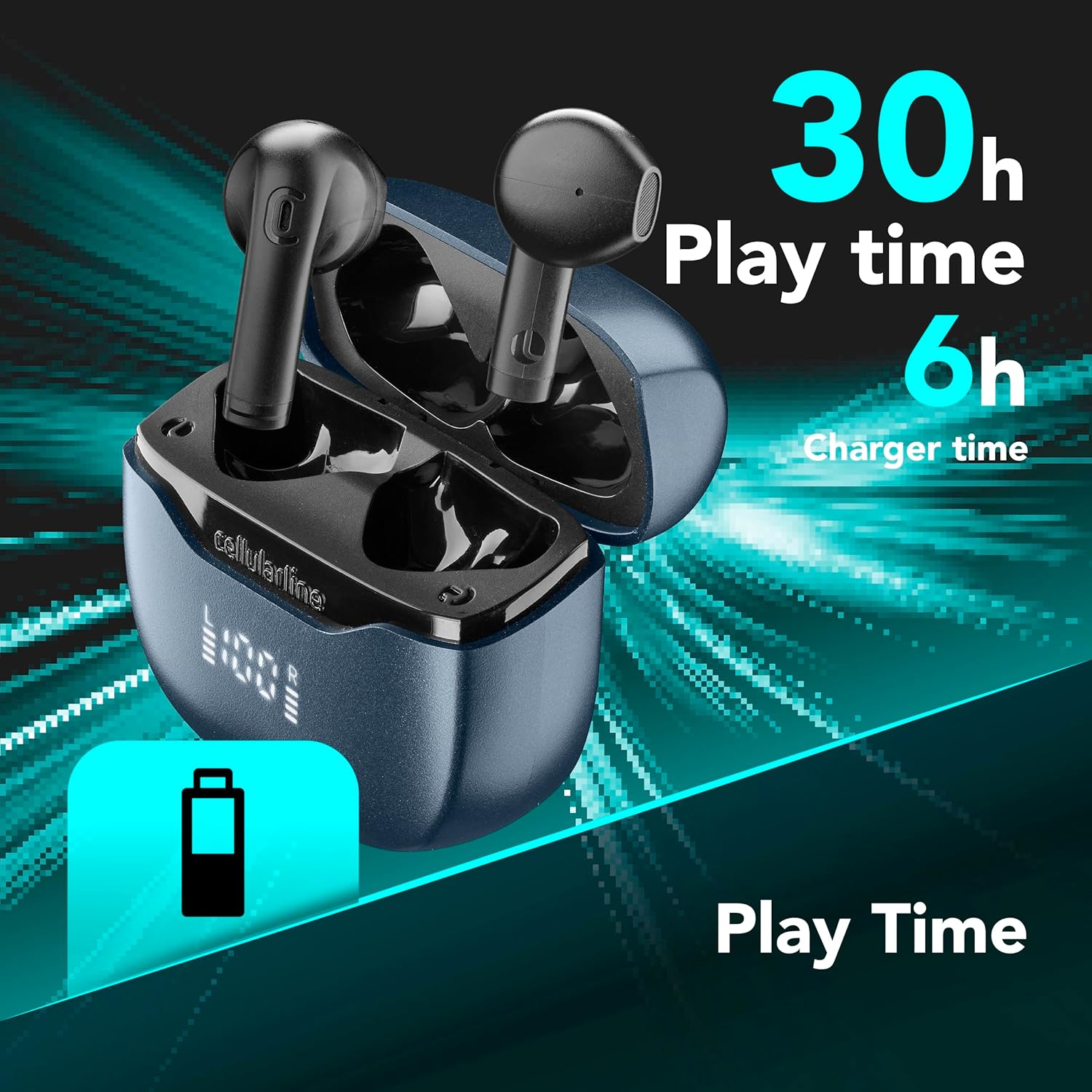
Image 3.1: Earphones and case indicating total play time and charging capacity.
3.2 Emparellament automàtic
- Assegureu-vos que els auriculars estiguin carregats.
- Obre l'estoig de càrrega. Els auriculars s'encendran automàticament i entraran en mode d'emparellament.
- Al dispositiu (telèfon intel·ligent, tauleta, etc.), activeu el Bluetooth i cerqueu els dispositius disponibles.
- Select "cellularline Core Pro" from the list of detected devices to connect.
- Un cop connectat, és possible que se senti un so o un missatge de confirmació.
4. Instruccions de funcionament
4.1 Encès/Apagat
- Encès: Open the charging case, or press and hold the touch control area on both earphones for 3 seconds.
- Apagar: Place the earphones back into the charging case and close the lid, or press and hold the touch control area on both earphones for 5 seconds.
4.2 Controls tàctils
The Core Pro earphones feature intuitive touch controls on each earbud. Refer to the following table for common functions:

Image 4.1: Visual representation of touch control functions on an earbud.
| Acció | Funció |
|---|---|
| Toc únic (esquerra/dreta) | Reproduir/Pausar música, Respondre/Finalitzar trucada |
| Doble toc (dreta) | Pista següent |
| Doble toc (esquerra) | Pista anterior |
| Toc tres vegades (dreta) | Puja el volum |
| Toc tres vegades (esquerra) | Baixa el volum |
| Mantén premut (2s) | Activa l'Assistent de veu (Siri, Google Assistant) |
| Press and Hold (2s during call) | Rebutja la trucada entrant |
4.3 Càrrega dels auriculars i l'estoig
- Auriculars: Place the earphones into the charging case. They will automatically begin charging. The LED display on the case shows the individual earbud battery levels (L and R).
- Estoig de càrrega: Connect the USB charging cable to the case's charging port and a power source. The central percentage on the LED display indicates the case's battery level.
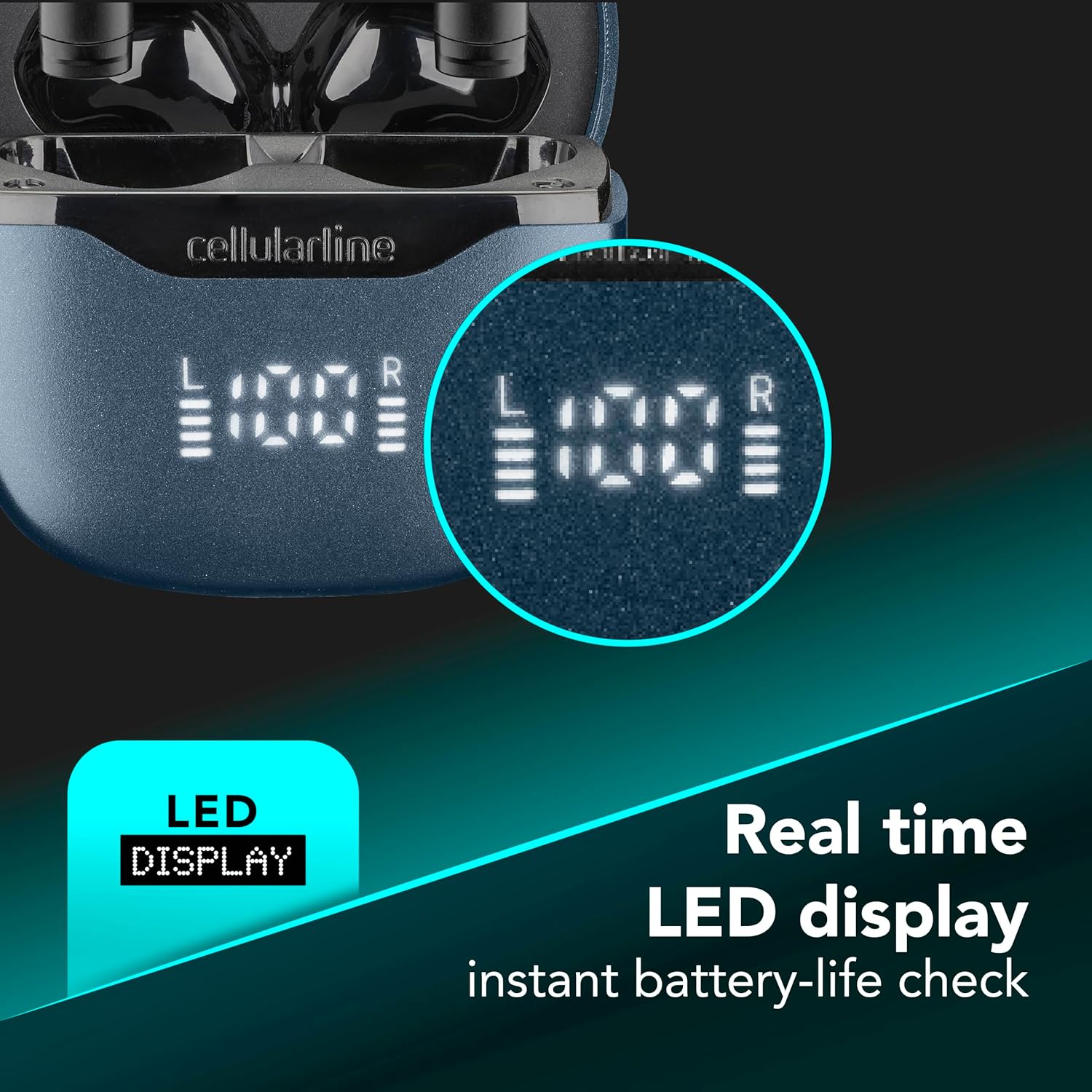
Image 4.2: Real-time LED display for instant battery life check of the case and individual earbuds.
4.4 Connexió multipunt
The Core Pro earphones support multipoint technology, allowing connection to two Bluetooth devices simultaneously.
- Pair the earphones with the first device as described in Section 3.2.
- Disable Bluetooth on the first device temporarily. The earphones will re-enter pairing mode.
- Pair the earphones with the second device.
- Torneu a activar el Bluetooth al primer dispositiu. Els auriculars s'haurien de connectar automàticament als dos dispositius.
- Audio will switch between devices based on active playback or incoming calls.

Image 4.3: Earphones connected to multiple devices simultaneously.
5. Manteniment
- Neteja: Feu servir un drap suau, sec i sense borrissol per netejar els auriculars i l'estoig de càrrega. No utilitzeu productes de neteja abrasius ni dissolvents.
- Emmagatzematge: Quan no els utilitzeu, guardeu els auriculars a la seva funda de càrrega per protegir-los i assegurar-vos que es mantinguin carregats.
- Exposició a l'aigua: Avoid exposing the earphones or charging case to water or excessive moisture.
- Temperatura: No exposeu el dispositiu a temperatures extremes.
6. Solució De Problemes
| Problema | Possible solució |
|---|---|
| Els auriculars no s'encenen. | Assegureu-vos que els auriculars i l'estoig de càrrega estiguin completament carregats. |
| No es pot emparellar amb el dispositiu. | Make sure Bluetooth is enabled on your device. Place earphones back in case, close, then reopen to re-enter pairing mode. Forget previous pairings on your device and try again. |
| No se sent so dels auriculars. | Check device volume. Ensure earphones are properly connected. Try re-pairing. |
| Poor call quality / Excessive background noise. | Ensure earphones are properly seated in your ears. Move to a quieter environment if possible. The ENC technology works to reduce environmental noise, but extreme noise may still affect clarity. |
| Charging case LED display is off. | Connect the charging case to a power source. If still off, the case battery may be completely depleted or there may be a charging cable issue. |
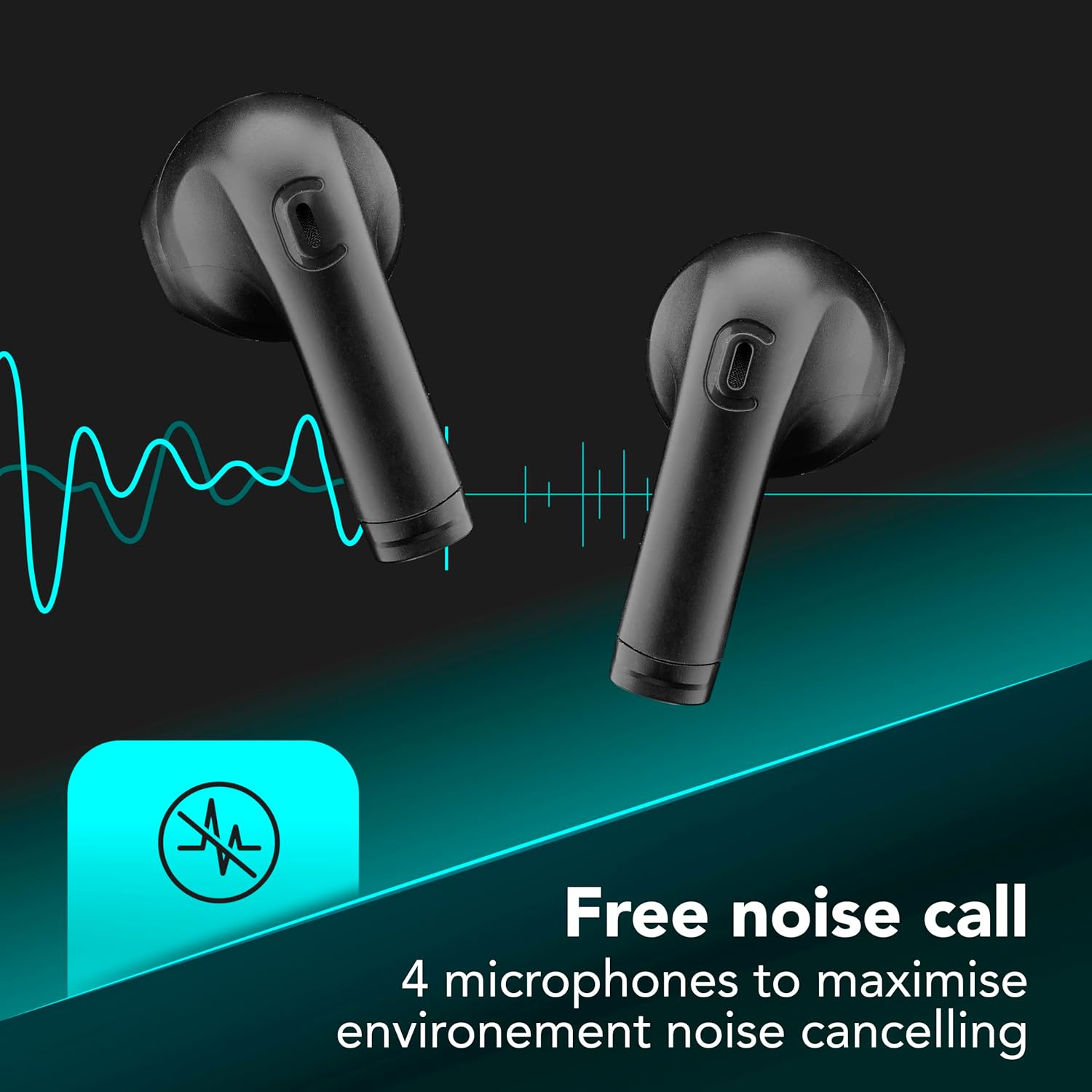
Image 6.1: Illustration of Environmental Noise Cancelling (ENC) technology for clear calls.
7. Especificacions
| Característica | Detall |
|---|---|
| Model | BTCOREPROTWSK |
| Marca | línia cel·lular |
| Connectivitat | Bluetooth |
| Control de soroll | Cancel·lació de soroll ambiental (ENC) |
| Micròfons | 4 (2 per auricular) |
| Mètode de control | Toca |
| Durada de la bateria (total) | Fins a 30 hores (amb estoig de càrrega) |
| Característiques especials | Multipoint Pairing, LED Display, Auto Pairing |
| Material | Plàstic |
| Pes de l'article | 0.1 quilos |
8. Garantia i Suport
For warranty information and customer support, please refer to the warranty card included in your product packaging or visit the official cellularline weblloc web. Conserveu el comprovant de compra per a reclamacions de garantia.
Oficial Weblloc: www.cellularline.com


