1. Introducció
Thank you for choosing the ORSKEY S950 Dash Cam. This manual provides detailed instructions for the proper installation, operation, and maintenance of your new dash camera system. Please read this manual thoroughly before use to ensure optimal performance and longevity of the device.

Image: The ORSKEY S950 Dash Cam, showing the main front unit with a 3-inch IPS screen and the separate rear camera.
2. Producte acabatview
2.1 Contingut del paquet
The ORSKEY S950 Dash Cam package includes the following items:
- ORSKEY S950 Front Dash Camera
- Càmera posterior
- Carregador de cotxe
- Mounting Bracket (Dashboard Mount)
- Cable de la càmera posterior
- Manual d'usuari
- Memory Card (Included components: Memory Card)
2.2 Característiques clau
The ORSKEY S950 Dash Cam is equipped with advanced features for comprehensive vehicle surveillance:
- 4K Ultra HD Front Recording: Captures clear, detailed footage.
- 1080P Rear Recording: Proporciona una àmplia view of the vehicle's rear.
- Sony Starvis Sensor: Enhances low-light performance for superior night vision.
- Pantalla IPS de 3 polzades: Offers a clear and wide viewing angle for playback and settings.
- 170-Degree Wide Field of View: Both front and rear cameras cover multiple lanes.
- Enregistrament en bucle: Sobreescriu automàticament el menjar més antictage quan la targeta de memòria estigui plena.
- G-Sensor (Emergency Accident Lock): Detects sudden impacts and locks the current video to prevent overwriting.
- Supervisió del pàrquing: Provides surveillance when the vehicle is parked (requires continuous power supply).
- Support for up to 128GB MicroSD Card: Allows for extended recording times.

Image: Visual representation of the ORSKEY S950's powerful functions, including 4K+1080P recording, Sony Sensor, 3" IPS screen, dual 170° FOV, G-Sensor, Loop Recording, Parking Monitoring, Emergency Recording, and Max 128GB support.
3. Configuració i instal·lació
3.1 Inserció de la targeta MicroSD
- Assegureu-vos que la càmera del salpicader estigui apagada.
- Locate the MicroSD card slot on the side of the main unit.
- Insert the MicroSD card (Class 10 or higher, up to 128GB) into the slot until it clicks into place.
- Important: Format the MicroSD card within the dash cam's settings menu before first use and periodically thereafter to ensure stable recording.
3.2 Muntatge de la càmera frontal
- Clean the windshield area where you intend to mount the camera.
- Attach the suction cup mount or adhesive mount to the windshield, ensuring it does not obstruct your view.
- Slide the main dash cam unit onto the mounting bracket until it locks securely.
- Adjust the camera lens angle to ensure it captures the road ahead clearly.
3.3 Instal·lació de la càmera posterior
- Determine the optimal mounting location for the rear camera, typically on the rear windshield or near the license plate.
- Netegeu bé la superfície de muntatge.
- Secure the rear camera using the provided adhesive or screws.
- Route the rear camera cable from the rear of the vehicle to the front dash cam unit. Ensure the cable is tucked away neatly to avoid interference with driving.
- Connecteu el cable de la càmera posterior al port designat de la unitat principal de la càmera del salpicader.

Image: Illustration of the dual lens dash camera's wide 170° viewing angles for both front and rear, providing comprehensive coverage.
3.4 Connexió d'alimentació
- Connecteu el carregador del cotxe al port d'entrada d'alimentació de la càmera del salpicader.
- Connecteu l'altre extrem del carregador del cotxe a la presa de l'encenedor del vostre vehicle.
- La càmera del salpicader s'encendrà automàticament i començarà a gravar quan s'activi el contacte del vehicle.
4. Instruccions de funcionament
4.1 Funcionament bàsic
- Encès/apagat: The camera powers on/off automatically with the vehicle's ignition. You can also manually power on/off by pressing and holding the power button.
- Gravació: Once powered on and with a formatted MicroSD card, the camera will automatically start loop recording. A flashing indicator light usually signifies active recording.
- Pantalla activada/desactivada: The screen can be set to turn off automatically after a set period to avoid distraction while driving. Recording continues in the background.
4.2 Enregistrament en bucle
Loop recording ensures continuous recording by overwriting the oldest unlocked video files when the MicroSD card reaches its capacity. This feature prevents the card from filling up and stopping recording.
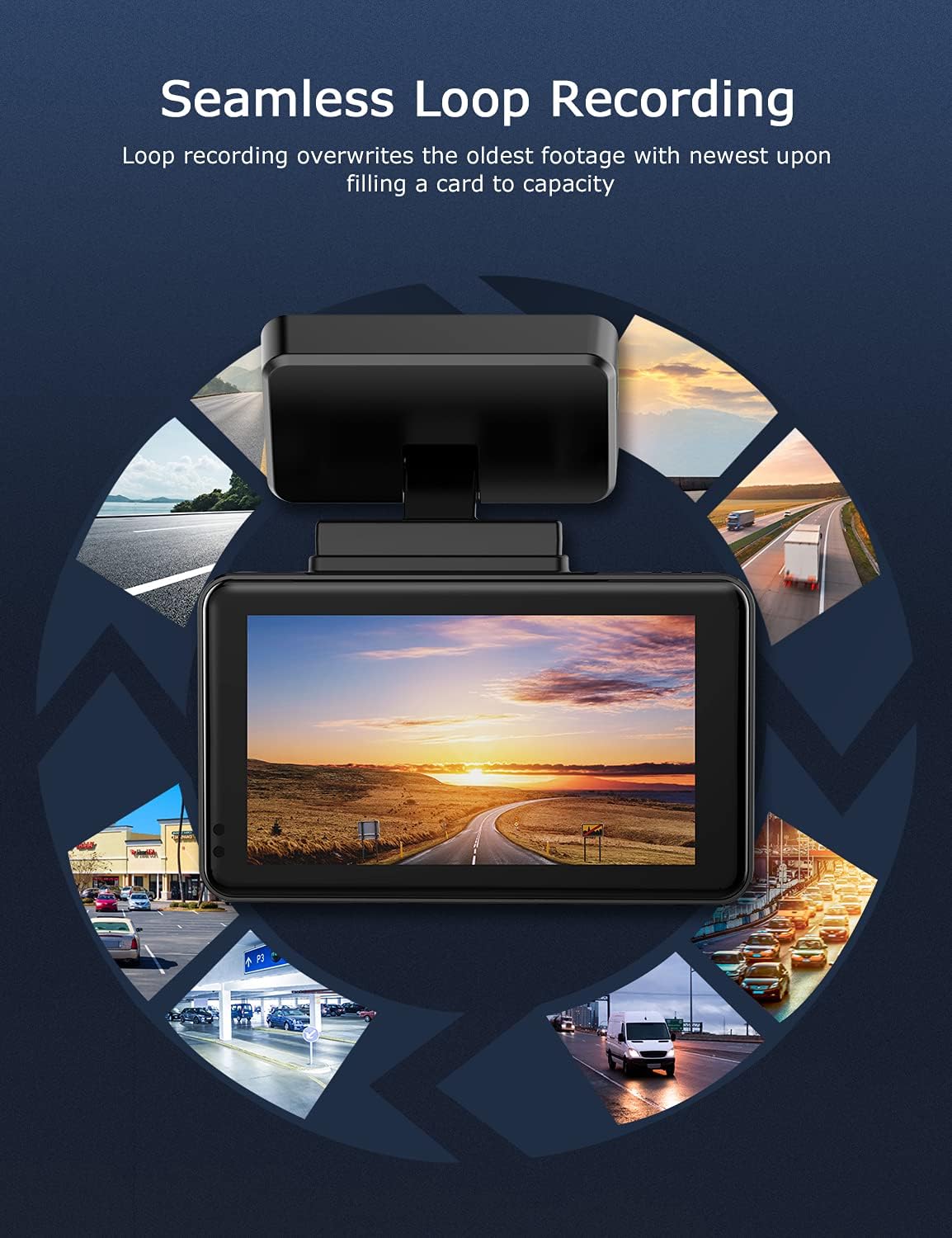
Image: Visual explanation of seamless loop recording, where the dash cam continuously records and overwrites the oldest footage once the memory card is full.
4.3 Sensor G i bloqueig d'emergència
The built-in G-sensor detects sudden acceleration, braking, or collisions. When triggered, it automatically locks the current video segment, protecting it from being overwritten by loop recording. These locked files'emmagatzemen en una carpeta separada a la targeta MicroSD.

Image: Depiction of the Emergency Accident Lock feature, where the G-sensor detects an impact and automatically locks the video footage as important evidence.
4.4 Monitorització d'aparcaments
When enabled, parking monitoring allows the dash cam to automatically record if it detects a collision or vibration while the vehicle is parked. This feature typically requires a hardwire kit (sold separately) for continuous power supply.
4.5 Visió nocturna
Equipped with a Sony Starvis Sensor, the ORSKEY S950 provides enhanced night vision capabilities, capturing clear video footagi fins i tot en condicions de poca llum.
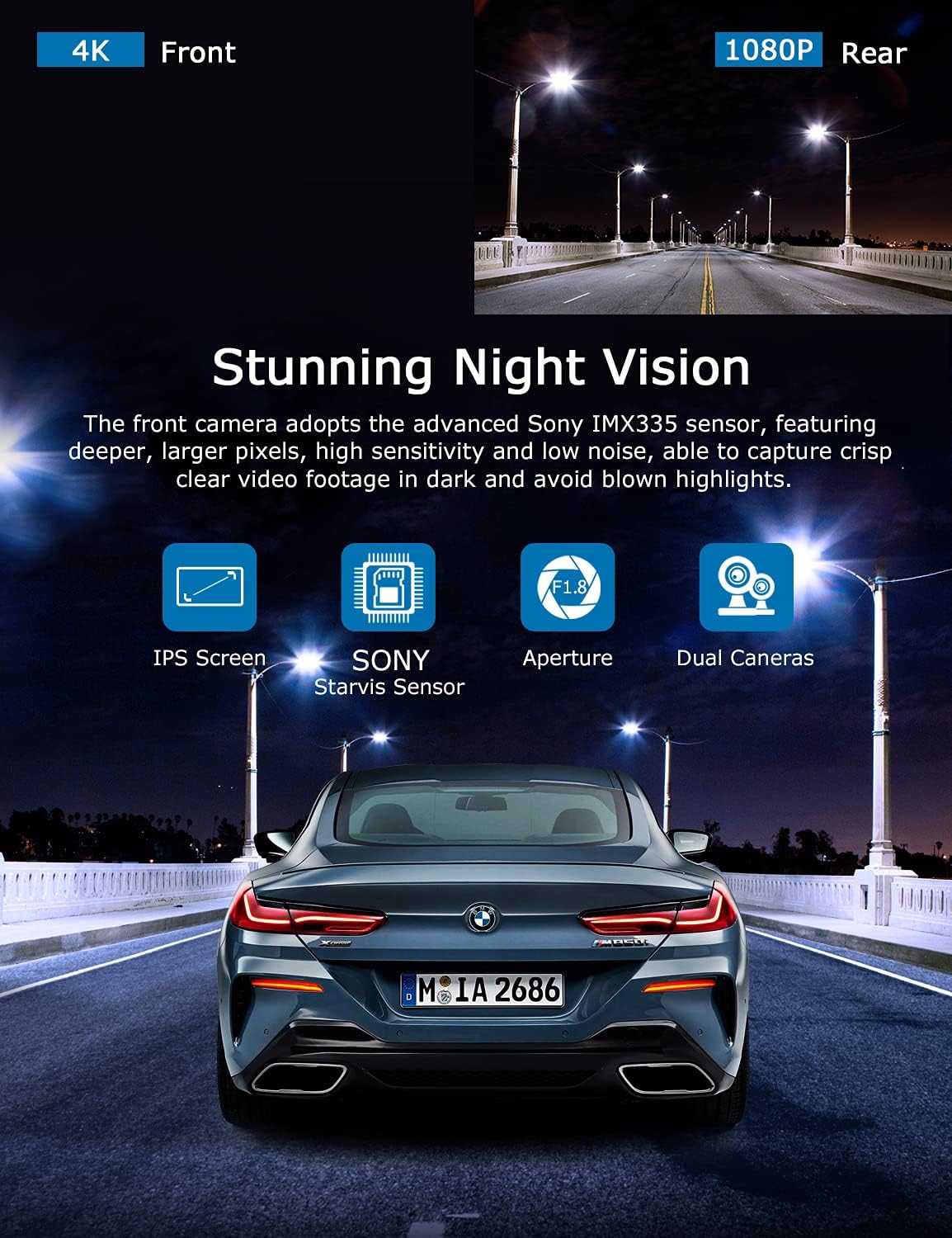
Image: Illustration highlighting the stunning night vision capability of the ORSKEY S950, showing clear footage in dark environments.
4.6 Reproducció
Per tornarview foo gravattage:
- Stop recording by pressing the OK button (if currently recording).
- Enter playback mode via the menu options.
- Navigate through video files using the up/down buttons.
- Seleccioneu a file i premeu D'acord per jugar.
- You can also remove the MicroSD card and view files on a computer using a compatible media player.
5. Manteniment
- Formatació de la targeta MicroSD: Regularly format the MicroSD card (at least once a month) to prevent data corruption and ensure optimal performance. Back up important files abans de formatar.
- Neteja: Feu servir un drap suau i sec per netejar la lent i la pantalla de la càmera. Eviteu utilitzar productes de neteja abrasius o dissolvents.
- Temperatura: Avoid exposing the dash cam to extreme temperatures for prolonged periods, as this can affect battery life and component integrity.
6. Solució De Problemes
| Problema | Causa possible | Solució |
|---|---|---|
| La càmera no s'encén. | No power supply; faulty charger; dead battery. | Check car charger connection and vehicle's cigarette lighter. Ensure the camera's internal battery is charged. |
| "Card Error" or recording stops. | MicroSD card not formatted, incompatible, or corrupted. | Format the MicroSD card in the camera. Use a high-quality Class 10 (U3 recommended) MicroSD card from a reputable brand. Try a different card. |
| Video playback is laggy or corrupted. | Slow MicroSD card; file system issues; incompatible player. | Ensure you are using a high-speed MicroSD card (V30/U3). Format the card. Try playing videos with a different media player on your computer. |
| Rear camera image is reversed. | Default setting for mirror view. | Check camera settings for a 'Mirror Image' or 'Flip' option for the rear camera. If not available, this may be intended for reverse assistance rather than recording. |
| G-Sensor is too sensitive/not sensitive enough. | G-Sensor sensitivity setting. | Adjust the G-Sensor sensitivity level in the camera's settings menu. |
7. Especificacions
| Característica | Especificació |
|---|---|
| Número de model | S950 |
| Resolució de captura de vídeo | 4K (frontal), 1080P (posterior) |
| Mida de la pantalla | Pantalla IPS de 3 polzades |
| Camp de View | 170 Degrees (Front & Rear) |
| Característiques especials | Loop Recording, Night Vision, G-Sensor, Parking Monitoring |
| Suport d'emmagatzematge | Up to 128GB MicroSD Card (Class 10/U3 recommended) |
| Mètode de control | Toca |
| Font d'alimentació | Car Charger (1 Lithium Polymer battery included) |
| Dimensions del producte | 21 x 15.5 x 4.5 cm; 505 g |
8. Garantia i Suport
ORSKEY products are designed for reliability and performance. For warranty information, technical support, or any inquiries regarding your ORSKEY S950 Dash Cam, please refer to the contact details provided on the official ORSKEY weblloc web o l'embalatge del producte. Conserveu el rebut de compra com a comprovant de compra per a reclamacions de garantia.
For further assistance, you may visit the ORSKEY Store on Amazon: ORSKEY Store


