1. Introducció
This manual provides detailed instructions for the installation, operation, and maintenance of your GTMEDIA V9 Prime Full HD DVB-S/S2/S2X Satellite Receiver. Please read this manual thoroughly before using the device to ensure proper functionality and to prevent damage.
The GTMEDIA V9 Prime is a high-definition satellite receiver compatible with DVB-S, DVB-S2, and DVB-S2X signals. It features integrated 2.4G Wi-Fi, an Ethernet port, HEVC 10-bit decoding, multistream support, and a CA card slot for enhanced viewing opcions.
2. Producte acabatview
2.1 Característiques clau
- DVB-S/S2/S2X Compatibility: Supports advanced satellite signal reception with higher spectral efficiency and access speed compared to DVB-S/S2.
- Integrated 2.4G Wi-Fi & Ethernet: Offers flexible network connectivity options, including IEEE 802.1.1b/g/n Wi-Fi and wired Ethernet.
- T2-MI Function: Habilita viewing of DVB-T2 programs via DVB-S if T2-MI functions are available on the satellite in your region.
- Smart CA Card Slot & Multi-Room: Features a CA card slot for decoding multiple programs. The multi-room function allows a single CA card to be used across multiple receivers on the same network, enabling different programs to be viewed simultaneously in various rooms.
- Sat 2 IP & DLNA: Stream satellite programs to mobile phones or tablets connected to the same network as the DVB-S2X decoder.
- Full HD 1080P Experience: Delivers high-definition video output.
2.2 Què s'inclou
El paquet conté els elements següents:

Imatge: Contents of the GTMEDIA V9 Prime package. This includes the V9 Prime TV Box, IR remote control, power adapter, HDMI cable, and user manual.
- GTMEDIA V9 Prime Satellite Receiver
- Comandament a distància IR
- Adaptador d'alimentació
- Cable HDMI
- Manual d'usuari
3. Configuració
3.1 Connexió del receptor
Abans de connectar, assegureu-vos que tots els dispositius estiguin apagats.

Imatge: Rear panel interfaces of the GTMEDIA V9 Prime receiver. Ports include LNB IN, Ethernet, HD OUT (HDMI), AV OUT, USB 2.0, and DC 12V power input.
- Connexió de l'antena de satèl·lit: Connect your satellite dish's LNB cable to the LNB IN port al receptor.
- Sortida de vídeo:
- For High Definition: Connect an HDMI cable from the receiver's SORTIDA HD port to your television's HDMI input.
- For Standard Definition: Connect an AV cable from the receiver's SORTIDA AV port to your television's AV input.
- Connexió de xarxa:
- Amb cable: Connect an Ethernet cable from the receiver's ETHERNET port to your router or network switch.
- Sense fil: The receiver has integrated 2.4G Wi-Fi. Configuration will be done during initial setup via the on-screen menu.
- Dispositius USB: Connect USB storage devices or other compatible USB accessories to the USB ports.
- Connexió d'alimentació: Connecteu l'adaptador de corrent proporcionat a DC 12V input on the receiver, then plug the adapter into a power outlet.
3.2 Inserting a CA Card
If you have a Conditional Access (CA) card for encrypted channels, insert it into the designated CA card slot on the receiver. Ensure the card is inserted in the correct orientation as indicated by the diagram or markings on the device.
Imatge: Close-up of the CA card slot on the GTMEDIA V9 Prime receiver. Insert your CA card here.
4. Instruccions de funcionament
4.1 Engegada inicial i assistent de configuració
After connecting all cables and powering on the receiver, your TV should display the initial setup wizard. Follow the on-screen prompts to configure language, time zone, network settings (Wi-Fi or Ethernet), and perform a channel scan.
Escaneig de canals 4.2
Access the "Installation" or "Channel Search" menu from the main interface. Select your satellite configuration and initiate an automatic or manual scan to find available channels.
4.3 Multi-Room Function
The V9 Prime supports multi-room functionality, allowing multiple receivers to share a single CA card on the same network. To use this feature:
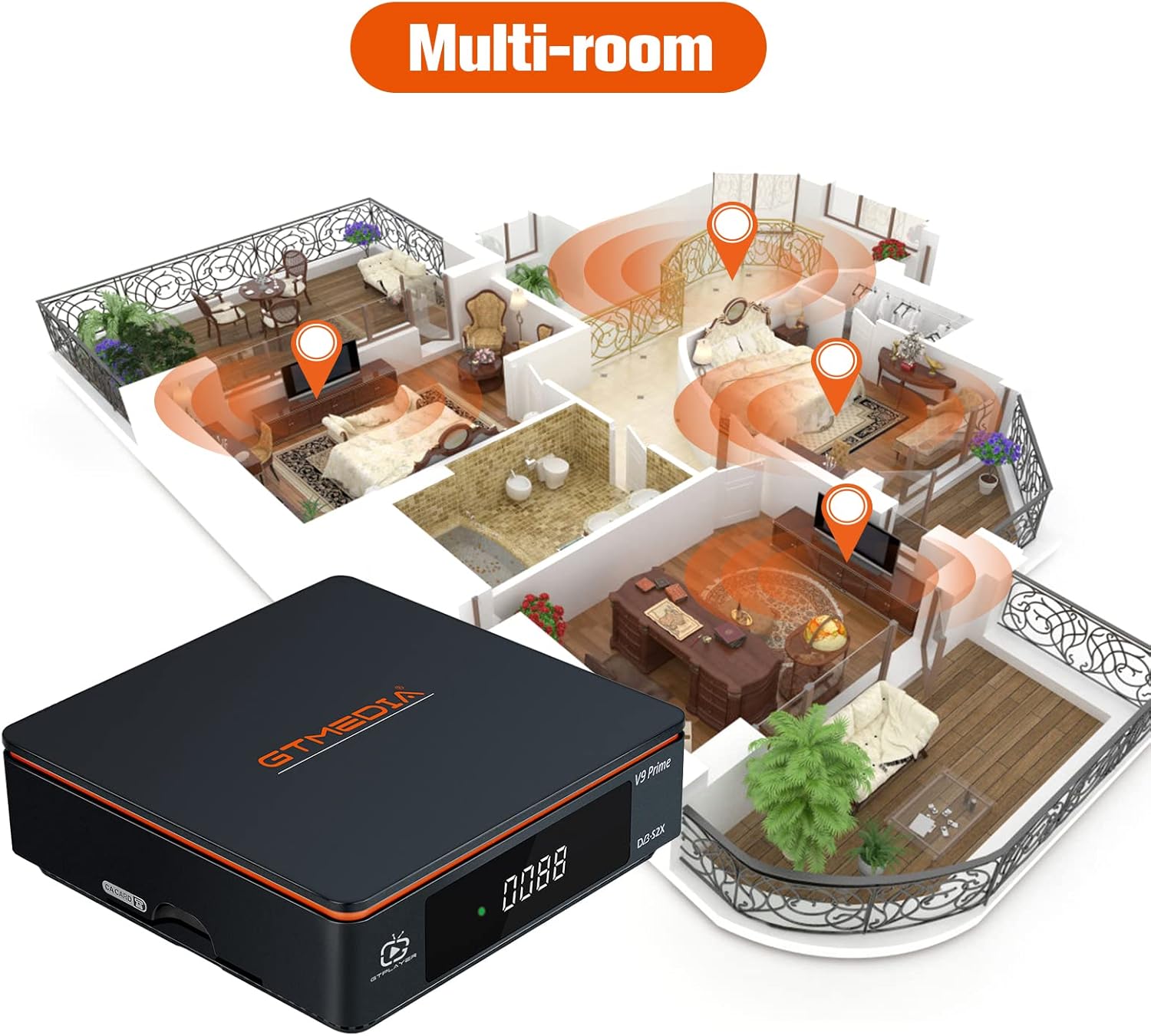
Imatge: Multi-room setup diagram. Multiple GTMEDIA V9 Prime receivers are connected to the same home network, sharing access to a single CA card for different programs.
- Ensure all V9 Prime receivers are connected to the same local network (via Wi-Fi or Ethernet).
- Insert the CA card into one of the V9 Prime receivers (this will be the 'server' receiver).
- Configure the multi-room settings on all receivers via the system menu. Refer to the on-screen instructions for specific steps to enable card sharing.
- Once configured, other receivers (clients) on the network can access the decrypted channels provided by the server receiver.
4.4 T2-MI Functionality
The T2-MI function allows the reception of DVB-T2 programs through DVB-S signals, provided that T2-MI streams are broadcast on the satellite in your area. This feature is typically enabled and configured within the satellite scanning or advanced settings menu.

Imatge: T2-MI function illustration. The GTMEDIA V9 Prime receiver can process DVB-S2 T2-MI signals to display DVB-T2 content.
4.5 Sat 2 IP and DLNA
This feature allows you to stream live satellite TV channels from your V9 Prime receiver to compatible mobile devices (smartphones, tablets) on the same local network. To use:
- Ensure your mobile device and the V9 Prime receiver are connected to the same Wi-Fi network.
- Install a compatible Sat 2 IP or DLNA client application on your mobile device.
- Open the application and search for available DLNA/Sat 2 IP servers. Your V9 Prime receiver should appear.
- Select the receiver and choose the channel you wish to stream.
5. Manteniment
5.1 Neteja
- Desconnecteu l'alimentació abans de netejar.
- Use a soft, dry cloth to wipe the exterior of the receiver.
- Do not use liquid cleaners, aerosols, or abrasive cleaning agents.
5.2 Actualitzacions de programari
Periodically check for software updates to ensure optimal performance and access to new features. Updates can usually be performed via the receiver's network connection (OTA - Over The Air) or by loading firmware from a USB drive. Refer to the system settings menu for update options.
6. Solució De Problemes
| Problema | Causa possible | Solució |
|---|---|---|
| Sense imatge ni so | Loose cable connections, incorrect input selected on TV, receiver not powered on. | Check all cable connections (HDMI/AV, power). Ensure TV is on the correct input source. Verify receiver is powered on. |
| Missatge "Sense senyal" | LNB cable disconnected, satellite dish misalignment, incorrect satellite settings. | Check LNB IN cable connection. Verify satellite dish alignment. Re-scan channels or check satellite configuration in settings. |
| No es pot connectar a la xarxa | Incorrect Wi-Fi password, Ethernet cable disconnected, router issue. | Re-enter Wi-Fi password. Check Ethernet cable connection. Restart router. Ensure DHCP is enabled on your router. |
| CA card not recognized | Card inserted incorrectly, card faulty, software issue. | Re-insert CA card in the correct orientation. Clean card contacts. Check for software updates. Contact your CA card provider if issues persist. |
7. Especificacions
| Característica | Detall |
|---|---|
| Marca | GTMEDIA |
| Número de model | V9 Prime |
| Tecnologia de connectivitat | Ethernet, 2.4G Wi-Fi |
| Dispositius compatibles | Telèfon intel·ligent, tauleta, televisió |
| Ports USB totals | 2 |
| Ports de sortida de vídeo | 1 (HDMI) |
| Mode de sortida d'àudio | Envoltant |
| Formats d'àudio compatibles | Dolby Digital, DTS |
| Satellite Service Description | DVB-S, DVB-S2, DVB-S2X |
| Especificacions compatibles | DVB-S, DVB-S2, DVB-S2X, DVB-T2 (via T2-MI) |
8. Garantia i Suport
Information regarding warranty coverage and duration is typically provided with the product packaging or on the manufacturer's official website. For technical support, software updates, or further assistance, please refer to the contact information provided in your product's warranty card or visit the GTMEDIA official support channels.
Conserveu el vostre comprovant de compra per a reclamacions de garantia.


