1. Introducció
This manual provides comprehensive instructions for the installation, operation, and maintenance of your aigo AR12 Pro 120mm PWM Case Fans. These fans are designed to provide efficient cooling for your computer system while offering customizable ARGB lighting effects.
The aigo AR12 Pro fans feature a 120x120x25mm size, air-cooled method, and a fan speed range of 800-1600 RPM. They deliver an air volume of up to 74 CFM and operate at a low noise level of 28.6 dBA (MAX). Connectivity includes ARGB 3-pin and PWM 4-pin connectors, operating at DC12V.
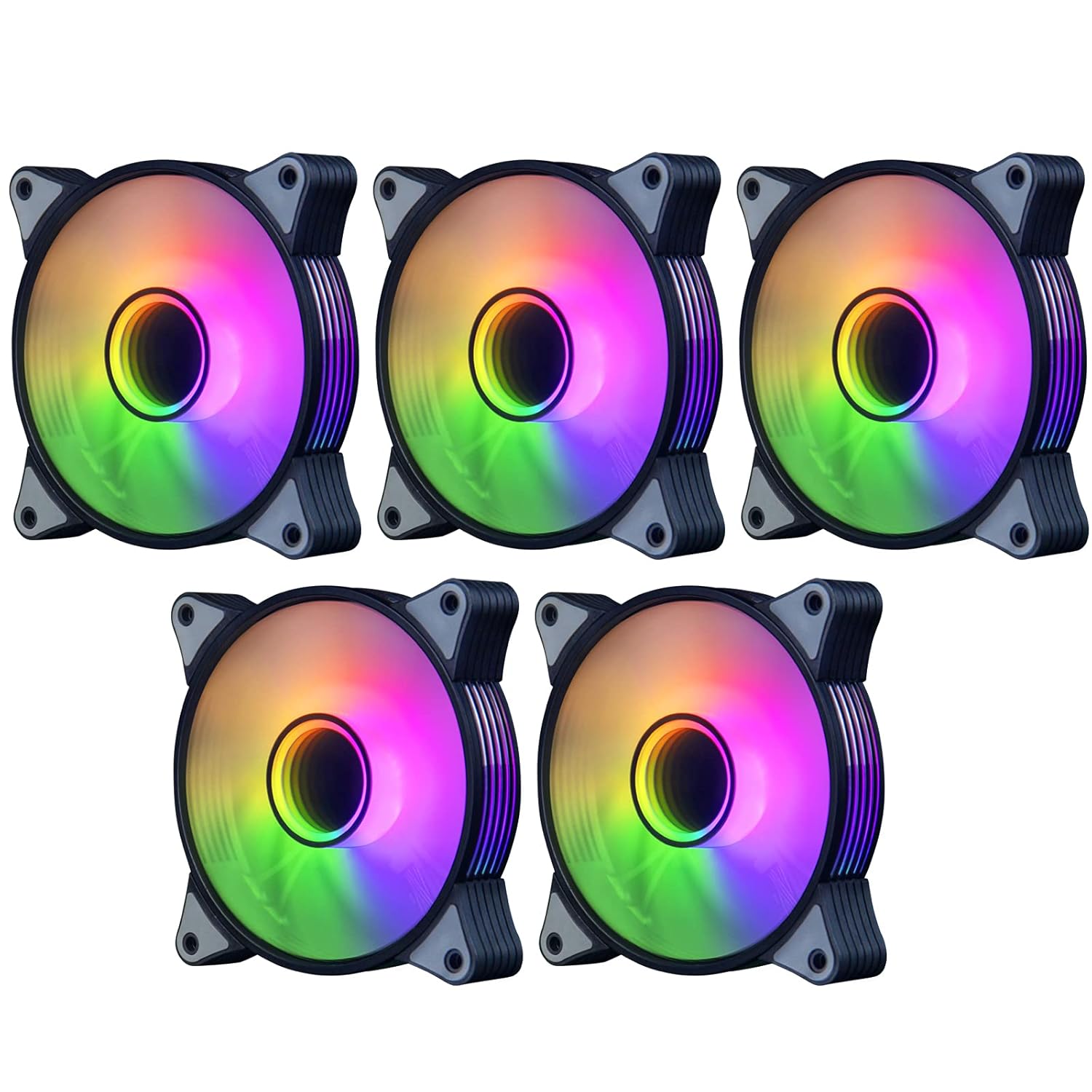
Figura 1.1: A set of five aigo AR12 Pro 120mm ARGB PWM Case Fans, showcasing their vibrant, customizable lighting and sleek design.
2. Característiques del producte
- Infinity Mirror Designed High Performance PWM Fan: The 120mm PWM fan offers low-noise operation with automatic speed control, ensuring ultra-quiet performance for optimal CPU cooling. Fan speed ranges from 800-1600 RPM (±20%), with an airflow of 74 CFM (max) and a noise level of 14-25.8 dB(A).
- Performance Engineered Blades: Equipped with 9 blades designed with screw threads, these fans optimize air volume output and effectively enhance the case's airflow dynamics.
- Silent Cooling Technology: Each fan is surrounded by a soft material damping pad, which effectively absorbs vibrations at high speeds, contributing to a quieter operating environment.
- Addressable RGB Light: The integrated addressable RGB lighting provides stunning colorful lighting effects for your PC build. These effects can be synchronized and controlled via a motherboard equipped with a 5V 3-pin ARGB port. Note: An external controller is required if your motherboard lacks a 5V 3-pin ARGB port.
- Perfect Cooling Performance: Tuned for high-airflow and large volume cooling, these fans ensure silent operation, making them an excellent choice for comprehensive case cooling.
3. Configuració i instal·lació
Follow these steps to properly install your aigo AR12 Pro case fans into your computer system.
3.1. Connecting to Motherboard
The aigo AR12 Pro fans utilize two main connectors: a 4-pin PWM connector for fan speed control and a 3-pin ARGB connector for lighting control.

Figura 3.1: Illustration of the aigo AR12 Pro fan's 5V 3PIN ARGB and 4PIN PWM connectors, demonstrating proper connection to a compatible motherboard. Ensure your motherboard has a 5V 3PIN ARGB header, not a 12V 4PIN RGB header.
- Localitza el 4-pin PWM fan header on your motherboard. Connect the fan's 4-pin PWM cable to this header. This allows the motherboard to control the fan speed based on system temperature.
- Localitza el 5V 3-pin Addressable RGB (ARGB) header on your motherboard. Connect the fan's 3-pin ARGB cable to this header. This enables synchronization of the fan's lighting with your motherboard's RGB software.
- Important: Do not connect the 5V 3-pin ARGB connector to a 12V 4-pin RGB header, as this can damage the LEDs. If your motherboard lacks a 5V 3-pin ARGB header, an external ARGB controller (sold separately) will be required to control the lighting effects.
3.2. Connector Diagram
Refer to the diagram below for a visual guide on connecting the PWM and ARGB interfaces.

Figura 3.2: Detailed diagrams illustrating the correct connection methods for the 4PIN PWM and 5V 3PIN ARGB interfaces, showing how to align and secure the connectors.
3.3. Fan Mounting and Wind Direction
Proper fan orientation is crucial for effective airflow within your PC case. The aigo AR12 Pro fans are designed with a specific wind direction.

Figura 3.3: A diagram showing the wind direction of the aigo AR12 Pro fan. The front of the fan acts as the air inlet (cold wind), and the back is the air outlet (hot air). Install fans to create an optimal airflow path within your case.
- Identify the front (air inlet) and back (air outlet) of the fan. Typically, the side with the aigo logo or the more aesthetically pleasing side is the front (air inlet).
- Mount the fans in your PC case using the provided screws, ensuring they are securely fastened.
- Plan your airflow:
- Intake Fans: Position fans to draw cool air into the case (e.g., front, bottom).
- Exhaust Fans: Position fans to push hot air out of the case (e.g., rear, top).

Figura 3.4: aigo AR12 Pro fans professionally installed within a computer case, demonstrating their appearance and placement in a typical system build.
4. Instruccions de funcionament
Once installed, the aigo AR12 Pro fans operate automatically, with control over speed and lighting managed through your system.
4.1. Control de velocitat del ventilador (PWM)
The fans utilize Pulse Width Modulation (PWM) technology for precise speed control.
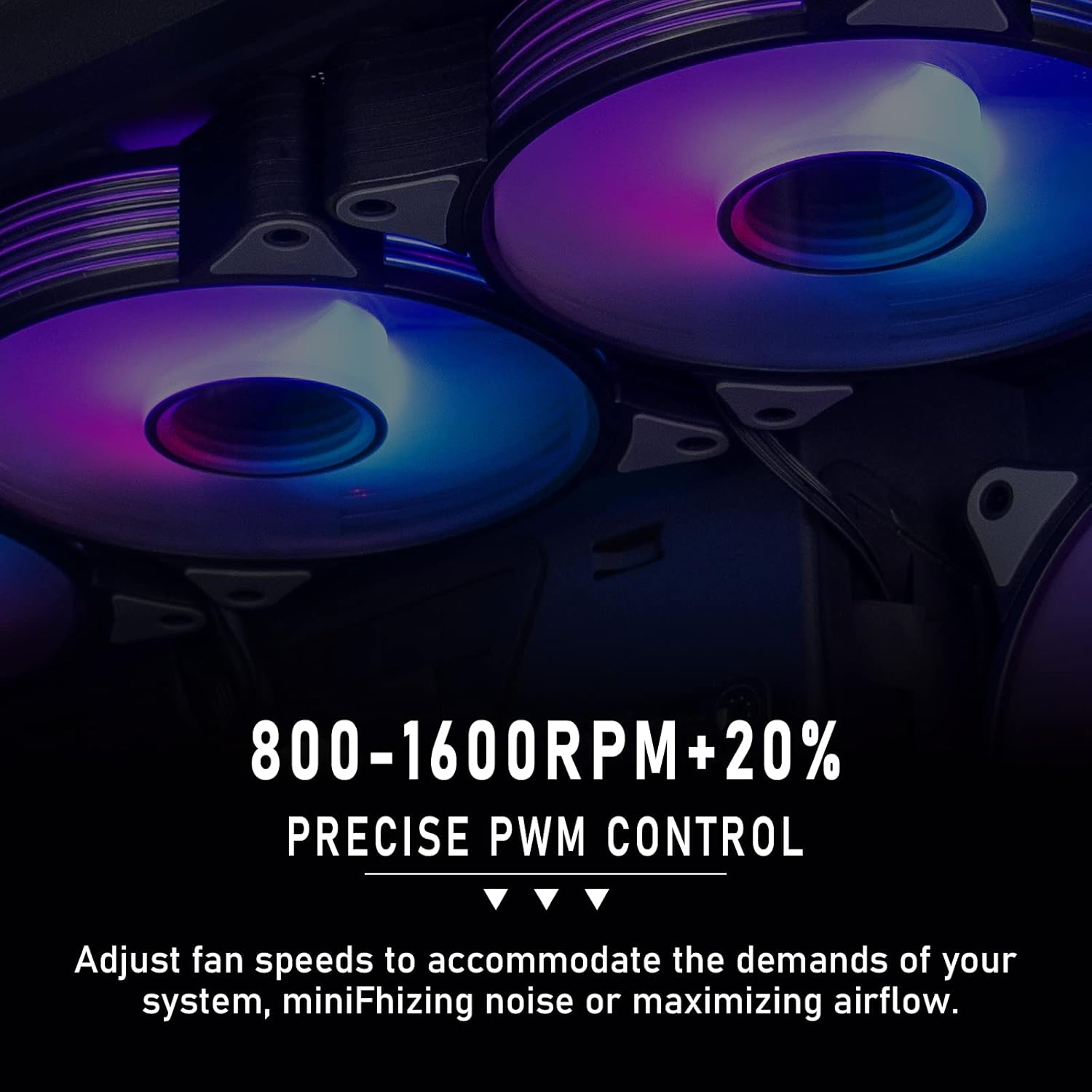
Figura 4.1: Visual representation of the fan's precise PWM control, allowing speed adjustments between 800-1600 RPM to balance cooling performance and noise levels.
- If connected to a motherboard's 4-pin PWM header, the fan speed will automatically adjust based on CPU or system temperature, as configured in your motherboard's BIOS/UEFI settings or through system monitoring software.
- You can manually set fan curves in your motherboard's BIOS/UEFI or use software provided by your motherboard manufacturer to customize fan behavior (e.g., silent mode, performance mode).
4.2. Control d'il·luminació ARGB
The Addressable RGB (ARGB) lighting provides dynamic and customizable illumination.
- If connected to a 5V 3-pin ARGB header on your motherboard, the lighting effects can be controlled using your motherboard's RGB synchronization software (e.g., ASUS Aura Sync, MSI Mystic Light Sync, GIGABYTE RGB Fusion, ASRock Polychrome Sync).
- Through the software, you can select various lighting modes, colors, and effects to match your system's aesthetic.
- If using an external ARGB controller, refer to the controller's specific instructions for lighting customization.
5. Manteniment
Regular maintenance ensures optimal performance and longevity of your aigo AR12 Pro fans.
- Neteja de pols: Periodically (e.g., every 3-6 months), power off your computer and disconnect it from the power source. Use compressed air or a soft brush to gently remove dust accumulation from the fan blades and frame. Hold the fan blades to prevent them from spinning rapidly during cleaning, which can damage the bearings.
- Gestió de cables: Ensure all cables are neatly managed and not obstructing airflow or fan blades.
- Inspecció: Occasionally check for any loose screws or connections.
6. Solució De Problemes
This section addresses common issues you might encounter with your aigo AR12 Pro fans.
| Problema | Causa possible | Solució |
|---|---|---|
| Els aficionats no giren |
|
|
| La il·luminació ARGB no funciona |
|
|
| Soroll excessiu |
|
|
7. Especificacions
Detailed technical specifications for the aigo AR12 Pro PWM Case Fans.
| Atribut | Valor |
|---|---|
| Nom del producte | AR12 PRO PWM |
| Mida del ventilador | 120 x 120 x 25 mm |
| Mètode de refrigeració | Refrigerat per aire |
| Velocitat del ventilador (RPM) | 800-1600 RPM ±20% |
| Volum d'aire | 74 CFM (MÀX) |
| Connector d'alimentació | ARGB 3-pin + PWM 4-pin |
| Voltage | DC 12V |
| Pressió del vent | 2.2 mmH2O (MÀX) |
| Nivell de soroll | 28.6 dBA (MAX) |
| Dimensions del producte | 11.99 x 2.49 x 11.99 cm; 739 g (for 5 packs) |
| Dispositius compatibles | Radiador |
8. Garantia i Suport
Per obtenir informació sobre la garantia i assistència tècnica, consulteu la pàgina oficial d'aigo. weblloc web o contacteu directament amb el servei d'atenció al client. Conserveu el comprovant de compra per a reclamacions de garantia.
For further assistance, you may visit the aigo official support page or contact their customer service through the contact information provided on their weblloc.


