Introducció
Thank you for choosing the AGFA Digital Personal Scale. This manual provides essential information for the safe and effective use of your new scale. Please read these instructions thoroughly before operation and retain them for future reference.
Informació important de seguretat
- Place the scale on a hard, flat surface for accurate readings. Avoid carpets or uneven floors.
- Do not use the scale on wet or slippery surfaces to prevent falls.
- No submergiu la bàscula en aigua ni utilitzeu netejadors abrasius. Netegeu amb un adamp tela.
- This scale is designed for personal use only and is not intended for medical diagnosis or treatment.
- Mantingueu les piles fora de l'abast dels nens. Desfeu-vos de les piles usades de manera responsable.
- No supereu la capacitat màxima de pes de 150 kg (330 lliures).
Contingut del paquet
Si us plau, comproveu el paquet per veure si hi ha els elements següents:
- AGFA Digital Personal Scale
- Manual d'usuari (aquest document)
- (Batteries may or may not be included depending on the retailer. Please check packaging.)
Instruccions de configuració
- Desempaquetar la bàscula: Traieu amb cura la bàscula del seu embalatge.
- Instal·leu les bateries: Locate the battery compartment on the underside of the scale. Open the cover and insert the required batteries (typically AAA or CR2032, check the compartment for specific type and polarity). Close the battery cover securely.
- Col·locació: Place the scale on a firm, flat, and stable surface. Ensure it is not on carpet, rugs, or uneven tiles, as this can affect accuracy.
- Initial Calibration (First Use): For the first use or after moving the scale, gently press down on the center of the scale with your foot until the display lights up and shows "0.0" or "CAL". Remove your foot. The scale is now calibrated and ready for use.

Imatge 1: Anglesa view of the AGFA Digital Personal Scale, highlighting its digital display and overall design.
Instruccions de funcionament
- Trepitjar: Gently step onto the center of the scale with bare feet. Stand still and distribute your weight evenly.
- Llegir mesura: The display will show your weight. Wait for the reading to stabilize and flash a few times before stepping off.
- Apagat automàtic: La bàscula s'apagarà automàticament després d'uns segons d'inactivitat per estalviar bateria.
- Unit Conversion (if applicable): If your scale supports multiple units (e.g., kg, lb, st), there is usually a button on the underside or side of the scale to switch between them. Press this button while the scale is on to cycle through the available units.
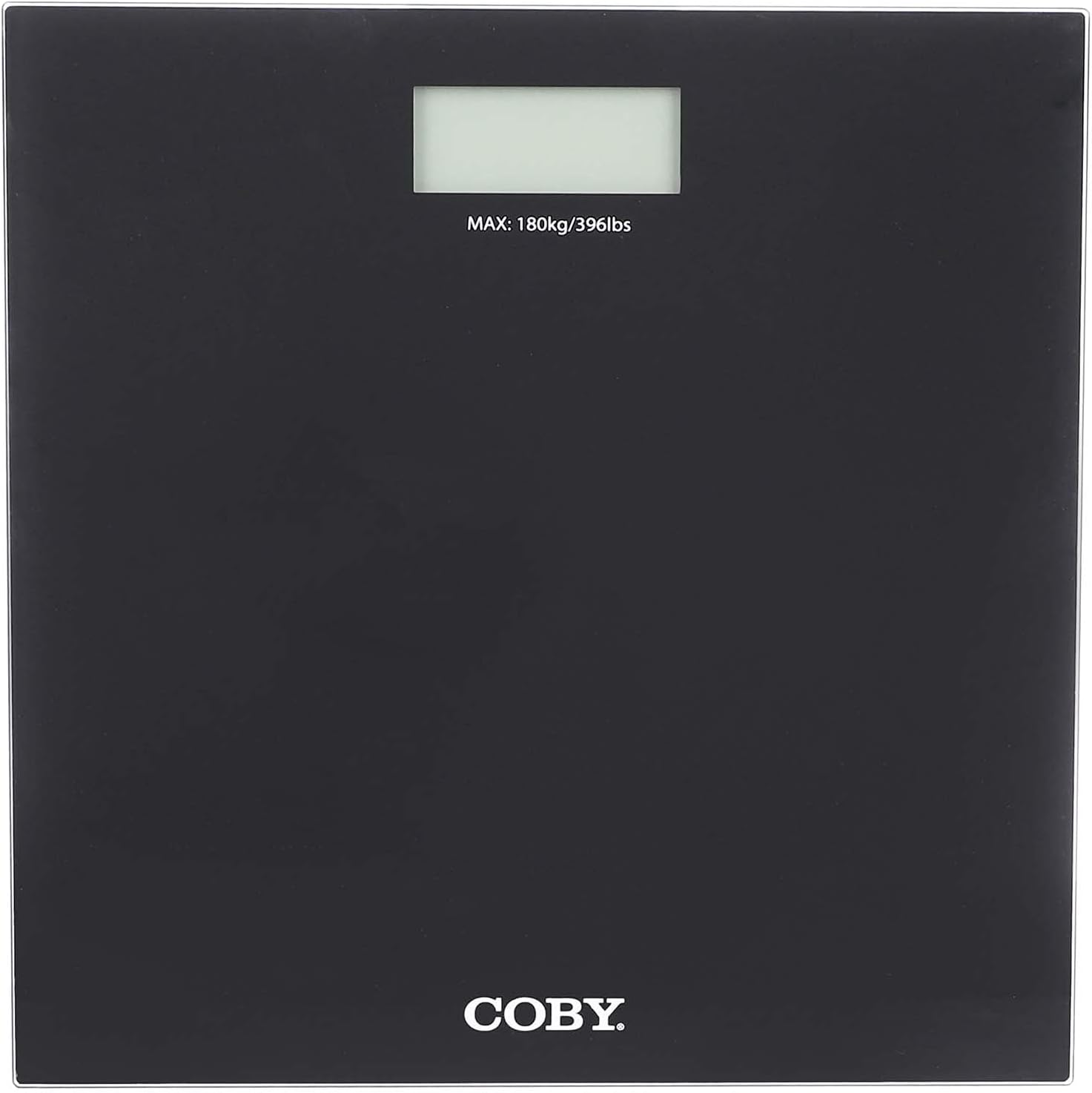
Imatge 2: De dalt a baix view of the AGFA Digital Personal Scale, illustrating the digital display and the maximum weight indication.
Cura i Manteniment
- Neteja: Netegeu la superfície de la bàscula amb un drap suau iamp cloth. Do not use chemical cleaning agents or abrasive materials.
- Emmagatzematge: Guardeu la bàscula en un lloc fresc i sec. Eviteu temperatures extremes i la llum solar directa.
- Substitució de la bateria: When the display shows "Lo" or becomes dim, replace the batteries immediately.
- Evitar l'impacte: Do not drop the scale or subject it to strong impacts, as this may damage the internal components.
Resolució de problemes
| Problema | Causa possible | Solució |
|---|---|---|
| "Lo" or no display | Potència de bateria baixa. | Substituïu les piles. |
| Lectures inexactes | Scale on uneven surface; not calibrated; moved recently. | Place on a hard, flat surface. Perform initial calibration (step on, wait for "0.0", step off). |
| Missatge "Err" | Overload (weight exceeds 150 kg); unstable reading. | Step off the scale if overloaded. Ensure stable footing during measurement. |
Especificacions del producte
- Marca: AgfaFoto
- Model: B098RH2FDD
- Tipus: Escala personal digital
- Capacitat de pes màxim: 150 kg
- Visualització: LCD digital
- Dimensions: Aproximadament 29 x 29 x 4 cm
- Font d'alimentació: Piles (tipus especificat al compartiment de la bateria)
- Material: High-quality materials (e.g., tempered glass platform)
Garantia i Suport
For warranty information and customer support, please refer to the warranty card included with your purchase or visit the official AgfaPhoto weblloc web. Conserveu el rebut de compra com a comprovant de compra.
For further assistance, you may contact AgfaPhoto customer service through their official channels.


