Introducció
This instruction manual provides comprehensive guidance for the Logitech Rally Speaker V-U0048. It covers essential information regarding product setup, operation, maintenance, and troubleshooting to ensure optimal performance and longevity of your device. Please read this manual thoroughly before using the speaker.
Contingut del paquet
Abans de continuar amb la configuració, comproveu que tots els components siguin presents al paquet:
- Logitech Rally Speaker V-U0048
- Required Cables (as included with the product)
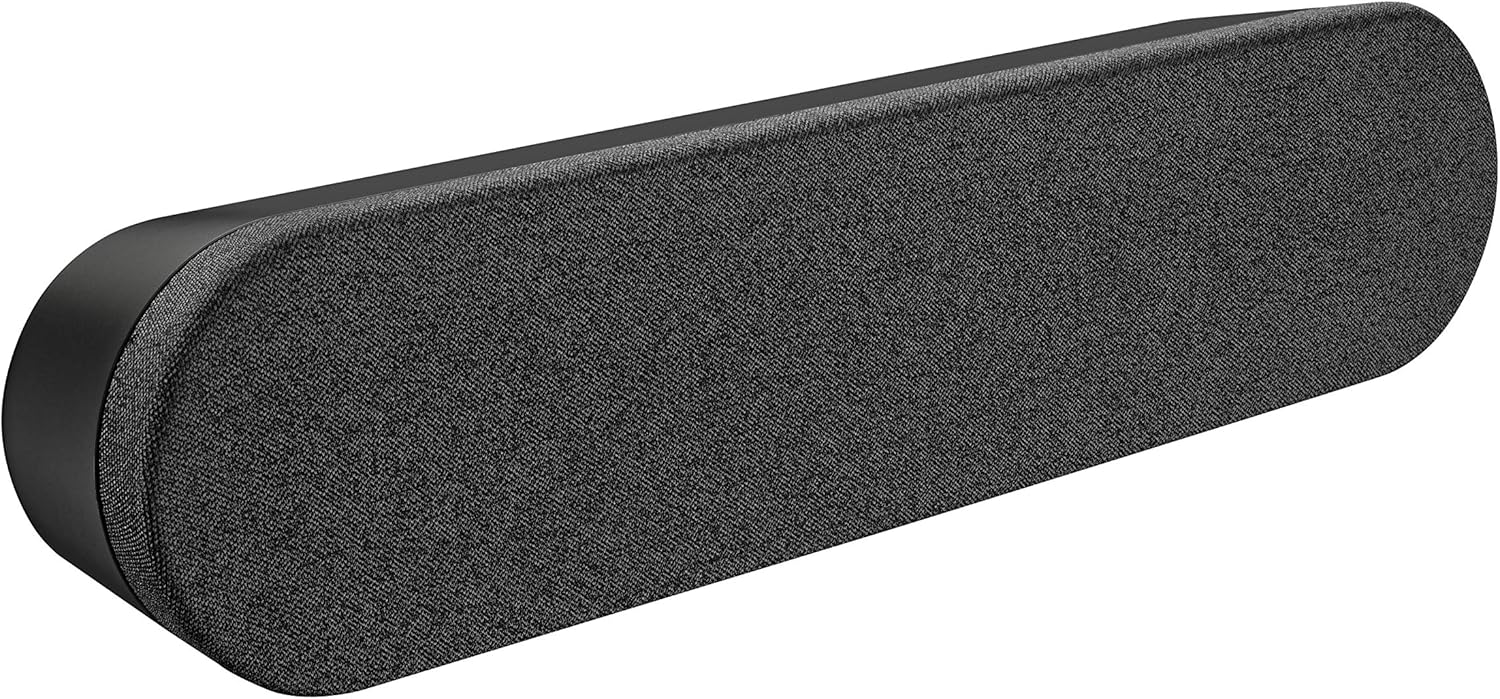
Image: The Logitech Rally Speaker V-U0048, a sleek black soundbar-like speaker designed for clear audio.
Configuració
Follow these steps to set up your Logitech Rally Speaker V-U0048:
- Col·locació: Position the speaker on a stable, flat surface, such as a tabletop. Ensure there is adequate space around the speaker for proper ventilation and cable management. The speaker is designed for tabletop mounting.
- Connexió d'alimentació: Connect the power cable to the speaker's power input port. Plug the other end of the power cable into a standard electrical outlet. The speaker is powered by a corded electric source.
- Connexió d'àudio: Connect the speaker to your audio source (computer, smartphone, tablet, or television) using the appropriate auxiliary cables. The speaker supports auxiliary connectivity for stereo audio output.
- System Integration (for conference rooms/offices): For use in conference rooms or office environments, integrate the speaker with your existing video conferencing system or computer setup. The speaker is specifically designed for conference room and office use.

Image: A Logitech Rally Speaker positioned on a shelf alongside a Logitech camera, illustrating a typical setup in a professional environment.

Image: A group of professionals in a conference room, actively participating in a video call, with Logitech Rally equipment, including the speaker, integrated into their setup.
Instruccions de funcionament
The Logitech Rally Speaker V-U0048 features a touch control method for ease of use, primarily managed through the connected source device.
- Encès/apagat: The speaker typically powers on automatically when connected to a power source and an active audio input. Refer to your primary audio source device for power control.
- Control de volum: Adjust the volume directly from your connected device (computer, smartphone, etc.). The speaker itself does not have dedicated physical volume controls, relying on the source device for audio level management.
- Reproducció d'àudio: Once connected and powered, audio from your source device will be played through the speaker. Ensure your device's audio output is directed to the connected auxiliary port.
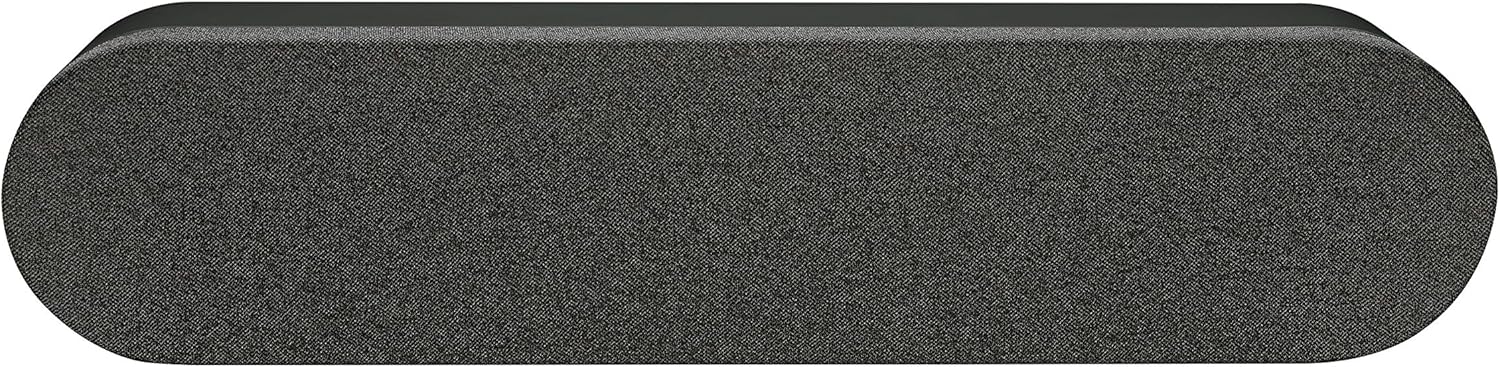
Imatge: Vista de dalt a baix view del Logitech Rally Speaker, exposicióasing its sleek design and the fabric grille covering the speaker components.
Manteniment
Un manteniment adequat garanteix la longevitat i el rendiment òptim del vostre altaveu.
- Neteja: Use a soft, dry cloth to clean the exterior of the speaker. Do not use liquid cleaners or abrasive materials, as they may damage the finish.
- Emmagatzematge: Quan no l'utilitzeu durant períodes prolongats, guardeu l'altaveu en un lloc fresc i sec, allunyat de la llum solar directa i de temperatures extremes.
- Condicions ambientals: The speaker is not waterproof. Avoid exposing it to moisture or liquids.
Resolució de problemes
If you encounter issues with your Logitech Rally Speaker, refer to the following common troubleshooting steps:
| Problema | Causa possible | Solució |
|---|---|---|
| Sense so |
|
|
| Àudio distorsionat |
|
|
Especificacions
| Característica | Detall |
|---|---|
| Nom del model | Rally Speaker V-U0048 |
| Tipus d'altaveu | prestatgeria |
| Tecnologia de connectivitat | Auxiliar |
| Mode de sortida d'àudio | estèreo |
| Configuració del canal de so envoltant | 2.0 |
| Potència de sortida màxima dels altaveus | 25 watts |
| Font d'alimentació | Elèctric amb cable |
| Mètode de control | Toca |
| Color | Negre |
| Tipus de muntatge | Muntatge de taula |
| Dimensions del producte | 176.77 x 40.55 x 31.5 inches (Note: These dimensions may refer to packaging or a larger system component. The speaker itself is a compact soundbar-like unit.) |
| Pes de l'article | 4.22 lliures |
| Fabricant | Logitech |
Informació de la garantia
The Logitech Rally Speaker V-U0048 comes with a Garantia limitada. For detailed terms and conditions of the warranty, please refer to the official Logitech website or the warranty card included with your original purchase. This product is renewed, and specific warranty terms for renewed products may apply as per Amazon Renewed Guarantee.
Suport
Per obtenir més ajuda, assistència tècnica o per accedir a recursos addicionals, visiteu el lloc web d'assistència oficial de Logitech. weblloc. També hi podeu trobar preguntes freqüents i fòrums de la comunitat.
Logitech Official Weblloc: www.logitech.com


